
Shimeji-ee
Shimeji-ee is a free Windows desktop mascot program that shows small animated characters walking, climbing and playing around your screen.
Operating system: Windows
Publisher: Kilkakon
Release: Shimeji-ee 2.1
Antivirus check: VirusTotal report
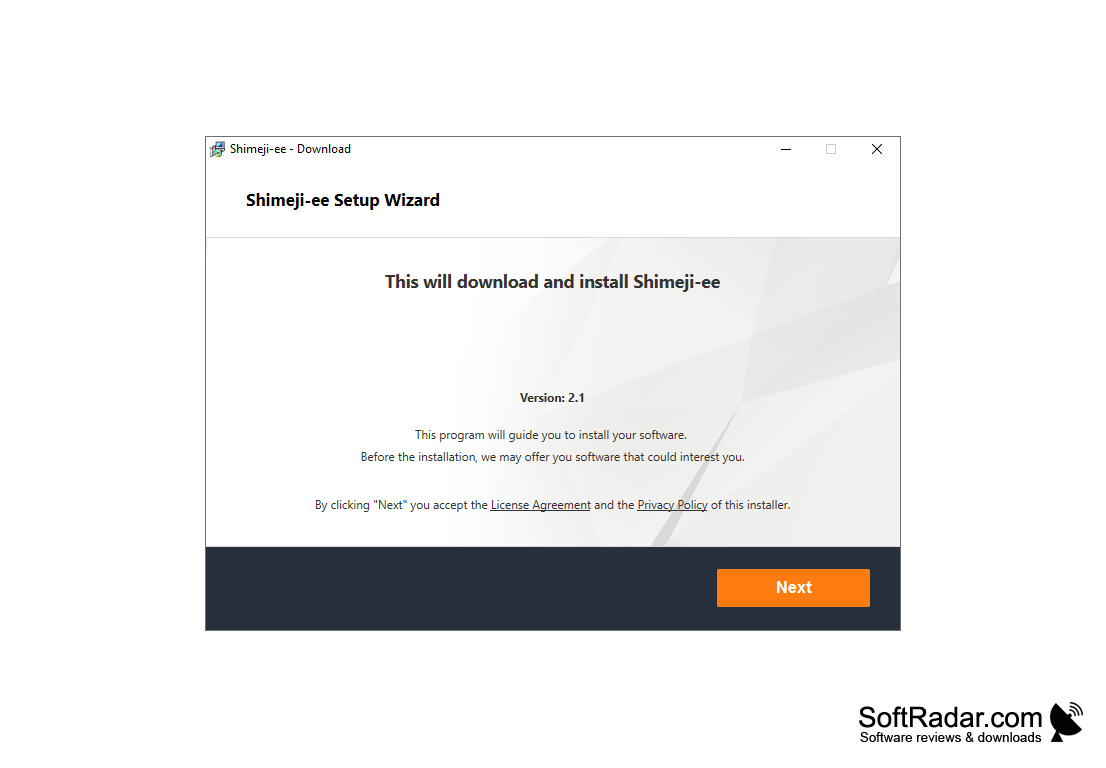
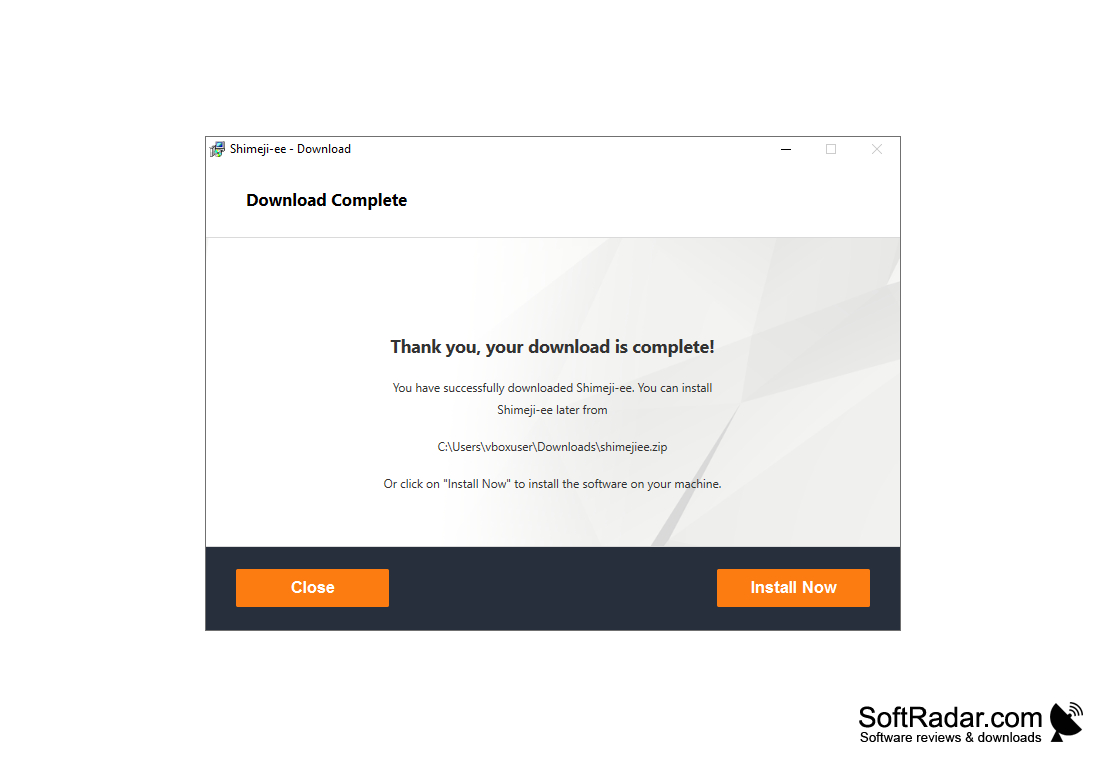
Shimeji-ee is a free desktop mascot program for Windows that fills your screen with small animated characters. The name stands for "Shimeji English Enhanced": it is an English, extended version of the original Japanese Shimeji created by Yuki Yamada of Group Finity. The Shimeji-ee Group continued the project on Google Code, and the version distributed today is maintained by Kilkakon, who added improvements and fixes of his own. The program is written in Java, so a Java runtime must be installed for it to start.
A shimeji is a little character that walks along the bottom of the screen, climbs the edges of the desktop, sits on top of open windows, falls, and can be picked up and thrown with the mouse. Depending on the character set, the behavior can be cute or mischievous, and some actions interact with open windows. The characters themselves are image sets drawn by artists all over the world, so the same program can show many different mascots at the same time.
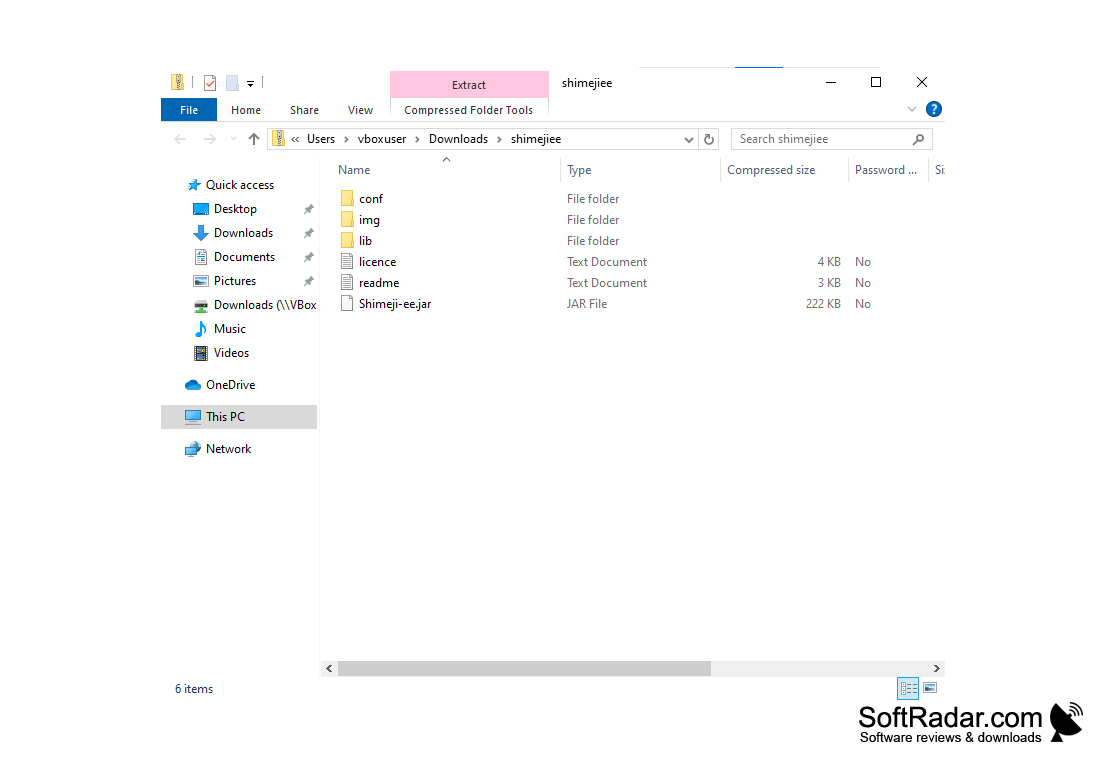
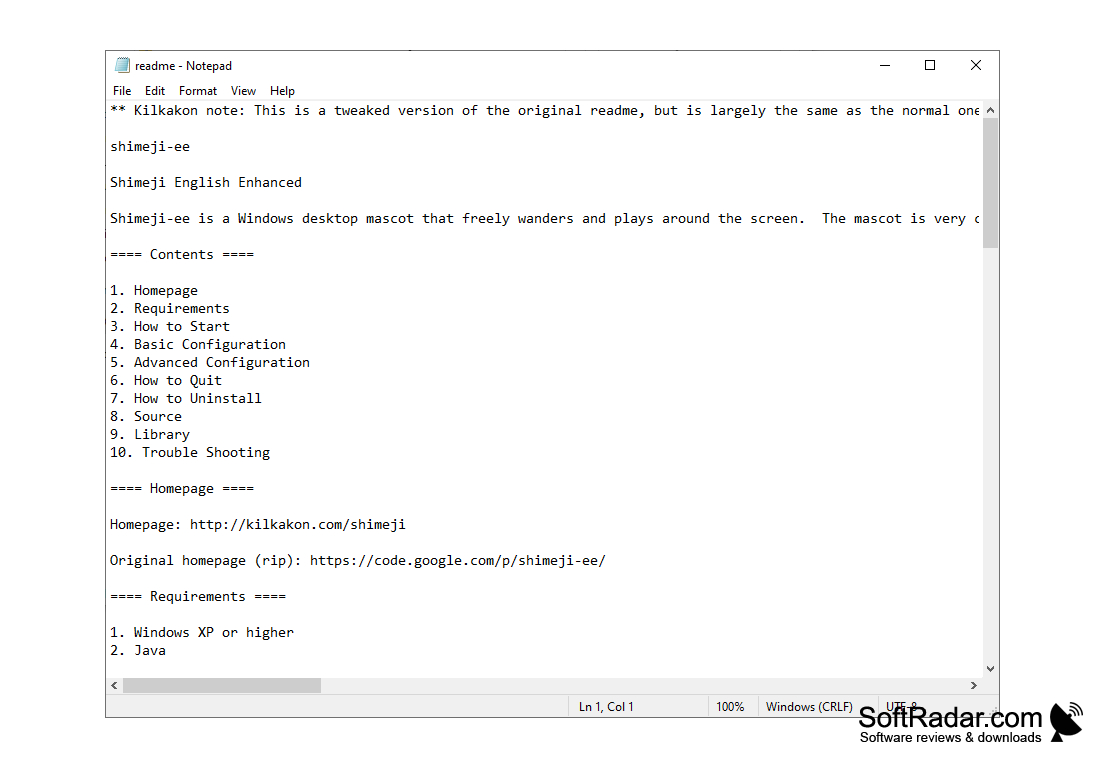
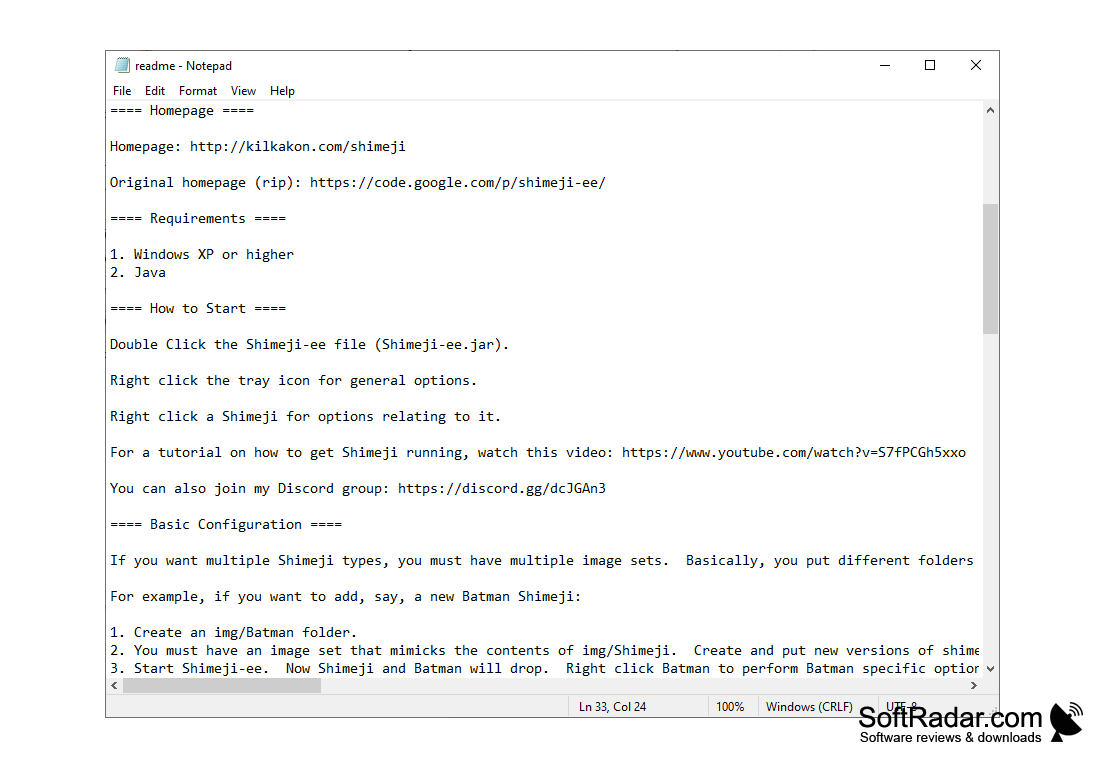
Shimeji-ee comes as a ZIP archive and needs no installation. After you extract it, you start the program by double-clicking the Shimeji-ee launcher (Shimeji-ee.jar, or Shimeji-ee.exe in newer builds). A tray icon appears: right-click it for general options, such as dismissing all mascots, and right-click any shimeji for options that relate to that character. To uninstall the program, you simply delete its folder.
Adding characters is done through folders. Every image set placed in its own subfolder of the img directory becomes a separate mascot, and one shimeji is created for each set when the program starts. A set must mimic the contents of img/Shimeji (the image files shime1.png to shime46.png), and sets moved to img/unused are ignored. Loading many image sets at once can use a lot of memory, so it is a good idea to keep only the characters you want active.
It adds cute or mischievous animated companions to your desktop that you can extend with your own character image sets.
Features
Shimeji-ee is a free, open-source desktop mascot program for Windows.
- Animated characters that walk, climb, sit on windows, fall and can be dragged and thrown
- Any number of character image sets, one mascot per folder in the img directory
- Tray icon menu for general options and a right-click menu for each character
- Actions and behaviors defined in editable XML files (actions.xml and behaviors.xml)
- Settings remembered in conf/settings.properties, for example to limit the number of mascots
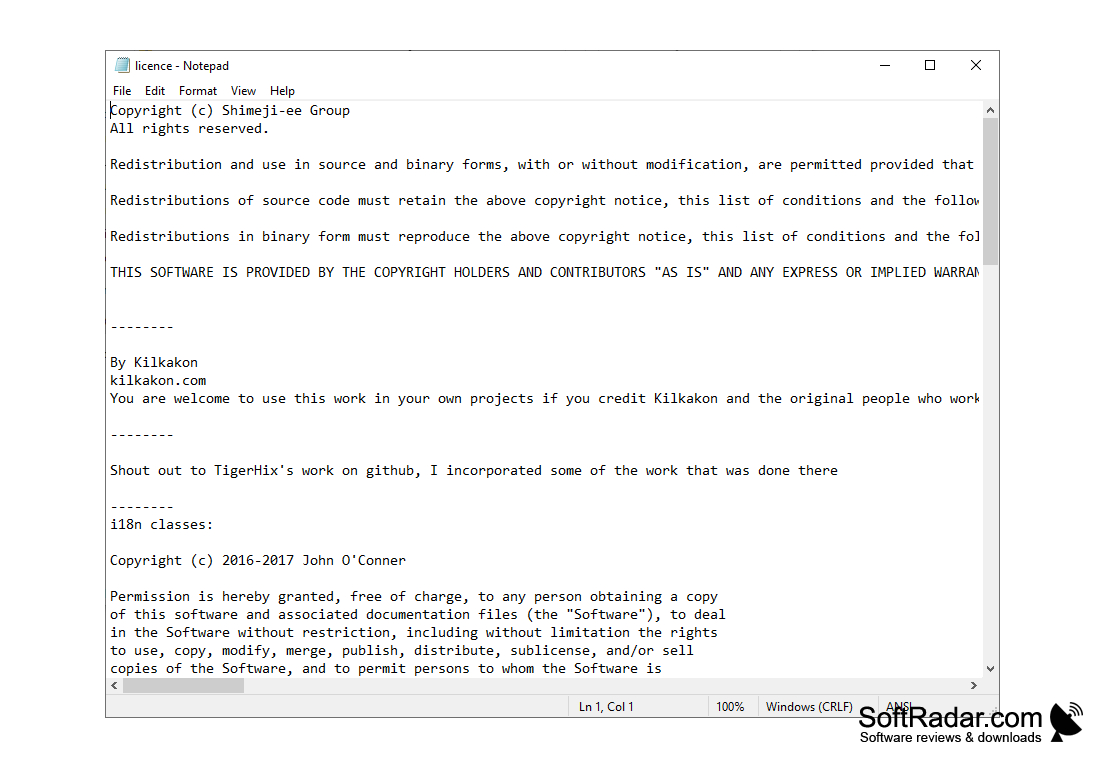
Released under a BSD-style licence, with source code available from the developer's site.
Portable program: no installer is needed, and deleting the folder removes it.
Runs on Windows XP or later with Java installed.
Java Runtime Environment
PROS
Supports many character image sets from different artists.
Portable program that needs no installation.
CONS
Many image sets at once can use a lot of memory.
Custom behaviors require editing XML files by hand.


