
Stykz
Stykz is a free, frame-based stick figure animation program for Windows and Mac OS X that can also import Pivot animations.
Operating system: Windows
Publisher: Sons of Thunder Software
Release: Stykz 1.0.2
Antivirus check: VirusTotal report
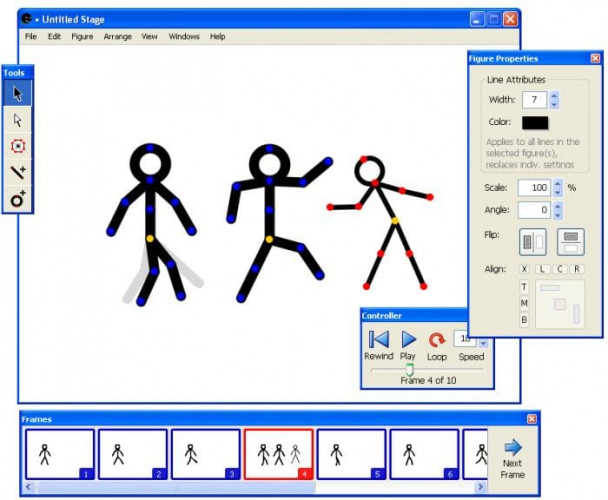
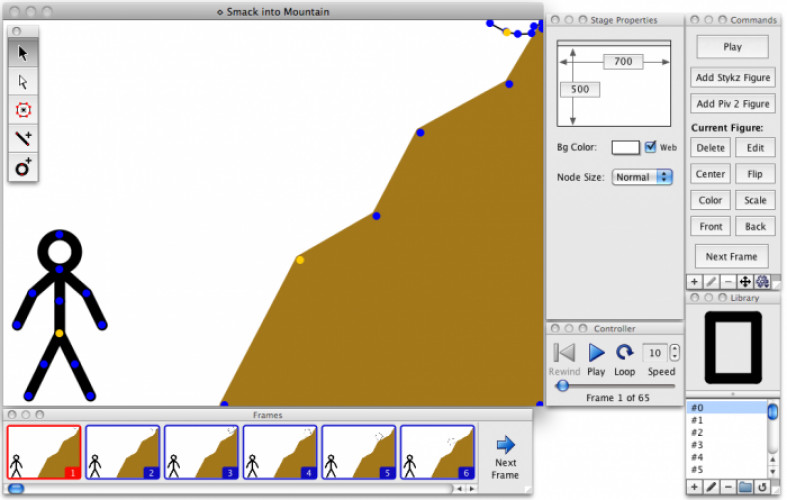
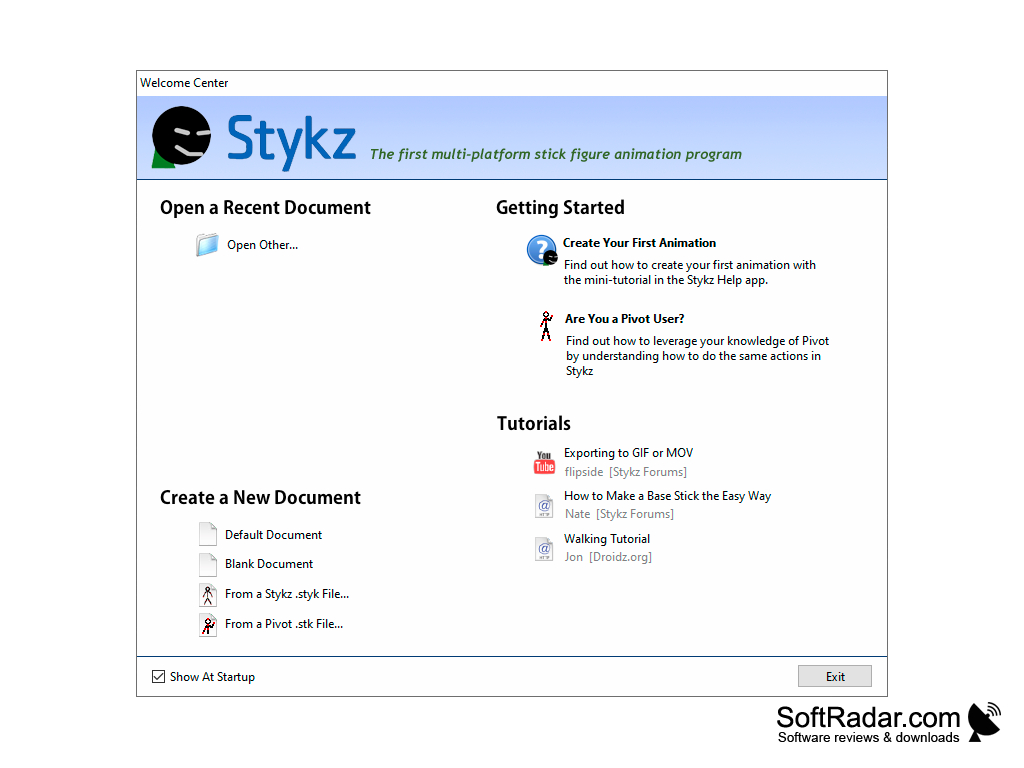
Stykz is a free, multi-platform stick figure animation program for Windows and Mac OS X from Sons of Thunder Software.
Features:
- Frame-based means you can work on each frame of your animation, with onionskins showing the previous frame.
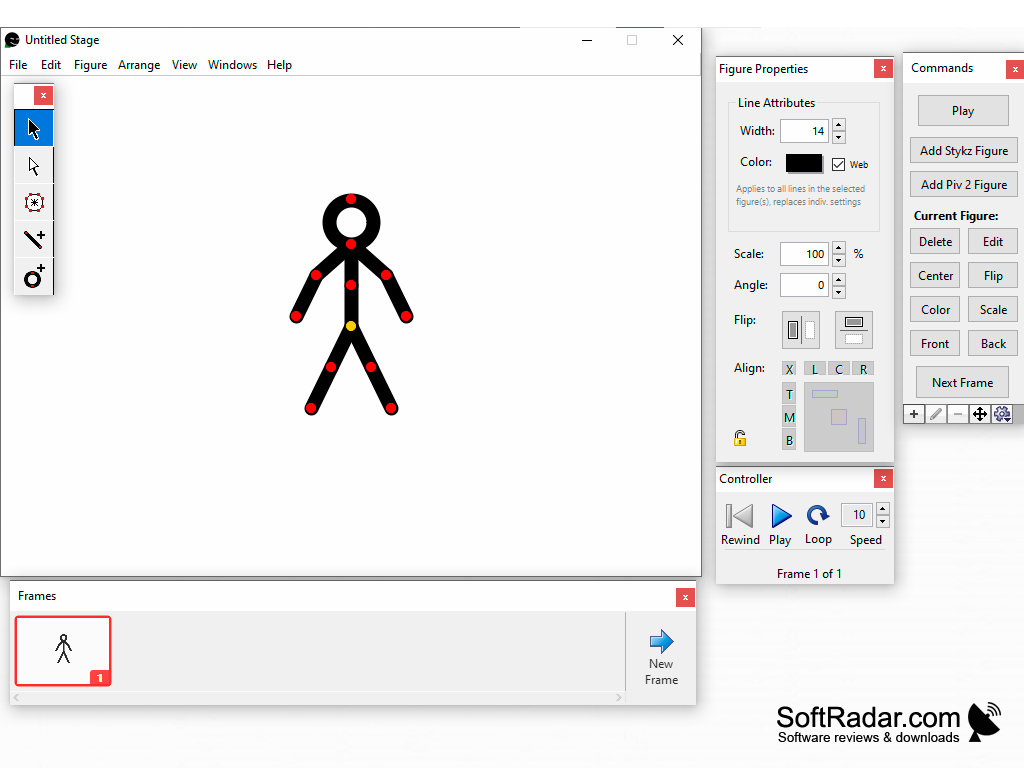
- No need for a separate editing window with Stykz since you edit directly on the stage.
- Stykz allows you to save figures to a library, reuse them and share them with others.
- Stykz has auto-save and automatic backup features, so you can protect your work and revert to earlier versions.
- You can rotate, scale, flip, duplicate, colorize and align your figures with Stykz.
- Stykz is compatible with Pivot animations and imports Pivot 2 and Pivot 3 beta .stk files.
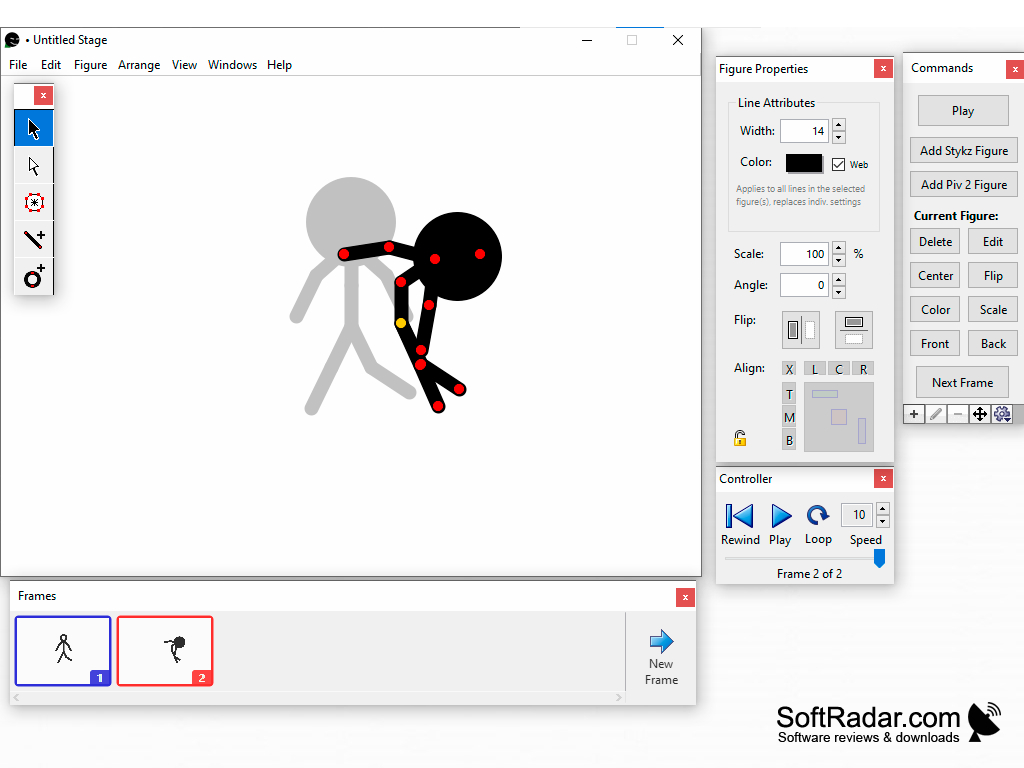
Stykz lets you create frame-by-frame stick figure animations for free and edit your figures directly on the stage.
You need animations for your video channel or website, but animation software can be costly and difficult to use. Stykz is freeware, which means you can download it entirely for free and use it without any license fees or registration.
Price is not the only advantage of Stykz. If you have been using Pivot, Stykz will import your Pivot files and offers a Pivot-style layout of command buttons, making the switch to Stykz easy. If you have not worked with Pivot, Stykz also lets you design a new animation from scratch.
Stykz is a frame-based program. That means you can tweak each frame of your animation to get it just right, and create the next frame with the Next Frame button or the Enter key. You do not need to open a new editing window to edit your animations; with Stykz you edit right on the stage.
Stykz has a flexible figure manipulation tool so you can make your animations the way you want them. You can drag a joint to pivot the attached segments, add lines and circles, and fill shapes with the PolyFill tool. Stykz also features a Hints window that tells you what you can do with each tool.
If you want to reuse your figures so your animations have a consistent look, you can save them to the Library and drag them onto the stage, or copy and paste them between open documents. Finished animations can be exported as an animated GIF, a QuickTime movie or a sequence of images.
Stykz is no longer developed: the last version was released in January 2011, and the official website is no longer online.
1 GHz processor (2 GHz recommended)
1 GB of RAM (2 GB recommended)
PROS
Offers easy-to-use frame-by-frame animation tools.
Imports stick figure files from Pivot Animator.
CONS
Lacks extensive features for professional animators.
No longer developed and the official site is offline.