
Tenorshare iCareFone
An iOS device analyzer and optimizer
Operating system: Windows
Publisher: Tenorshare
Release: Tenorshare iCareFone 9.3.8
Antivirus check: VirusTotal report
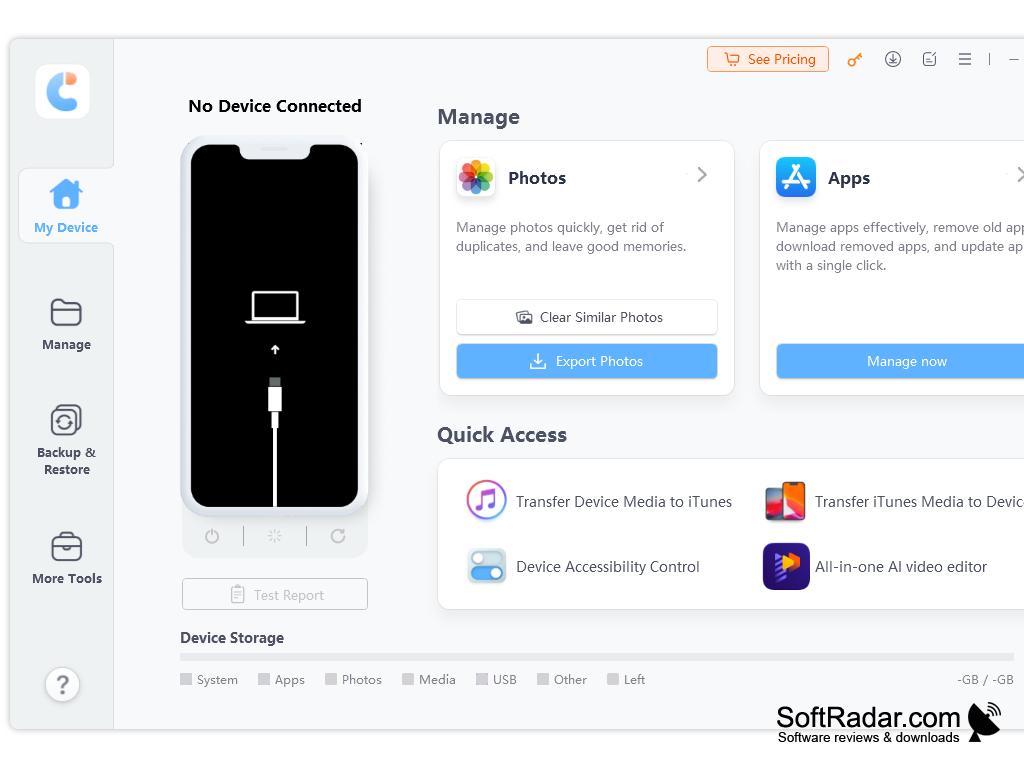
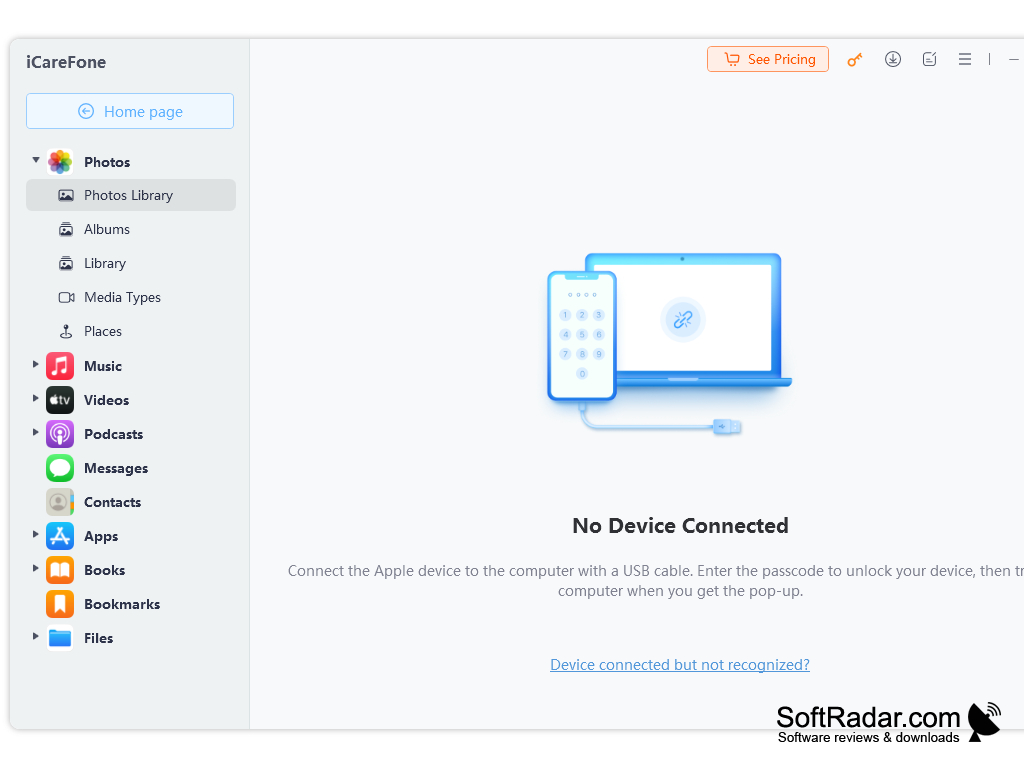
Tenorshare iCareFone functions to easily allow users to clean up their iPhone and care for it to the optimum level. It allows the sure to access a variety, six to be exact, of tools which are used to speed the phone, making it faster, solve any issues which are visible or perhaps hidden, back it up and others as well. It is very easy to use and offers a simple interface that takes only the most beginner iPhone skill to navigate to work with. It is very reliable and functional, allowing you to bring out the highest potential in your iOS device.
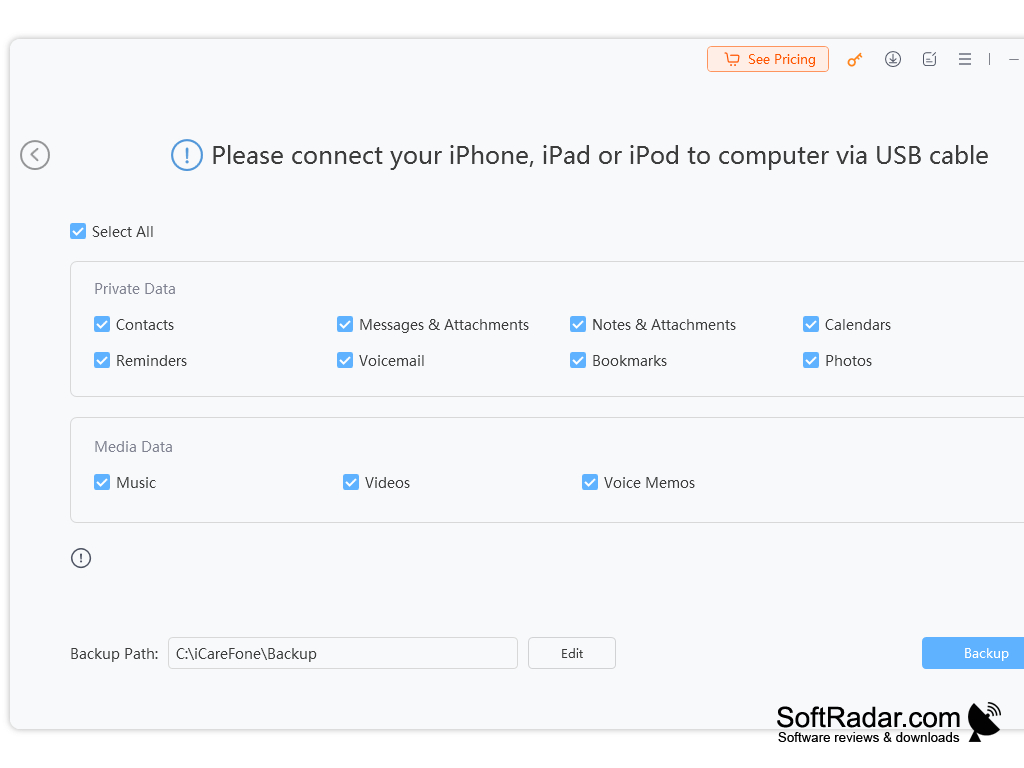
Tenorshare iCareFone also allows the user to use a backup, which is free from iTunes. It allows the user to easily clean your phone of any junk or unwanted/unnecessary files taking up space or making your phone slower and causing delays. This software is instead optimum and should be considered for a wide variety of reasons, including the fact that it is not only free but works with all iOS devices and performs all checks and runs all utilities necessary to clean up the device. I would highly recommend this program for users who would like to have the peace of mind of having a clear device that is free from errors and other junk. It allows users to fix common issues with iOS that arise in all devices such a looping, skips, misalignments, and others as well.
I would highly recommend that users check Tenorshare iCareFone out to optimize their iOS experience. I would highly recommend this program not only for its ease of use and amount of features but also because it truly unlocks the performance of your device.
Allows users to keep files deleted that are unwanted, speed up the device and check for performance issues that it can fix
Features:
- iOS device optimizer
- Speeds up
- Checks performance for issues
- Free up space from unnecessary files
- Fixes iOS glitches
- Compatible with all iOS versions
- Requires 2 GB of RAM or more
- 1 GB free disk space
PROS
Offers robust iOS system repair options.
Supports efficient data backup and transfer.
CONS
Doesn't support Linux operating system.
Slightly confusing interface for new users.