TimePC

by LoadBoard

A program which will turn off and turn on Your computer at that given time
Operating system: Windows

Publisher: LoadBoard

Antivirus check: passed

Report a Problem

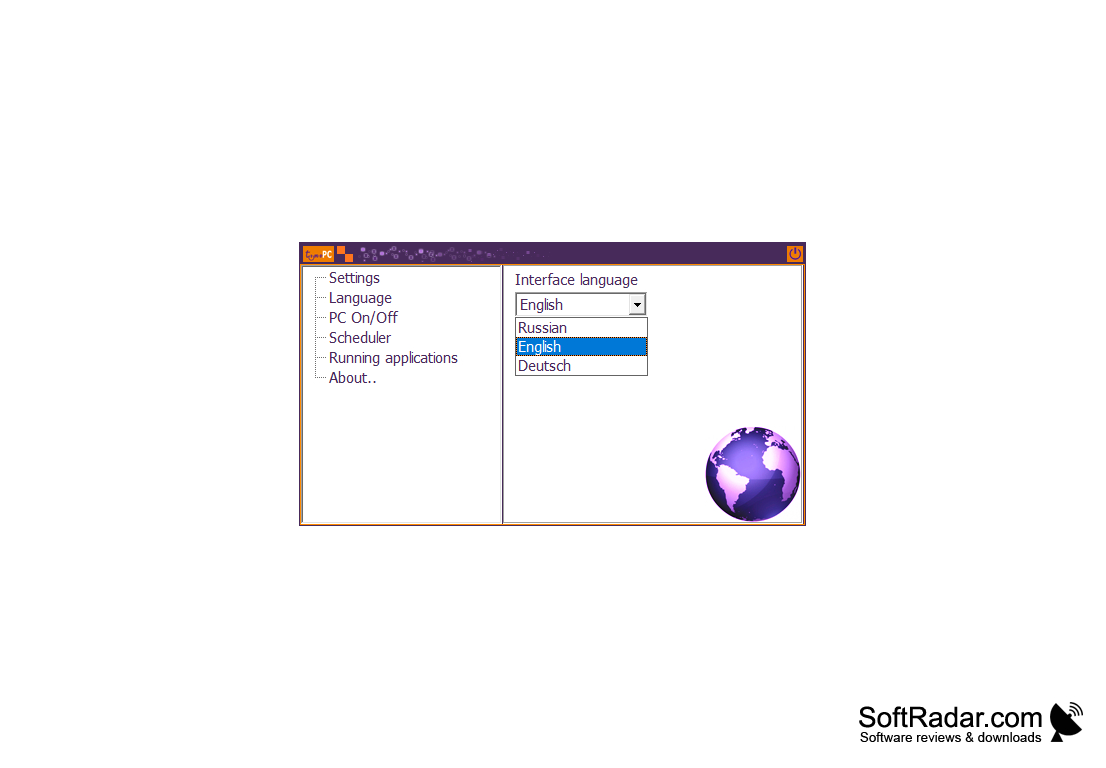
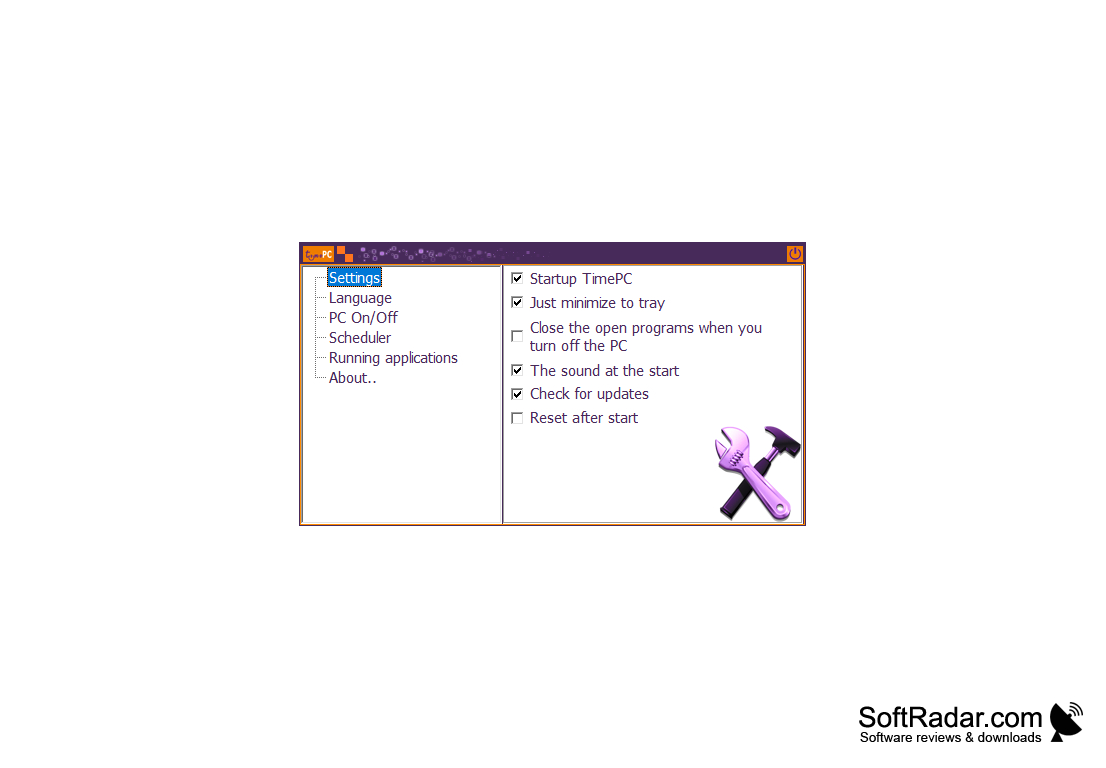
Perhaps each of us has ever needed to automatically shut down or turn on the computer at a specified time. TimePC is designed for this purpose. The utility is extremely easy to use and also knows how to minimize itself into the system tray in order not to disturb the user. The application is fully Russified, "weighs" only a couple of megabytes, but offers the user a lot of settings. TimePC can quit running programs on its own before shutting down the computer. For example, it will allow you to automatically close the player if you take a nap while watching a movie.

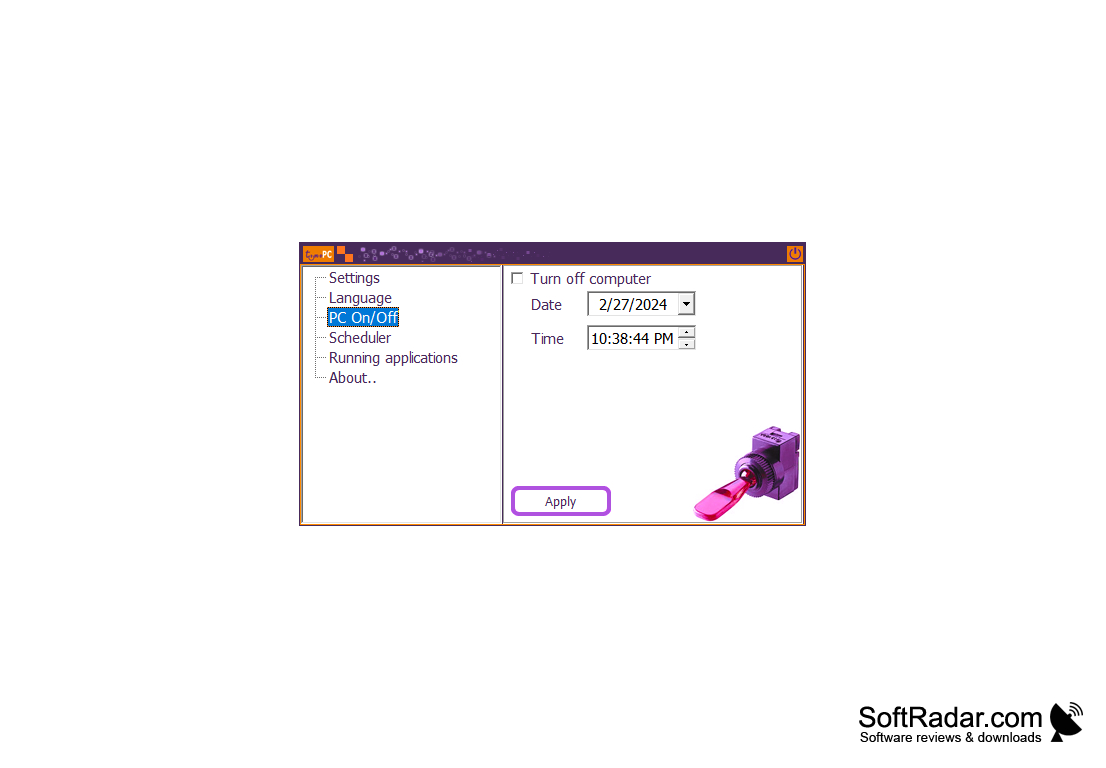
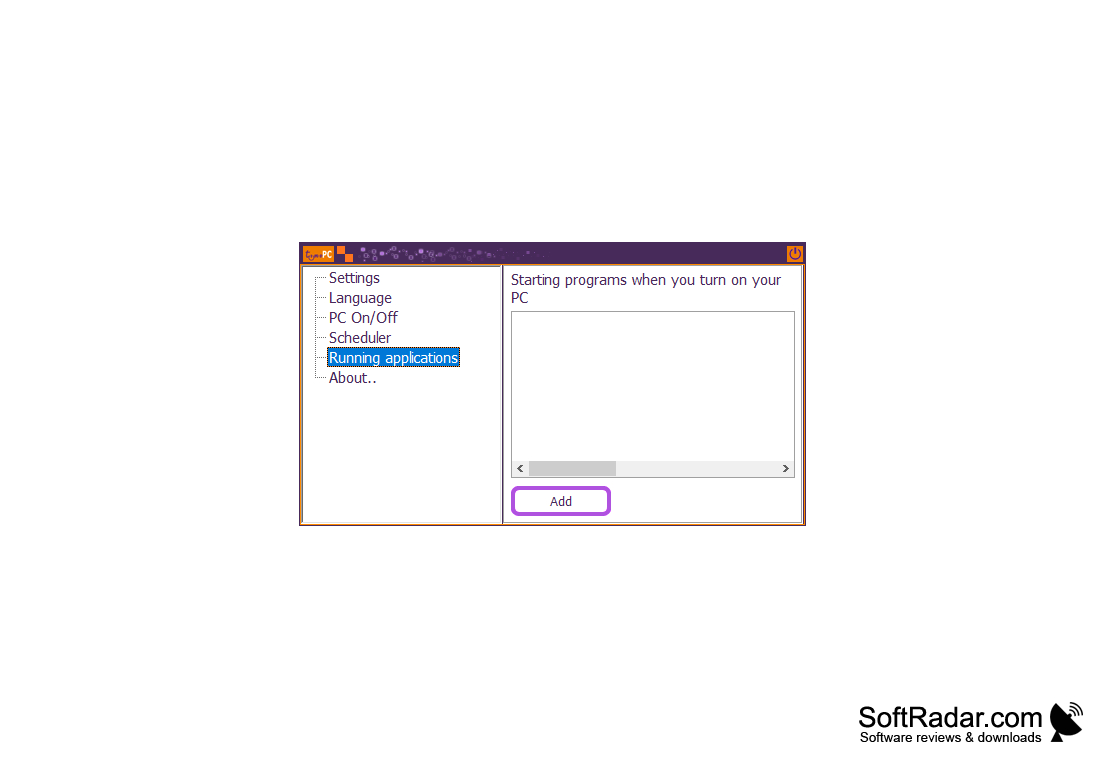
The shutdown can be scheduled for any time and date. In addition, the program can play the selected music or video when you start the system. For the correct operation of the program it is necessary to have an ACPI interface (responsible for power management). It is supported by most modern computers by default.

TimePC enables automatic power management of your computer, shutting down or turning on at designated times and managing open applications.
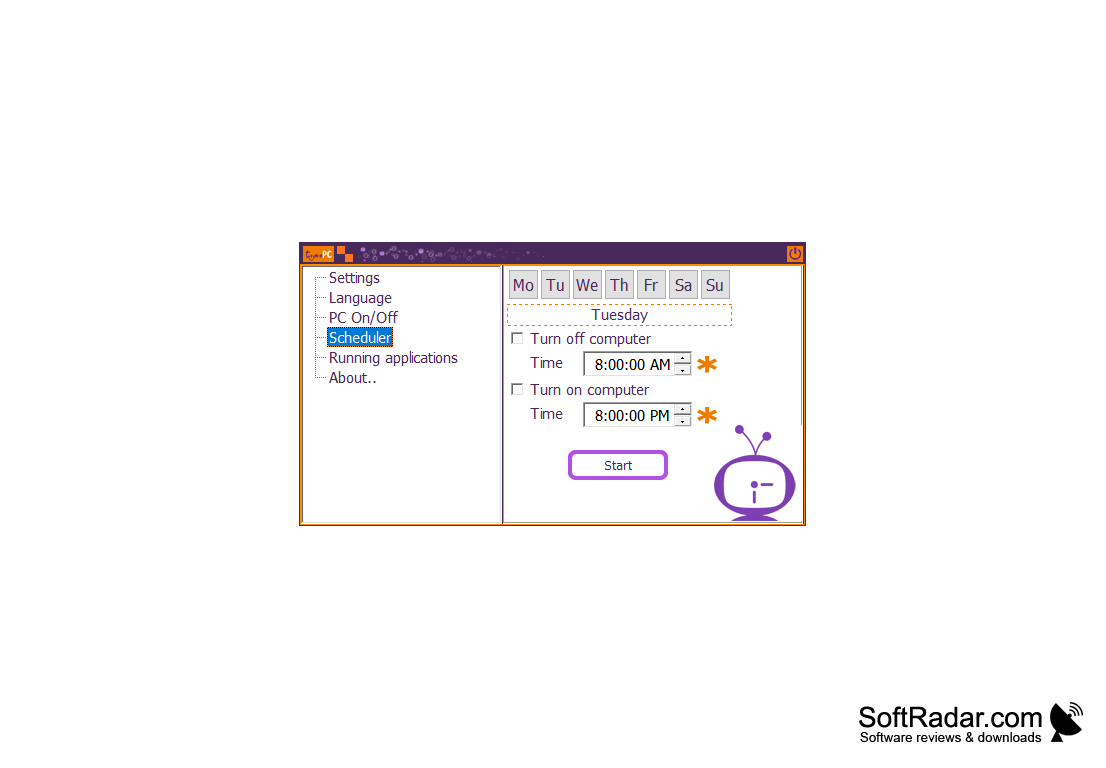
- allows you to schedule a shutdown for any day and time;

- allows you to play a media file when you start Windows;

- knows how to automatically close programs launched by the user;

- is easy to use and set up;

- can work in the background.


PROS
Allows seamless integration with various operating systems.
Offers robust data encryption for enhanced security.
Provides accurate and efficient time tracking capabilities.

CONS
Limited customer support available for troubleshooting.
Requires frequent updates which can be time-consuming.
The user interface is not intuitive or user-friendly.

Andrew
Tue, Jan 23, 2024

TimePC is a program designed specifically for Windows operating systems. Its purpose is to automate the shutdown and startup of computers, at designated times. The user friendly system seamlessly integrates itself into the system tray to ensure disruption. It offers support for the language and boasts a lightweight design occupying only a few megabytes of space while providing extensive customization options. An interesting feature of TimePC is its ability to autonomously close running programs before initiating a shutdown making it particularly useful for scenarios like pausing media players during naptime while watching movies. With TimePC you have the flexibility to schedule shutdowns for any desired time and date. The program even allows you to select music or videos that will play upon system startup. For functioning it relies on the ACPI interface commonly found in computers. The key features of this program include scheduling shutdowns at any day and time, playing media files during Windows startup and automatically closing user launched programs. In essence, TimePC offers power management capabilities by enabling you to schedule computer shutdowns or startups at times while also providing control over open applications. Users appreciate its simplicity, extensive settings options and ability to perform tasks in the background. However it's important to note that optimal performance requires an ACPI interface and there may be limited customer support, for troubleshooting.
image/svg+xmlBotttsPablo Stanleyhttps://bottts.com/Florian Körner Ross
TimePC is an easy-to-use system tray software utility intended to automatically power on or power off one's computer at a time that is user specified. The program packs a lot of power for it's small file size (several megabytes).
My Macros
Insight on how diet effects ones goals for windows
Anti-autorun
Anti Autorun-7 is a free software application that protects your removable disks
AutoClickExtreme
A flexible keyboard and mouse recorder and a reliable software testing tool
SlimDrivers
The ultimate PC solutions center with specialized support in your pocket
MouseRobot
It is a mouse provided for windows