
Tune Sweeper
Software that assists in iTunes management
Operating system: Windows
Publisher: Wideangle Software
Release: Tune Sweeper 4.42
Antivirus check: VirusTotal report
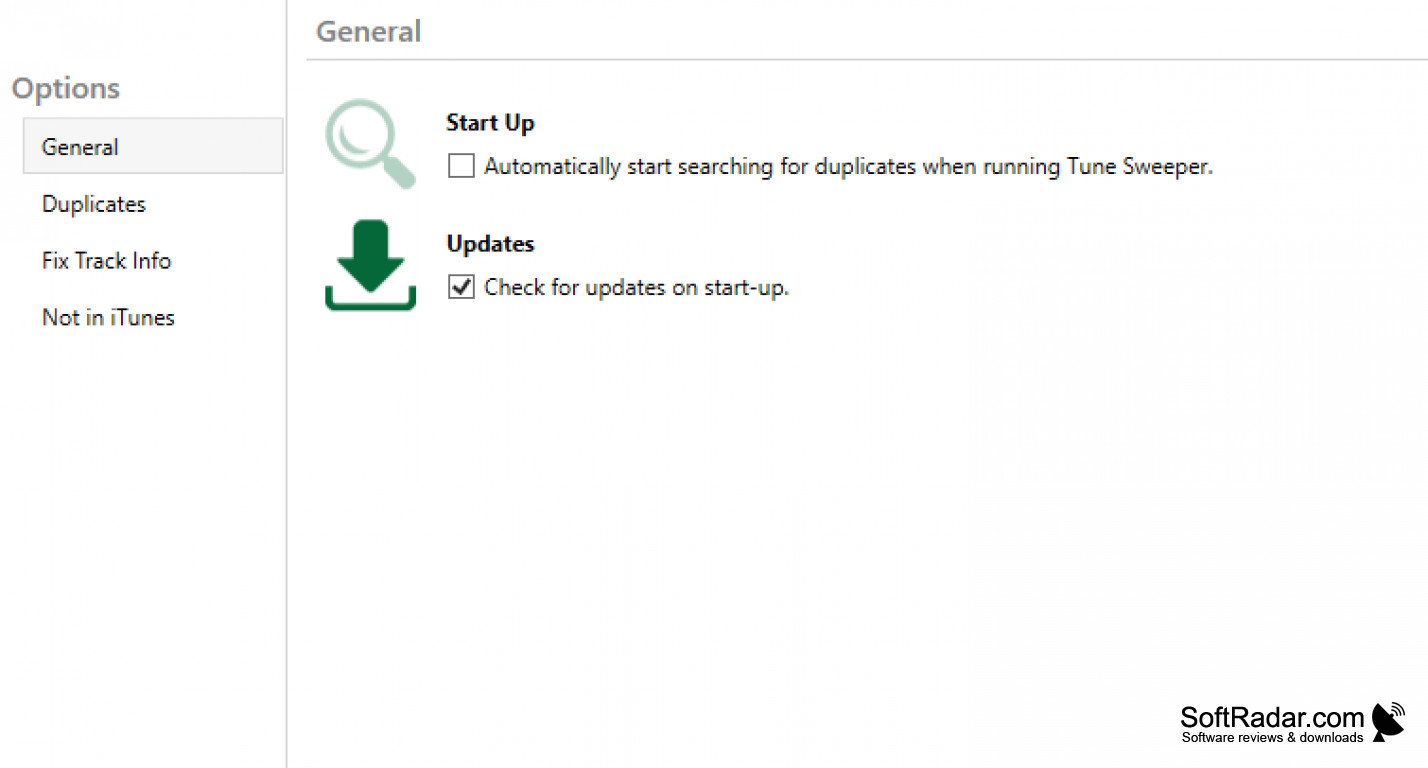
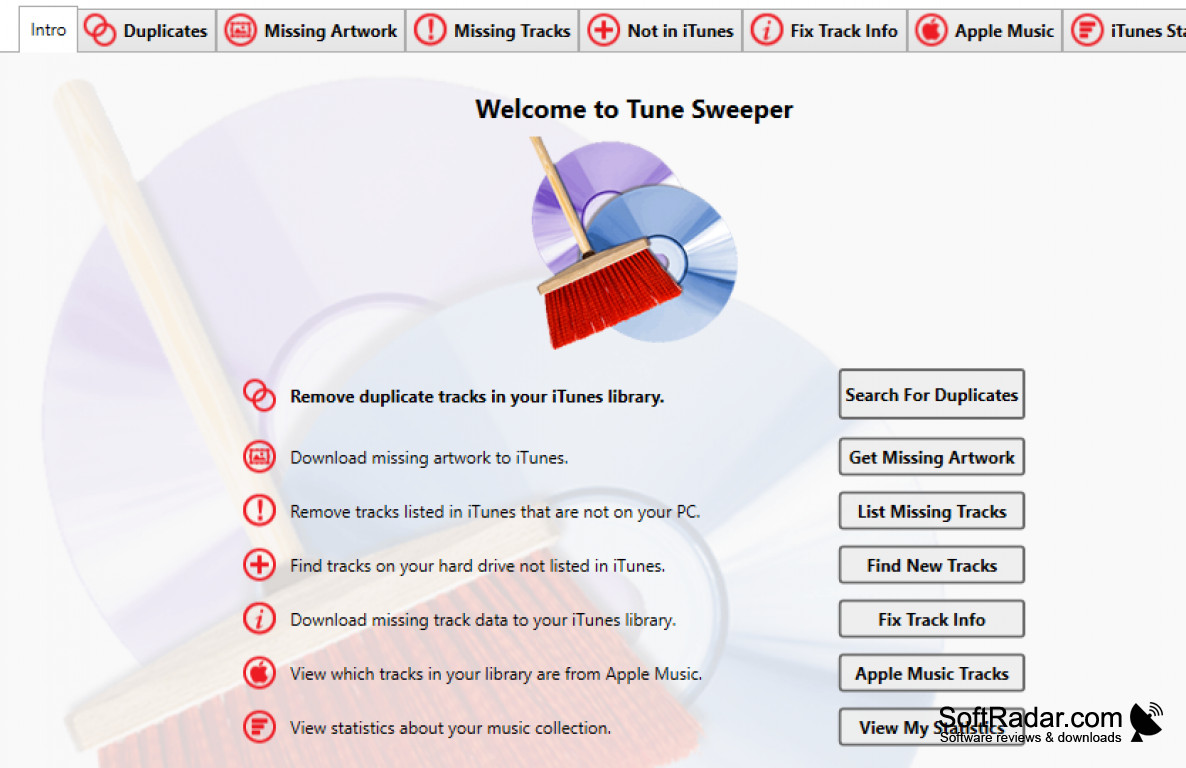
Tune Sweeper is software that searches through iTunes for songs and identifies any duplicate songs for removal to free up space. Additionally, the software can also locate music that is stored on the hard drive but not visible on iTunes and adds it. One limitation is that once duplicate tracks are located, the user must then scan through a pretty detailed report to select or unselect which tracks they would actually want to be deleted. For one-time users, familiarity with the layout is helpful in understanding what tracks the app suggests deleting and why. Users can also categorize the list by track duration, artist, frequency listened to, etc. to determine which of the tracks they would prefer to keep.
For tracks with missing data such as unknown artwork for album covers or song pictures, the software will download it from the internet as well as adding other track details. When you choose to update artwork or any missing track information, the app does not immediately display this. Still, if you decide to continue and download that information, then it becomes available on the tracks. It can also correct any misidentified tags that were associated with a given track in iTunes. Tune Sweeper will even provide statistics on the composition of iTunes songs and usage. For example, a dashboard will display the breakdown of most common genres played as well as top played artists with links to the artists or bands for users to continue listening to the respective artists. It will also break down the release year for each of the songs, which can be shared on social media for others to view.
The tabbed interface based on the different functions of the app (identifying duplicates versus identifying missing tracks) makes it easy to navigate. The app can either run in the background for continuous pulls, or users can plan to clean out their iTunes tracks at specific times. Each time the app searches through all iTunes tracks and computer tracks, however, it does take a long time to complete. A trial version is available to view app abilities and visualize the different functions, but not all features can be performed until the paid version is unlocked.
Cleaning up extra tracks and adding details to existing music
Features:
- Locate duplicate tracks on iTunes
- Remove duplicate tracks
- Find tracks that are locally stored but not on iTunes.
- Add missing album covers or artwork to songs.
- Remove tracks from iTunes if they are no longer stored on the computer
A version of iTunes installed on your computer.
At least 512MB RAM.
A minimum of 50MB free hard disk space.
PROS
Automatically downloads missing artwork and track information.
User-friendly interface, easy to navigate and use.
CONS
Cannot delete duplicate files in bulk.
Occasional crashes reported by users.


