
Virtual Access Point
Share internet through visual wireless access point
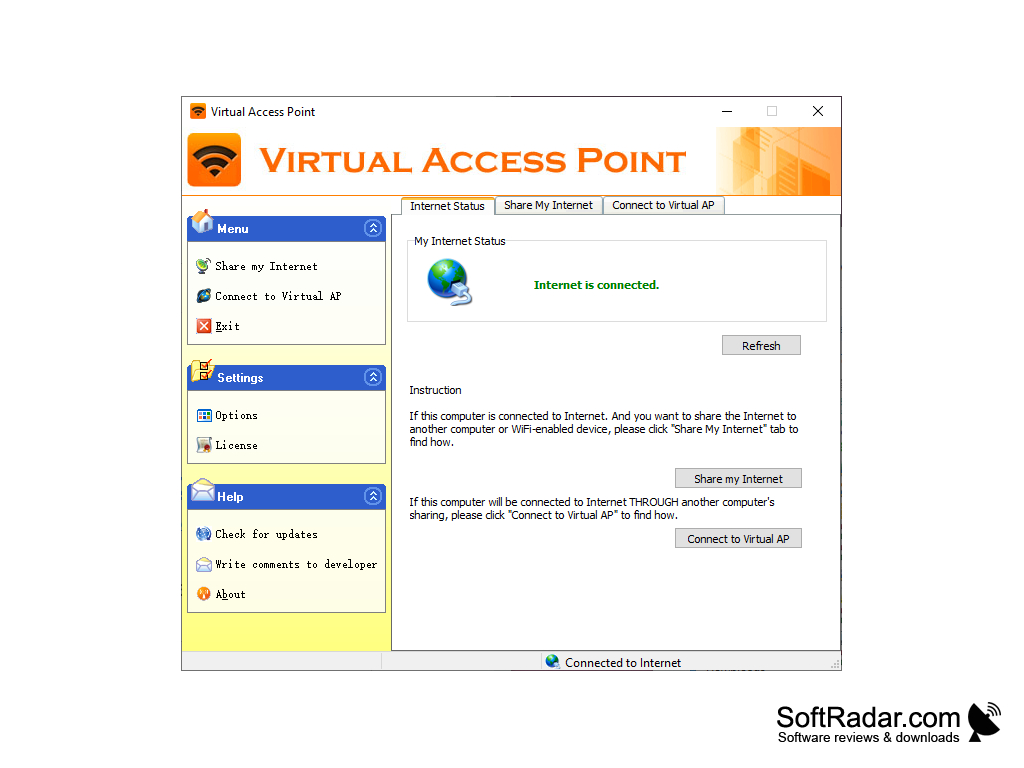
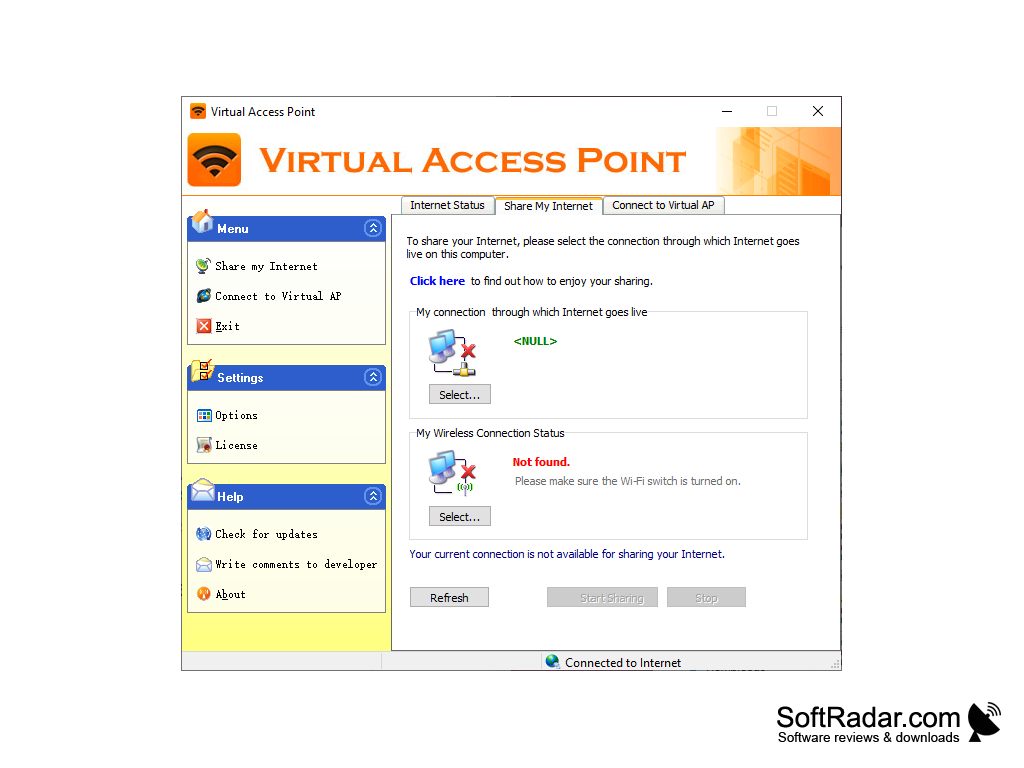
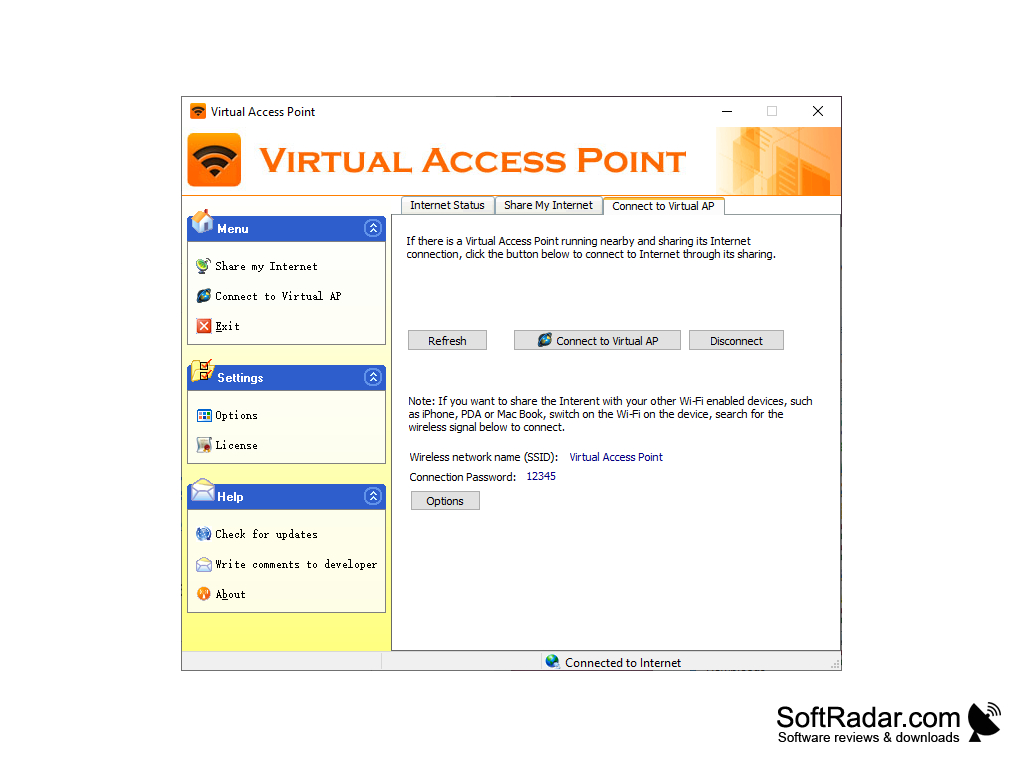
Virtual Access Point is a very convenient and easy to set up utility that you can use to turn your computer or laptop into a complete access point. This way, you can easily connect portable devices with Wi-Fi module to the network without using additional equipment. After the installation is complete, the program will detect all network connections of the computer and select the active one. During the configuration of the access point, the user will also be able to set a password, set a name and limit the maximum number of connected devices. The program is able to run together with the operating system and has an extremely intuitive interface. Virtual Access Point is a solution that helps you save money on buying a router and allows you to easily connect to the network from portable devices.
Virtual Access Point software saves you money on buying a router and easily connects portable devices to a network.
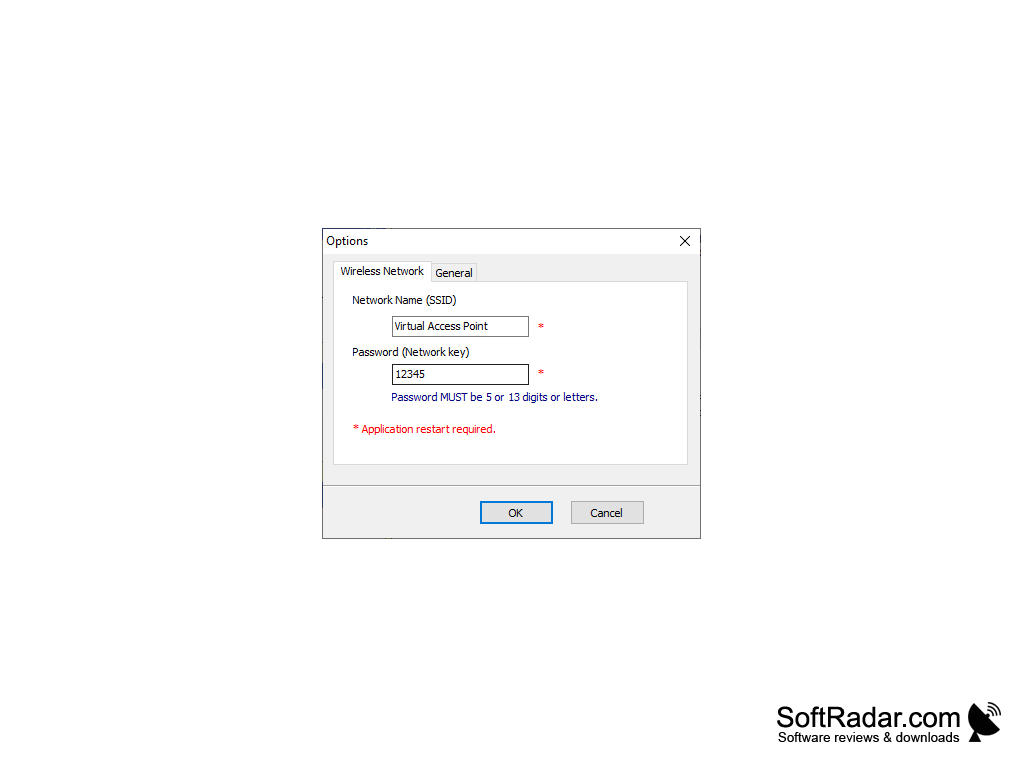
- Doesn't require pre-configuration;
- allows you to set a password and an access point name yourself;
- has a simple, intuitive interface;
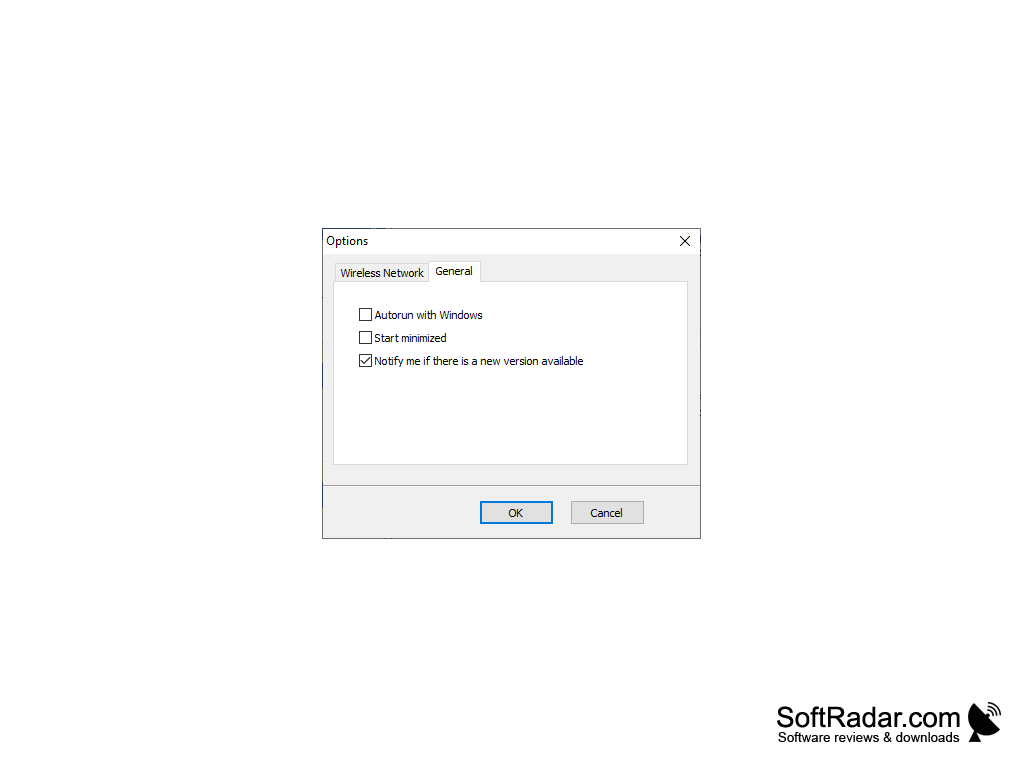
- can be run together with Windows;
- is compatible with any Wi-Fi adapters.
PROS
Enhances network coverage without extra physical equipment.
Easy setup process requiring minimal technical knowledge.
CONS
Advanced settings can confuse non-technical users.
Potential security risks if not configured correctly.