
WinASO
WinASO Registry Optimizer scans the Windows registry, finds obsolete or incorrect entries and fixes them, and adds privacy, startup and system tools.
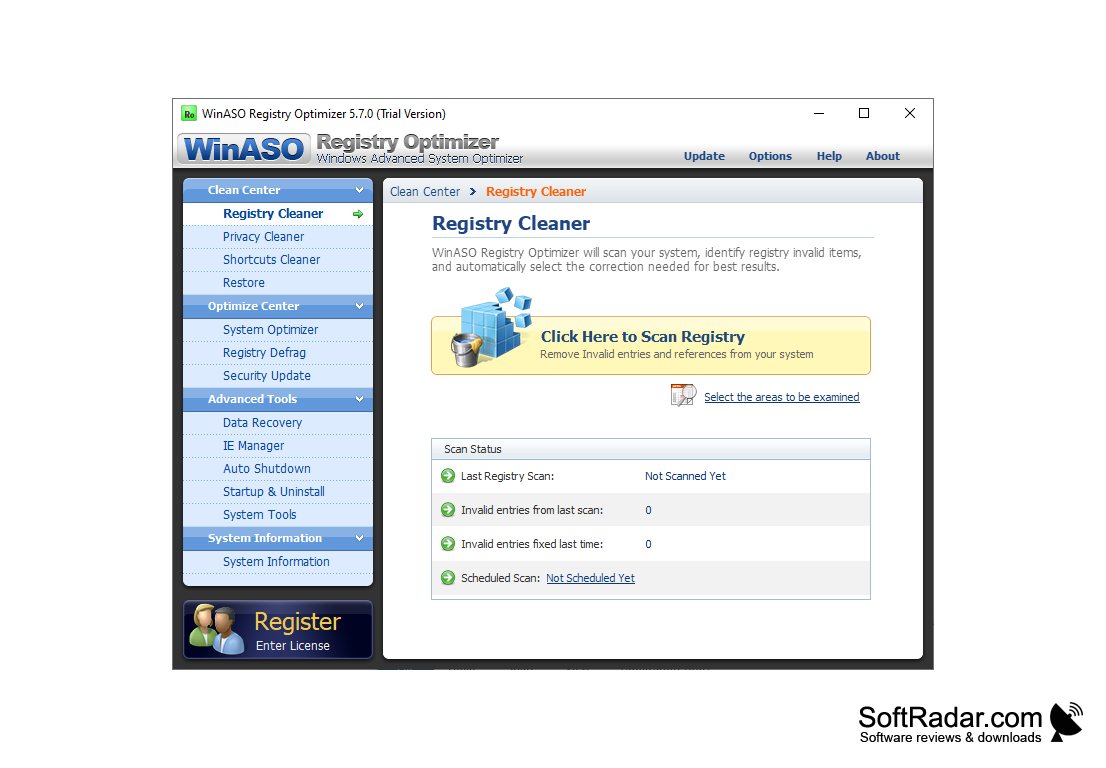
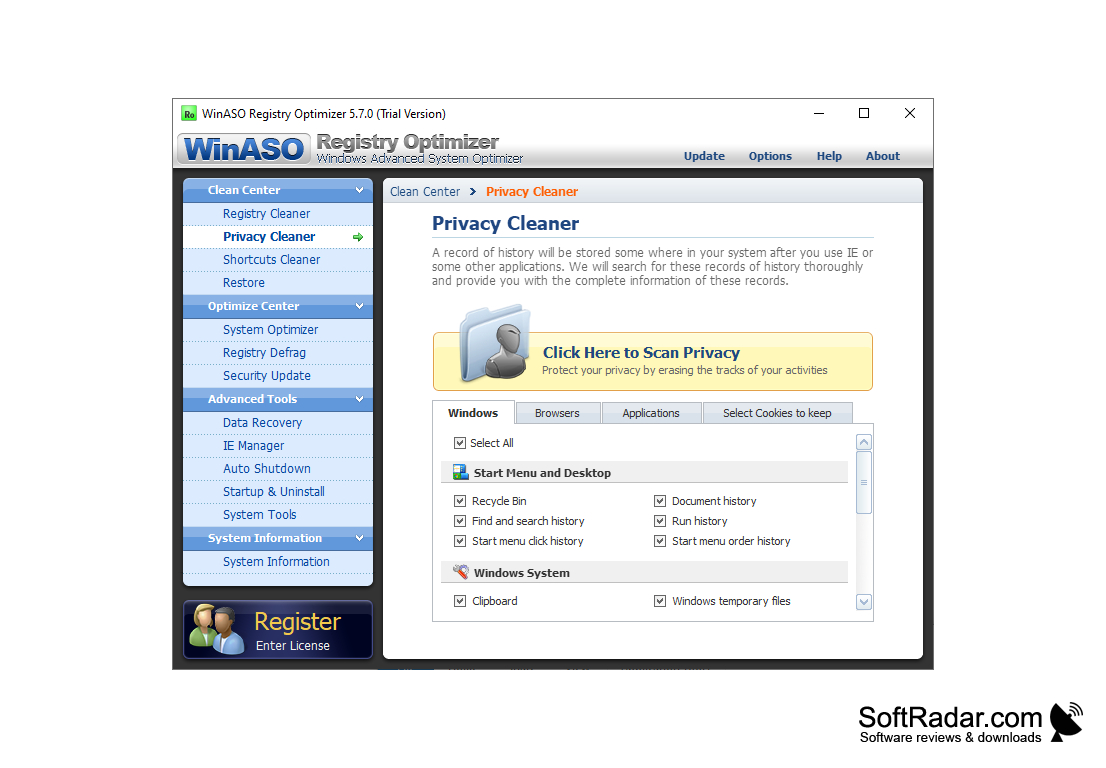
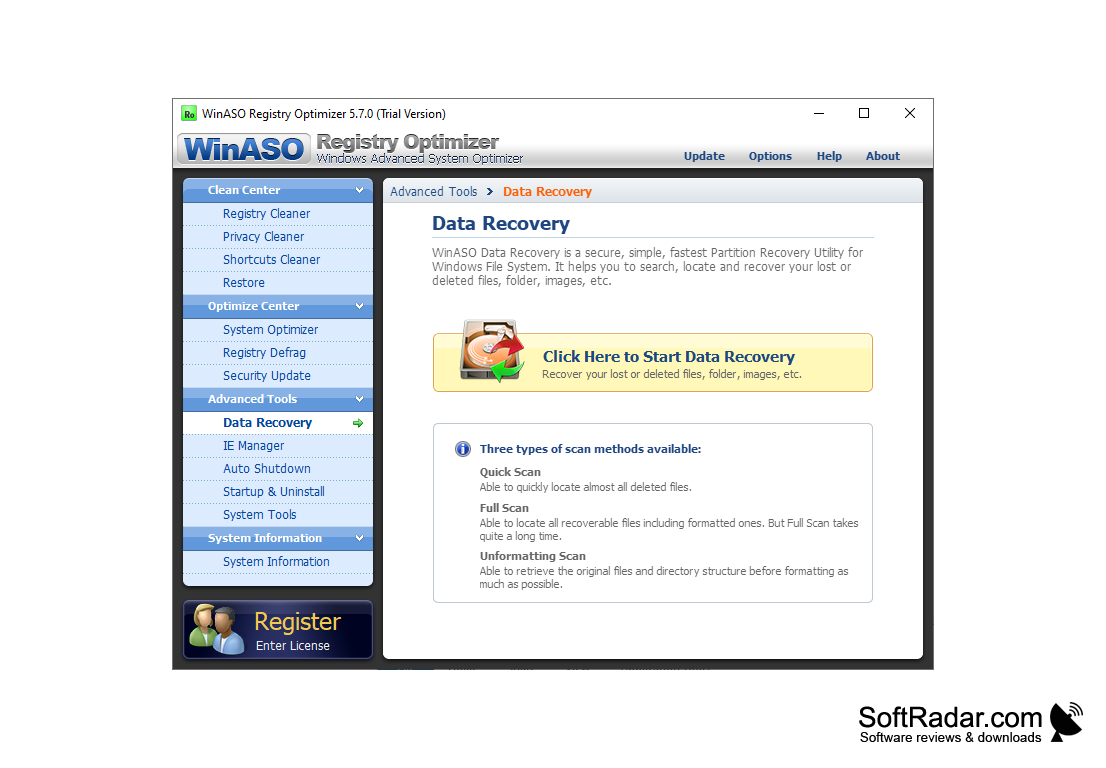
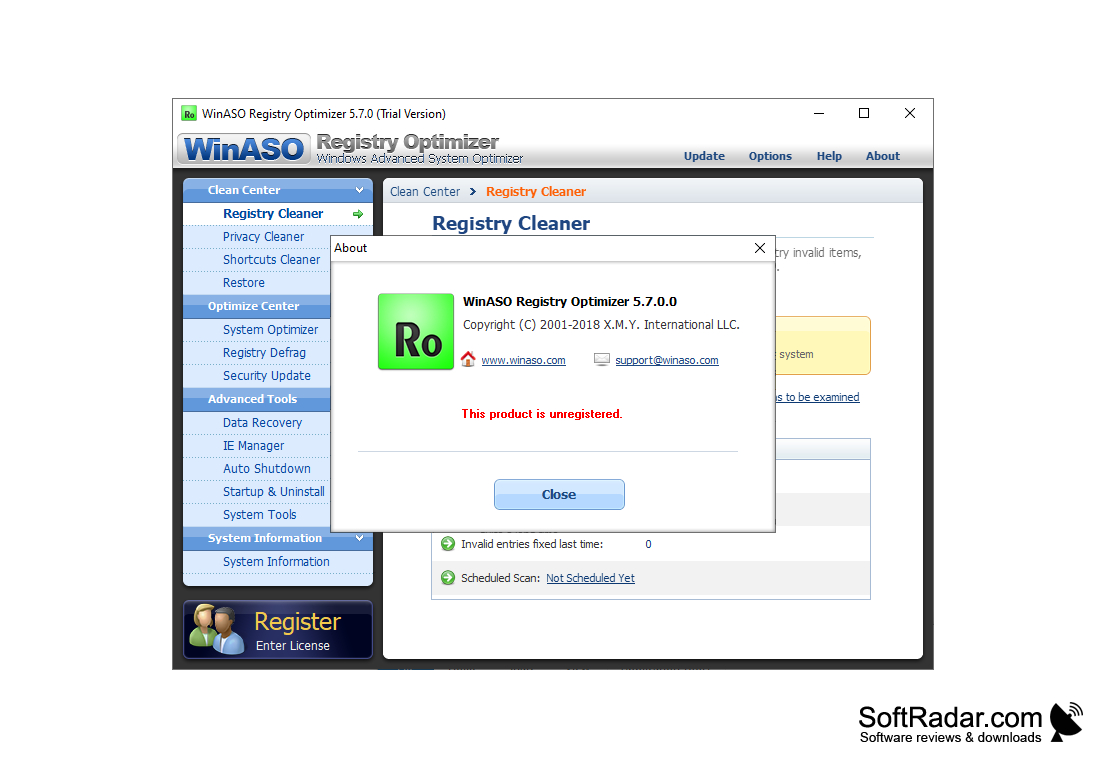
WinASO Registry Optimizer allows you to examine and repair incorrect Windows registry entries, manage startup items, optimize your computer's processing, and view essential system information with this handy utility. The program groups its tools into Clean Center, Optimize Center, Advanced Tools and System Information sections in a side panel. Besides that, WinASO Registry Optimizer allows you to clean the Start menu and desktop (for example, the Recycle Bin, the find and search history, the Start menu click history, as well as the run history), Windows system (such as system temp files, clipboard, memory dumps) and recent activities (like the recent file list, ''Paint'', last opened registry key, or common dialog history). Further, you can clean up invalid shortcuts that clutter your desktop. Also, you can use a backup and restore function, optimize your computer (e.g. automatically end "hung" applications, speed up Windows shutdown and refresh functions). Finally, you can defrag the registry plus initiate data recovery processes.
Moreover, you can supervise Internet Explorer (IE) settings (e.g. display all the local drives, change your homepage, repair the window title bar, and enable the Control Panel), programs which automatically run at system startup, application uninstalls, along with system tools.
WinASO Registry Optimizer is designed to fix common problems like denied access to drives or disks or hijacked IE pages. Before repairs the program can back up the registry, and the Restore section lets you undo changes.
It lets you examine and repair invalid Windows registry entries and clean privacy traces from one window.
Features:
- Cleans the Start menu and registry
- Backs up the registry before repairs
- Defrags the registry
- Manages settings:
- Privacy Cleaner
- Security Update
- Shortcuts Cleaner
- System Optimizer
- Uninstall Manager
- Manages Internet Explorer settings
- Recovers deleted files
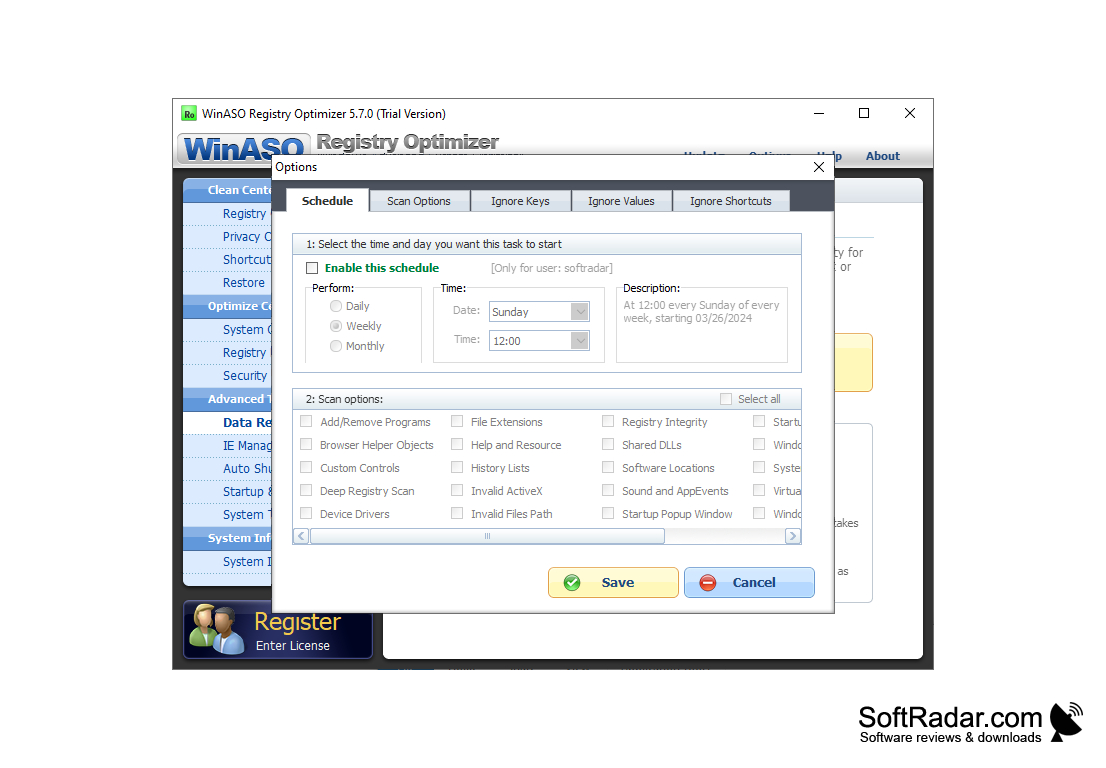
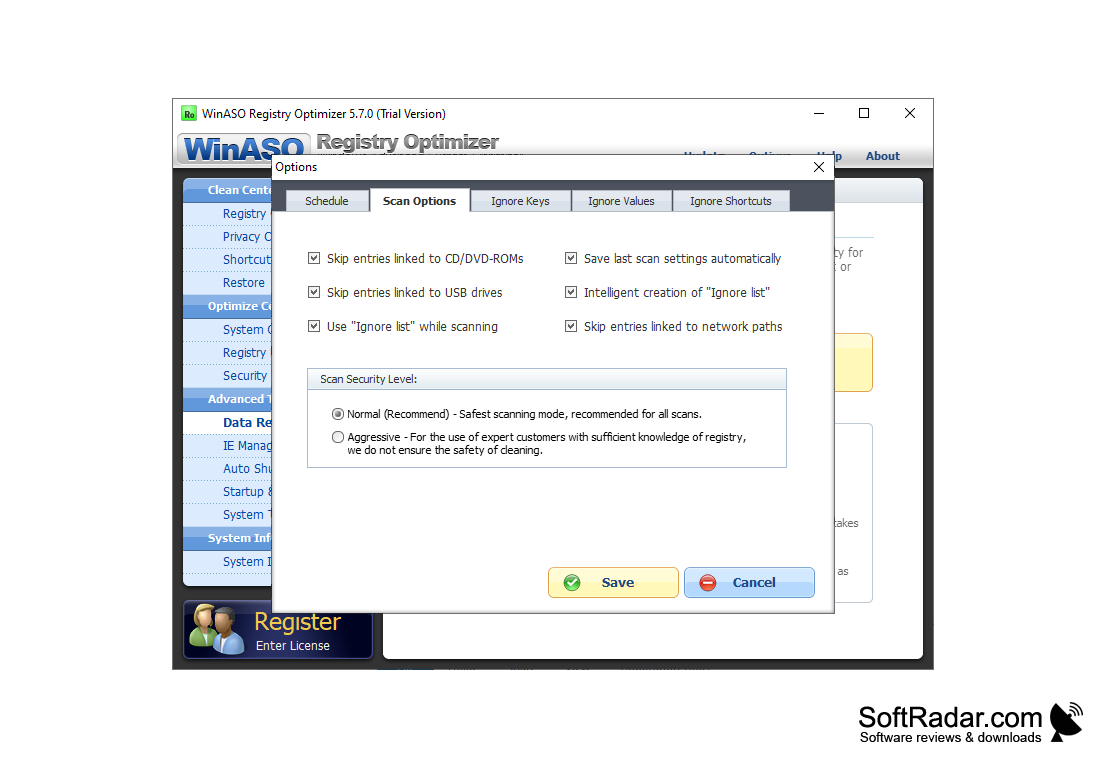
- Schedules automatic scans
- Well-organized layout
This handy software utility allows you to scan your Windows registry and get rid of all obsolete items, in accordance with a predefined schedule. The trial version repairs only a limited number of registry errors, and the program is no longer developed, so version 5.7.0 is the last release. The intuitive, clean user interface consists of only a few items like a navigation panel plus a few buttons and a pane where you display all the selected elements.
32-bit or 64-bit
PROS
User-friendly with a straightforward interface.
Includes backup and recovery features.
CONS
Occasionally slow scanning process.
No longer updated by the developer.


