
360 Browser
A free Chromium-based web browser for Windows from Qihoo 360 with protection against malicious sites and a built-in ad blocker.
Operating system: Windows
Publisher: Qihu 360 Software Co. Limited
Release: 360 Browser 7.5.2.104
Antivirus check: VirusTotal report
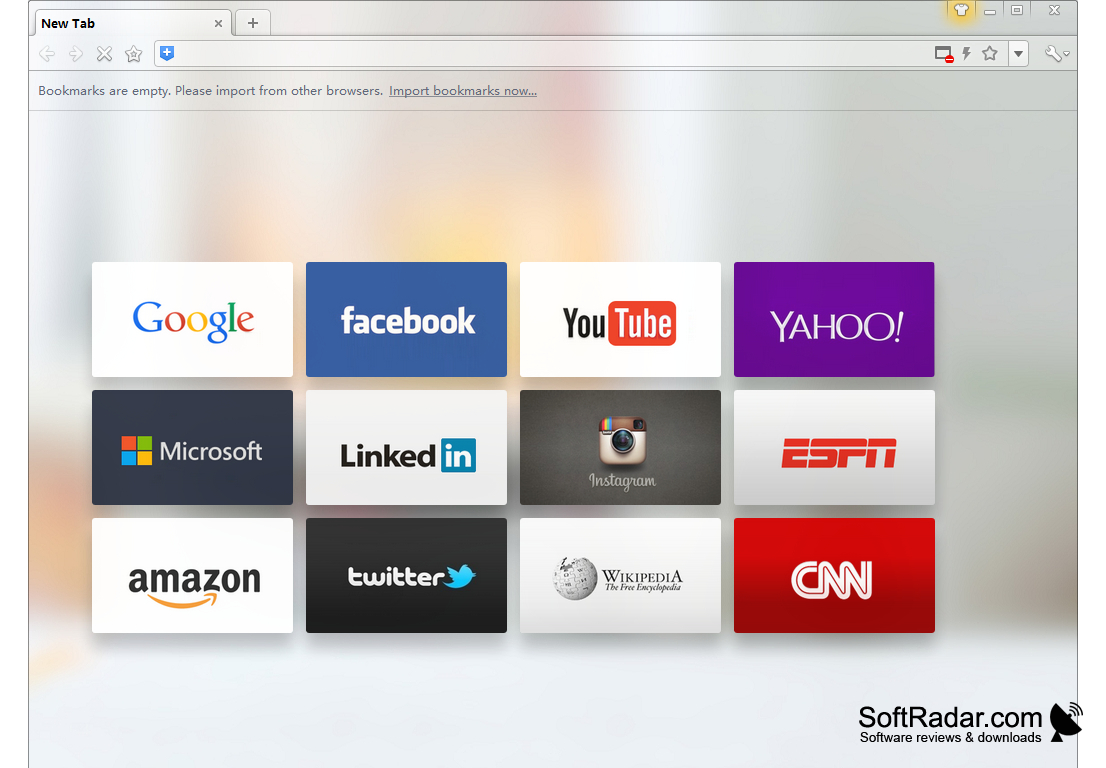
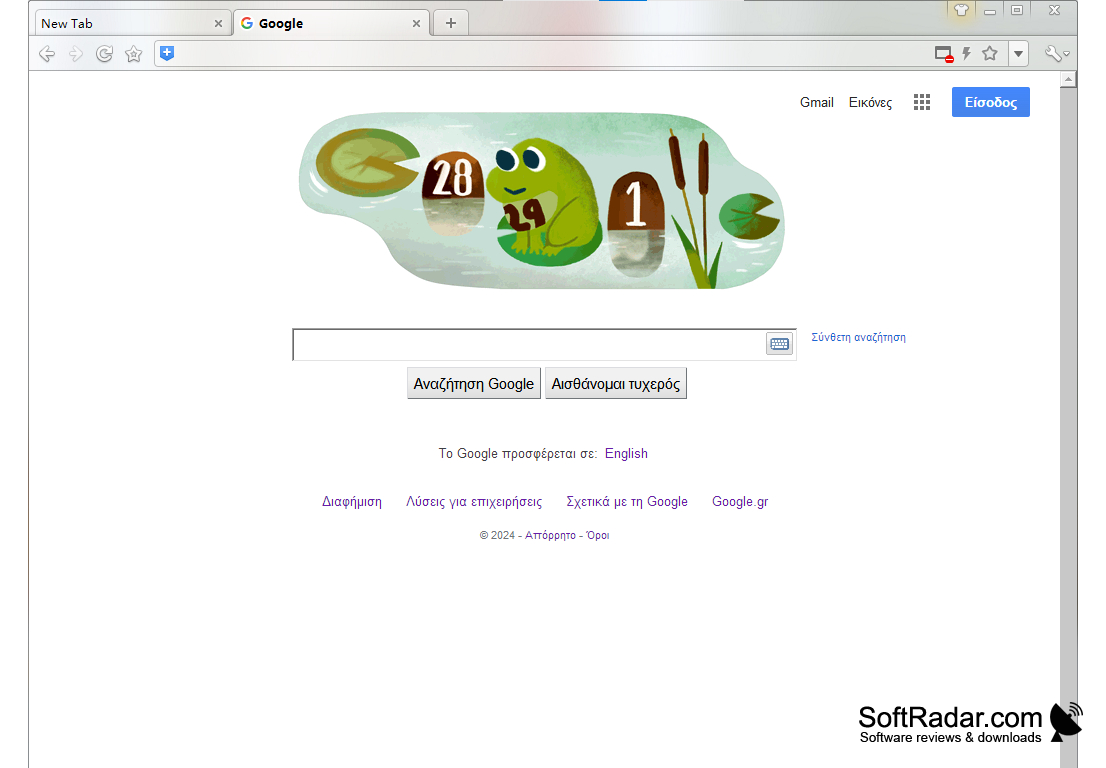
360 Browser is another browser based on the Chromium engine, of which there have been many in recent years. It was developed by the Chinese company Qihoo 360, and it can serve as a substitute for Chrome if you are not satisfied with it for some reason. The main emphasis in the browser was made on security, which is not strange, as it comes from the same developer as the antivirus 360 Total Security.
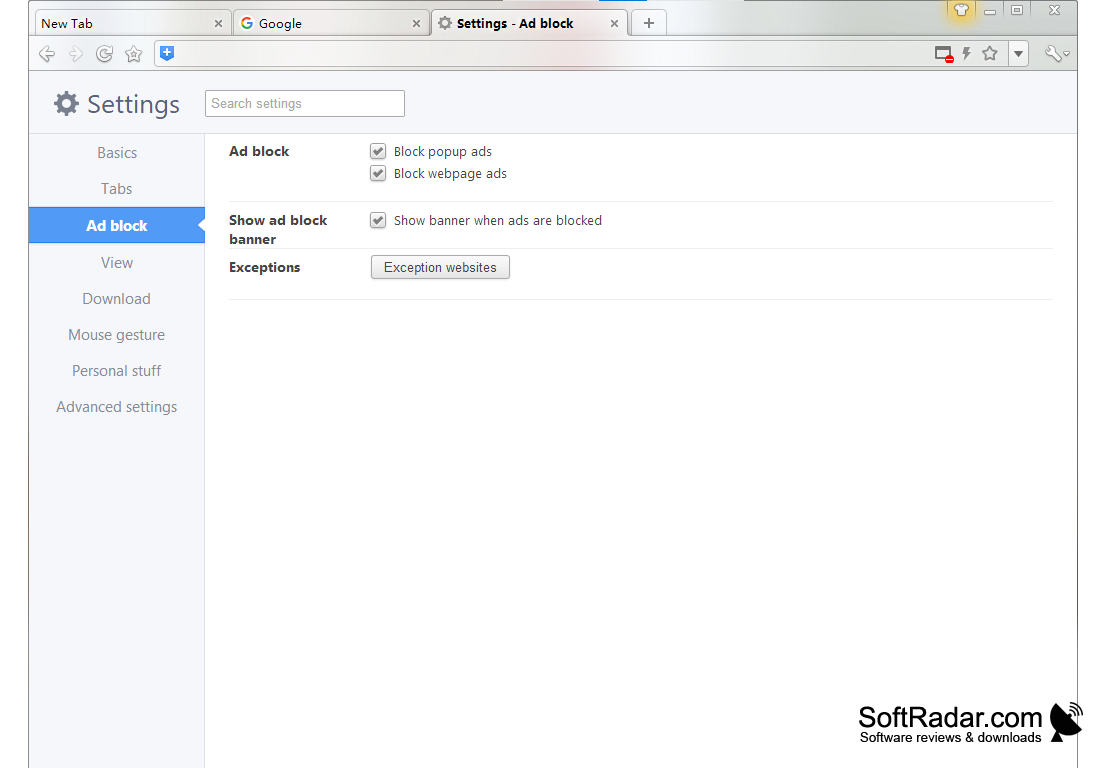
So, the main "chip" of 360 Browser is the presence of a system of protection against malicious sites and phishing. When switching to resources with a dubious reputation, the browser will stop you with a large full screen warning. If you trust the resource you visit, you can close the warning and continue at your own risk. The built-in ad blocker removes pop-ups and advertising from the pages you visit. The browser can show a small banner when ads are blocked, and in the settings you can turn ad blocking off or add exception websites where ads are allowed.
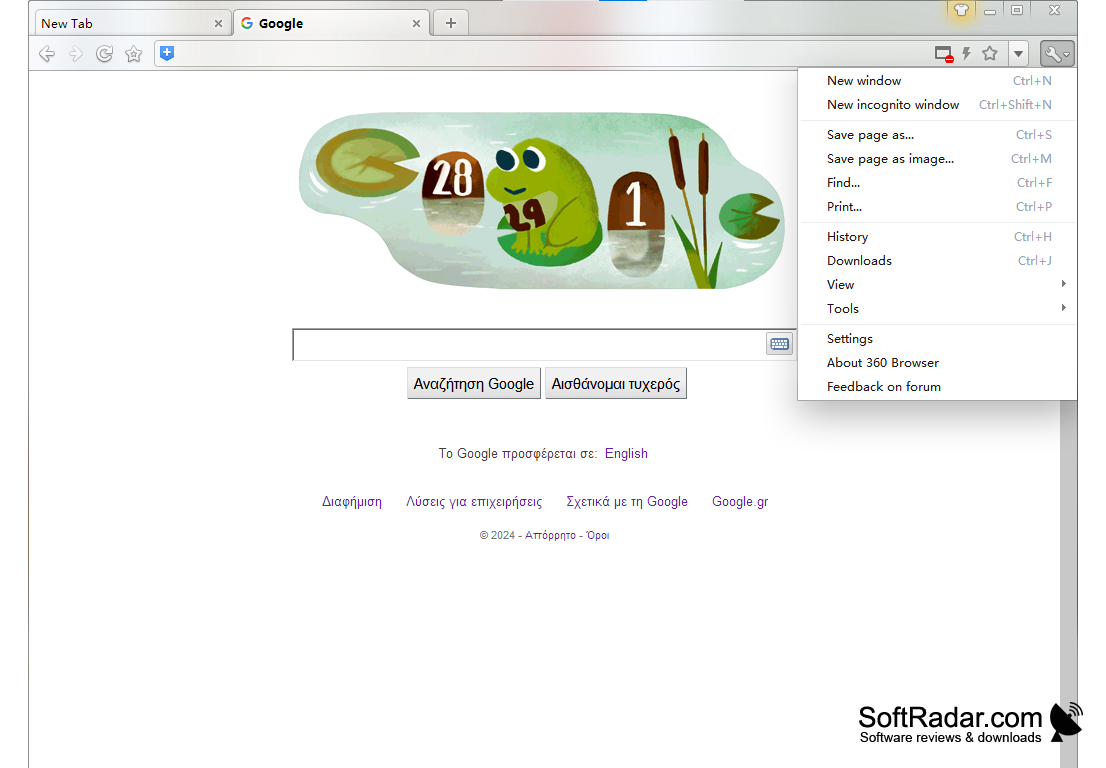
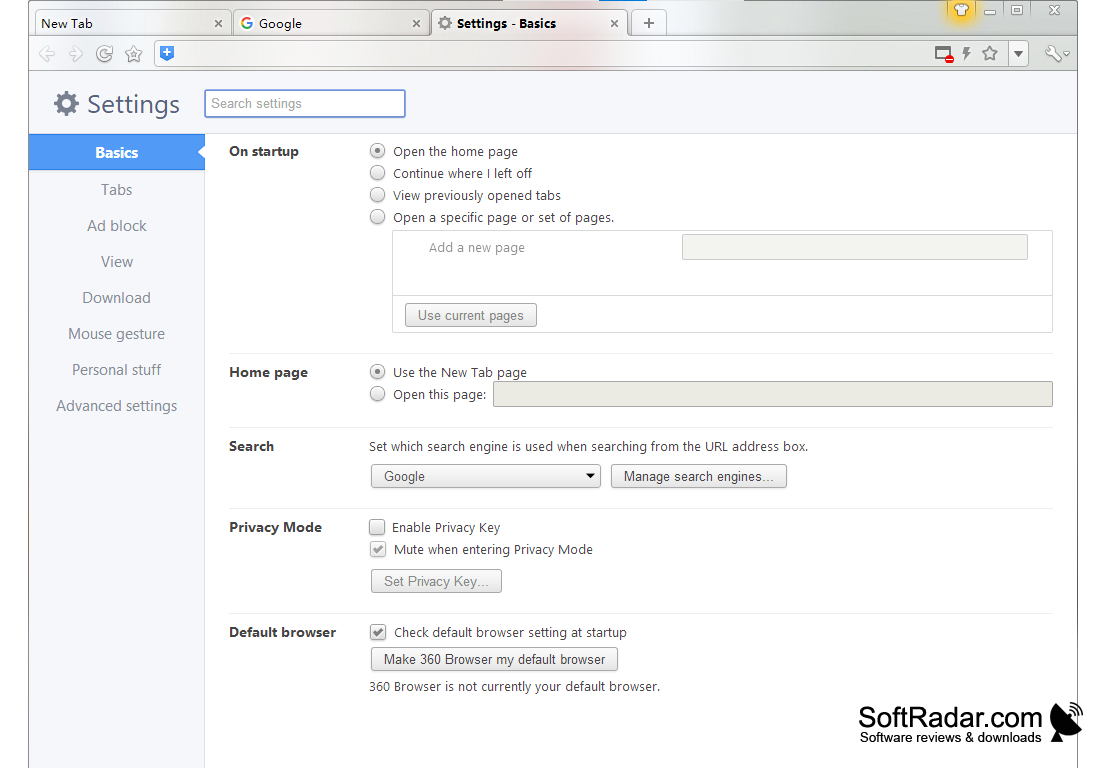
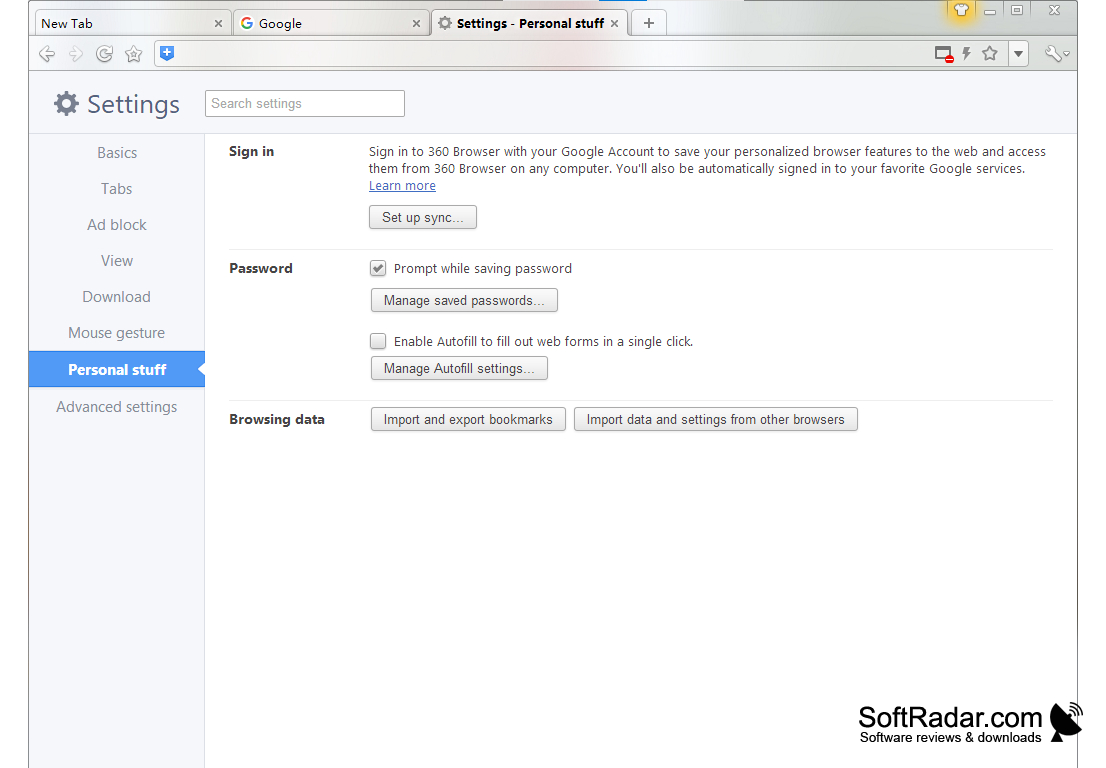
The structure of the graphical shell here does not differ from that of other Chromium browsers. Almost the whole window area is dedicated to displaying the content of the web page, and the main functions and tools such as history, downloads, the incognito window and settings are placed in a single menu, called by a small button in the upper right corner. The settings also offer mouse gestures, a Privacy Mode with a privacy key, saving pages as images and importing bookmarks and data from other browsers. After signing in with a Google account, your personalized browser settings can be synchronized. The English edition is free of charge.
The main benefit of using 360 Browser is its robust security system that protects users from malicious sites and phishing attempts.
PROS
Familiar Chrome-like interface and menus.
Supports mouse gestures for quick navigation.
CONS
No longer promoted on the developer's international site.
Chinese developer raises privacy concerns for some users.