Chrome OS
Chrome OS is a Linux kernel-based operating system designed by Google for Chromebook laptops, tablets and desktops.
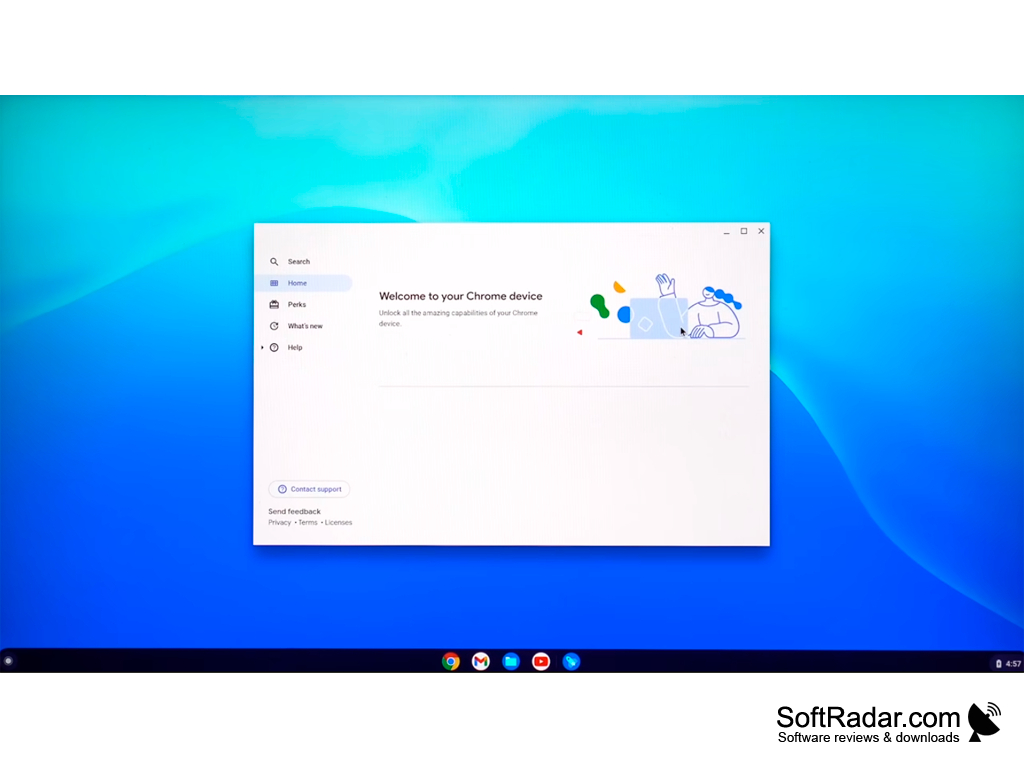
Chrome OS is a reliable operating system (OS) created by Google specialists on the basis of Linux kernel. Its desktop combines a taskbar-like shelf, an app launcher and browser windows. The OS is mainly used in Chromebook notebooks to work with files and documents, navigate online resources, and play media files. In addition, the platform supports devices with ARM/ARM64 and x86/x64 architecture.
One of the main embedded applications in the OS is Google Chrome. The browser provides fast page loading and quick access to popular Google services. It is well adapted to work with various web applications. In turn, parents can use Google Family Link to supervise child accounts and block sites with content that is not intended for children and teenagers.
One of the key features of Chrome OS is support for Android applications. Users are free to download and install programs and games from Google Play, and browser extensions from the Chrome Web Store. It should be remembered that in order to install APK applications from third-party sources it is necessary to activate developer mode in the system settings. In addition, later OS updates added support for Linux applications through a built-in Linux development environment.
Chrome OS is lightweight and fast, with built-in malware and virus protection, perfect for secure and efficient online work.
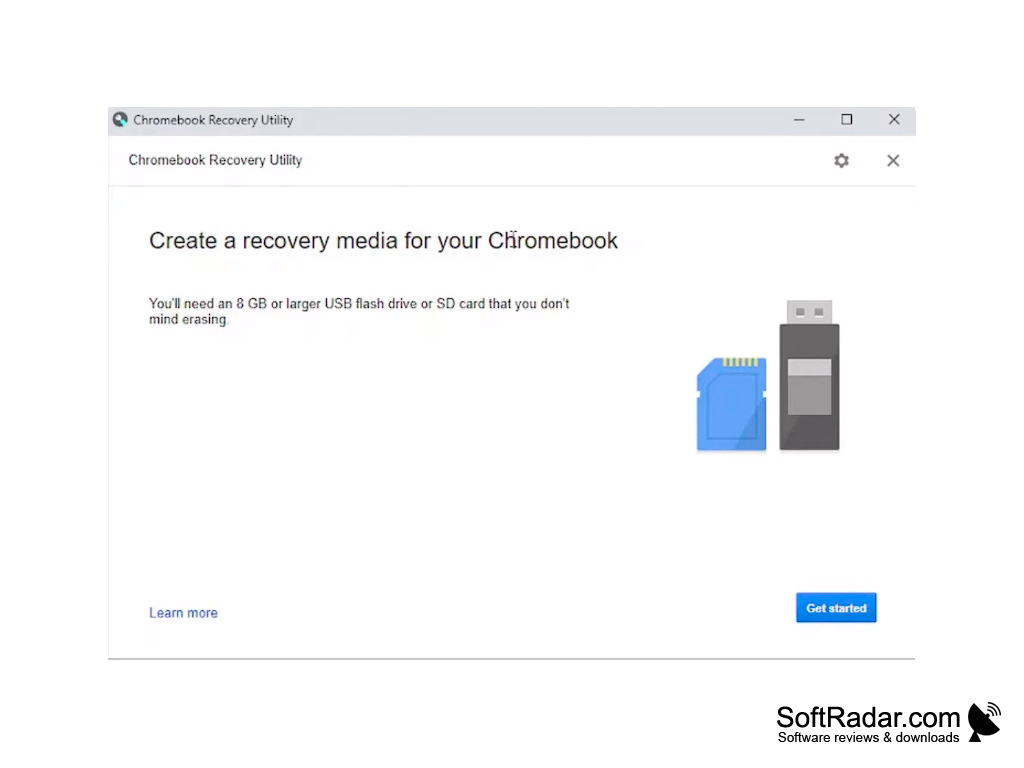
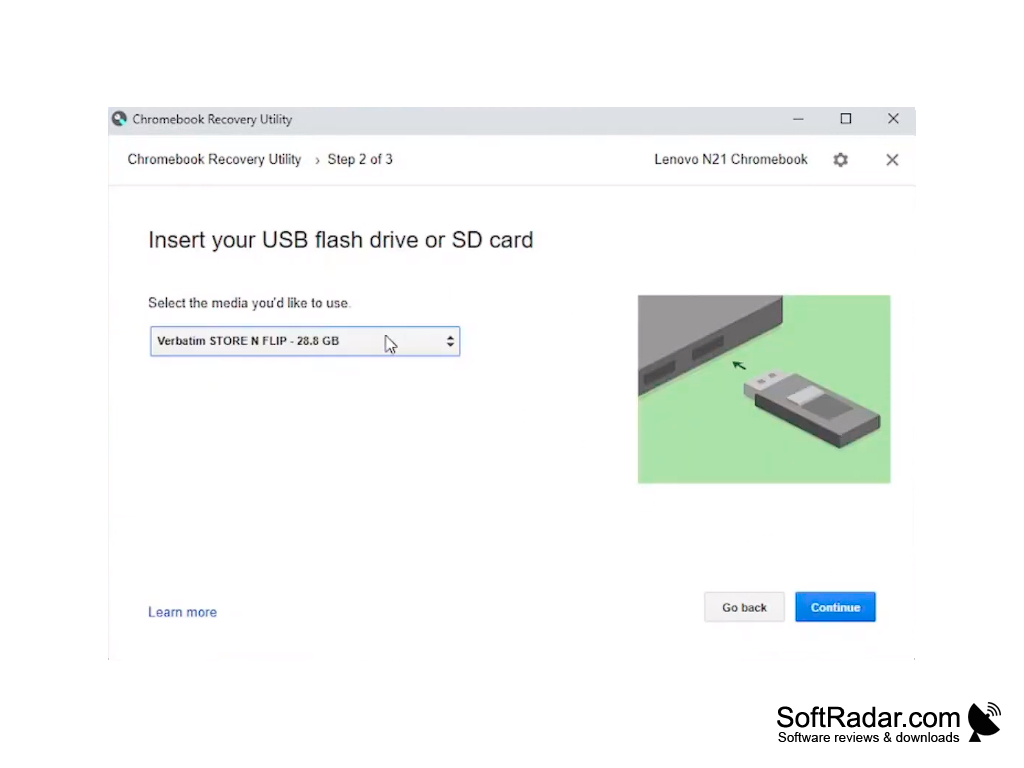
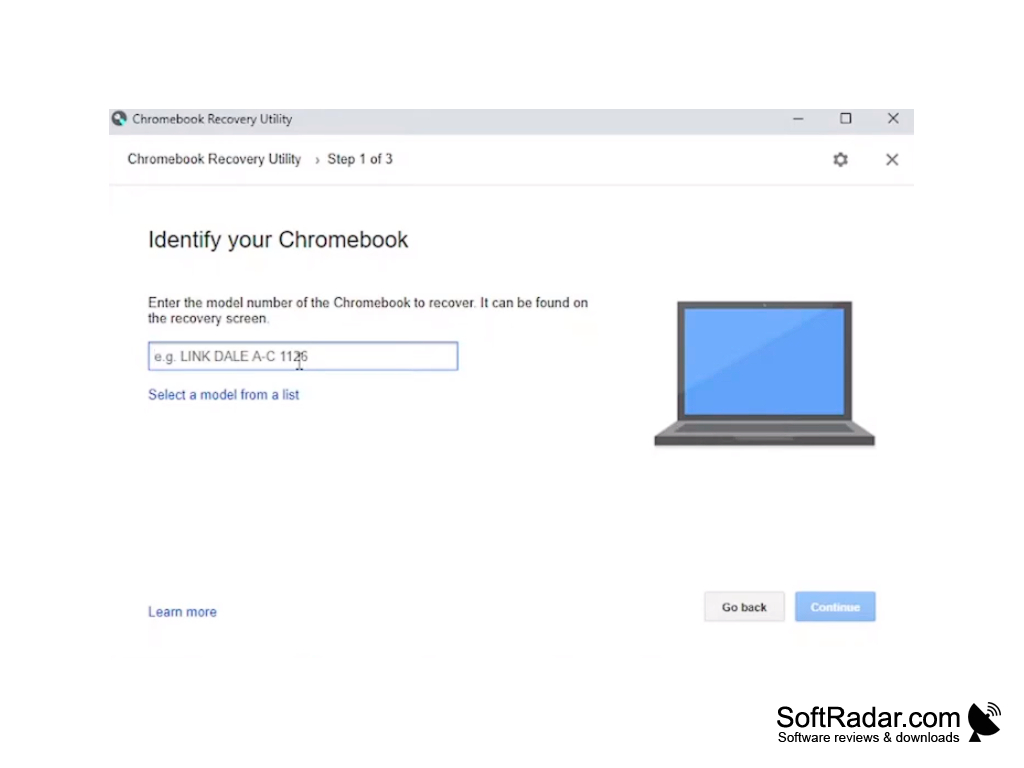
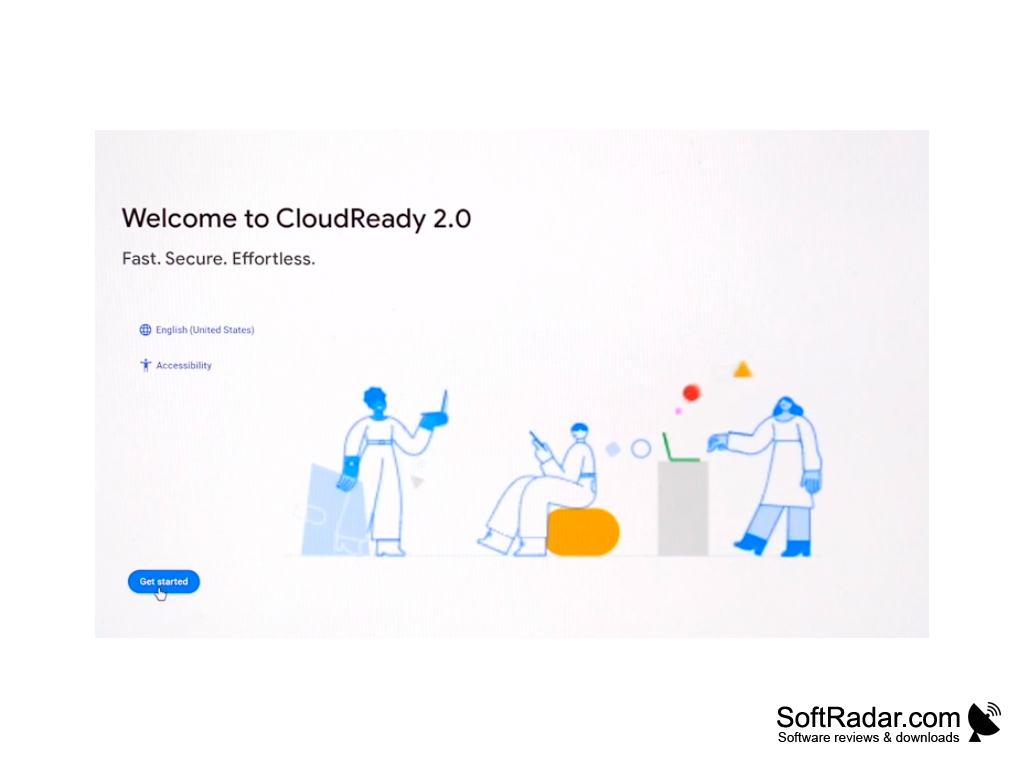
The presented operating system is not sold as a separate retail distribution. In most cases, laptop and tablet manufacturers install the OS on their devices in advance, and Google delivers updates automatically during the supported life of each model. Chromebook owners can use the Chromebook Recovery Utility to create a recovery USB flash drive or SD card of 8 GB or more and reinstall the system. For ordinary PCs and Macs, Google offers the free ChromeOS Flex, which is installed from a USB drive and is the successor of Neverware CloudReady. You can also install Chromium OS, the open-source project on which Chrome OS is based. It gives you an overview of the basic features of Google's operating system.
ChromeOS Flex: Intel or AMD x86-64 compatible PC
ChromeOS Flex: 4 GB RAM, 16 GB internal storage
USB drive of 8 GB or more for installation or recovery
PROS
Seamlessly integrates with other Google services and applications.
Automatic updates keep system and apps current.
CONS
Less freedom for customization.
Reduced gaming capabilities.


