
Crimson Editor
A feature-packed text editor that supports multiple programming languages
Operating system: Windows
Publisher: Ingyu Kang
Release : Crimson Editor 3.72
Antivirus check: passed
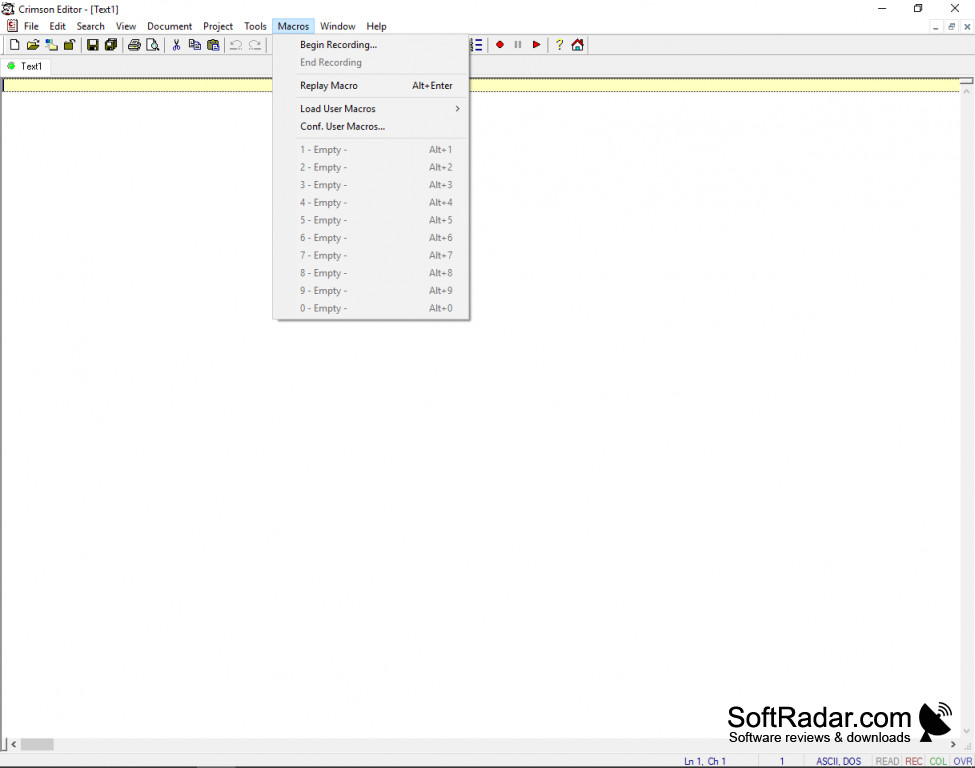
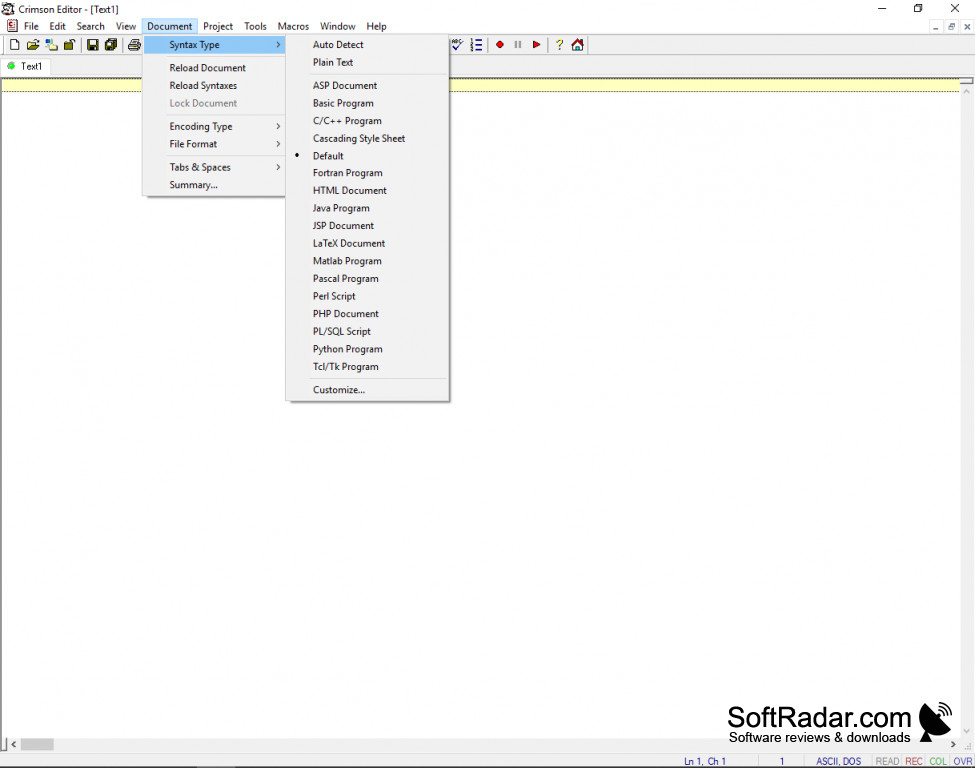
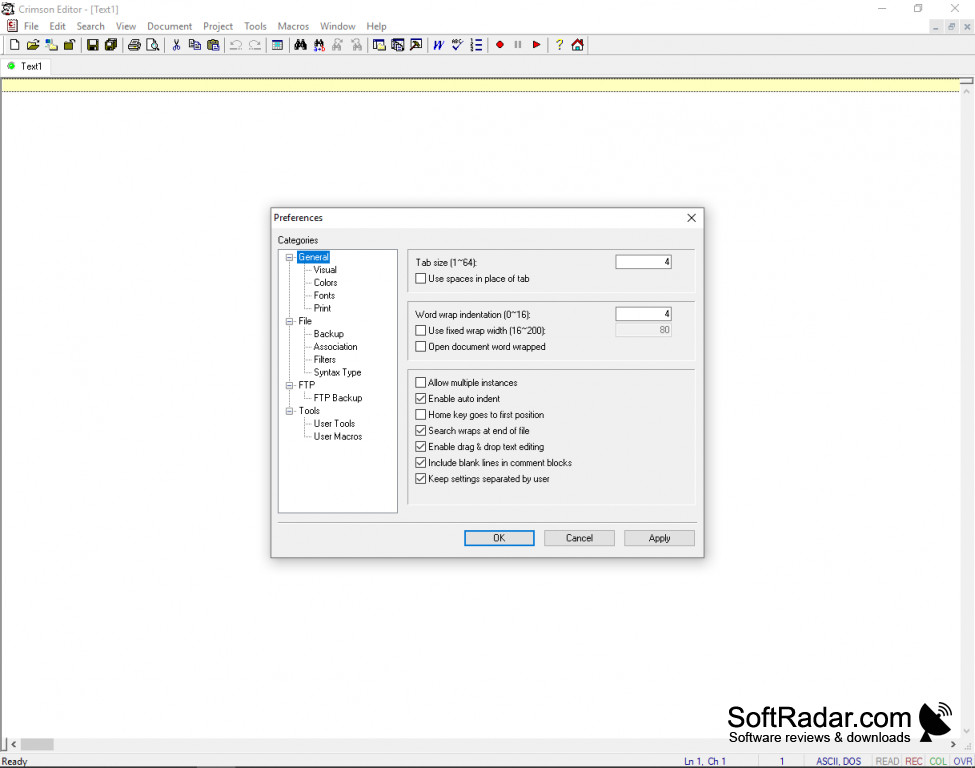
Whether you are looking for something to replace Windows Notepad, or need a professional solution for writing code, Crimson Editor is a top choice for an IDE. Crimson Editor is a free, open-source application that is tiny, yet fast and powerful enough to support six built-in languages and the ability to ass your own, custom syntax highlighting scheme for as many more languages as you wish.
Features:
- Ability to Work in Multiple Files At Once
- Syntax Highlighting
- Unlimited Undo and Redo Commands
- Project Grouping
- Dedicated Directory Tree Window
- Fast and straightforward Replace Tool
- Copy and Paste Rectangular Sections (Column Mode Editing)
- Natural Styled Word Wraps
- Spelling Checker
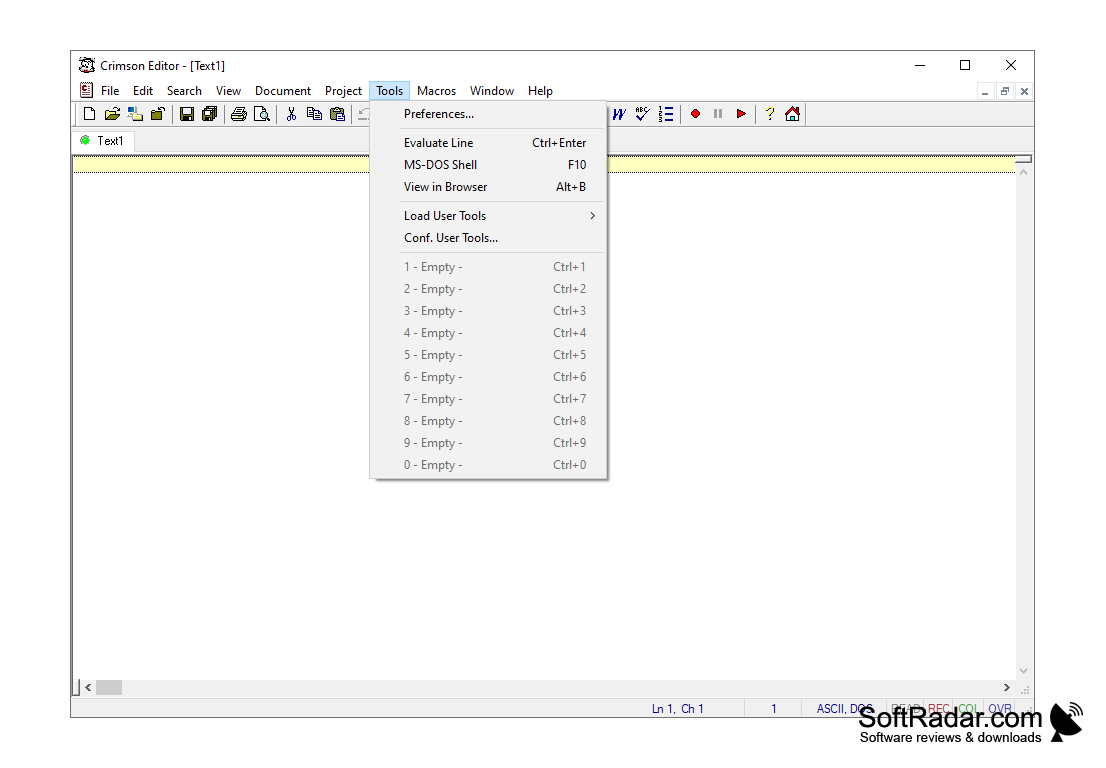
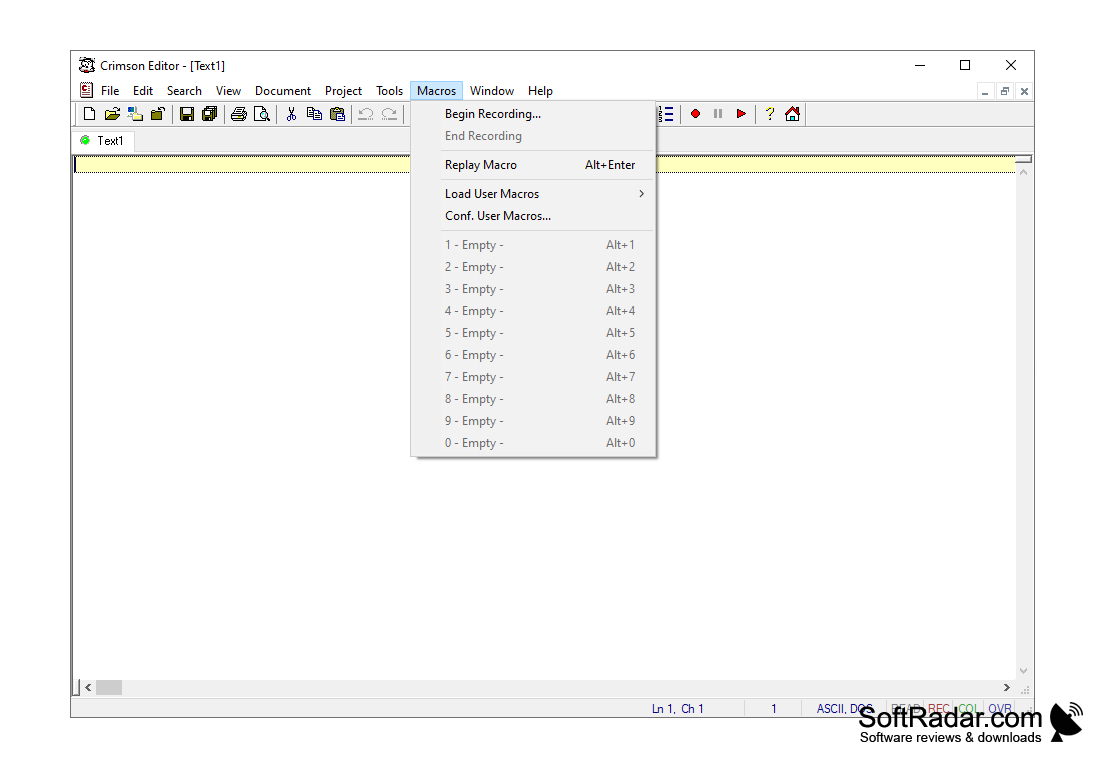
- Supports Custom Tools and Macros
- Built-In FTP Client for Remote Editing
- Preview Your Print Job Before You Print It
- And Many More Features Every Coder Needs
Crimson Editor is a super-fast, yet lightweight (think Floppy Disk) application that allows programmers and developers to write code in their preferred language quickly. Crimson Editor has built-in support for syntax highlighting in HTML, Java, Matlab, C/C++, PERL, and LaTeX. It also allows users to add their custom syntax scheme, making it so that Crimson Editor can support any programming language that there is.
Crimson Editor is fully open-source and free to download, use, and modify.
Crimson Editor is an open-source project that is licensed as Freeware, meaning that you do not have to pay for it and can share it with anyone you would like, as long as you do not charge them money for it. Crimson Editor is an excellent solution for anyone who needs a lightweight yet feature-packed editor for writing code. While it may be an older program, it’s a simple design, and implementation makes it a very relevant app to have today.[Conclusion]
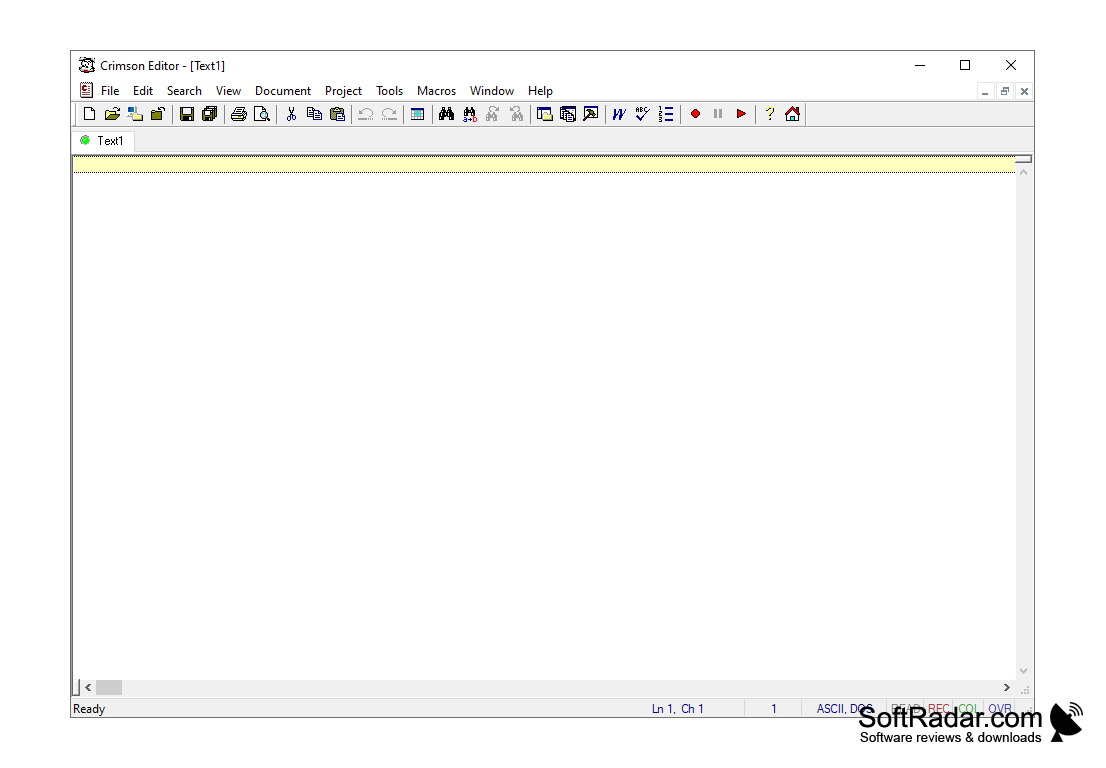
Windows Operating System and 4 MB Storage Space
PROS
Offers macro recording for repeated tasks.
Free to use, with customizable syntax highlighting.
CONS
No regular updates, making it outdated.
Doesn't support multiple programming languages.


