
CryptoPrevent
Protects against viruses while working alongside other security software
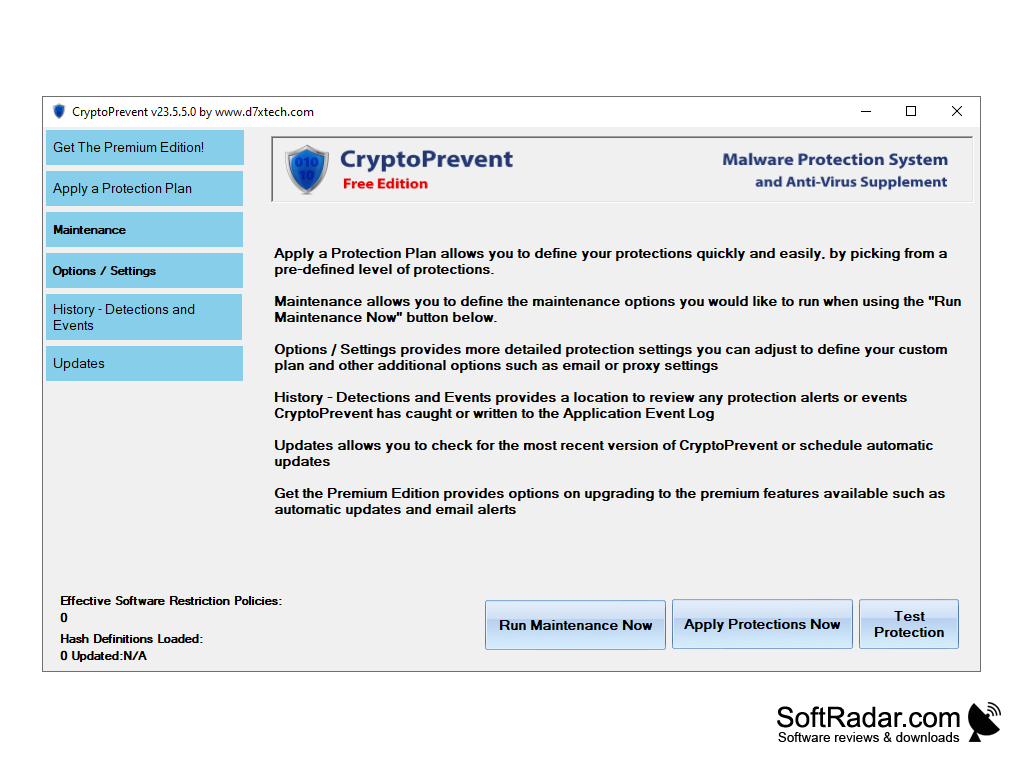
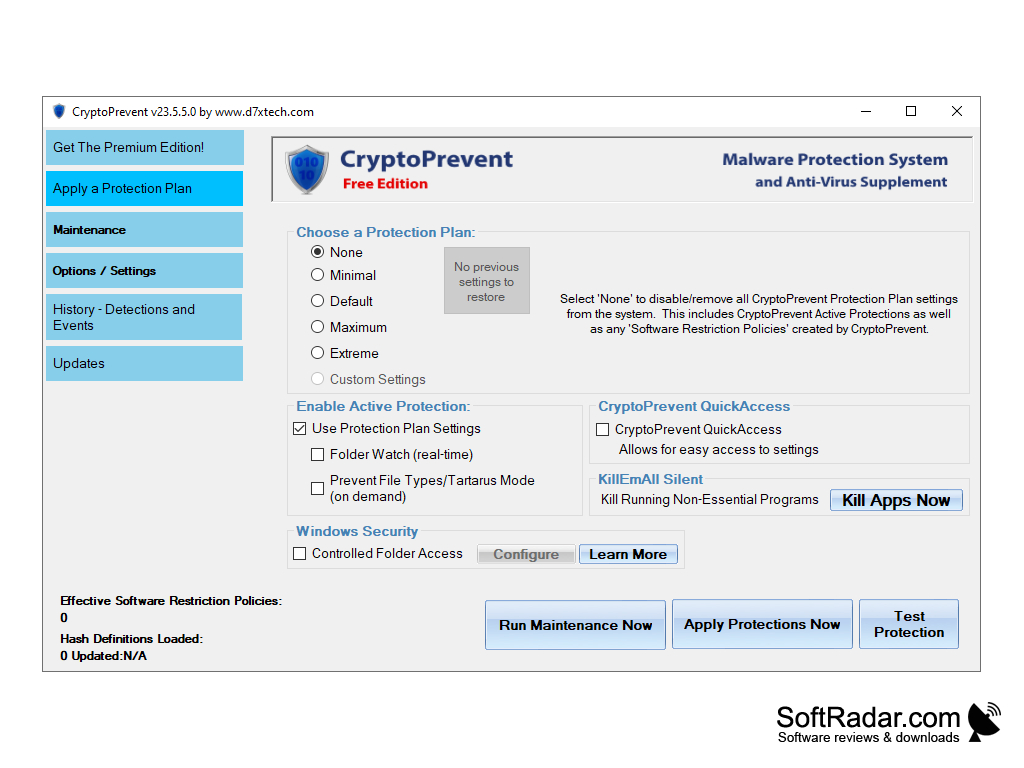
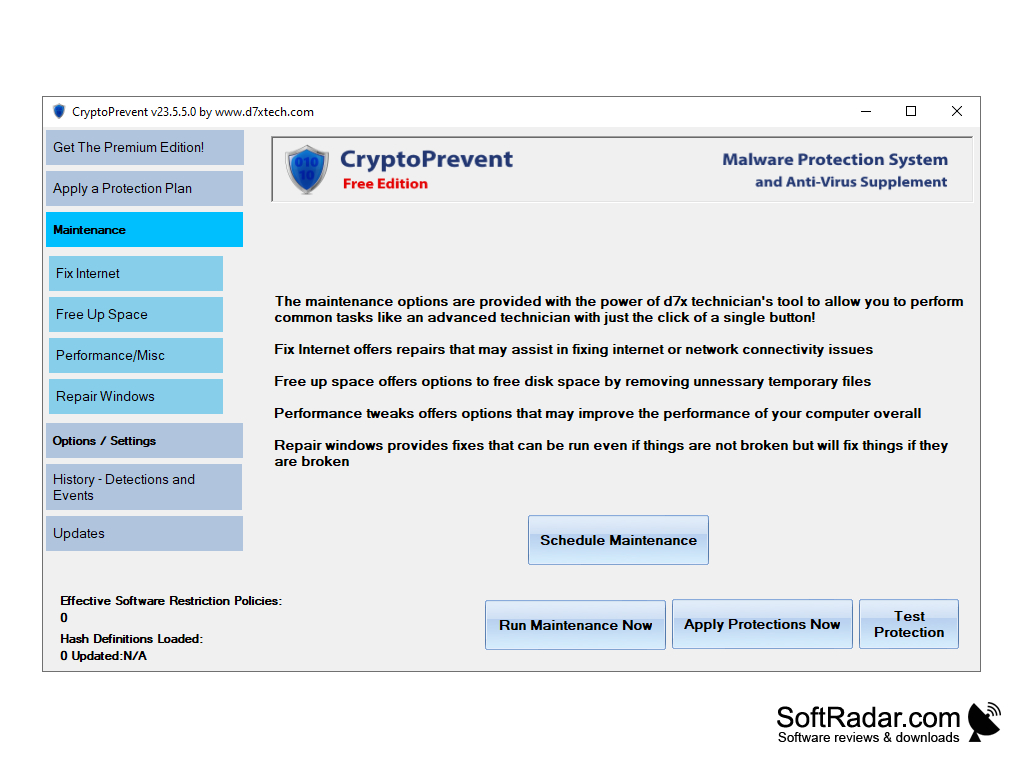
The software CryptoPrevent, which is currently on version 9, is malware protection for your personal or business computer. It does this by having an "open database" where they allow users to submit files they believe to be malicious so that even if their program does not catch it, it can still be blocked from other users.
Features:
- Updates: Viruses change over time, so shouldn't your virus protection? The company, d7xTech, update this software when they come out with new additional features that can further protect you. Unlike other companies that just update their virus database, d7xTech updates certain aspects of the application to make it more user-friendly while simultaneously safer.
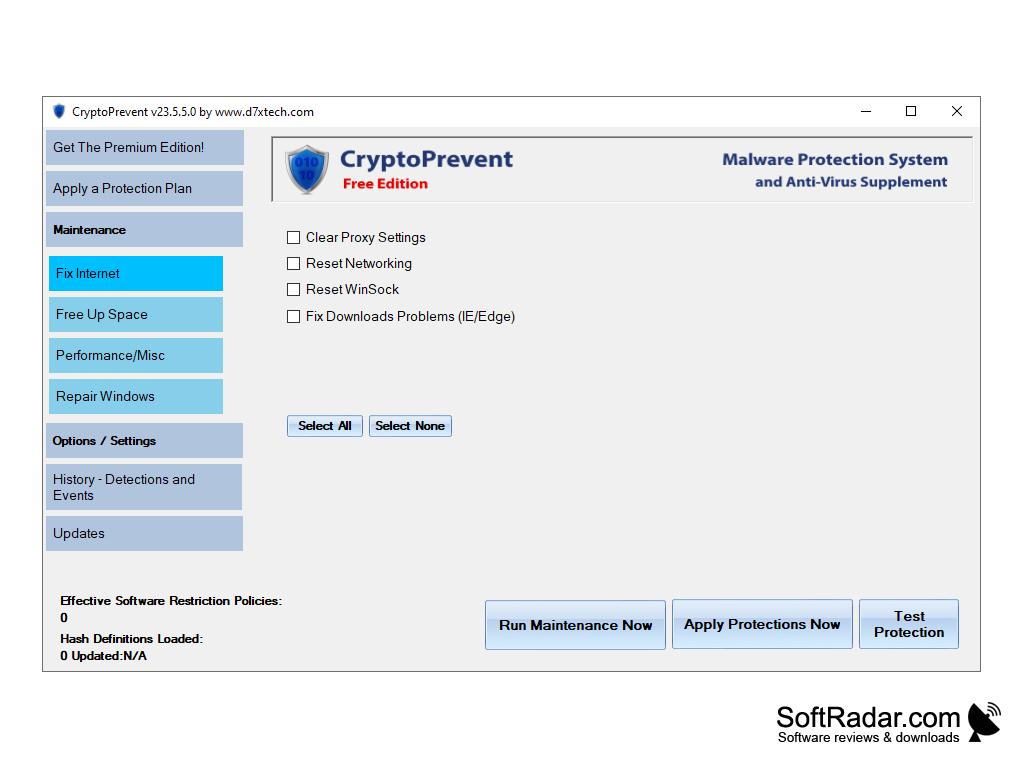
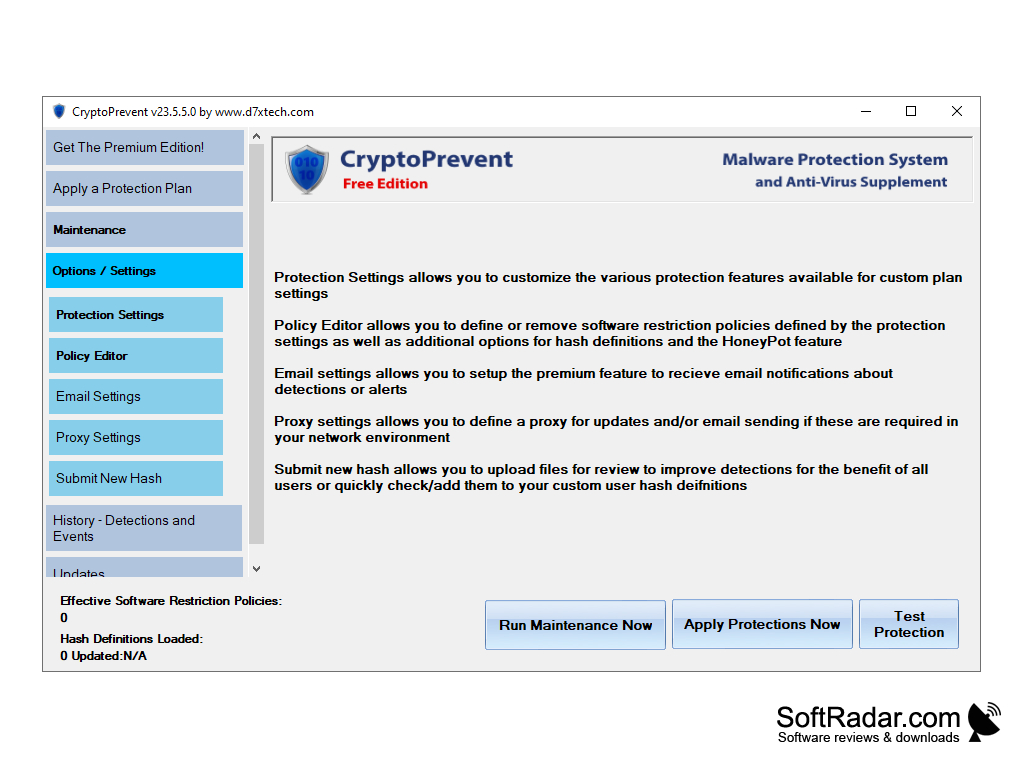
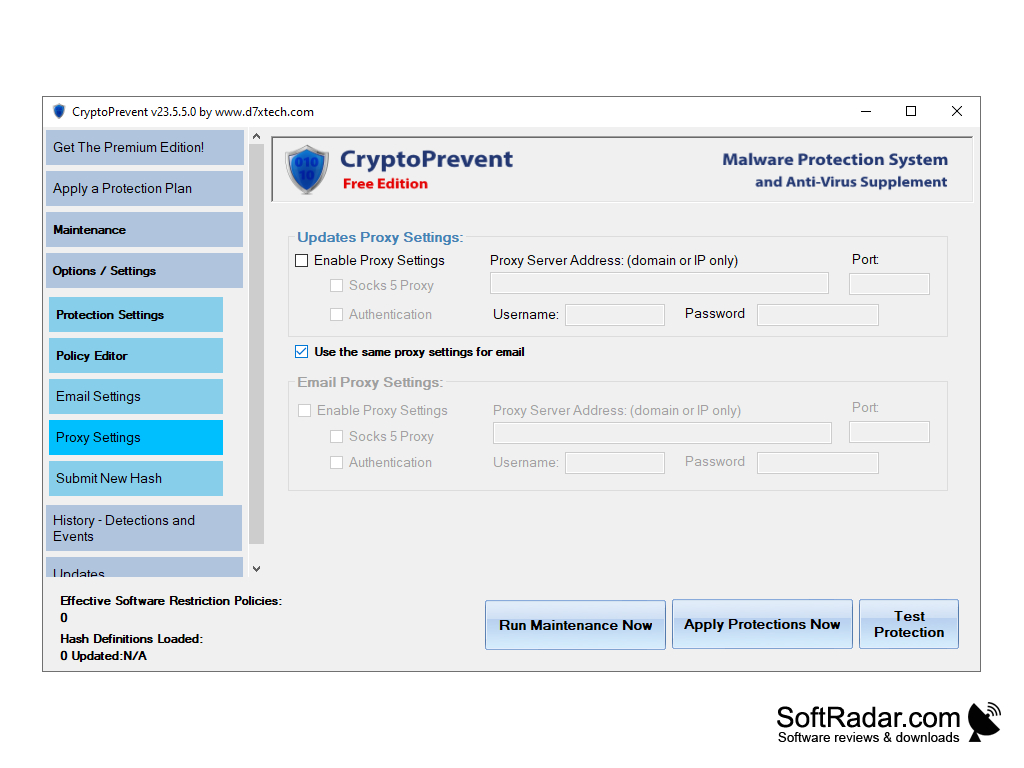
- User-Friendly, not Hacker-Friendly: This program is made to be simple to use for the layman, but complex enough to avoid malware attacks. They do this by providing a variety of features on the application that allow you to change how the application reacts to certain file types and how it runs on your desktop or laptop.
- Automatic Updates: The updates don't wait until you turn off your computer to install. They update the moment it is released to the public, but still running in the background so as not to disturb your work.
- Two features that work hand-in-hand are the Honeypot Ransomware Protection and the KillEmAll version 5 integrations. These two features shut down non-essential programs and applications when an attack on your system is detected, in order to save your data from hackers and unwanted encryption. This means your operating system will still be running as it is considered essential.
This software protects against viruses that are not even identified by other software that are similar by detecting any activity that can be perceived as malicious.
CryptoProtection version 9 is a great software to use, especially if you already have another program installed. Windows operating system comes with Windows Defender, and normally these types of applications will view each other as threats, but with this application, there is no worry.
Operating system: Windows 7, 8, 10.
Internal memory: Minimum 1 GB RAM.
Hard Disk: 20 MB Free Space.
Internet connection for updates.
Internal memory: Minimum 1 GB RAM.
Hard Disk: 20 MB Free Space.
Internet connection for updates.
PROS
Offers advanced protection against ransomware attacks.
Easy to use with a simple interface.
Allows customizations for enhanced security.
Easy to use with a simple interface.
Allows customizations for enhanced security.
CONS
Limited free version with necessary features locked behind a paywall.
Complex user interface not suitable for less tech-savvy individuals.
Lacks comprehensive customer support and troubleshooting options.
Complex user interface not suitable for less tech-savvy individuals.
Lacks comprehensive customer support and troubleshooting options.


