
Dynamic Web TWAIN
Scan documents in a browser that are used for web applications
Operating system: Windows
Publisher: Dynamsoft
Release: Dynamic Web TWAIN 12.3
Antivirus check: VirusTotal report
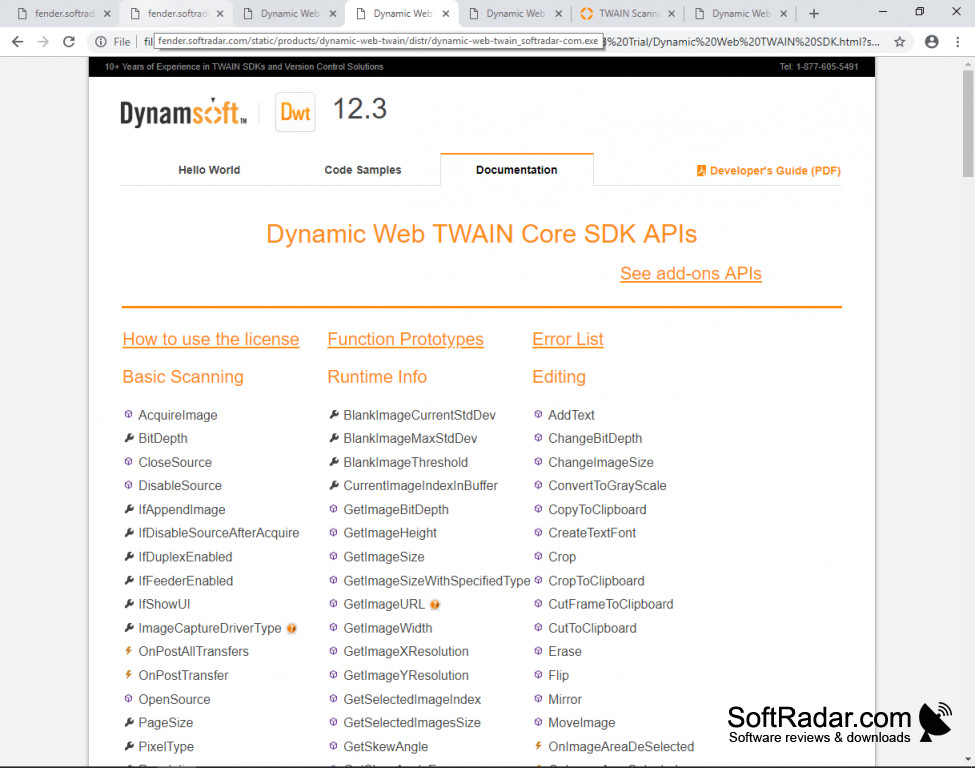
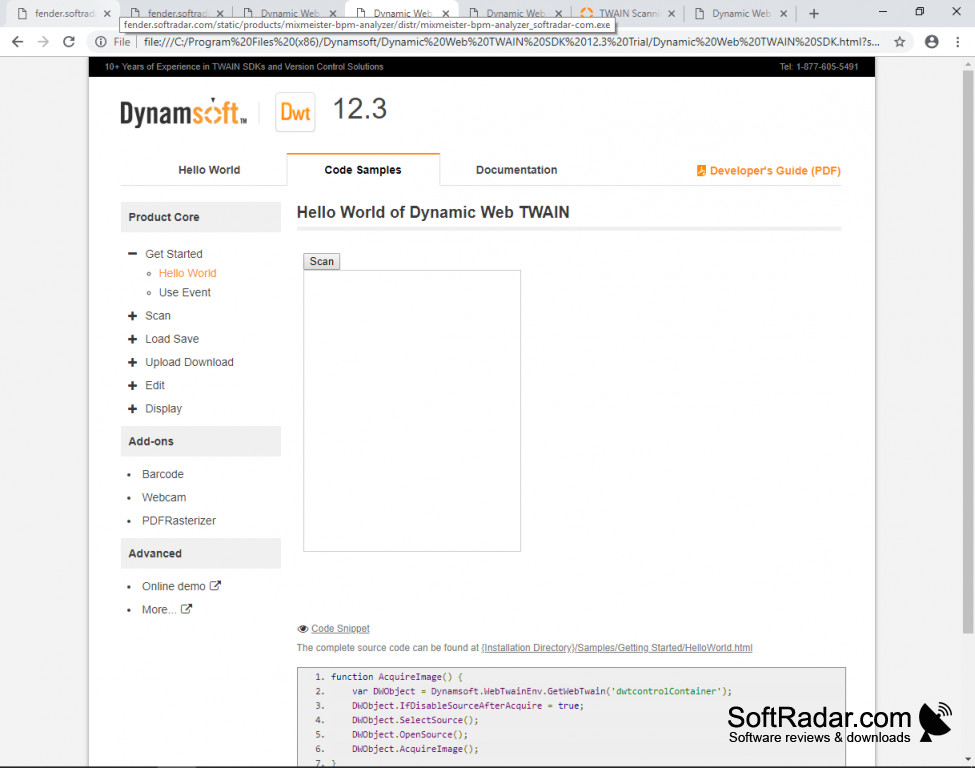
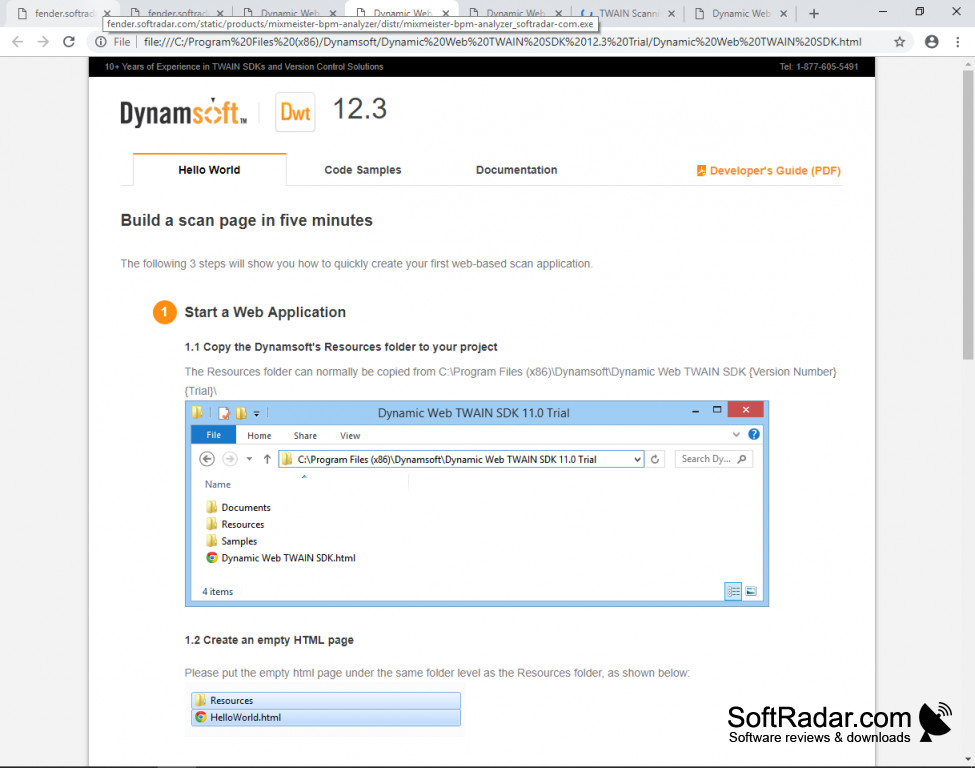
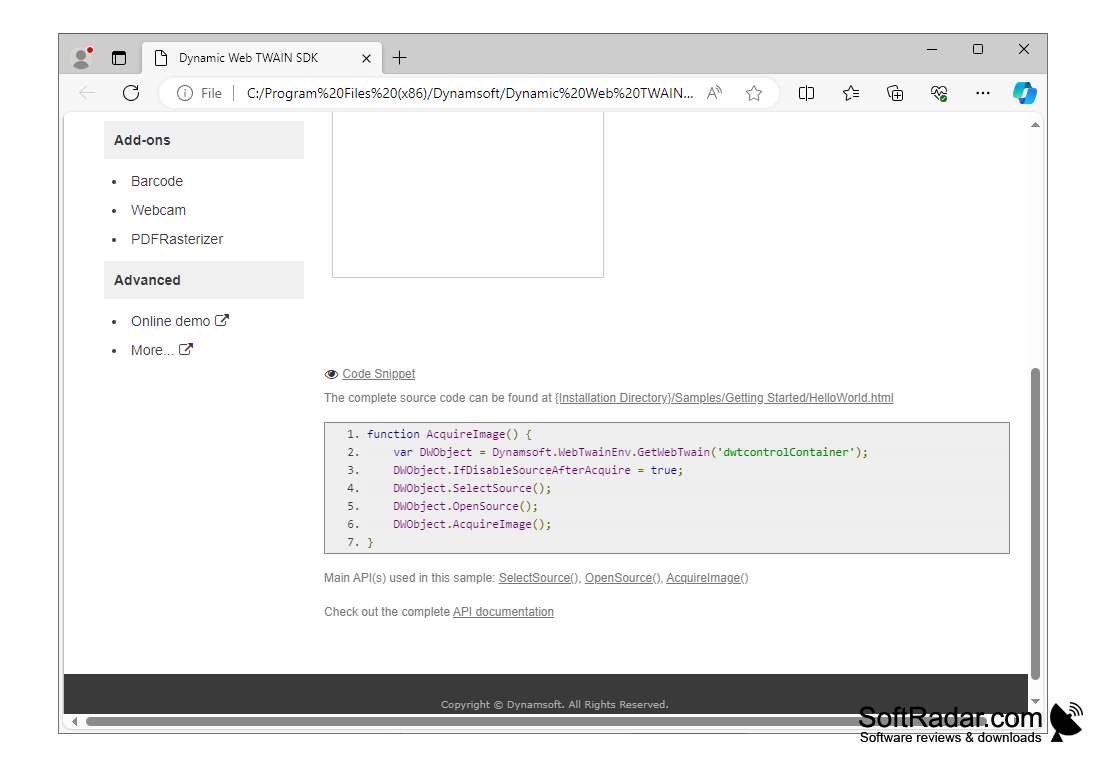
TWAIN Scanning SDK for Web Browers is a browser-based software program that takes only a small amount of JavaScript code to use with web applications. It is compatible with different operating systems, including Windows, OS, and Linux.
Features:
- With TWAIN Scanning SDK, you can extract text from images, both Western text, and Arabic text.
- With TWAIN Scanning SDK, you can convert .pdf text into images
- With TWAIN Scanning SDK, it will support image saving in a various array of formats, including .jpg, .tiff.
- TWAIN Scanning SDK has a barcode reader that will read linear barcodes, QRCode and DataMatrix.
It takes on a small amount of Java Script.
Because TWAIN Scanning SDK is easy to use, has easy integration and takes only a few short lines of JavaScript, you can edit images quickly and more accurately than with another application. TWAIN Scanning SDK is compatible with multiple operating systems and has a large number of features that make it a superior product. TWAIN Scanning SDK supports session and cookie integration for HTTP uploading images. The added security features of TWAIN Scanning SDK alone make it a valuable addition. TWAIN Scanning SDK has data encryption, HTTPS downloading and uploading and will store scanned images in memory that your company can be in compliance with all HIPPA laws. And, if all of the above is not enough to convince anyone that TWAIN Scanning SDK is the perfect application for your business, whether it be large, small or somewhere in between, you can be sure that TWAIN Scanning SDK impressive list of global customers such as IBM, Lockheed Martin, PICS and VALID all agree that this application handles all of their needs seamlessly and impressively for such an easy to integrate software package. Look forward, not back. TWAIN Scanning SDK is the next greatest product in browser-based document scanning.
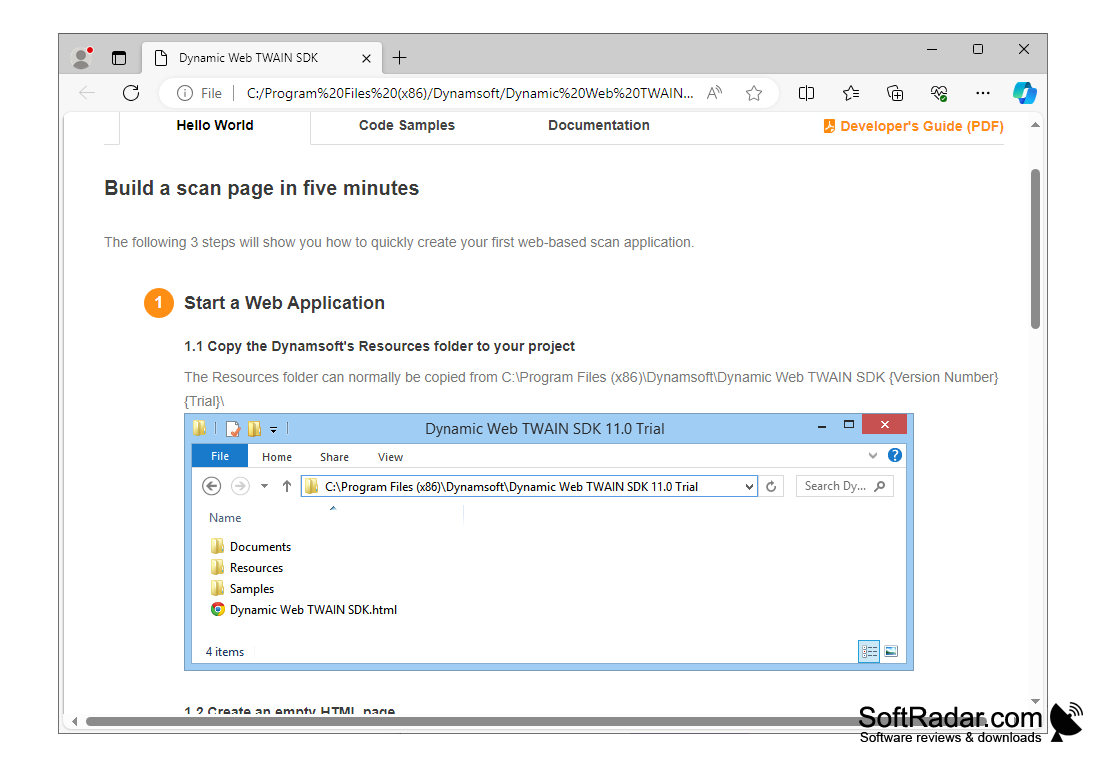
2. JavaScript enabled web browser
3. Ability to support image saving in different formats
4. Supports HTTP uploading with session and cookie integration
PROS
Offers secure data transfer with SSL encryption.
Allows customization with rich APIs and event handling capabilities.
CONS
Limited support for mobile devices.
Occasional slow performance with large documents.


