
EMU8086
emu8086 is an 8086 microprocessor emulator with a built-in assembler, source editor and debugger for Windows.

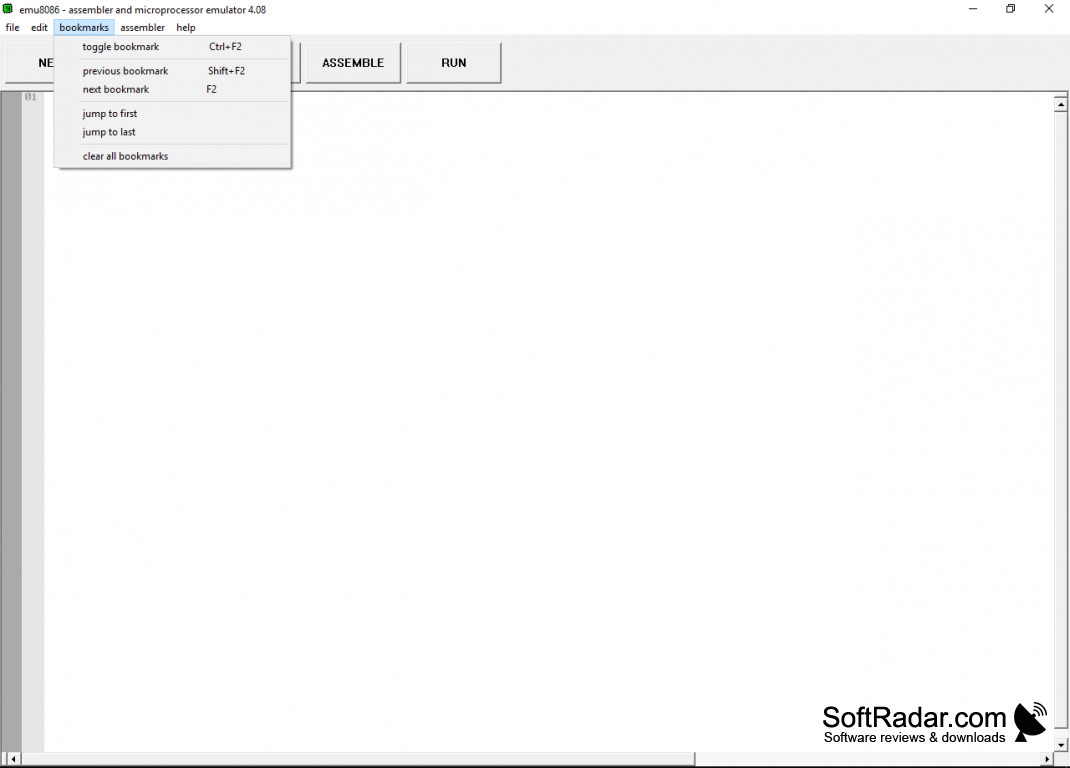
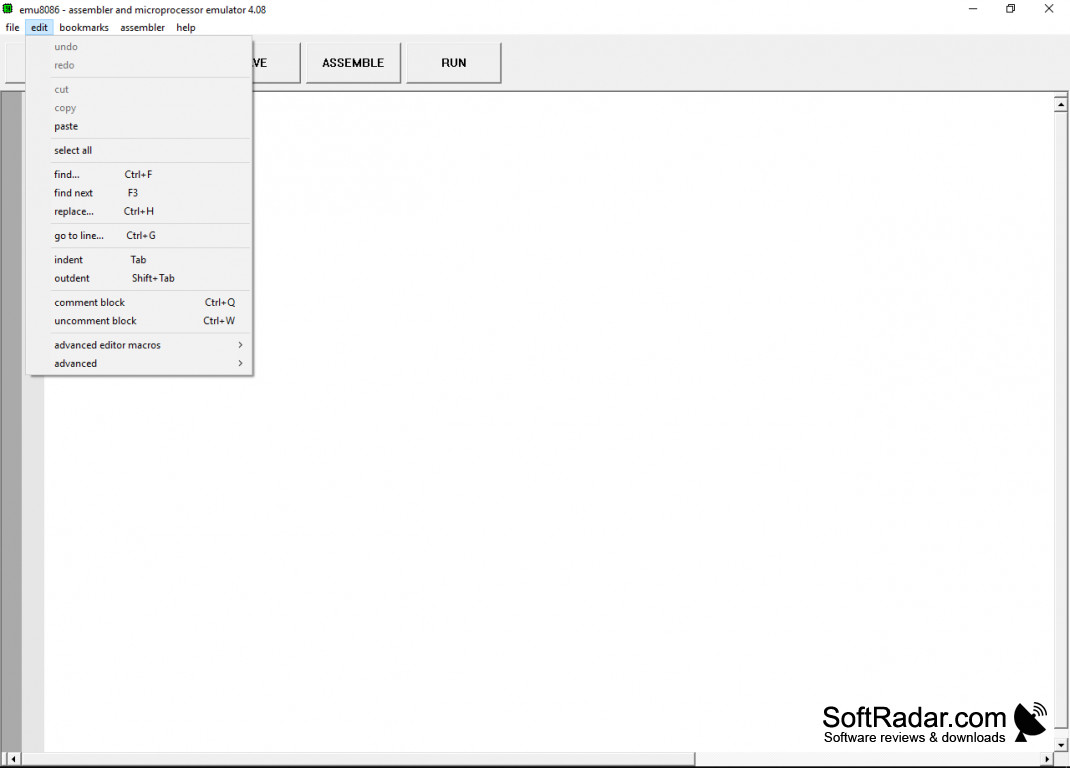
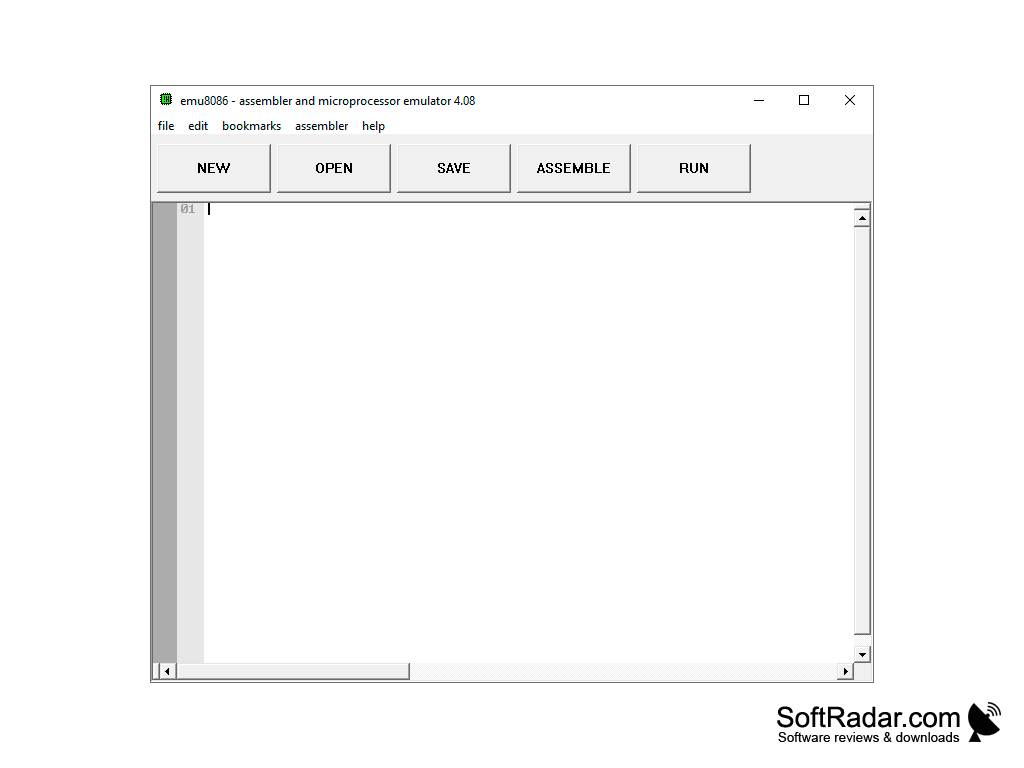
This product allows students and enthusiasts alike to explore the 8086 processor through an emulation program. emu8086 combines a source code editor, an assembler, a disassembler and a software emulator of the 8086 microprocessor with a debugger, so you can write code, compile it and run it on a virtual PC. The program was designed for learning: every instruction can be traced, and the built-in help contains an 8086 instruction set reference and assembly language tutorials for beginners.
Features:
- Emulates the 8086 CPU together with a virtual screen, memory, keyboard and I/O ports.
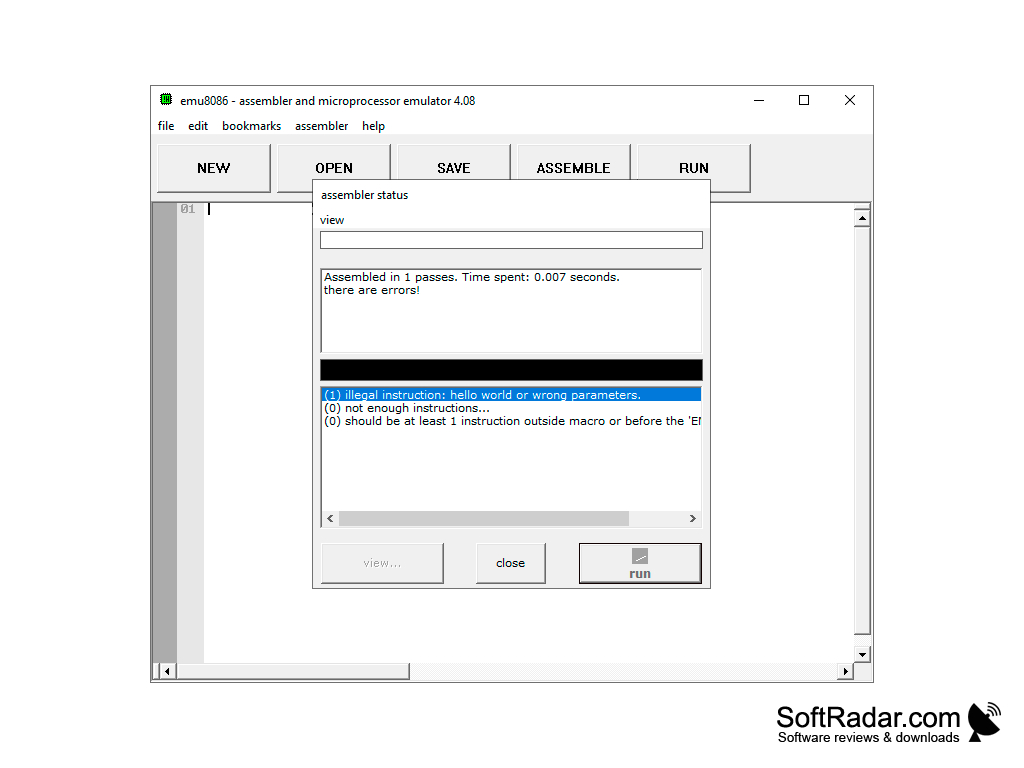
- Has an integrated assembler that compiles the code from the built-in editor and lists any errors in a clear display.
- Can create .com, .exe and .bin files that run on DOS-compatible x86 PCs.
- User-friendly. Includes tutorials and many sample programs that are easy to use and understand.
- Shows CPU registers, flags, stack, memory and variables while the program runs.
Lets you write 8086 assembly code, compile it and watch it run step by step on a virtual PC with registers and memory in view.
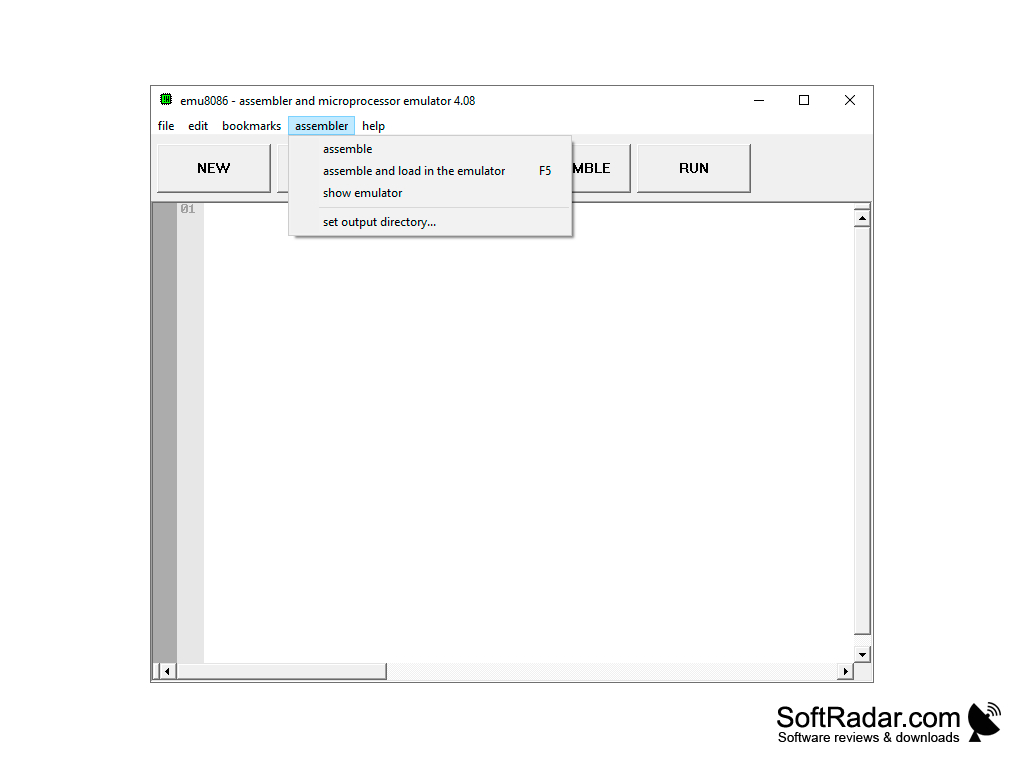
When it comes to learning assembly language, this emulator is a practical tool: programs run in an isolated virtual machine, so mistakes cannot affect the real computer. The emulator can run code step by step and even step back, while showing how each instruction changes the registers, flags and memory, and the step delay can be set for automatic runs. Compiled programs can be saved, and the output directory for them can be chosen in the assembler menu. Virtual devices such as an LED display, a stepper motor, traffic lights and a simple robot are connected to the emulated I/O ports, so you can practice controlling hardware from assembly code. For both beginners and teachers of microprocessor courses, this makes the 8086 architecture much easier to understand than reading about it in a book. The program is shareware: it can be tried before buying, and private, school and site licences were sold on the developer's website. The last version, 4.08, is old and the program is no longer updated, but it still runs on Windows XP, Vista, 7 and 10, and it remains popular in university assembly courses.
PROS
Interface is user-friendly and easy to navigate.
Supports debugging and single-step execution mode.
CONS
Outdated interface with non-intuitive controls.
No longer updated by its developer.


