k2pdfopt
It helps convert pdf files on mobile devices
Operating system: Windows
Publisher: Willus.com
Release: k2pdfopt 2.51a
Antivirus check: VirusTotal report
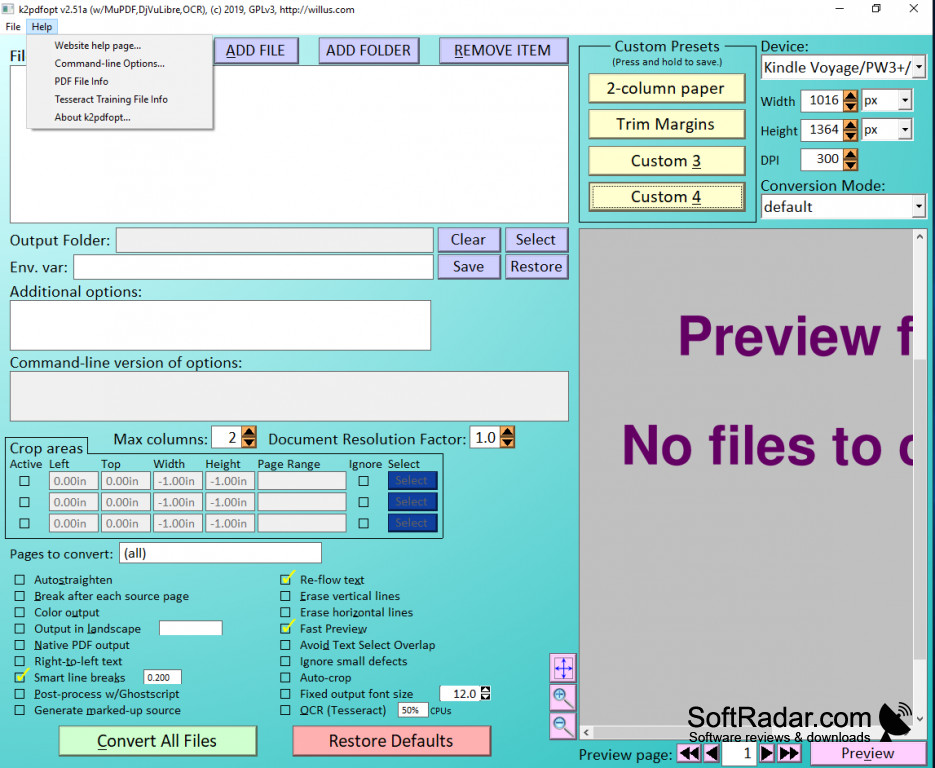
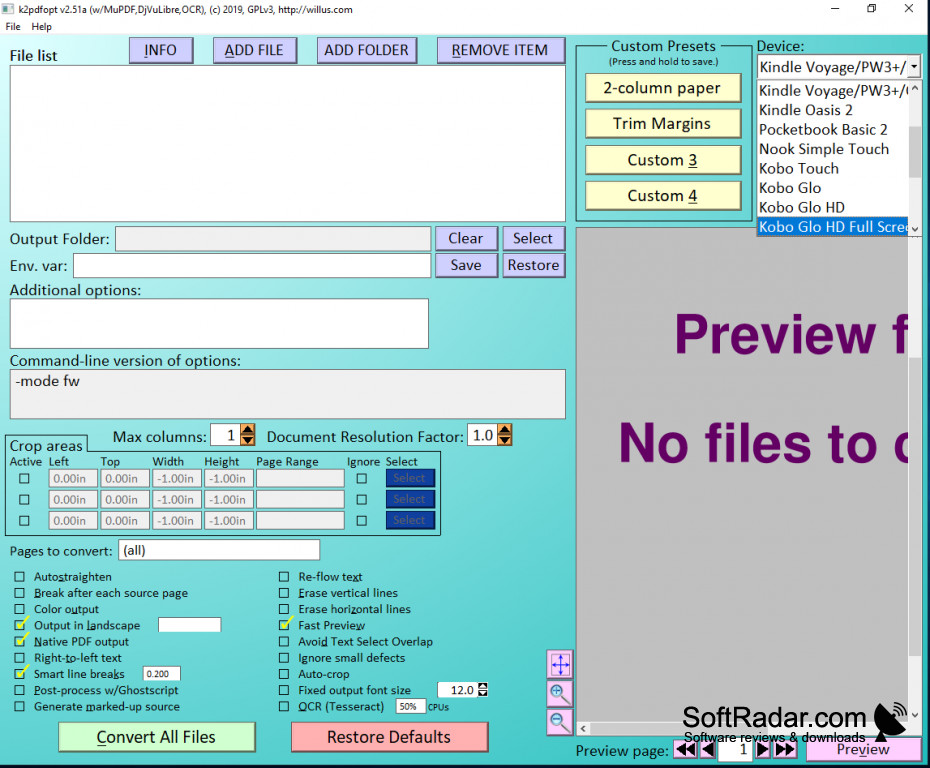
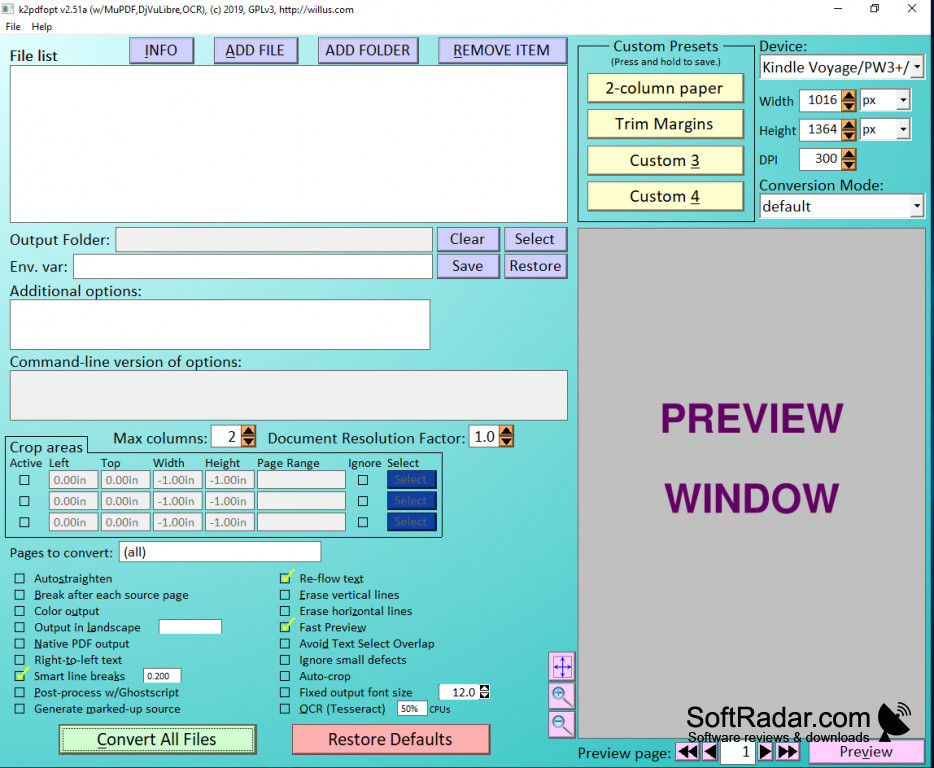
K2pdfopt is a very simple new software that can be used on any mobile device to help people view, share, and search for their pdf files. There are a lot of settings available so you can set your own specific needs for the pdf files.
Features:
- Cuts and crops documents
- Gets rid of unnecessary white space
- Converts pdf files to fit mobile devices
- reassembles text to flow better on a smaller space
- Can convert multiple files into mobile-friendly text
- No Adware
- won't reduce resolution
You wont have to manipulate the text in anyway, it automatically reduces the size of the document to make reading on a mobile device easier
K2pdfopt Cuts down on unnecessary spaces that are normally there on pdf files and shrinks them down for easier viewing on mobile devices, the quality of the images won't be reduced in anyway. It takes something readable on any device and makes it just as readable but more efficient on smaller devices like cell phones and Kindles. Paragraph formats and new sentences will look just as organized even when reflowing the text is necessary. There are multiple settings available in the software that you can test out to see if it makes the file just right, or the way that you want it.
K2pdfopt can even make pdf files easier to share and search for once they are converted for use on a mobile device. Installing this new software is also very simple. This is a new and easier to way to view, share, and search for the files that are needed.
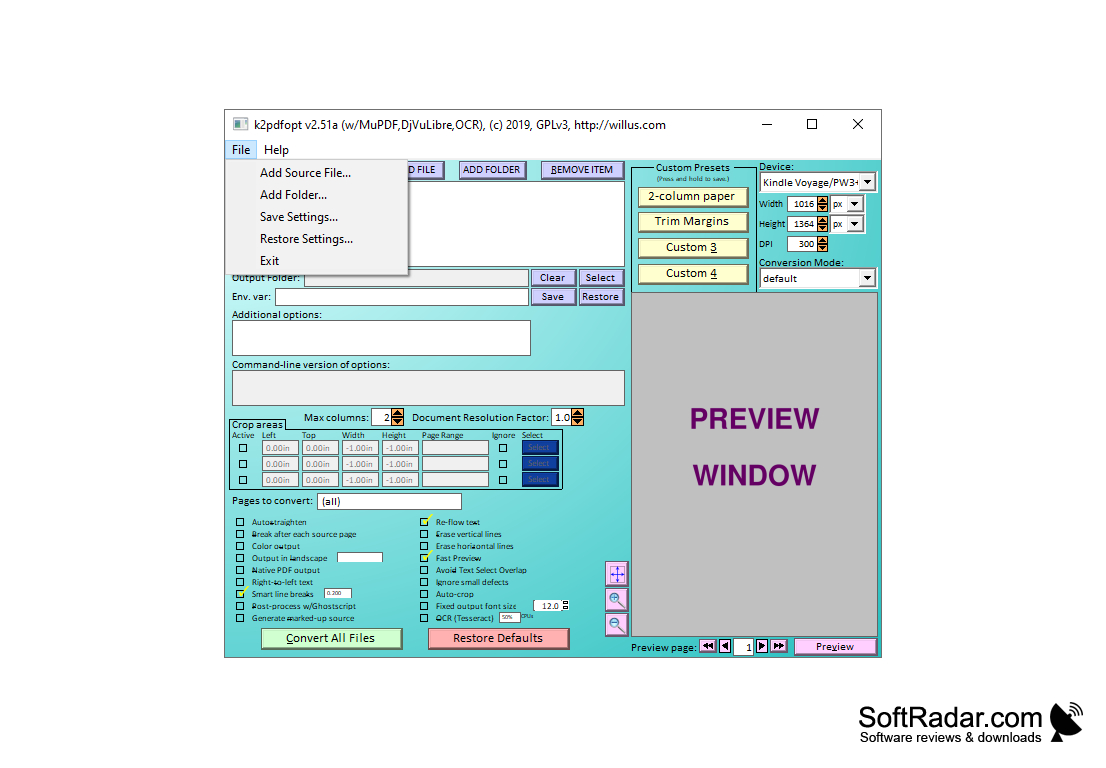
You don't need to be tech savvy to use this software, it's very self-explanatory. The front page where you will be doing the converting is easy to use and understand for anybody. The installation process is also very simple via your mobile devices web browser. There are a lot of sites that allow you to view and install the software and it's perfectly safe for your device to do so.
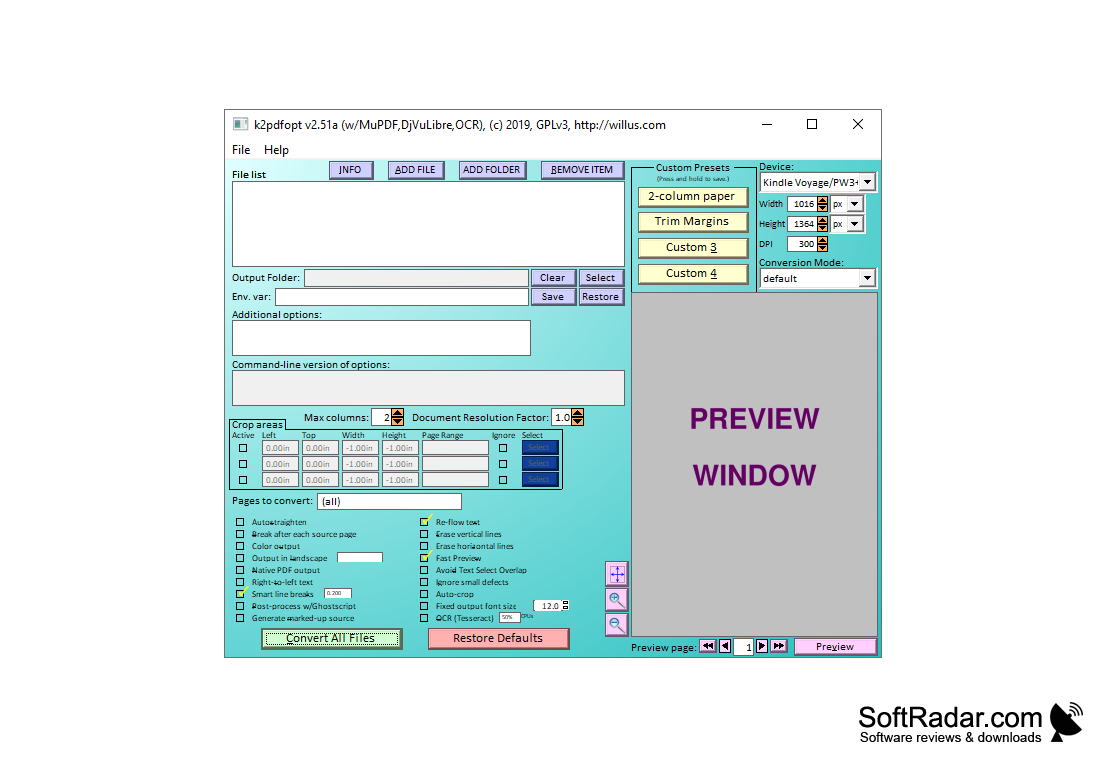
No adware to worry about and is very safe and simple for anybody to use.
PROS
Provides OCR technology for scanned documents.
Features adjustable output resolutions and sizes.
CONS
Limited support for non-English languages.
Interface is not intuitively designed.


