
MagicScore Maestro
Write or edit your own music and access it anywhere at anytime!
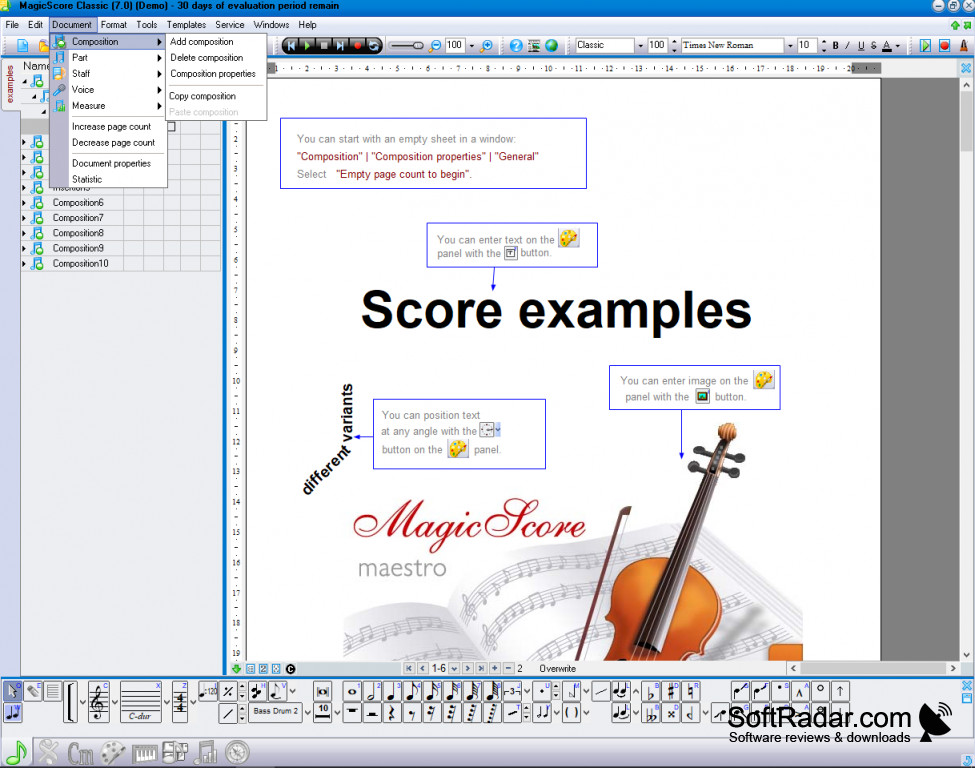
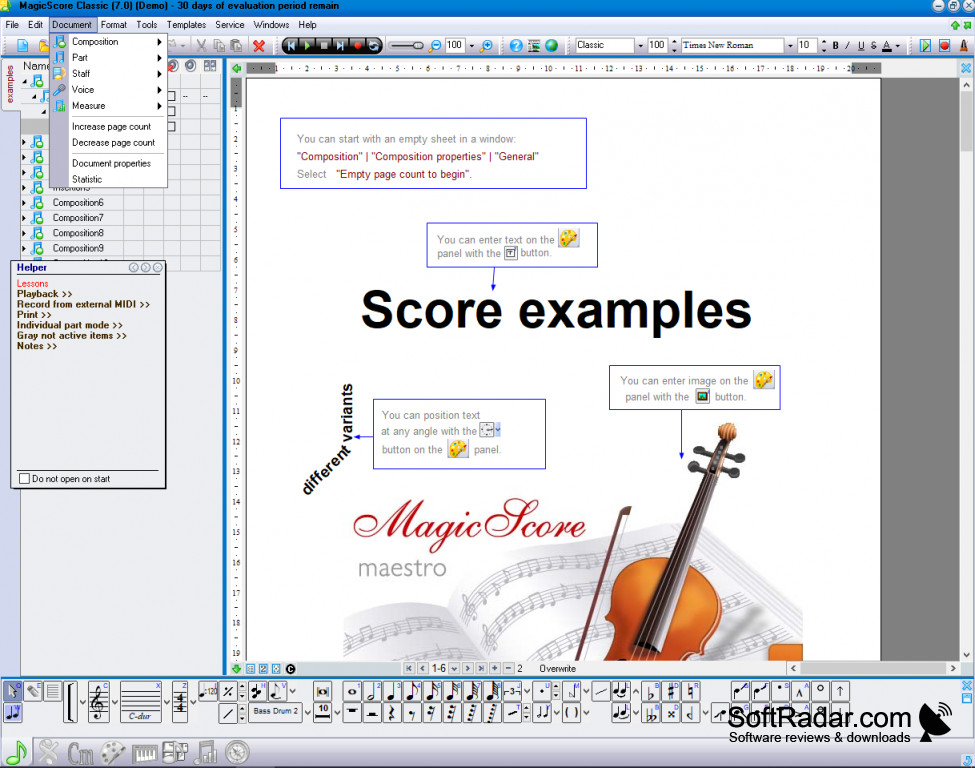
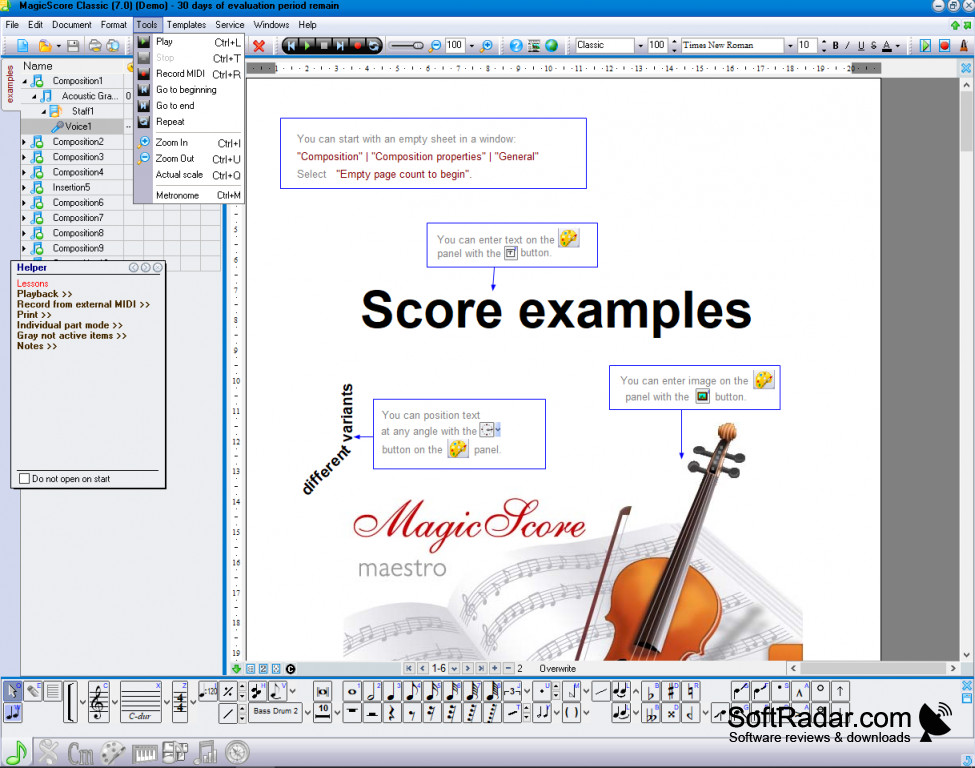
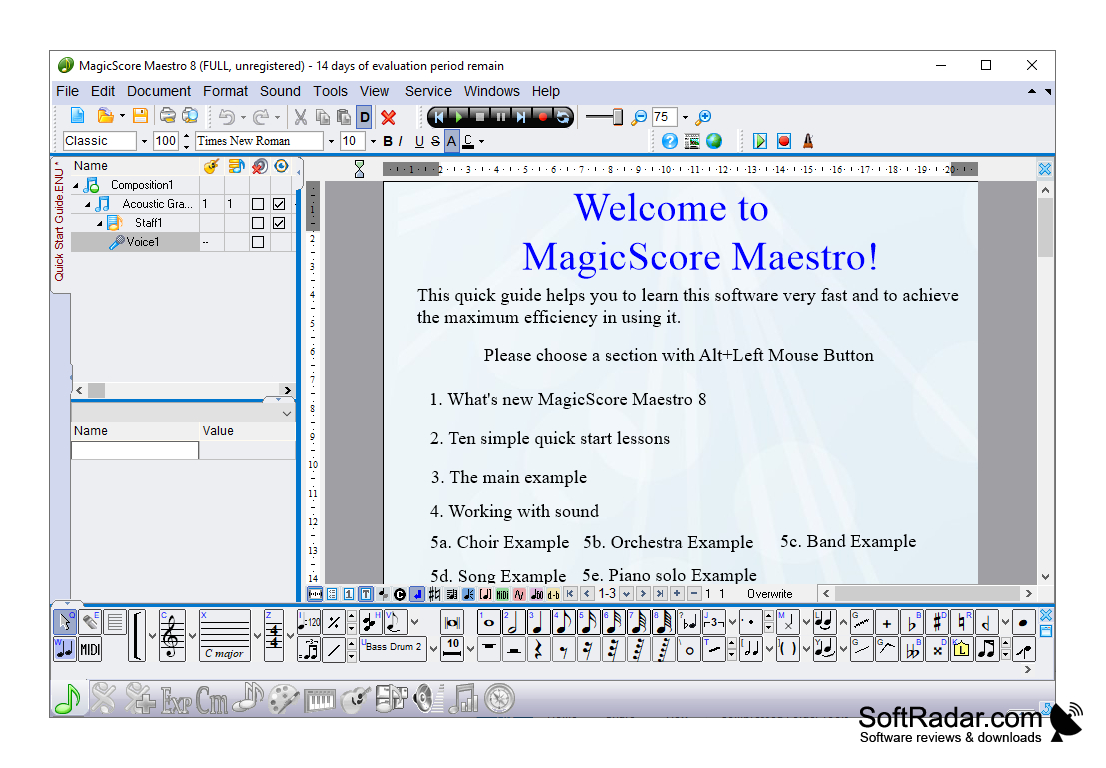
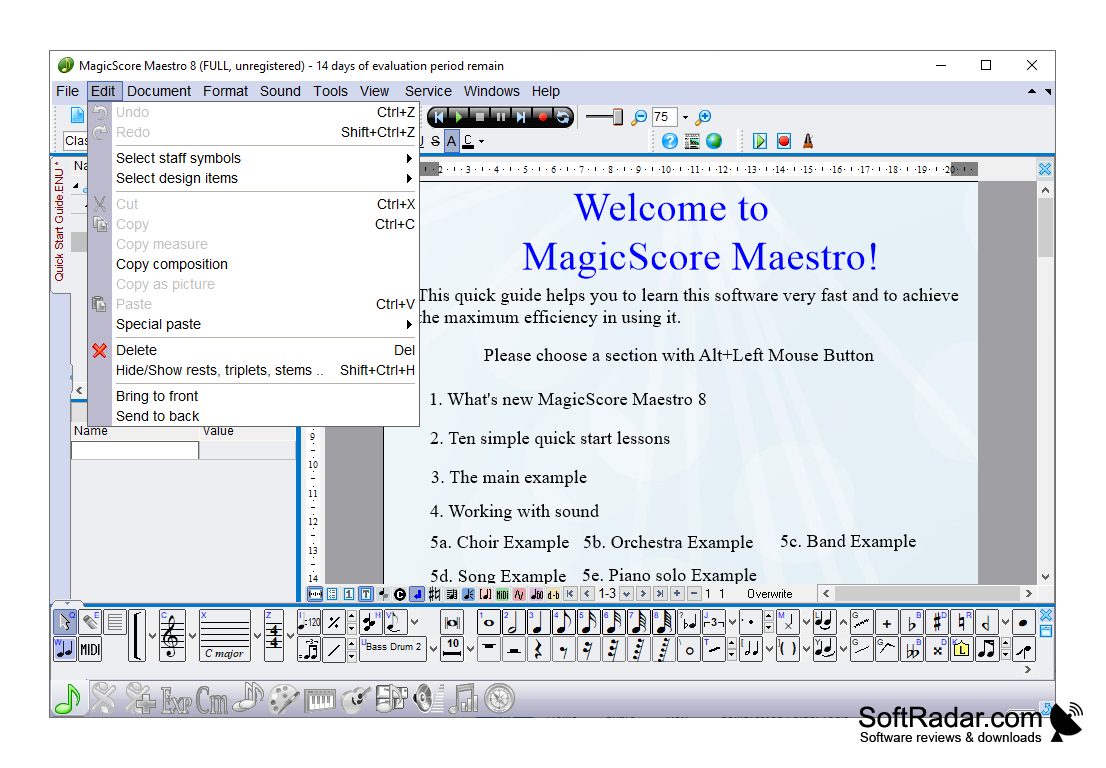
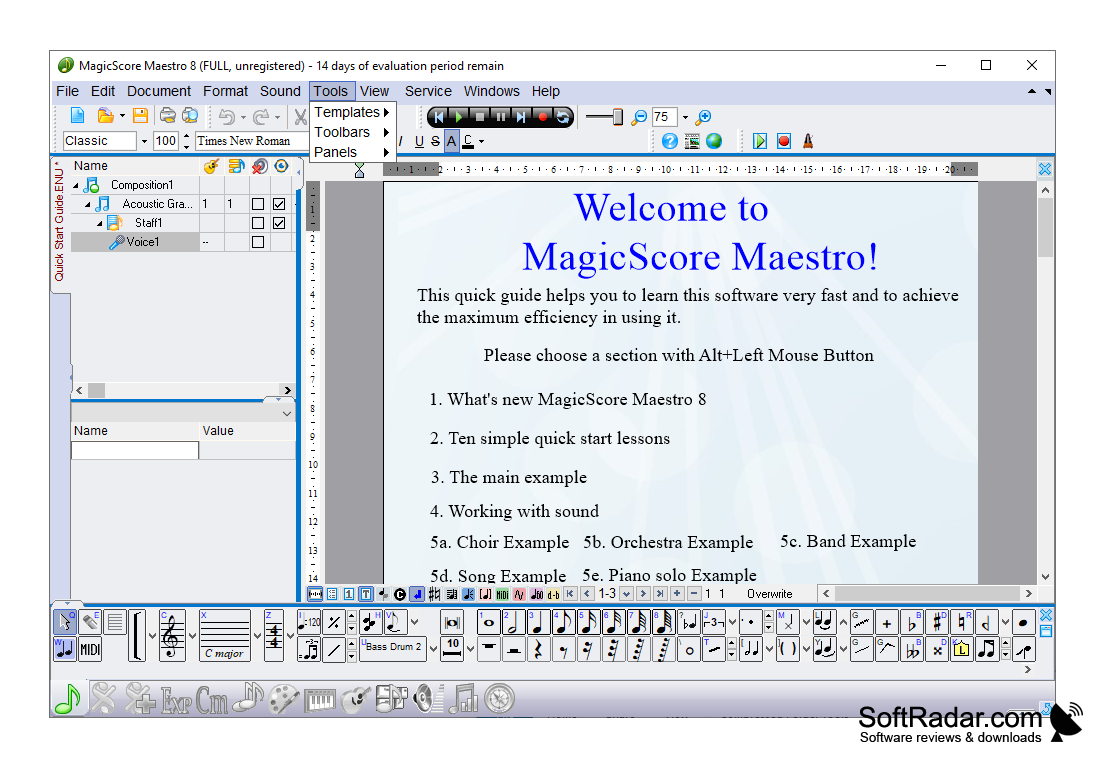
The MagicScore Maestro software allows you to create or edit an endless amount of musical compositions relatively easy. It gives you a wide range of options to tune the music to the way you need it or want it. It allows you to control notes, patterns, key signatures, rhythms, notations, accidentals, and much more. It comes in a wide variety of supported file and image formats to be compatible with the widest range of operating systems possible. It really tries to be as adaptable as it can be given the difficult nature of compositions in general. But for the right user, this is an invaluable tool that you simply can't go without.
Features:
- Saves in all the popular image formats like JPEG, GIF, PNG, BMP. And supports the popular audio files of WAV, MP3. The files are easily accessible in PDF and MIDI.
- Uses the latest operating systems for Windows, 7,8, and 10.
- Provides training videos, lesson learnings, and multiple help tools to make using this software like a walk in the park.
- Provides multiple instrument capabilities, key signatures, note values, rest values, accents, volume notation, time signatures, demarcations like codas, and so much more!
You get to make the specific changes you need, how you need them.
In conclusion, to continue teaching music without this tool is really making your job so much harder than it really needs to be. What this software provides is like none other. You can load, edit, change and write material as you need it. It is widely supported and widely used for it's intuitive techniques and approaches to compositions of all kinds. You need this in the classroom. That's all there is to it. There's nothing else like it on the market for this price with these capabilities.
Memory: 2GB RAM minimum recommended
Hard Disk: 200 MB free space
Sound card compatible for audio playback
PROS
Easy to navigate user interface.
Includes comprehensive suite of musical composition tools.
CONS
Lacks a comprehensive user guide or tutorial.
Occasional software stability issues reported.