
MorphVOX
MorphVOX is a real-time voice changer for Windows that alters your voice in games, chat programs and recordings.
Operating system: Windows
Publisher: Screaming Bee Inc.
Release: MorphVOX 4.4.75
Antivirus check: VirusTotal report
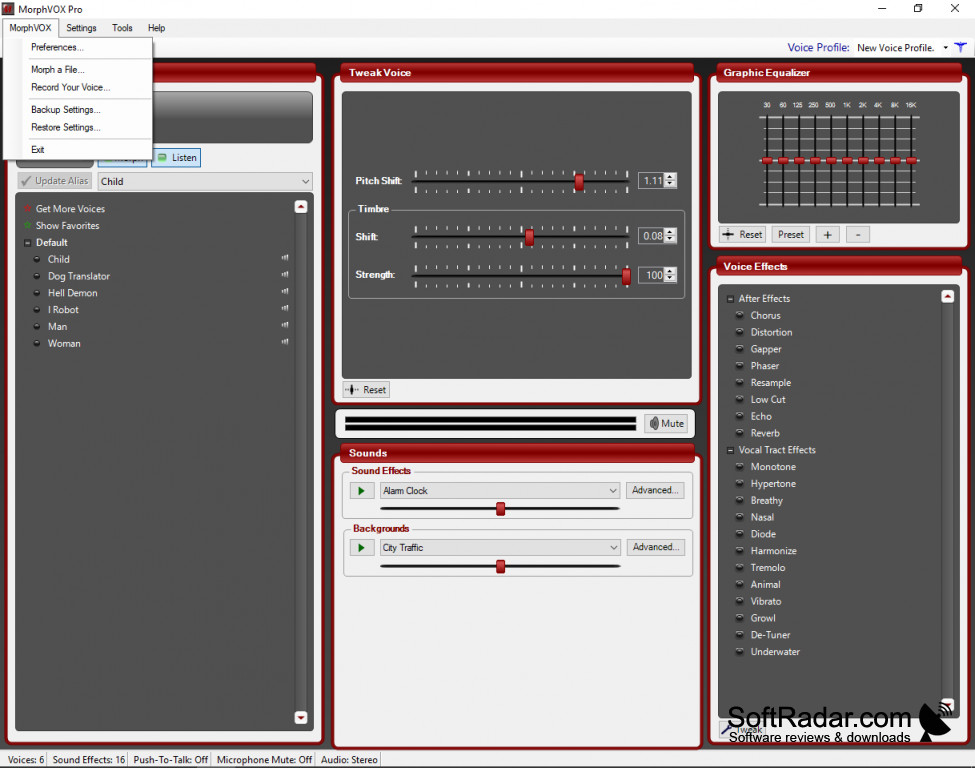
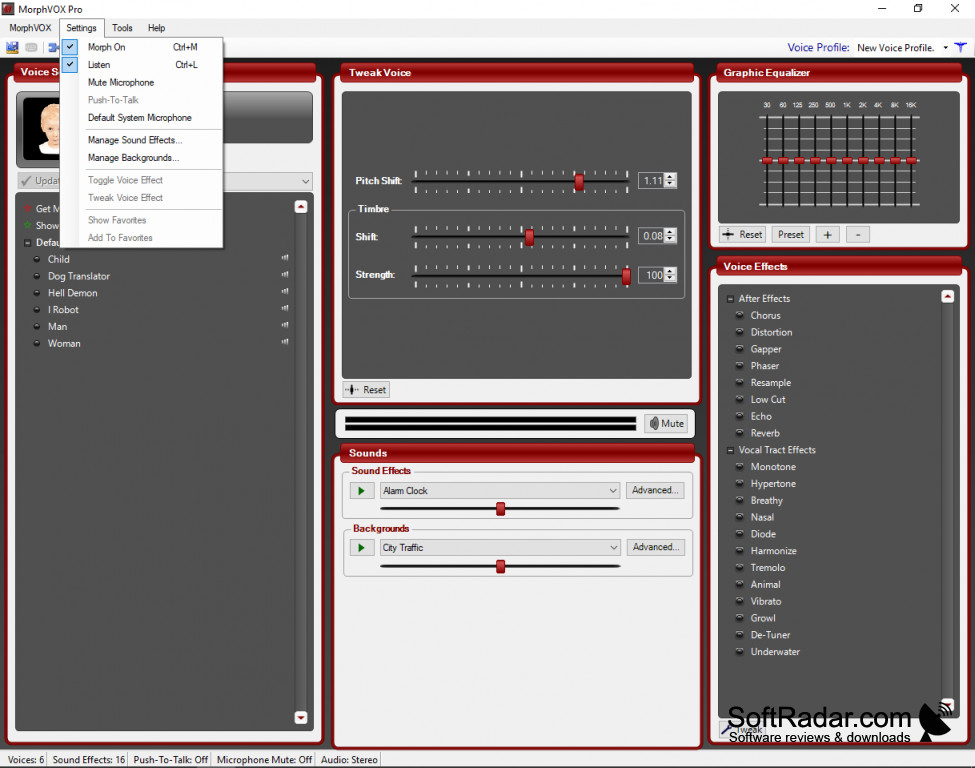
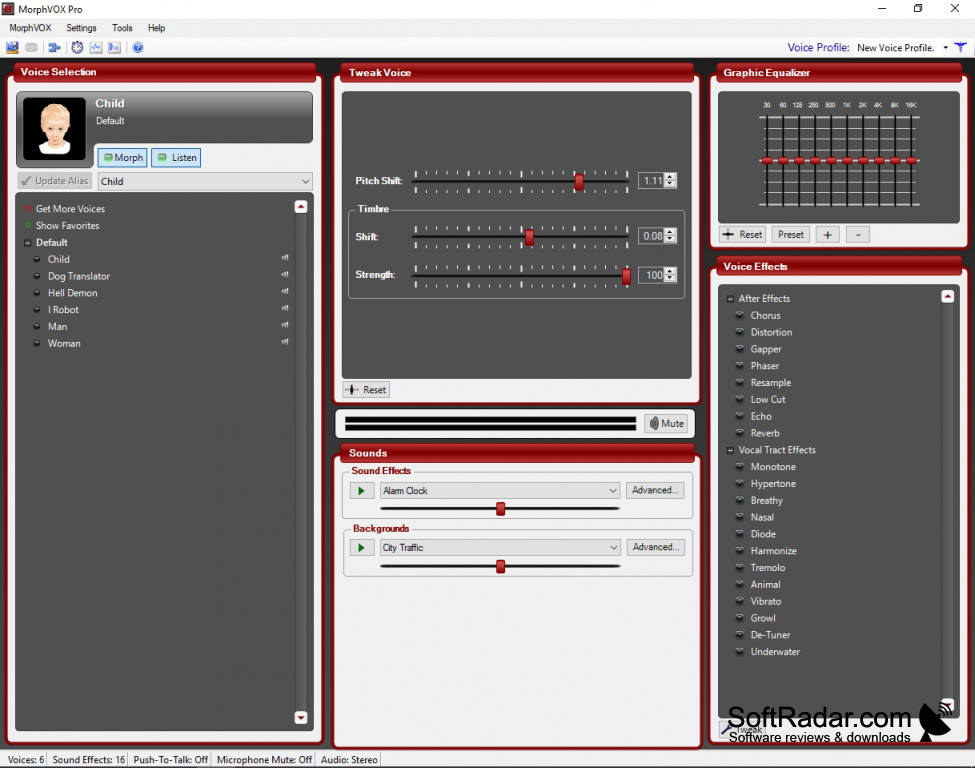
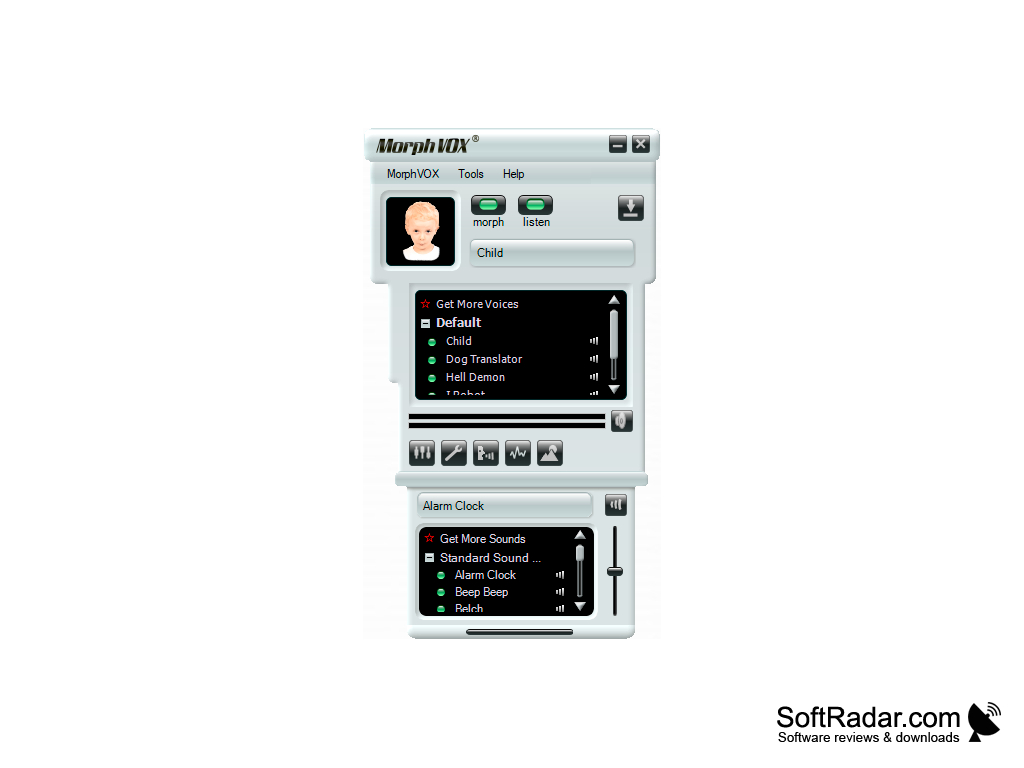
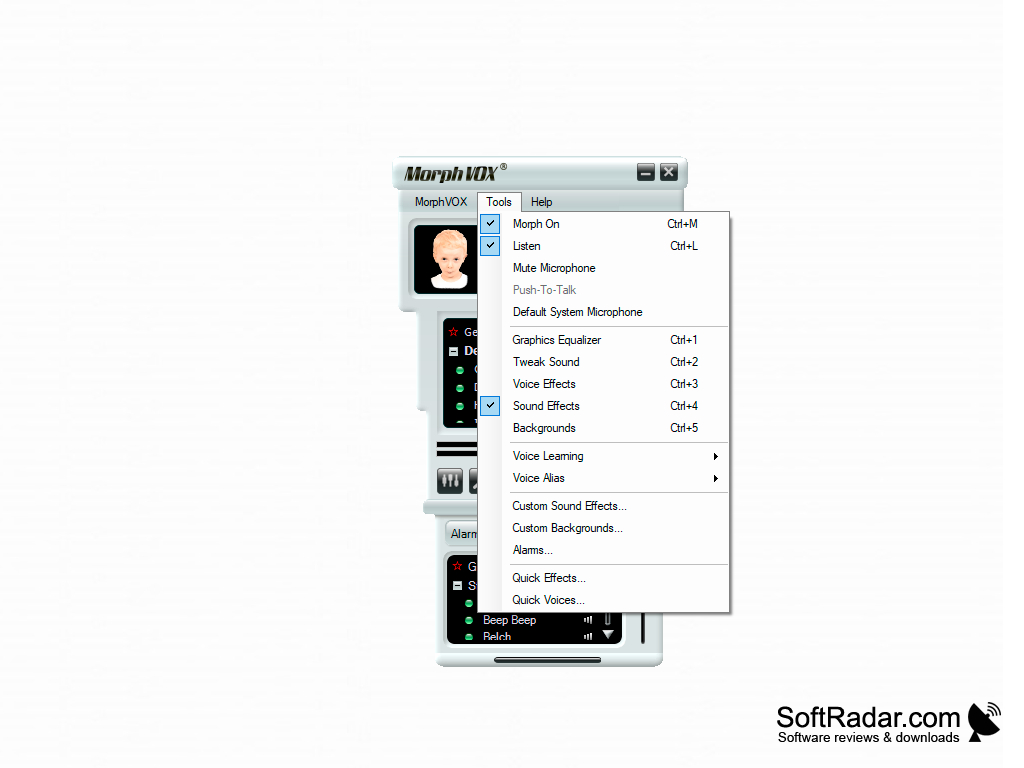
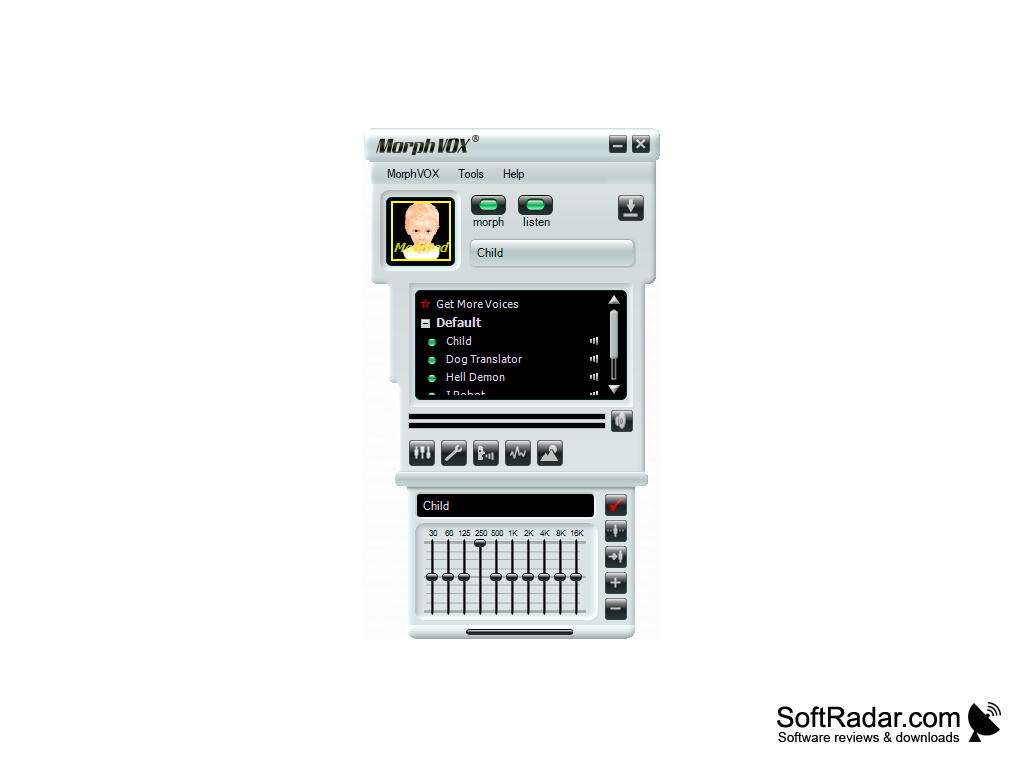
MorphVox is a voice changing program from Screaming Bee that processes your microphone in real time with a large set of voices and effects. MorphVox comes in two versions, one free and one paid. One is the Pro version, which gives you many more voices, effects and settings for tuning them. One is the Junior version, which is free and includes a basic set of voices: man, woman and little folk. You can sound like a monster, a child, a robot or a woman, and more voice packs can be added from the program. MorphVOX can be used with most common chat programs and online games, such as Discord, Skype and VRChat. There is also custom keymapping, so voices and effects can be switched with hotkeys during a game or chat. A setup wizard adjusts the microphone and the voice settings, so you can start using it after a few clicks.
Features:
- Quick and easy set up, with a wizard that helps adjust your sound and microphone.
- Voice learning adapts the voice changer to your own voice for better sound quality.
- Create your own custom voices with pitch and timbre controls.
- Low CPU usage, so it can run alongside games and chat programs.
- Built-in sound effects and backgrounds, with a ten band equalizer to tune the result.
- Morph already recorded audio files and record your own voice.
MorphVOX adapts to your voice and lets you add voices, sound effects and backgrounds to your microphone audio in real time.
MorphVox Pro adds voice effects such as echo, reverb, chorus and distortion, noise reduction, and background sounds that simulate different places. The Pro version can be tried for free before buying, and the Junior version stays free for basic use. With the shortcuts available for your common functions on your joystick or keyboard, a new voice is just a button away. It can also give your online role-playing character its own voice in games and voice chats. If you are looking for an easy real-time voice changer for Windows, MorphVOX covers both casual use and more detailed voice tuning.
Pentium 4 1.0 GHz CPU
1 GB RAM
Microsoft .NET Framework 4.0 or later
Sound card, microphone and speakers
PROS
Hotkeys switch voices and effects quickly.
Allows real-time voice change during gaming or chatting.
CONS
Pro version must be bought after the free trial.
Limited voice effects in the free version.


