
MyLifeOrganized
An organizer tool that allows you to easily manage your to-do lists
Operating system: Windows
Publisher: mylifeorganized.net
Release: MyLifeOrganized 5.0.1
Antivirus check: VirusTotal report

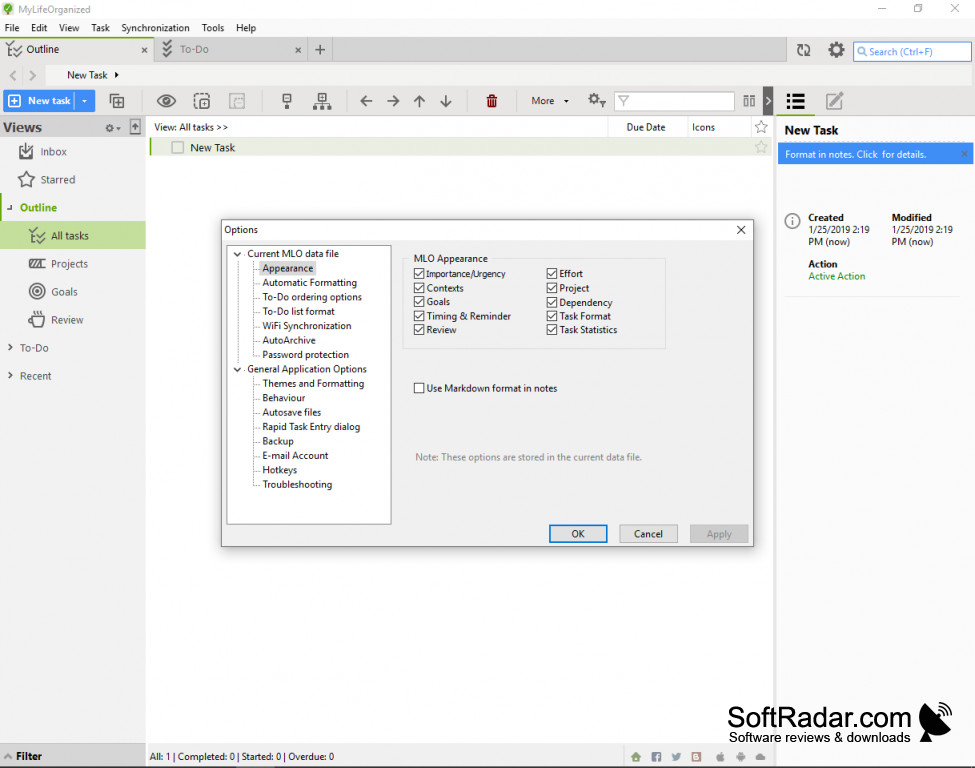

MyLifeOrganized is an application that allows you to manage your daily and long-term task lists. The app can optimize your efficiency by allowing you to list all of your significant tasks into one short, easy to understand interface available upon your request.
Features:
- Able to breaks down large tasks into simpler, smart goals.
- Seamless app use by streamlining from Personal computer to a mobile device, and vice Versa.
- A filter search feature that allows you to organize goals by context/topic
- Reminders for any deadlines that are expiring soon
- Alerts that are signaled based on location (specific to mobile devices)
- Cloud service that allows you to access your list anywhere
- New task generation by emailing your MyLifeOrganized account
It can sync with other apps such as google calendar
This application can ease your everyday life by outlining your daily tasks out clearly for you, ranging from arriving at a meeting to remembering to go to the store for last minute groceries. MyLifeOrganized allows the user to access their list from virtually anywhere by offering a cloud sync feature that can be shared across any device with internet. Time management is facilitated through this app and is very resourceful for people that have everything to do but also only have 24 hours in a day.
You are also able to create sub-tasks within your to-do list tasks, especially important in those that require a great deal of planning and preparation. You can check off what needed to be done without having the entire project considered to be finished. This is essential for the optimal plan, most notably in the office where deadlines can pile up fairly quickly if they are not tackled piece by piece.
The software is available on Windows, and the mobile operating systems iOS and Android. A 45-day free trial is offered to new customers that are skeptical about its utility.
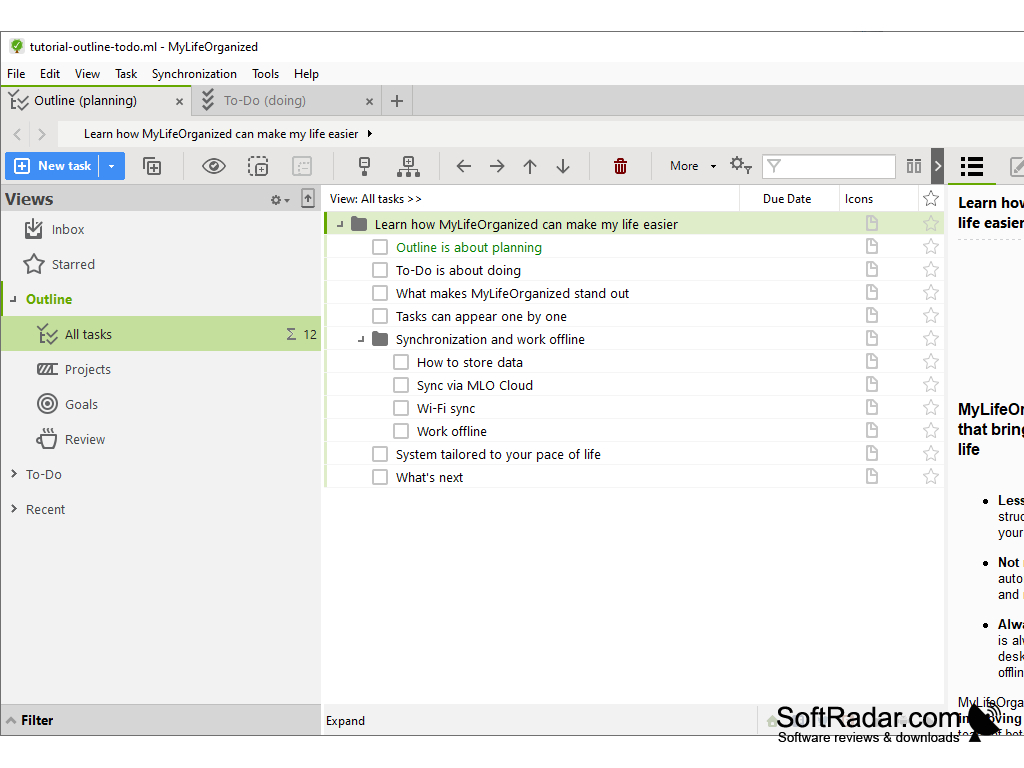
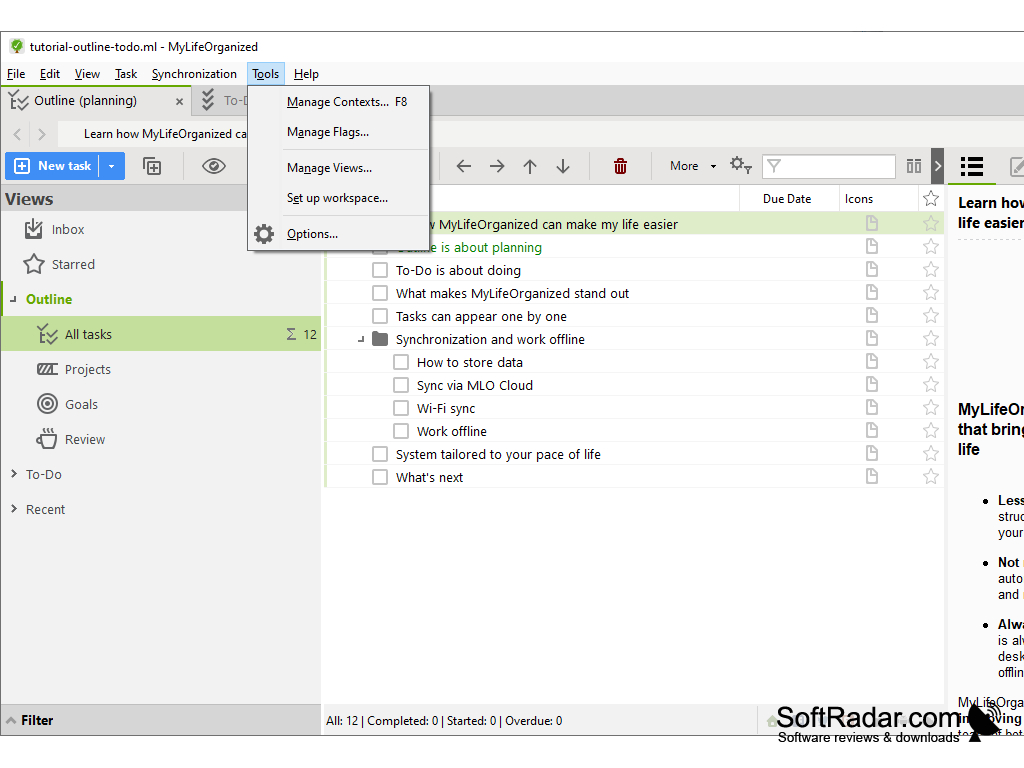
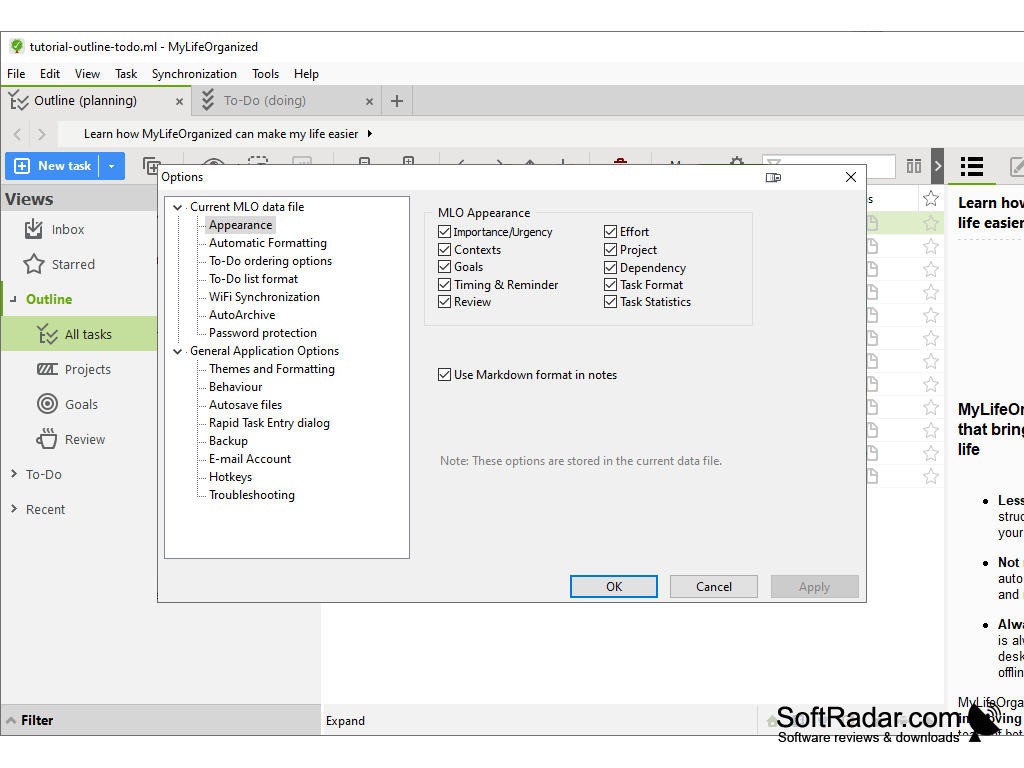
There is a standard license and PRO version that each has mobile counterparts.
PROS
Supports syncing across multiple devices.
Offers customizable templates for different projects.
CONS
Some users find the interface outdated and not user-friendly.
Lack of customer support has been reported by several users.


