NETGEAR Genie
Router managing software made specifically for NETGEAR devices
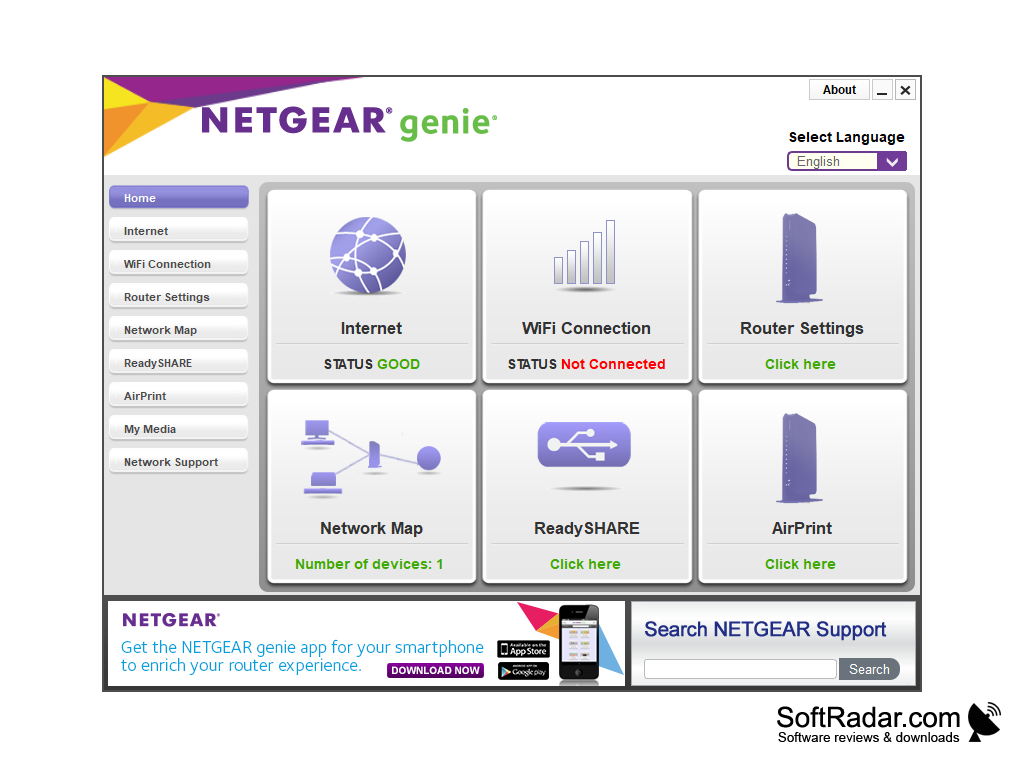
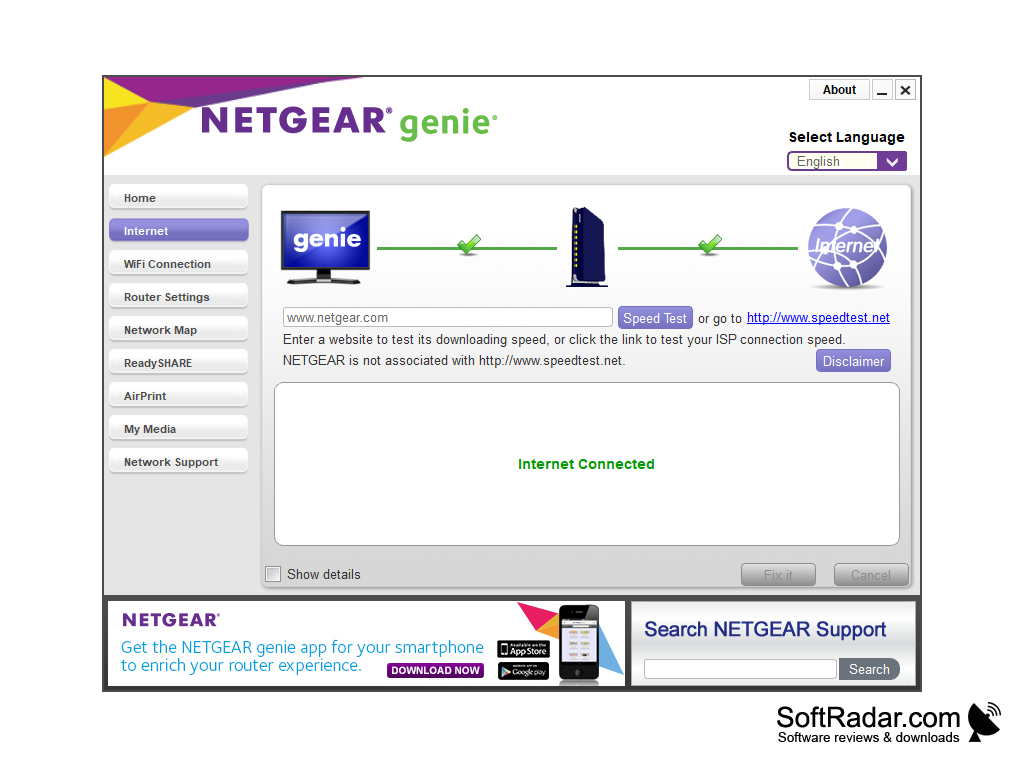
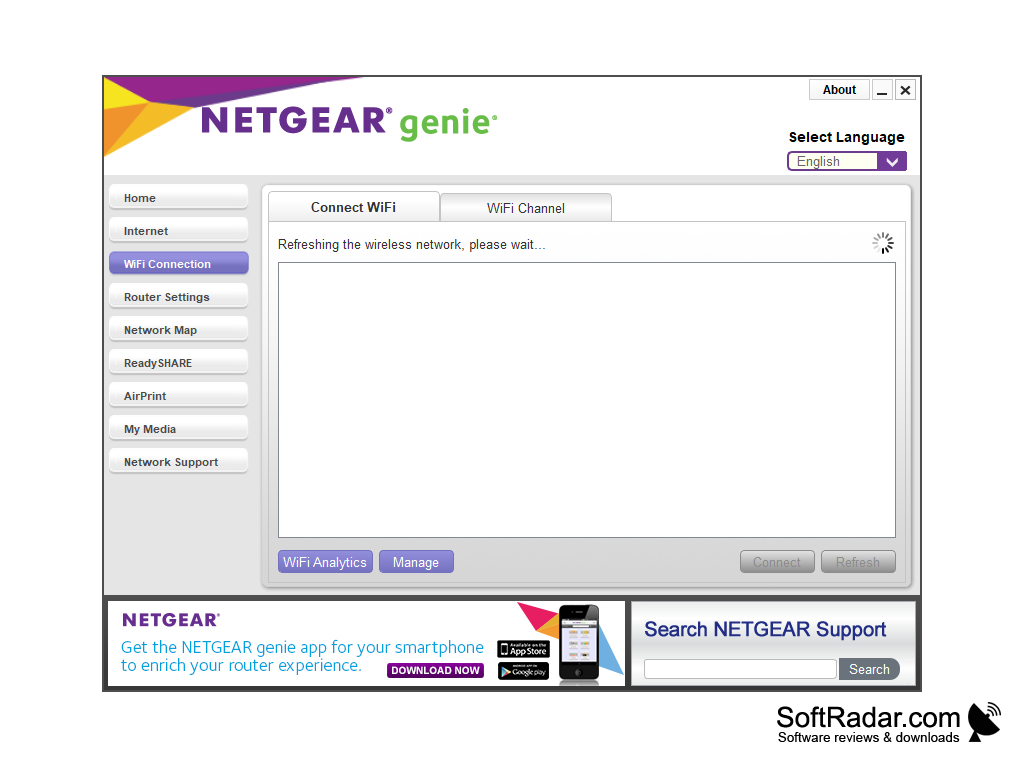
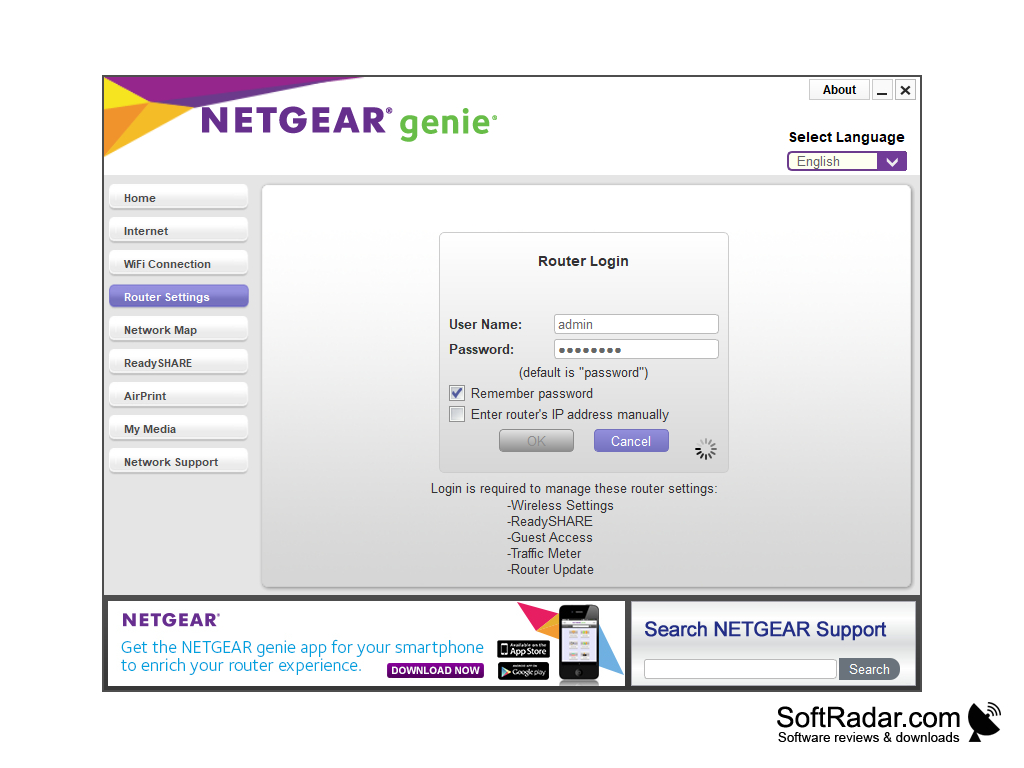
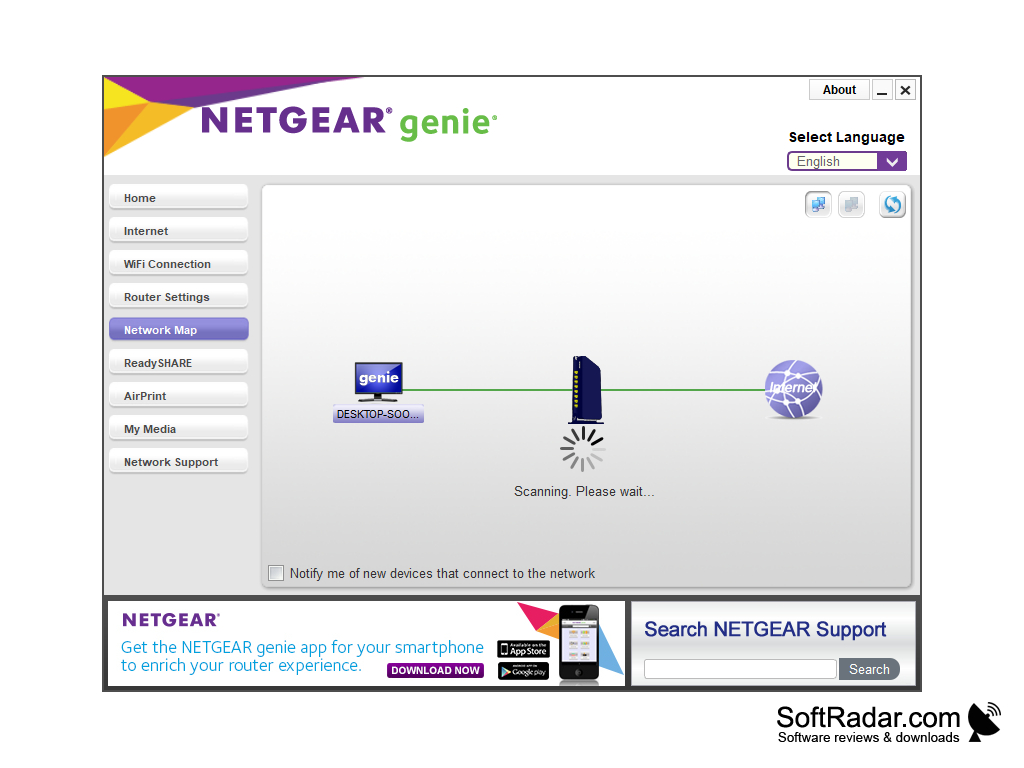
NETGEAR Genie is a set of tools to work with the network, diagnose Internet connection, set access parameters, eliminate various problems and so on. The utility interface is very convenient: tabs for switching to a certain set of tools are placed in the left side of the window, and the tools themselves are displayed in the middle as icons. The program functionality allows you to diagnose the wireless and wired Internet access channel, configure the router, view a network map of connected devices, configure parental control and use ReadySHARE. You can also run a speed test and monitor the incoming/outgoing traffic with the router's traffic meter.
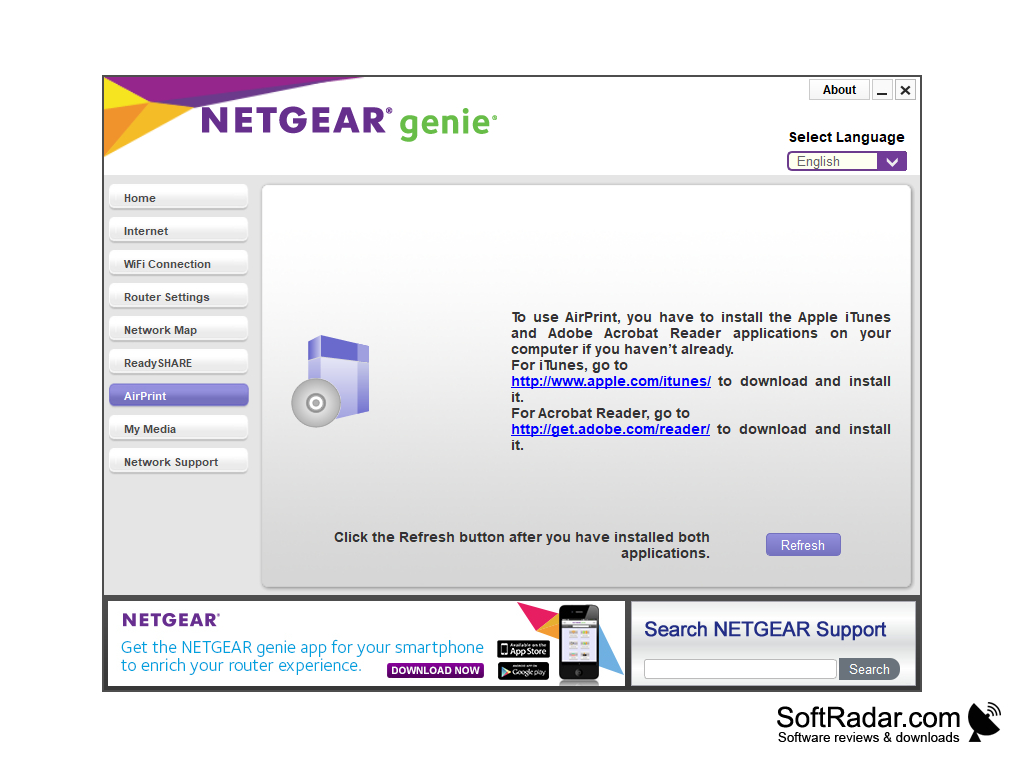
For Apple device owners, there is an AirPrint option that lets iPhones and iPads print to a printer connected to the PC; it requires Apple iTunes and Adobe Reader on the computer. Before using NETGEAR Genie, make sure your router is in the list of compatible ones. If the router is not in the list, only diagnostic functions will be available for operation. NETGEAR no longer updates the Genie app and recommends its Nighthawk app for newer routers.
NETGEAR Genie greatly simplifies network troubleshooting and management, allowing easy router configuration, traffic monitoring, and efficient problem-solving.
NETGEAR router for full functionality
PROS
Features real-time network monitoring.
Has robust parental control settings.
CONS
Occasionally experiences connectivity issues with routers.
No longer updated by NETGEAR.


