
PeerGuardian
An IP blocking firewall that improves privacy on P2P networks by blocking connections to addresses listed in blocklists.
Operating system: Windows
Publisher: Phoenix Labs
Release: PeerGuardian 2.0.6.4
Antivirus check: VirusTotal report

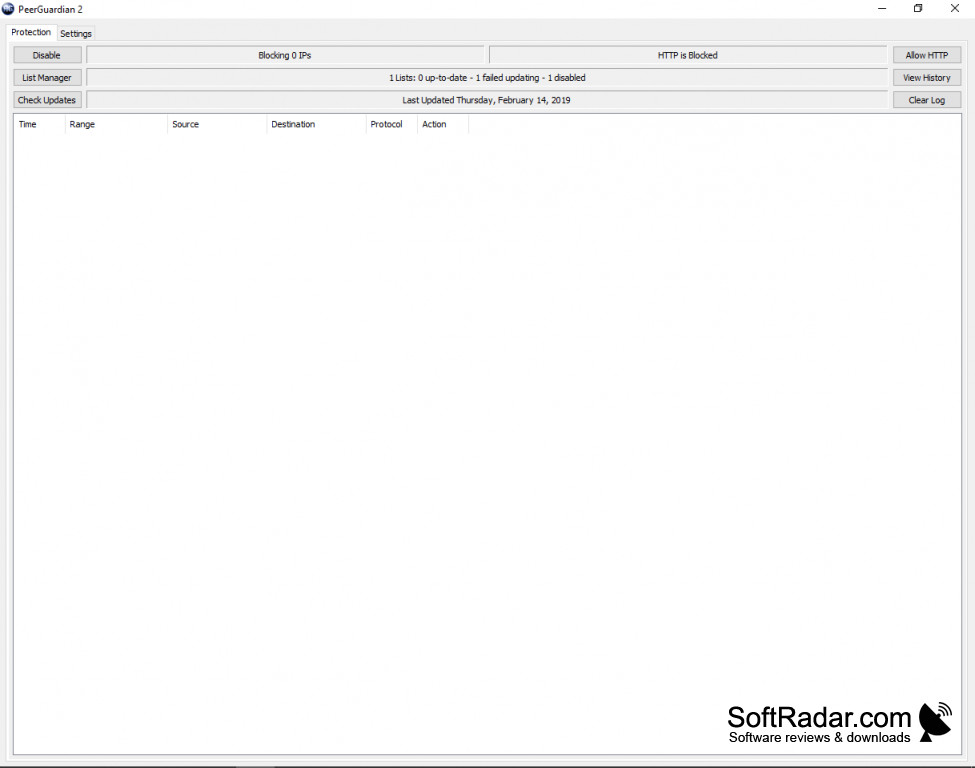
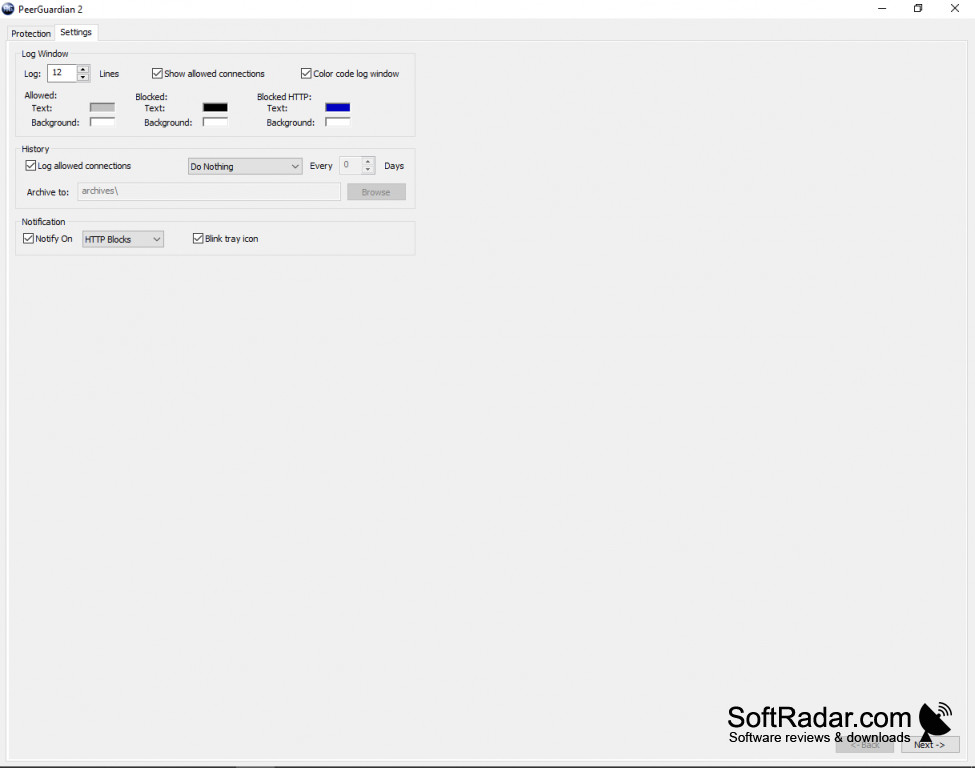
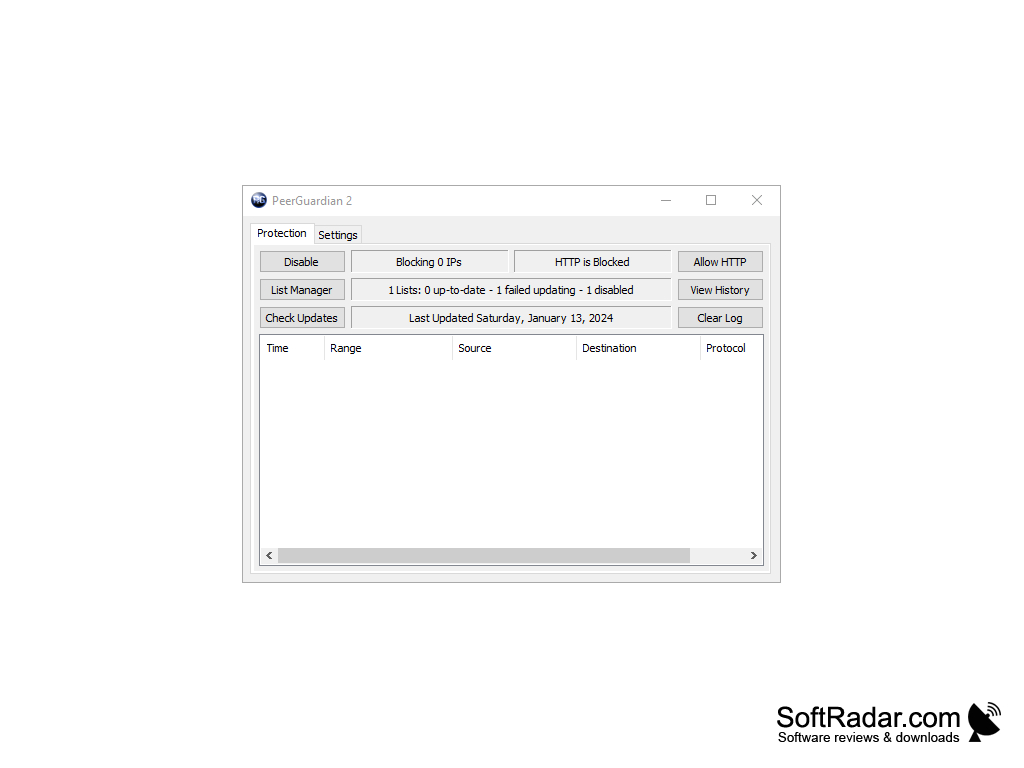
PeerGuardian is software developed primarily for improving the privacy and security of users. The software is primarily intended for users of peer to peer networks and works as a lightweight IP firewall that blocks connections to and from addresses listed in blocklists.
Features:
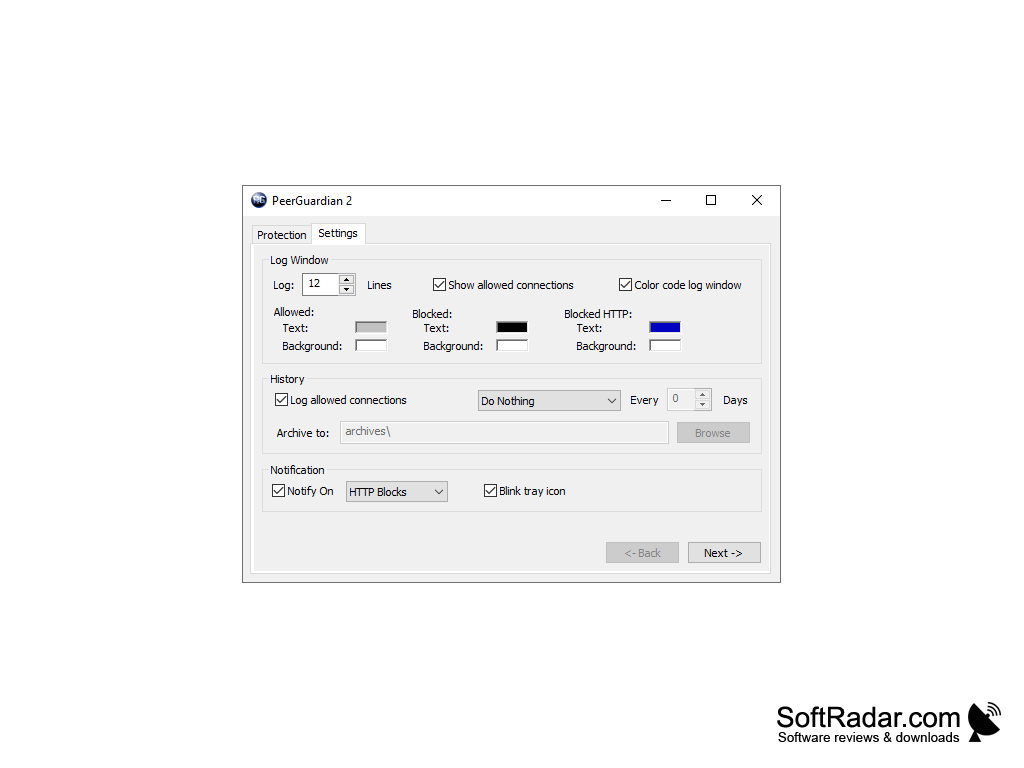
- View connections that are incoming and outgoing, both blocked and allowed, in a live log.
- View the IP addresses and ranges of the connections that were blocked.
- Keep a history of blocked connections that can be archived.
- Block IP addresses listed in a public blacklist that have been determined and reported as dangerous and malicious.
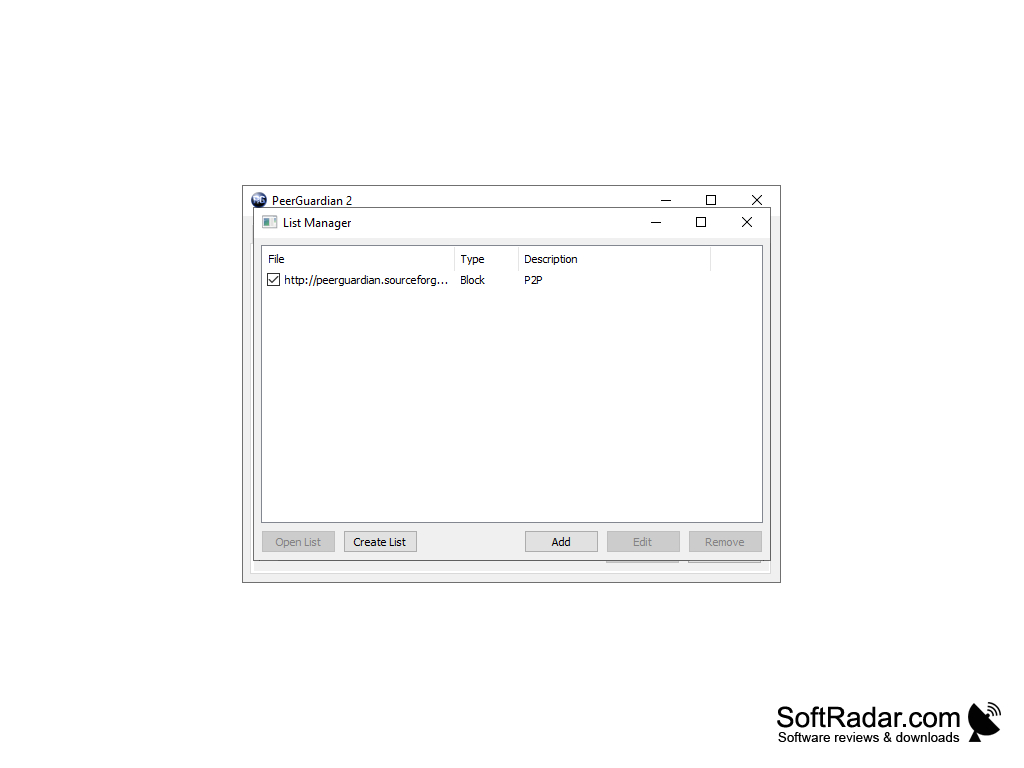
- Block access to custom IP addresses with your own lists created in the List Manager.
- Update blacklist through the software interface.
- Block or allow HTTP in peer to peer connections.
PeerGuardian blocks incoming and outgoing connections to IP ranges from public and custom blocklists, keeping unwanted peers away from your P2P traffic.
PeerGuardian is versatile software for users wishing to maintain their privacy on file sharing networks. PeerGuardian allows users to see which addresses try to connect to their computer and which connections were blocked, and to view a history of all blocked connections in a given time frame. The software allows users to block IP addresses from large blocklists, which contain wide ranges of IP addresses that were collected from public data and other users as unwanted or suspicious. PeerGuardian also allows users to add specific IP addresses they consider dangerous to their own lists, preventing any further access from these addresses. Blocklists in the plaintext P2P format and the binary P2B format are supported, and they can be updated from within the program. PeerGuardian sits in the system tray and can notify you about blocked connections, for example blocked HTTP requests. Note that the program does not hide your own IP address; it only refuses connections from the listed ranges. PeerGuardian is open-source software from Phoenix Labs, distributed free of charge. The Windows version is no longer developed, and its developers recommend PeerBlock, which is based on PeerGuardian 2, for newer Windows versions.
PROS
Uses large public blocklists of unwanted IP ranges.
Open-source software that is free to use.
CONS
Windows version is no longer developed.
Relies on frequently updated blocklists.


