
PEiD
This will help you recognize popular packers, cryptors, and compilers for PE files
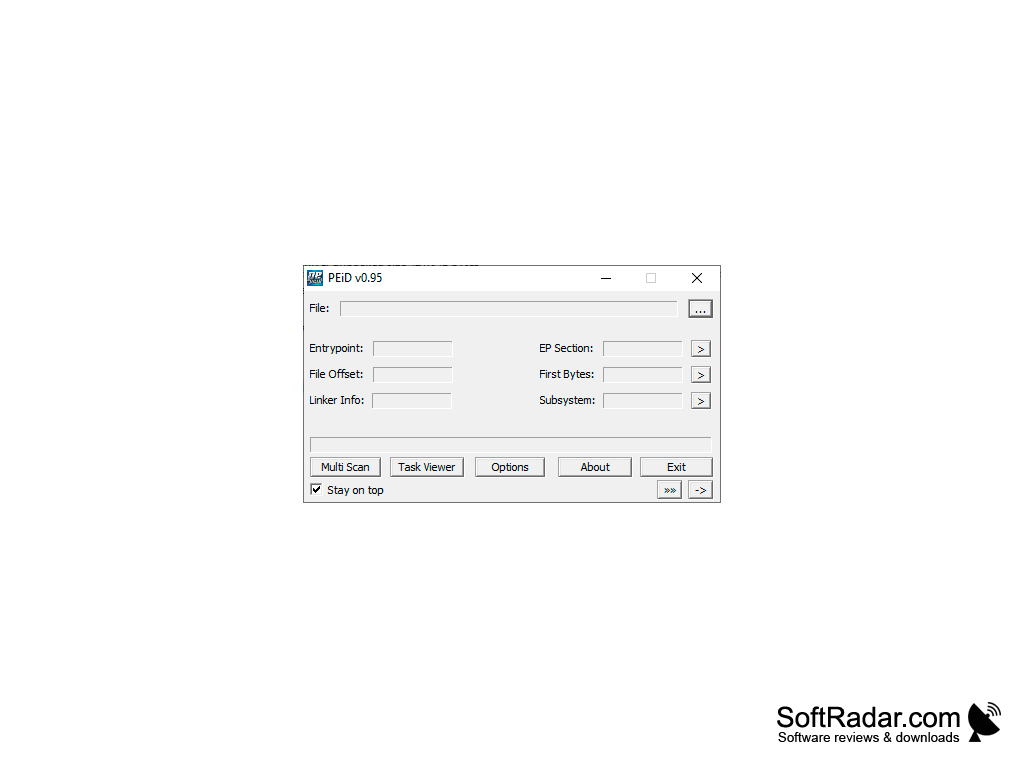
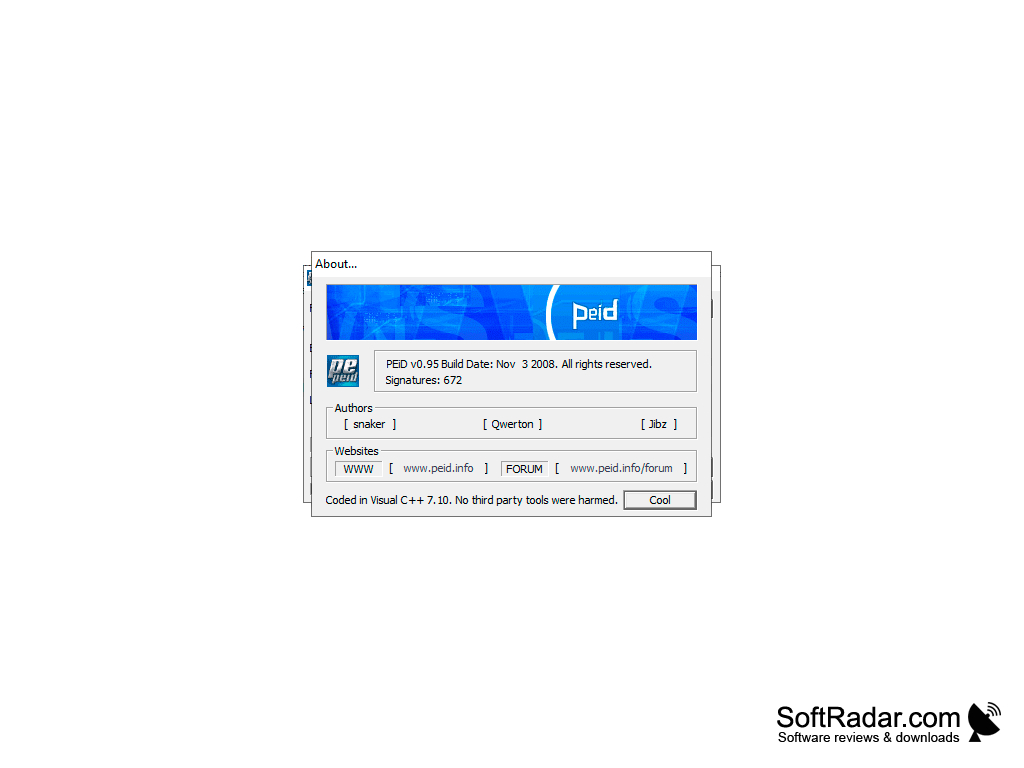
PEiD is the most popular program of its kind, which is able to analyze executable files and provides the most detailed bulletins with the collected information. It can define the programming language used to create the application, as well as the compiler, cryptor and packer with the help of which the executable file was "built". If you have a protector, the application will specify its type and version. According to the developers, PEiD is able to identify more than six hundred different digital signatures and provide information on each of them.
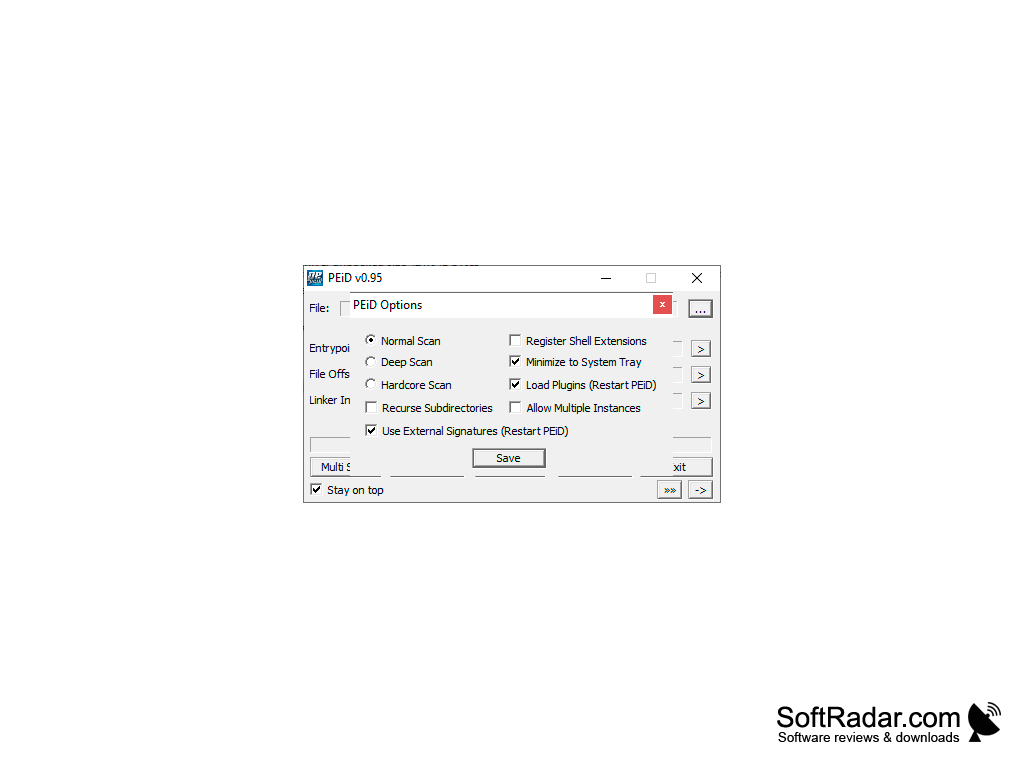
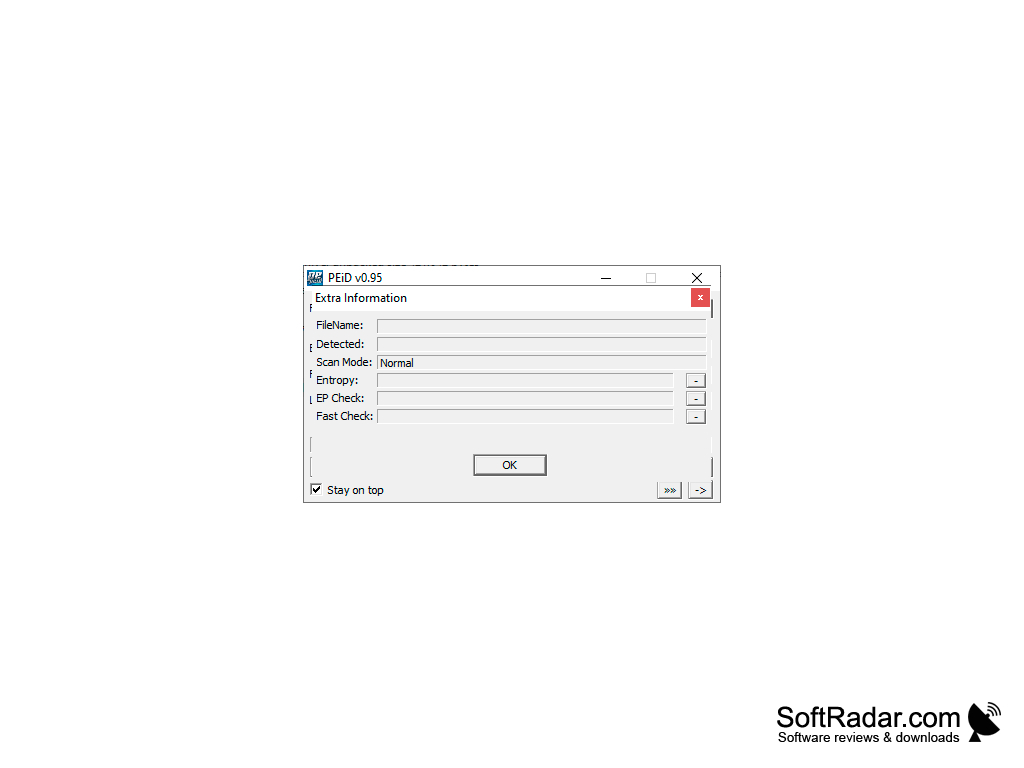
Scanning can take place in three different modes, which differ in speed and volume of data collected. The "Normal" mode will define only the basic information about the file, but when launching "Hardcore" and "Advanced" modes, PEiD will be able to evaluate the launch security in the Windows environment, find embedded "miners", Trojans and other types of threats. In general, if you doubt the "cleanliness" of a file downloaded from the network, be sure to check it with this tool. By the way, the program supports heuristic analysis, which allows it to detect relatively new types of threats.
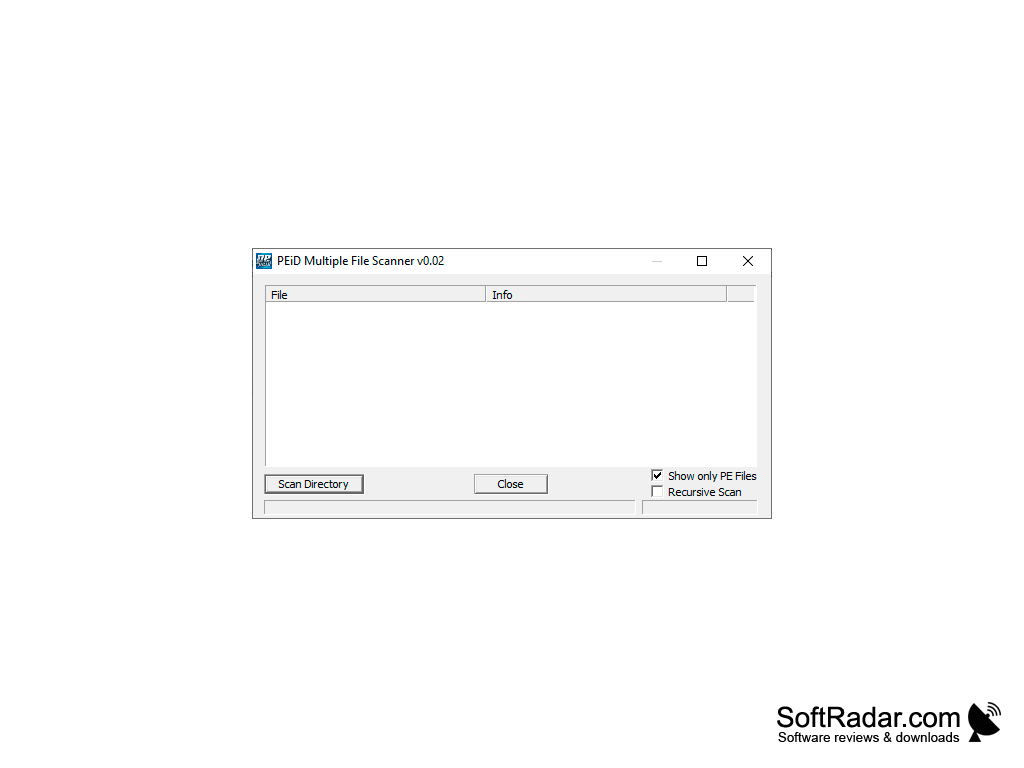
To start scanning it is enough to "drag" the necessary file to the working area of the program. PEiD supports batch mode and knows how to search for executable files in the specified and subfolders. Immediately after installation, the program integrates into the Windows Explorer context menu, so you can start scanning from there. There is also command line support, a feature for creating detailed reports on the work done, the HEX viewer and a set of useful plugins (Krypto ANALyzer, Generic OEP Finder, Generic Unpacker).
PEiD software's main benefit is its ability to accurately analyze and provide detailed information about executable files to ensure their security and validity.
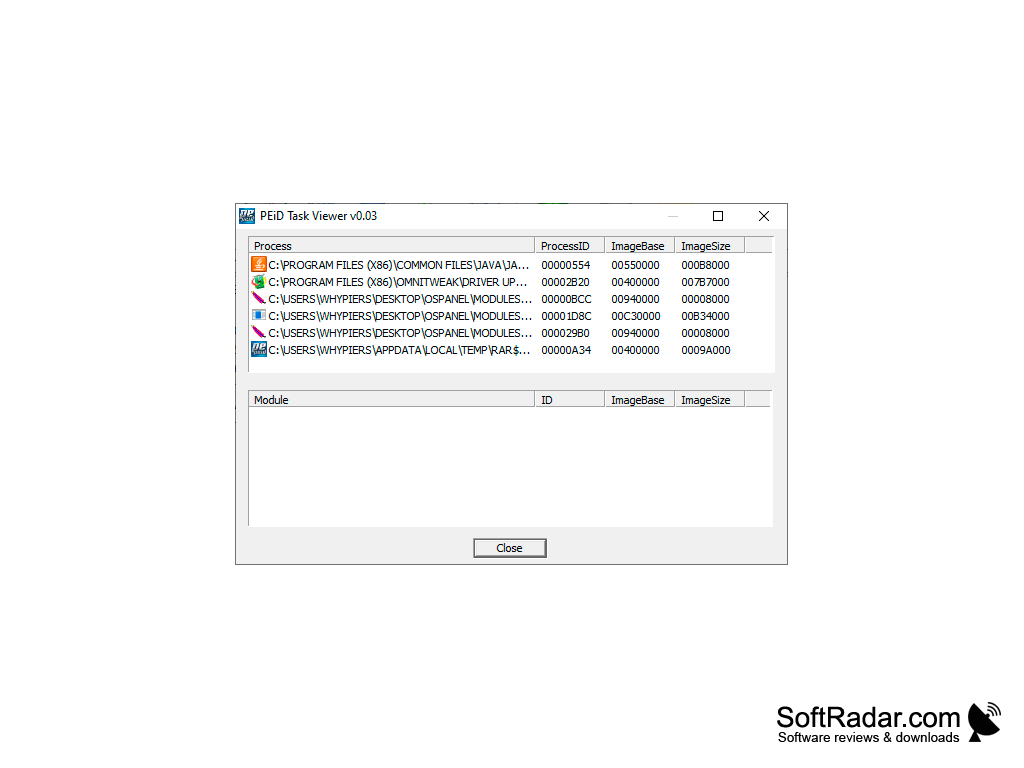
- Analysis of executable files, compilation of detailed summaries of collected information;
- three scanning modes to choose from;
- Identification of digital signatures, cryptor and packer;
- heuristic analysis function;
- Integration with Windows Explorer, command line support;
- a built-in HEX viewer;
- Equipping with useful plug-ins;
- Scanning files in batch mode.
PROS
Lightweight and easy to use user interface.
Integrates well with other security and analysis tools.
CONS
Requires technical knowledge to use.
User-interface is outdated and non-intuitive.


