
PEiD
PEiD is a free tool that detects popular packers, cryptors and compilers used to build PE files.
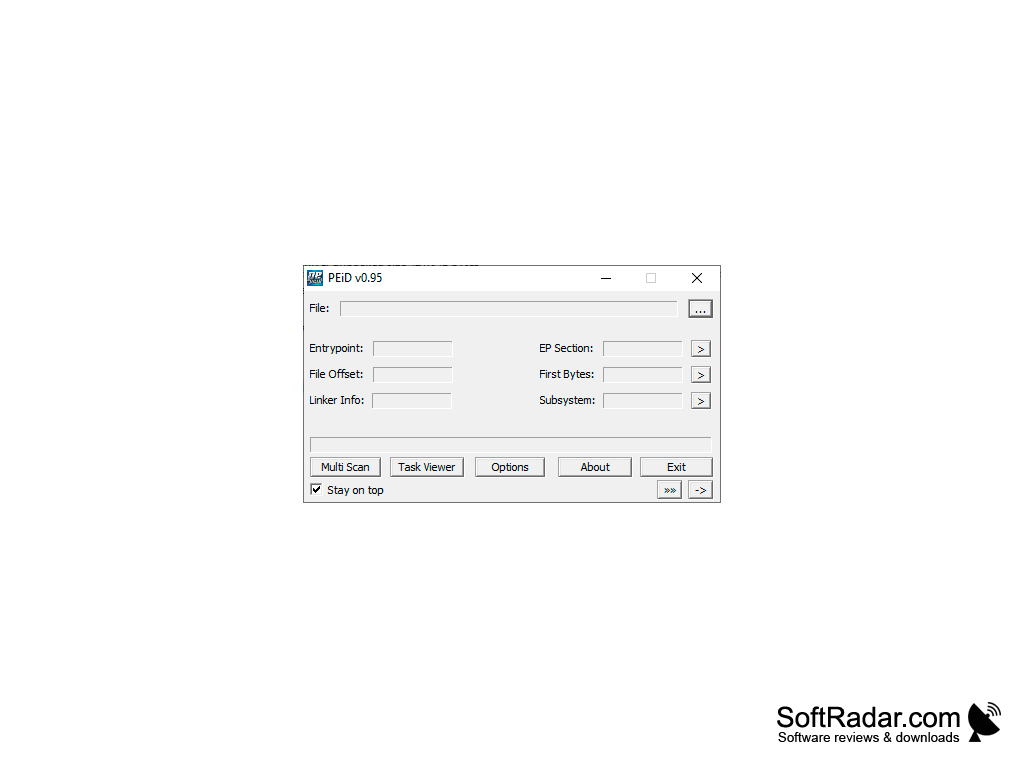
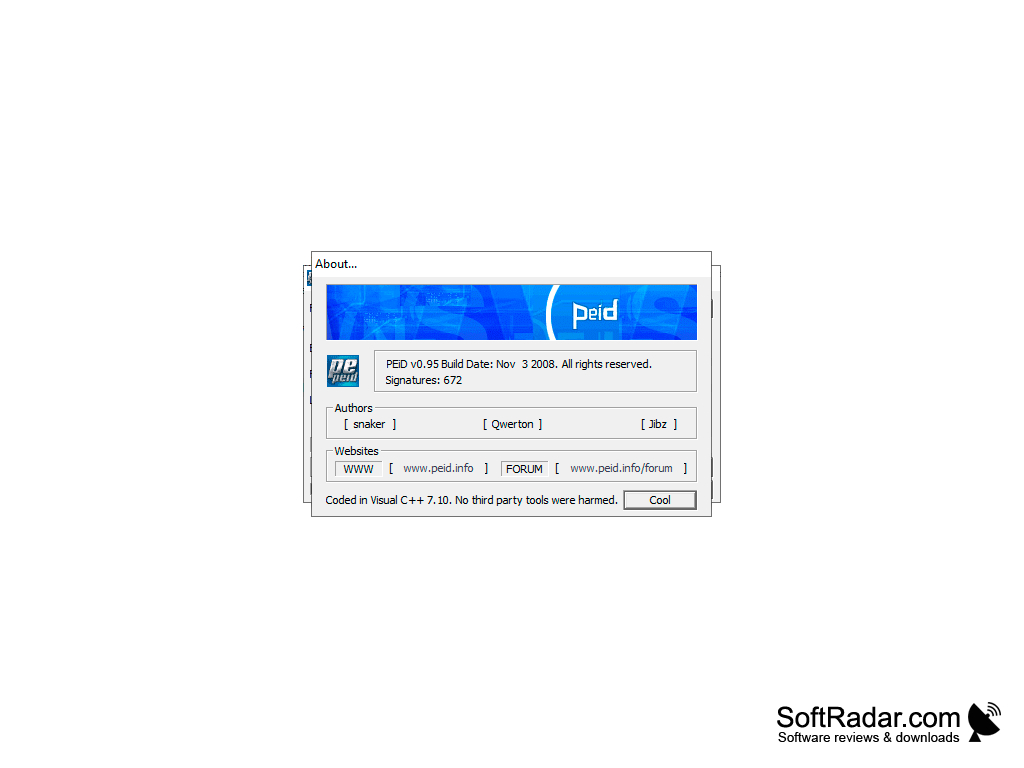
PEiD is one of the best-known programs of its kind: it analyzes executable files in the PE format and shows detailed information about them. It can identify the compiler or development environment used to create the application, as well as the cryptor and packer with the help of which the executable file was "built". If a protector was used, the application will specify its type and, where known, its version. According to the developers, PEiD can detect more than 470 different signatures in PE files, and the list can be extended with an external signature database.
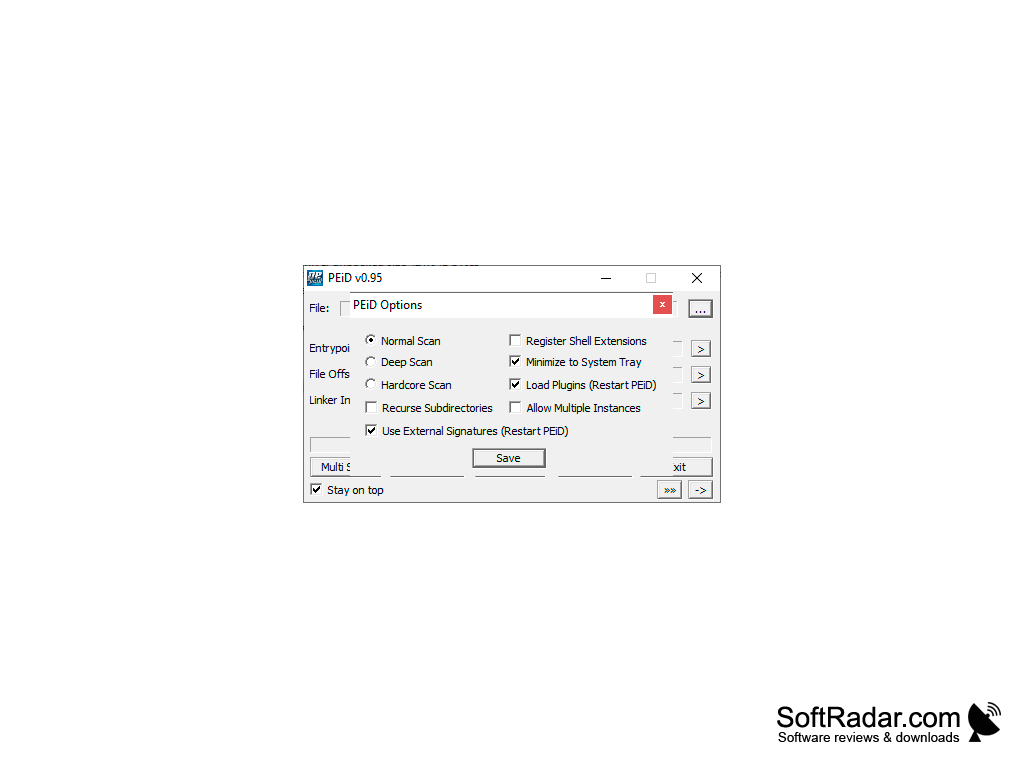
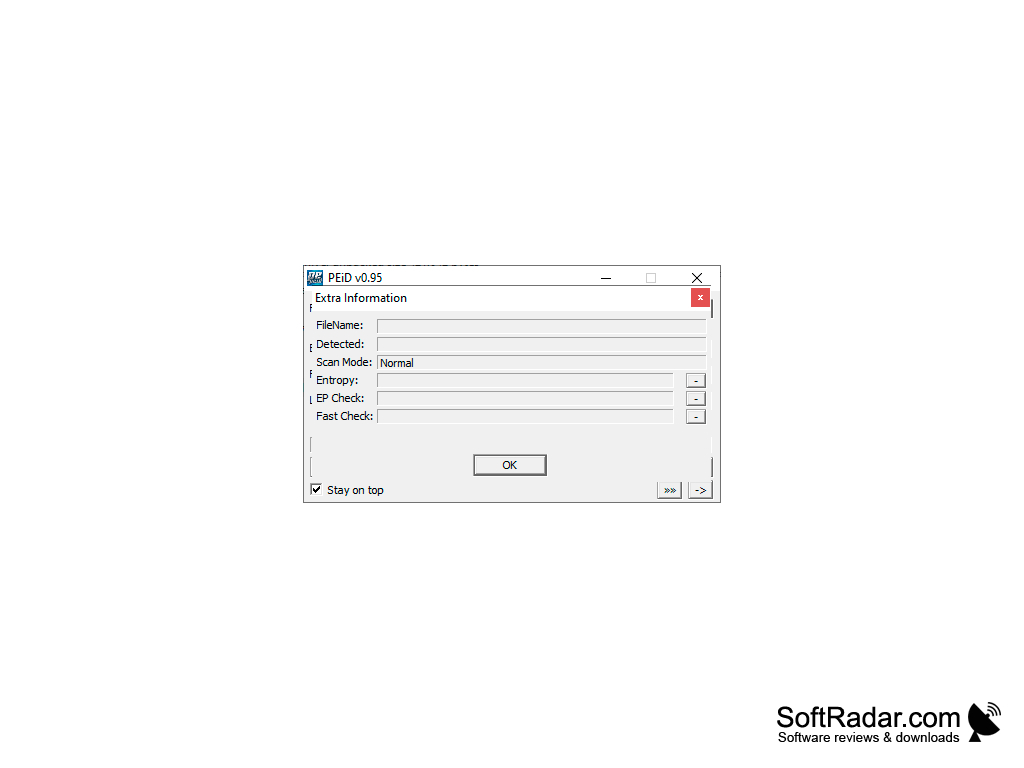
Scanning can take place in three different modes, which differ in speed and thoroughness. The "Normal" mode checks only the entry point of the file, the "Deep" mode scans the whole section that contains the entry point, and the "Hardcore" mode scans the entire file. PEiD is not an antivirus: it does not look for Trojans, miners or other threats, but it shows how a file was packed or protected, which is the first step before unpacking or studying it further. That is why the program is still widely used in reverse engineering and malware analysis, although it is no longer developed: the last version, 0.95, was released in 2008, and the official website is gone.
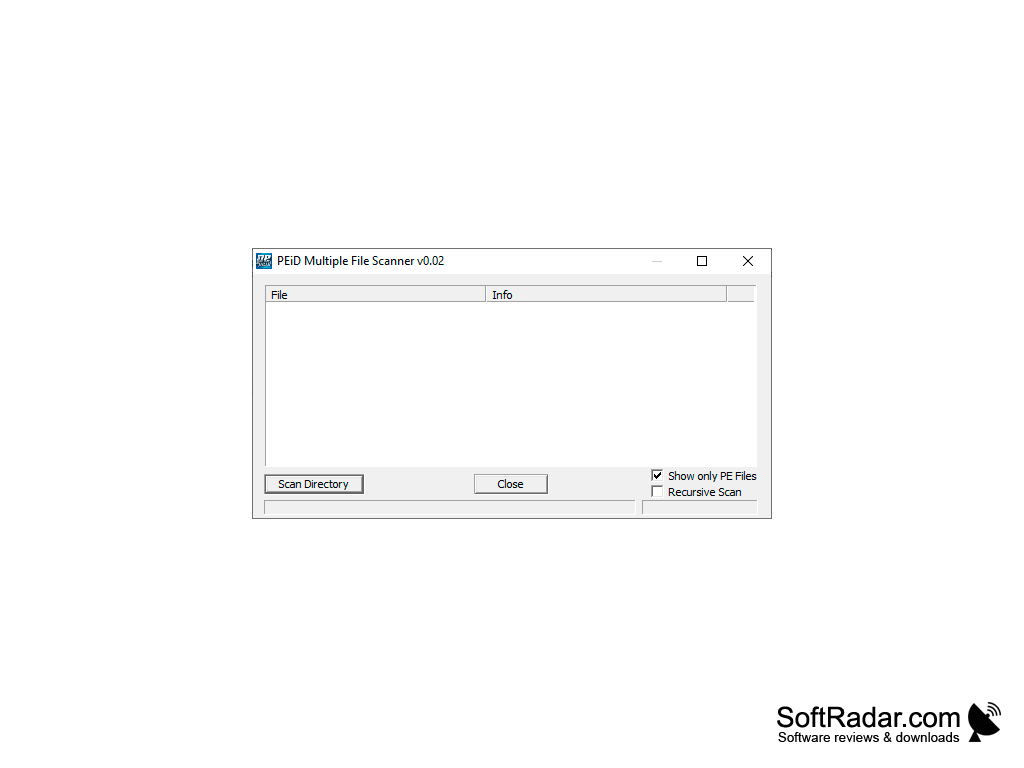
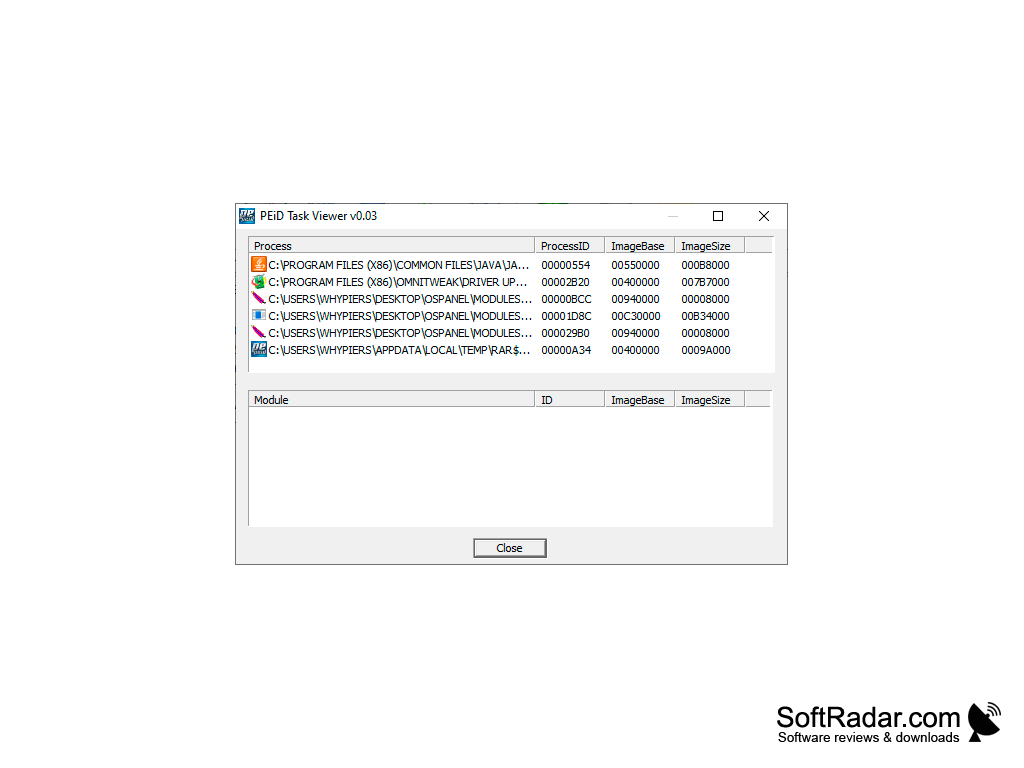
To start scanning it is enough to "drag" the necessary file to the working area of the program. PEiD supports batch mode: the Multi Scan window searches for executable files in the specified folder and, optionally, its subfolders. The program does not need to be installed, and an option in its settings adds it to the Windows Explorer context menu, so you can start scanning from there. There is also command line support, a task viewer that lists running processes and their modules, a PE details viewer, a disassembler and a set of useful plugins (Krypto ANALyzer, Generic OEP Finder, ImpREC).
Quickly shows which packer, cryptor or compiler was used to build an executable file.
Runs on 32-bit and 64-bit Windows
PROS
Lightweight portable tool with a simple interface.
Extensible with plugins and external signatures.
CONS
Requires technical knowledge to use.
User interface is outdated.


