
PersonalBrain
A mind mapping app for the masses, available for Window PCs
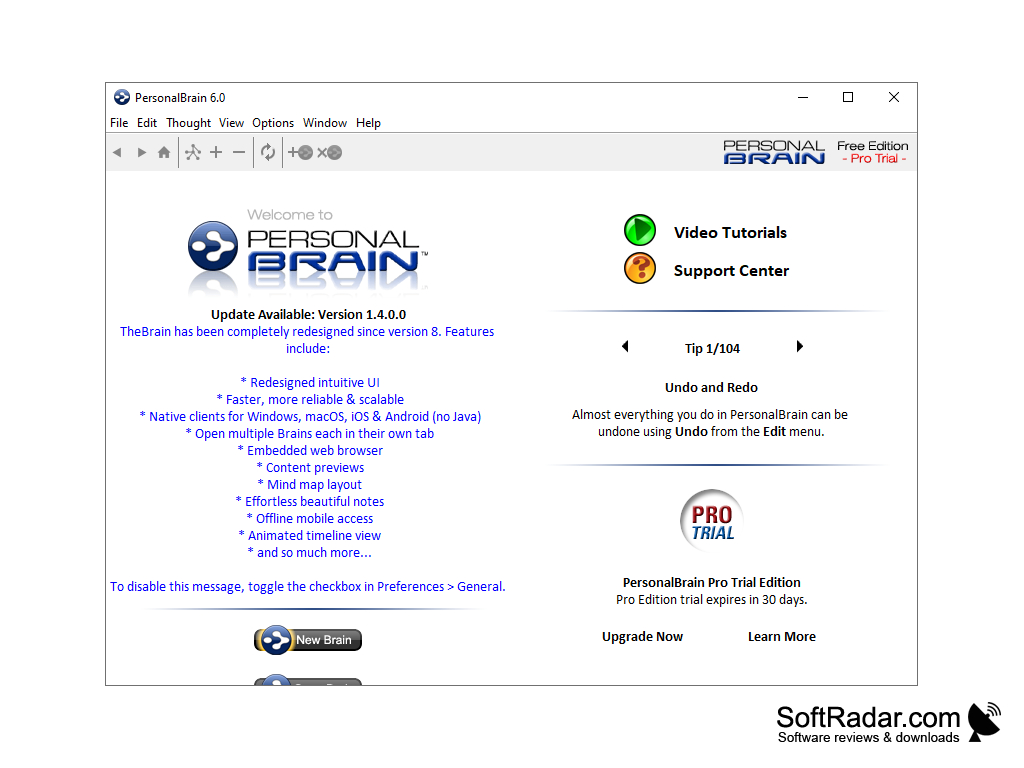
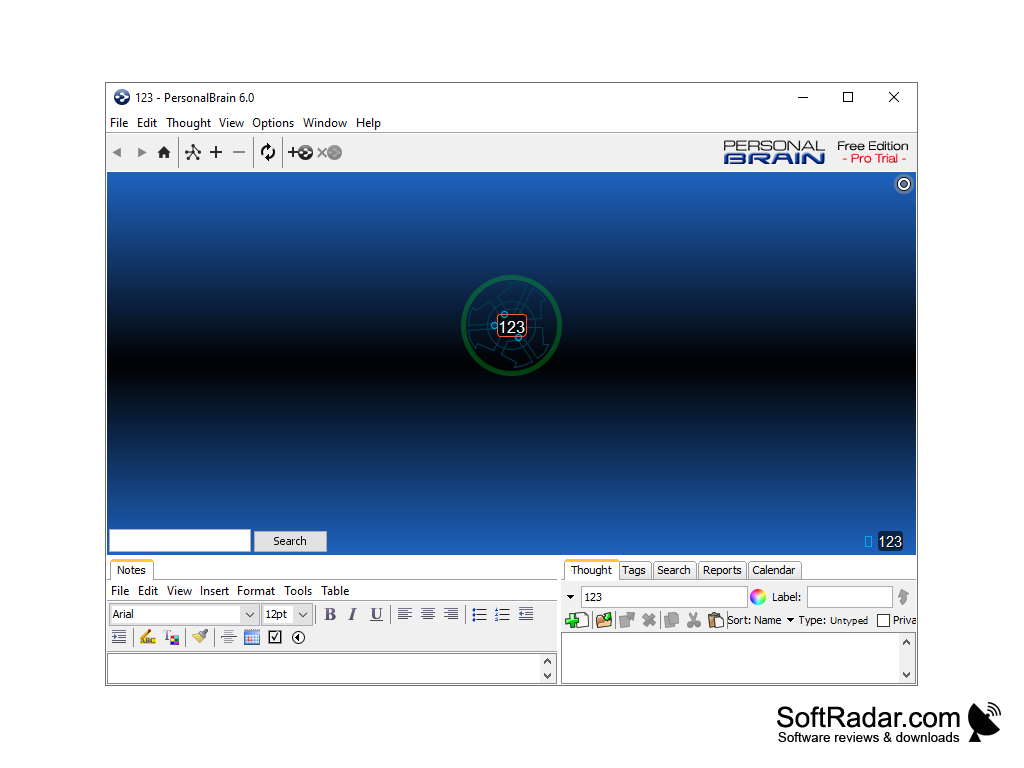
If we remember back to our grade school days, I'm sure we can recall unrolling a large piece of construction paper and adorning them with bubbles and lines, making a visual representation of our thoughts and how they connect. What seemed like just a fun exercise is actually a powerful method of organizing your ideas and giving them useful context.
This process is commonly referred to as mind-mapping and, of course, there's an app for that. PersonalBrain, available for Windows devices, takes the old-school ideation method and updates it for the app age.
Features:
Drag-and-Drop documents and web links for faster creation
- Drag-and-drop functionality
- Multiple versions, including a free tier
- Template options (paid tiers)
- Microsoft Outlook support ('Pro' tier)
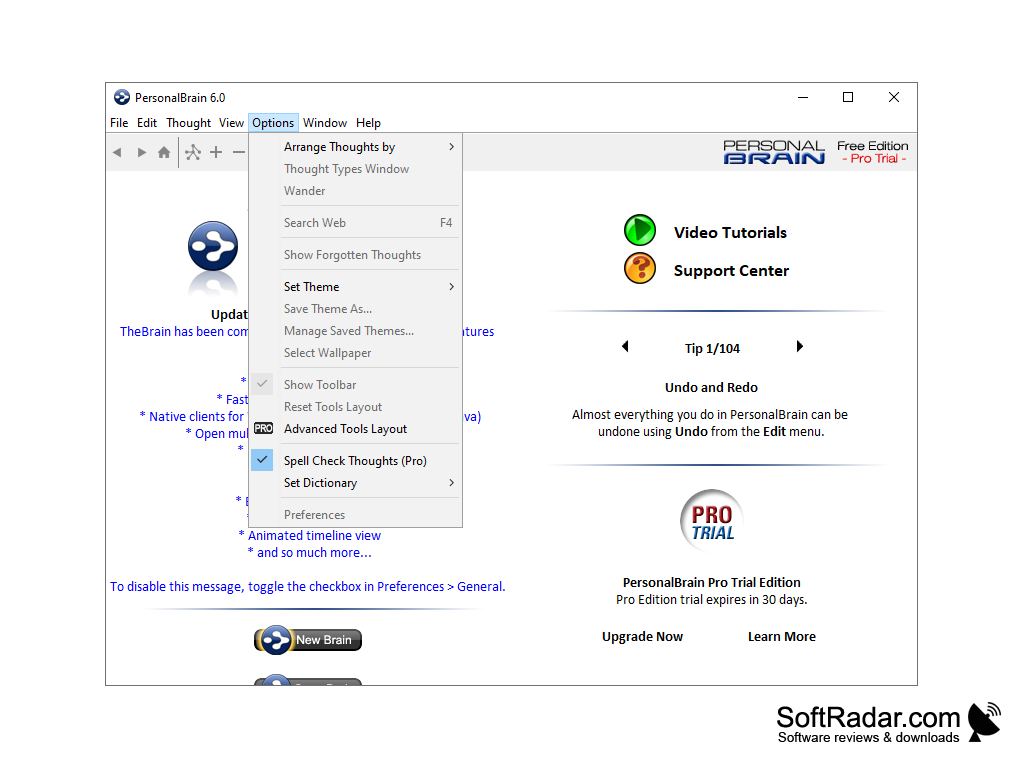
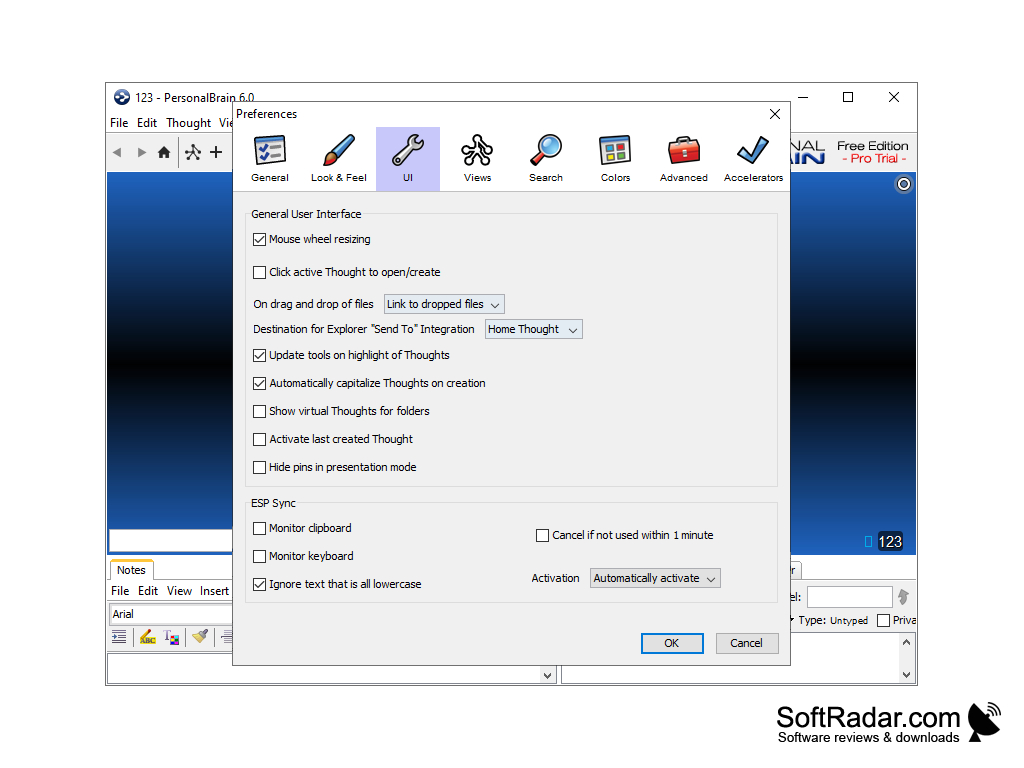
The intuitive interface invites quick and easy creation and exploration of your thoughts. One of the key differentiators between PersonalBrain and other mind-mapping methods is a robust drag-and-drop functionality, particularly useful when establishing ongoing templates and versioning.
In order to make the app accessible to those who are not power users, or those that just want to dip their toes in before making the plunge, PersonalBrain is available for free for non-commercial users. It should be noted that this free option has a more limited toolset, as compared to the 'Core' and 'Pro' paid versions. The Core version allows you to attach your document files, search the web within the interface, create templates which are extensible, and even merge multiple mindmaps (called 'Brains' within the program) into one, ahem, Brain. The Pro takes things even further, with the ability to place these Brains in a calendar, print options, and deep hooks into Microsoft Outlook, which is still the business communications hub of choice for many professionals.
Mindmapping may not be for everyone, but for anyone who has some nostalgia for those grade school bubbles on construction paper, or for anyone that needs a flexible and powerful ideation tool, do yourself a favor and give PersonalBrain a try.


Requirements: Windows OS
PROS
Seamlessly integrates with other applications for improved productivity.
Robust search features quickly find needed information.
CONS
Limited customization options compared to similar software.
Lacks integrated cloud syncing across multiple devices.


