
PopStation GUI
PopStation GUI (PopGUI) is a Windows front end for popstation that converts PlayStation 1 disc images into EBOOT files for the PSP.
Operating system: Windows
Publisher: soywiz
Release: PopStation GUI 1.7.2
Antivirus check: VirusTotal report
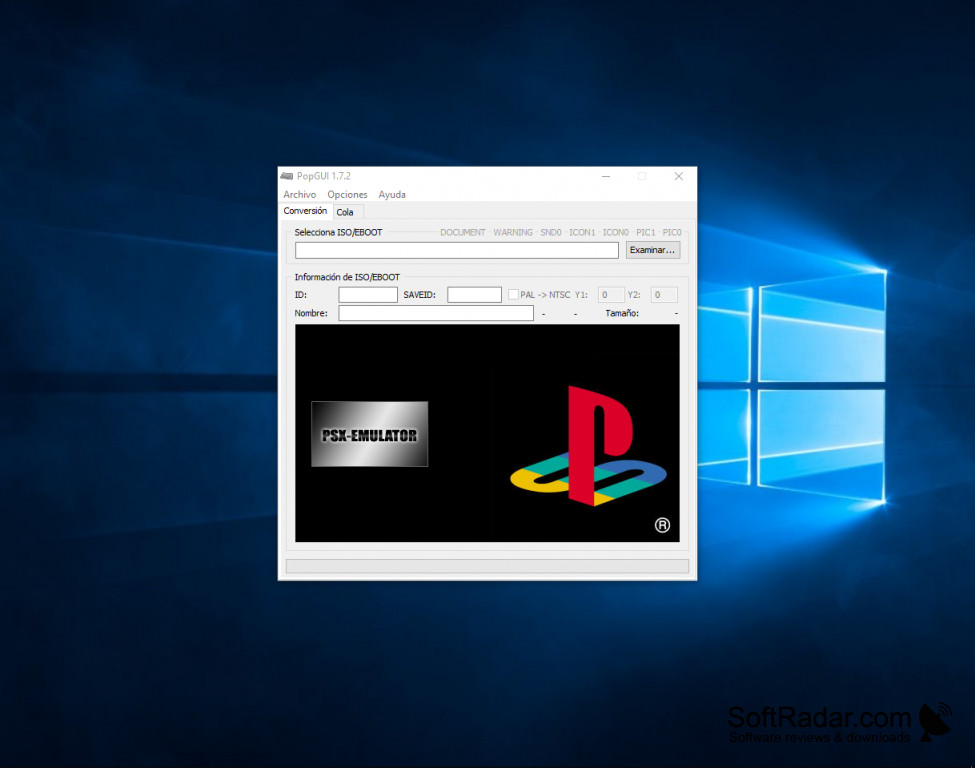
PopStation GUI (PopGUI) is a GUI that lets you convert PS1 games to a PSP compatible format. It works as a front end for the popstation converter and turns PlayStation disc images in ISO, BIN or IMG format into EBOOT.PBP files that a PSP with custom firmware can run. PopGUI lets you edit the EBOOT details, such as the game ID, save ID and name, and set the images and sound used in the PSP menu (ICON0, ICON1, PIC0, PIC1 and SND0). It allows you to make fully customizable EBOOTs. There is also a progress bar that will let you keep track of your progress easily.
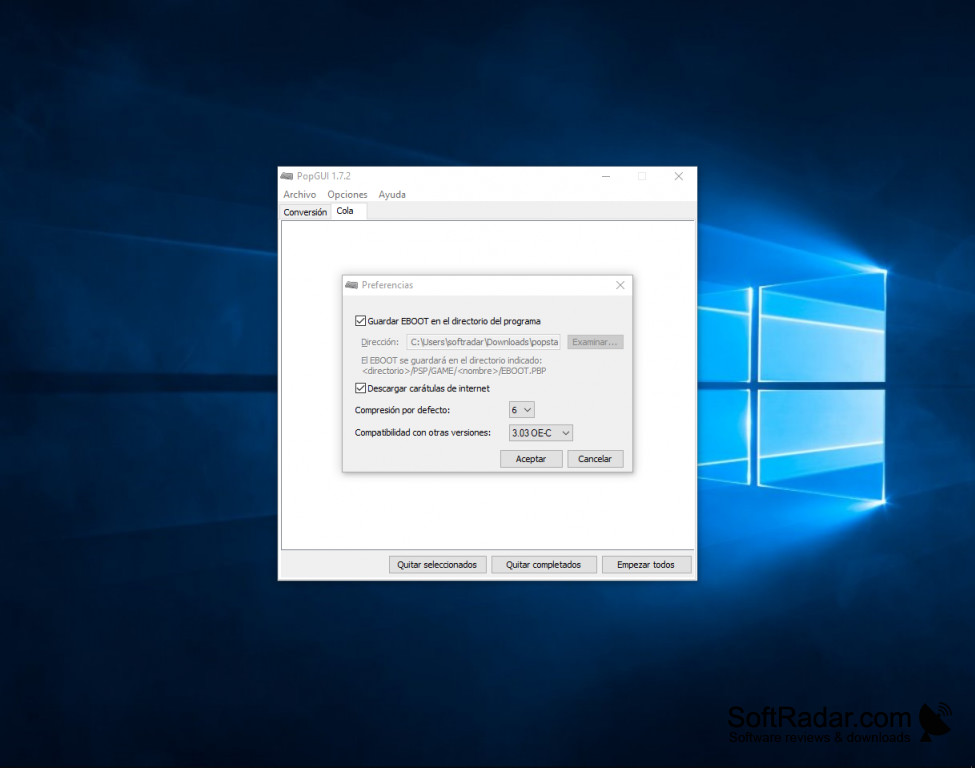
Also, another useful feature of PopStation GUI is that you can extract the ISO image from an existing EBOOT, together with its images. A queue lets you add several games and convert them one after another, so you don't need to start every conversion by hand. The preferences set the default compression level, the output folder, which can be the PSP/GAME folder structure, and a compatibility setting for different custom firmware versions.
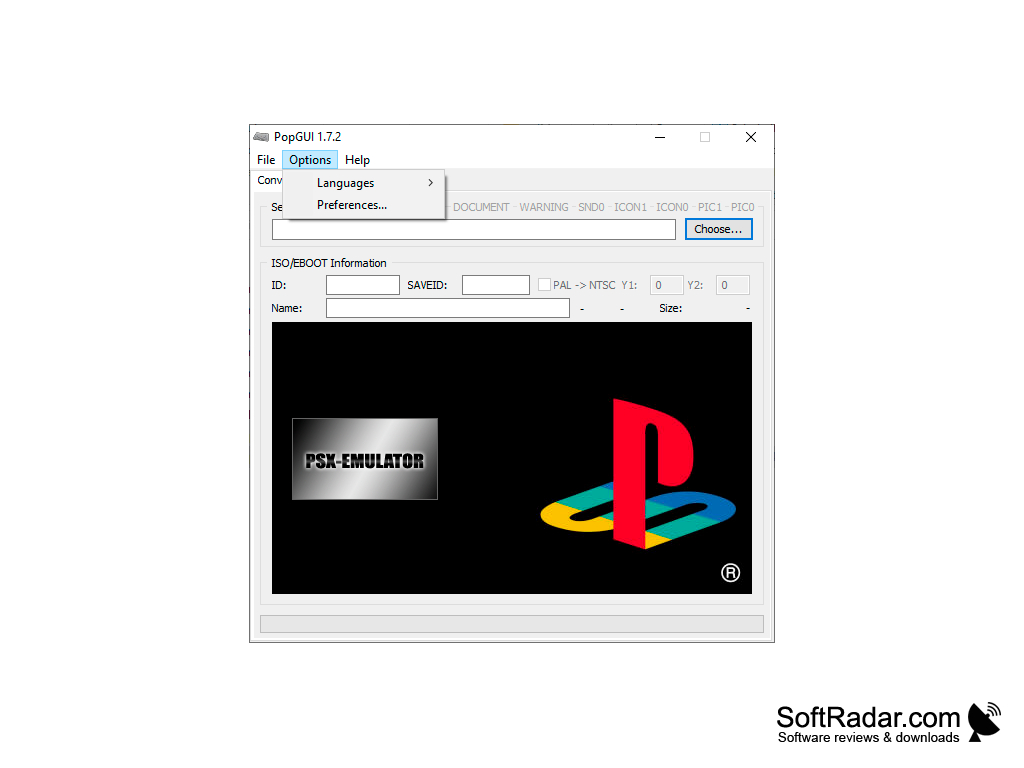
PopStation GUI can also download game covers automatically from an online database, if they are available, and preview them before conversion. It can change the game ID automatically to avoid save conflicts, and it offers a PAL to NTSC option. The interface is available in Spanish, English, French, Catalan and Valencian, selected from the Options menu.
It turns PS1 ISO, BIN or IMG images into PSP EBOOTs with covers and game details in a few clicks.
In conclusion, PopStation GUI is a simple, free tool for converting PlayStation games for the PSP. It was written by soywiz, and version 1.7.2 dates from 2007; the program is no longer developed and its original website is offline. Users have noted that it does not handle CDDA audio tracks.
PSP with custom firmware to play converted games
PROS
Downloads game covers automatically.
Can extract ISO images from existing EBOOTs.
CONS
May require technical experience to navigate.
No longer developed or updated.


