
TextAloud
Turn computer text, such as Microsoft Word files into audible sound
Operating system: Windows
Publisher: NextUp Technologies
Release: TextAloud 4.0.73
Antivirus check: VirusTotal report
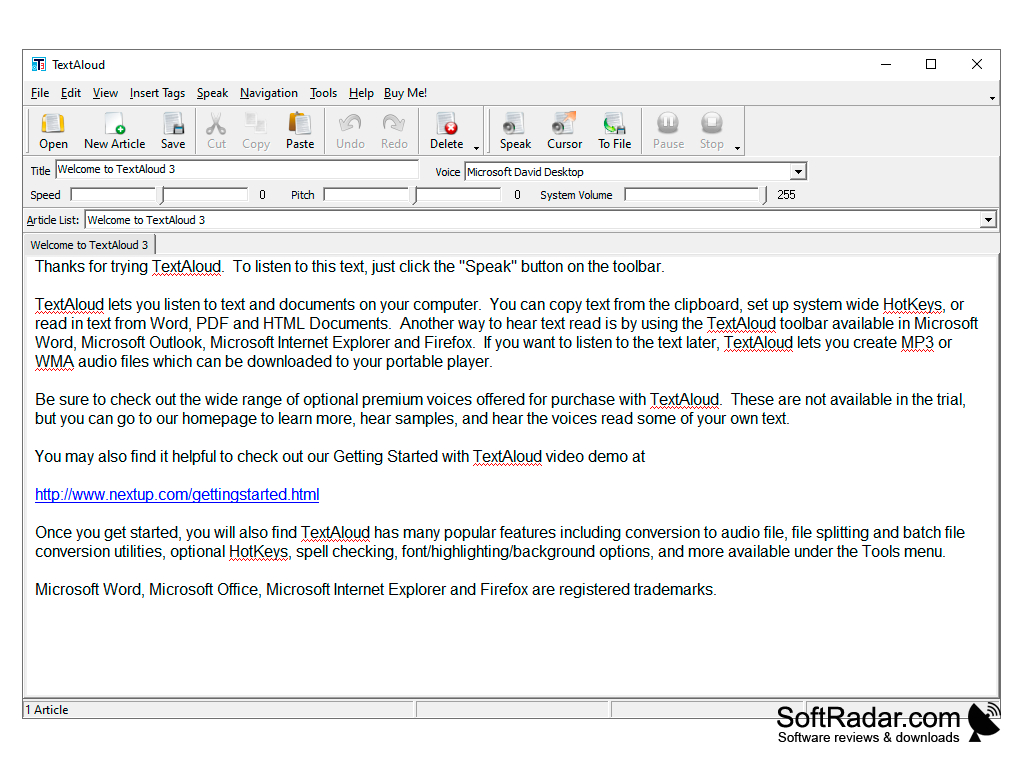
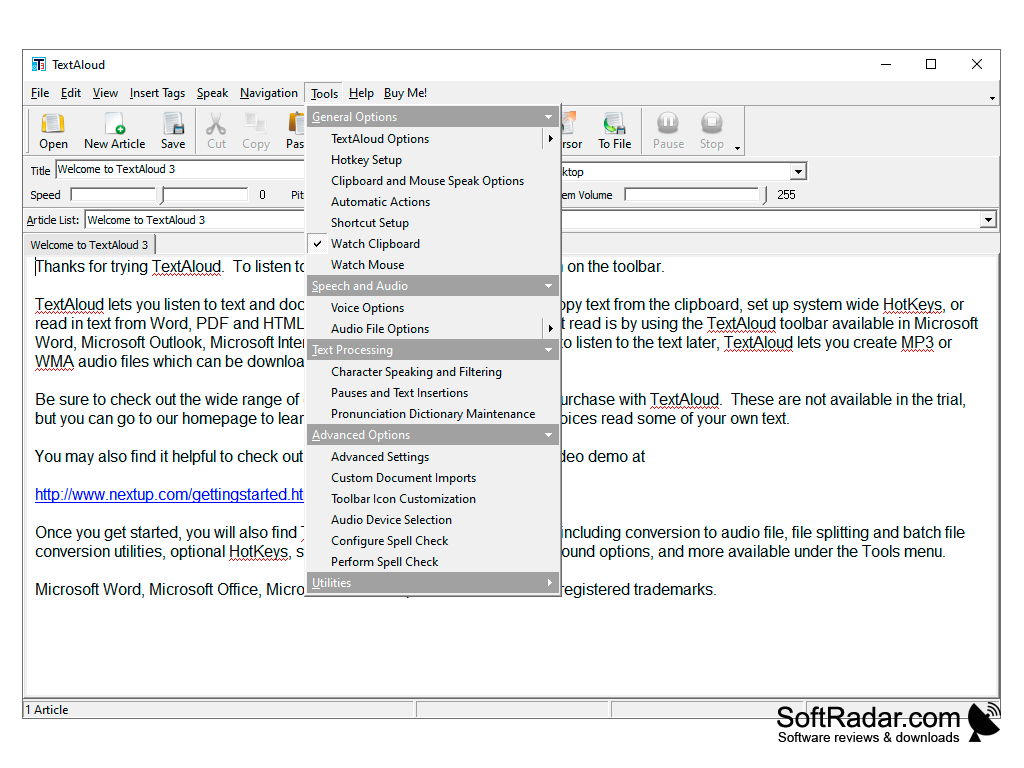
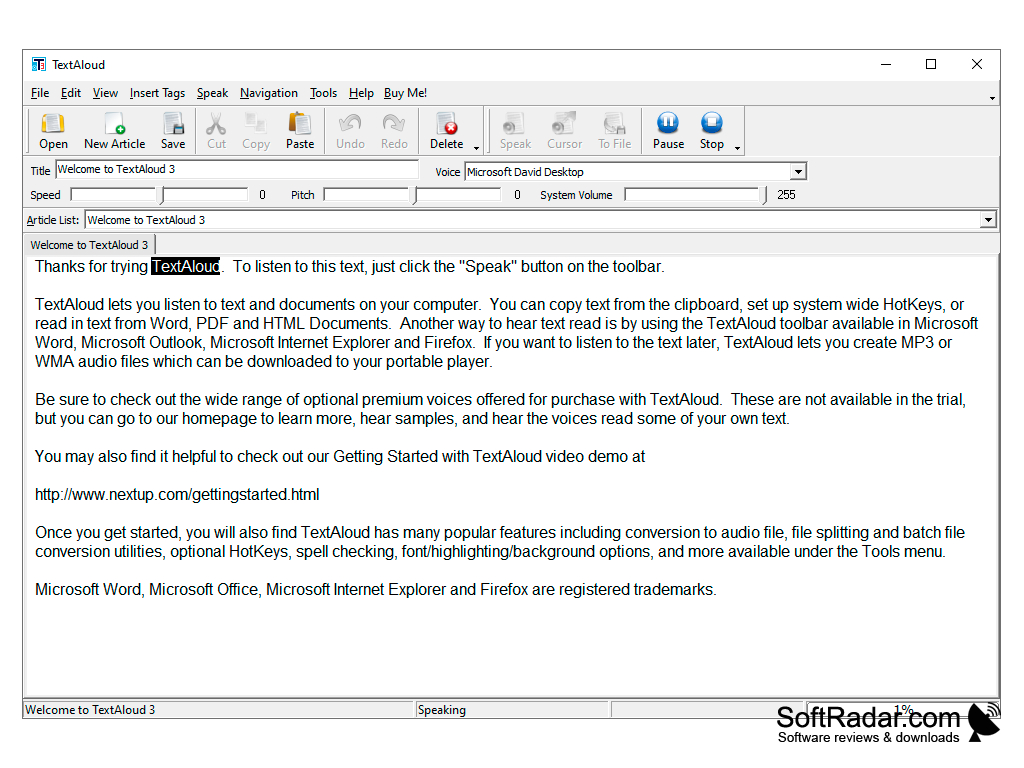
TextAloud is the premier text-to-speech program. It is a high-quality program that differs from the default text-to-speech program that is available in most OS that comes packaged with your computer. It provides a natural-sounding English voice as well as multiple other languages that can be purchased for your benefit.
Features:
- Converts text from web pages, text files, and Microsoft word into natural English so that you can have it read back to you.
- Reads those files to you in an audible format, so that you can listen to your text files or web pages as you exercise, drive and do other activities
- Allows for the purchase of over 29 languages for you to use
- Also allows for the purchase of multiple natural-sounding English voices for you to choose from of different dialects.
- Excellent tool for helping people with dyslexia to improve reading and comprehending by listening to text while viewing it.
- TextAloud also is an excellent tool for proofreading your documents.
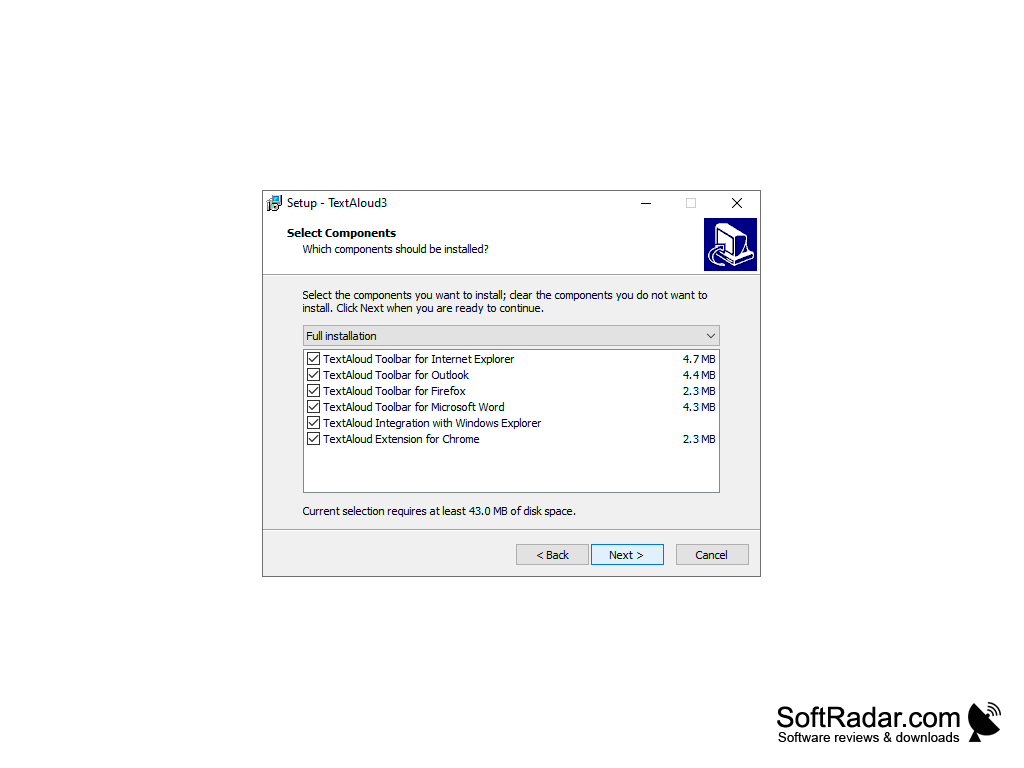
- Comes with extensions built into Firefox, Google Chrome, and Edge which will which can speak any selected text.
It can save you time while you do other activities (exercise, eating, driving) to listen to your text files.
In conclusion, TextAloud is a versatile and reliable program for converting your general text (web pages, text files, web documents) into an audible format. If you're busy or on the go with not much time to read or if you're just doing tough cram sessions, TextAloud can help you very well in completing these tasks and learning. Its main selling point is its ability to help you multiple tasks and focus on a variety of subjects simultaneously. TextAloud has been developed for many years with the feedback of a strong user base of loyal costumers, meaning it is optimized for your pleasure to be as easeful as an experience for you to use as possible. This helpful product will definitely provide a boon to your productivity.
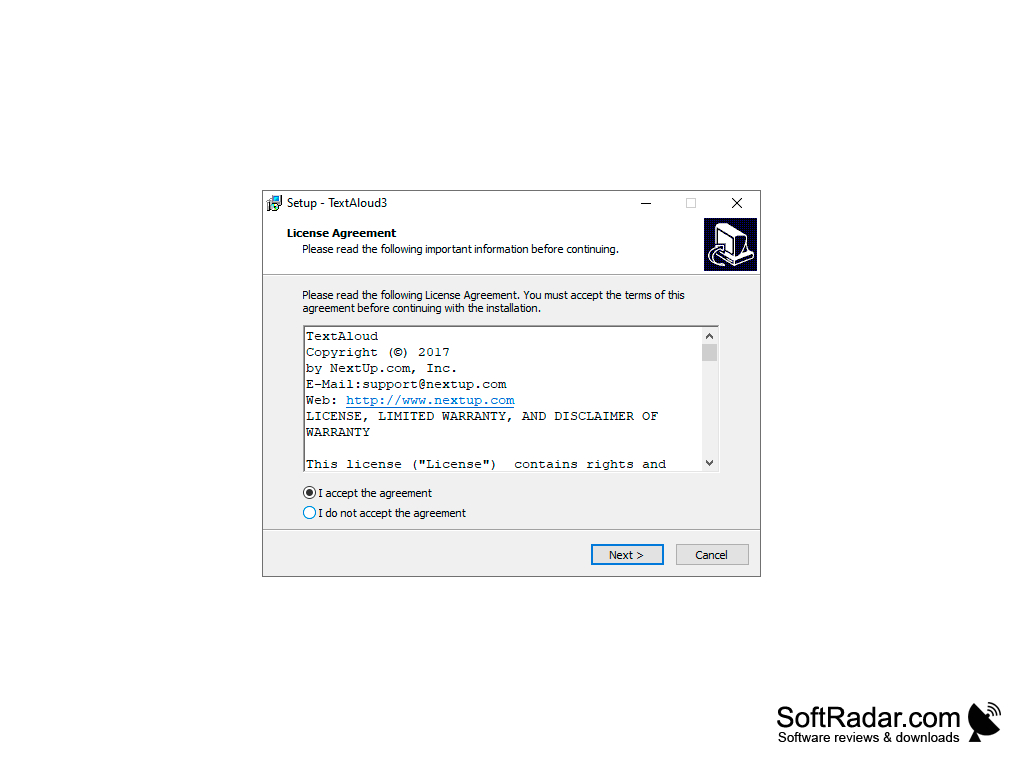
System Requirements:
- Win Vista 7/8/10
- 500 MHz ram
- 256 MB ram
- 1 GB Disk Space
- Sound Card
PROS
User-friendly interface and easy navigation.
Allows exporting audio files in popular formats.
CONS
Interface is not visually appealing.
Difficult to navigate for beginners.