Vistumbler
An advanced Access Point scanner for Windows above the market competitors.
Operating system: Windows
Publisher: Vistumber
Release : Vistumbler 9.4
Antivirus check: VirusTotal report
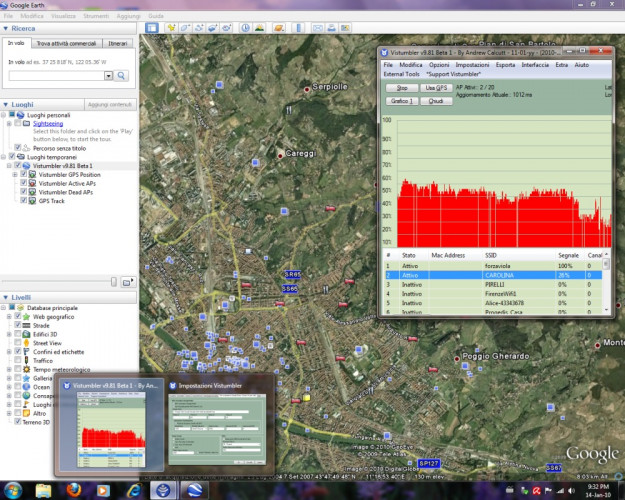
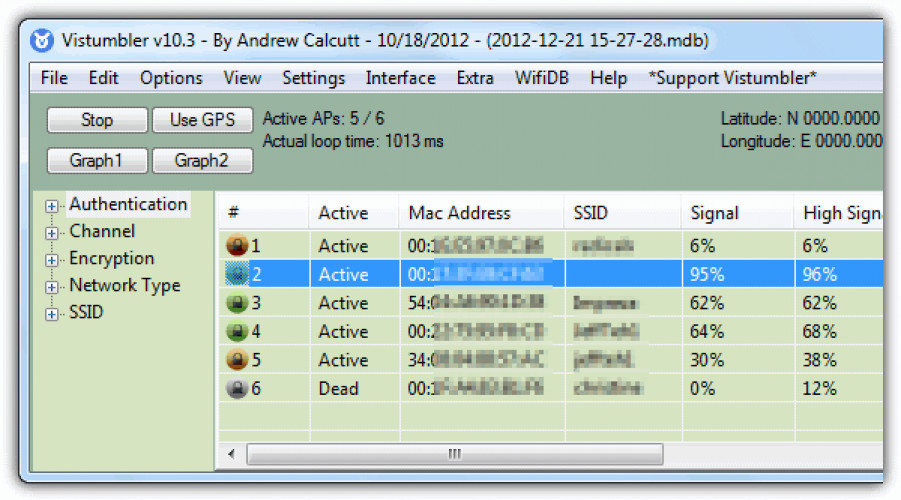
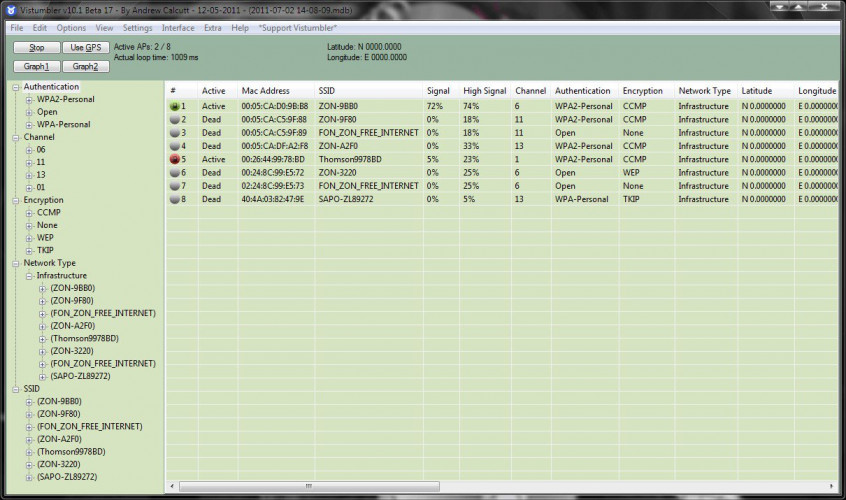
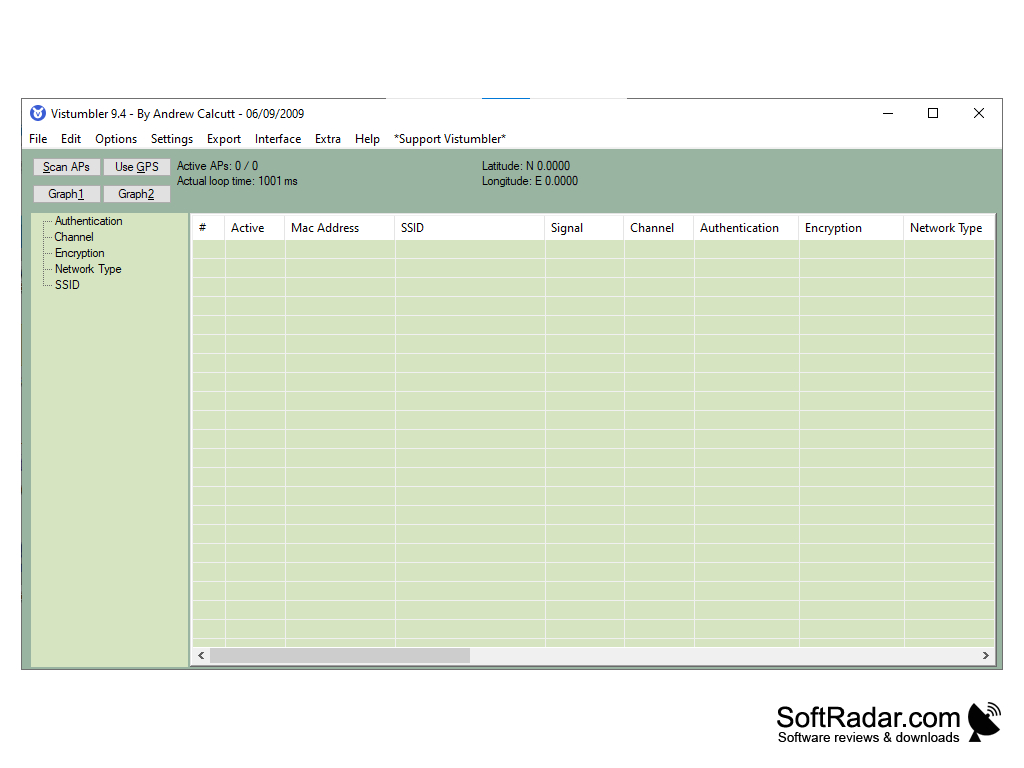
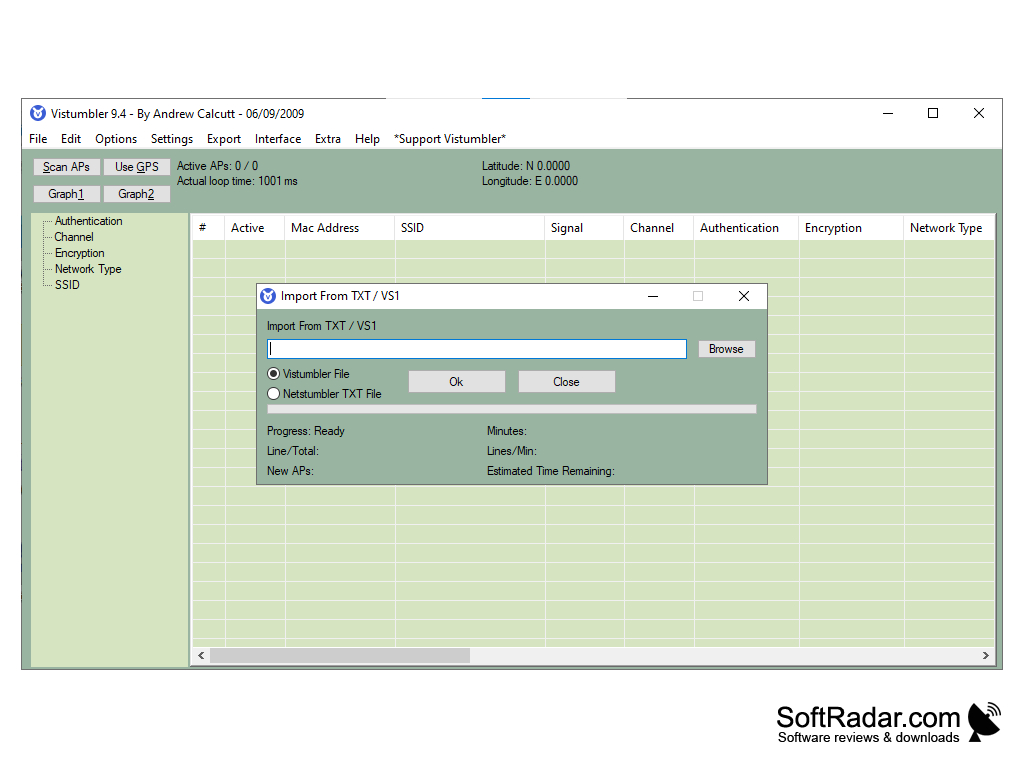
Vistumbler for Windows is a breath of fresh air in a modern world of people looking for internet access. This has all the features you have been asking for in a Wi-Fi scanner, plus many more little perks you never thought you would need. The best thing of all, it’s free! You can choose to donate, which really helps and supports the developer, so if you like it, please consider it! It even has its own Git repository so you can report problems and request features, not even mentioning the cloning options for developers out there who wish to expand on it. You can even download additional language packs to make it easier to use in your native tongue. The interface includes many useful features, a table containing the specifications, such as channel, Mac address, status, coordinates, network type, encryption type, signal strength, and even tells you the manufacturer. My favorite feature is the compass, enabling you to see the very direction of the access point. Thus the strongest possible signal is obtained. All GPS details are available to view on the main GUI. It’s advanced with so much possibility, but simple enough for an everyday internet ‘explorer’ with basic knowledge.
Features:
- Exports GPS locations of access points to Google Earth.
- It communicates Signal Strength using sound files.
- Open source, free.
- Works with Windows 10, 8, 7, Vista.
- Lightweight, only 6.6mb, so very easy on your memory and CPU.
It's Open Source!
In conclusion, I think it is far ahead of its competitors for Wi-Fi access point finding. Its features seem endless, and the simple interface makes it so easy to use, and I learned so much myself from using this software. You can’t ask for more from a piece of software from the open-source market that charges nothing. Donations are highly encouraged, as you will definitely get the benefits you would get from paying high-end prices of its competitors.
- .NET v4 framework required.
- Windows operating system
PROS
Supports GPS for advanced network mapping.
Open-source and free to use.
CONS
Doesn't show results in real-time, causing delay in data collection.
No technical support or customer service for troubleshooting issues.