
Wing IDE
A simple way to program in a fully functioning Python environment
Operating system: Windows
Publisher: Wingware
Release : Wing IDE 12.0.2.0
Antivirus check: passed
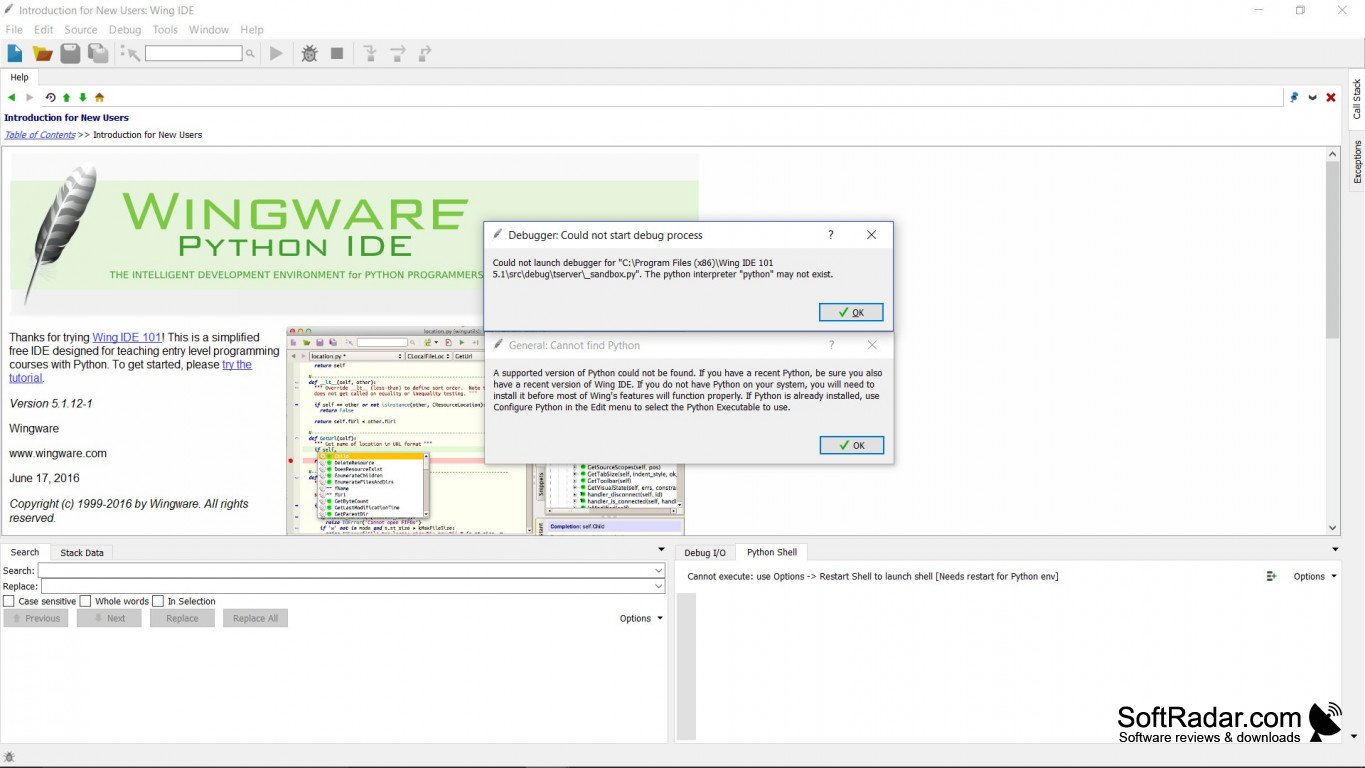
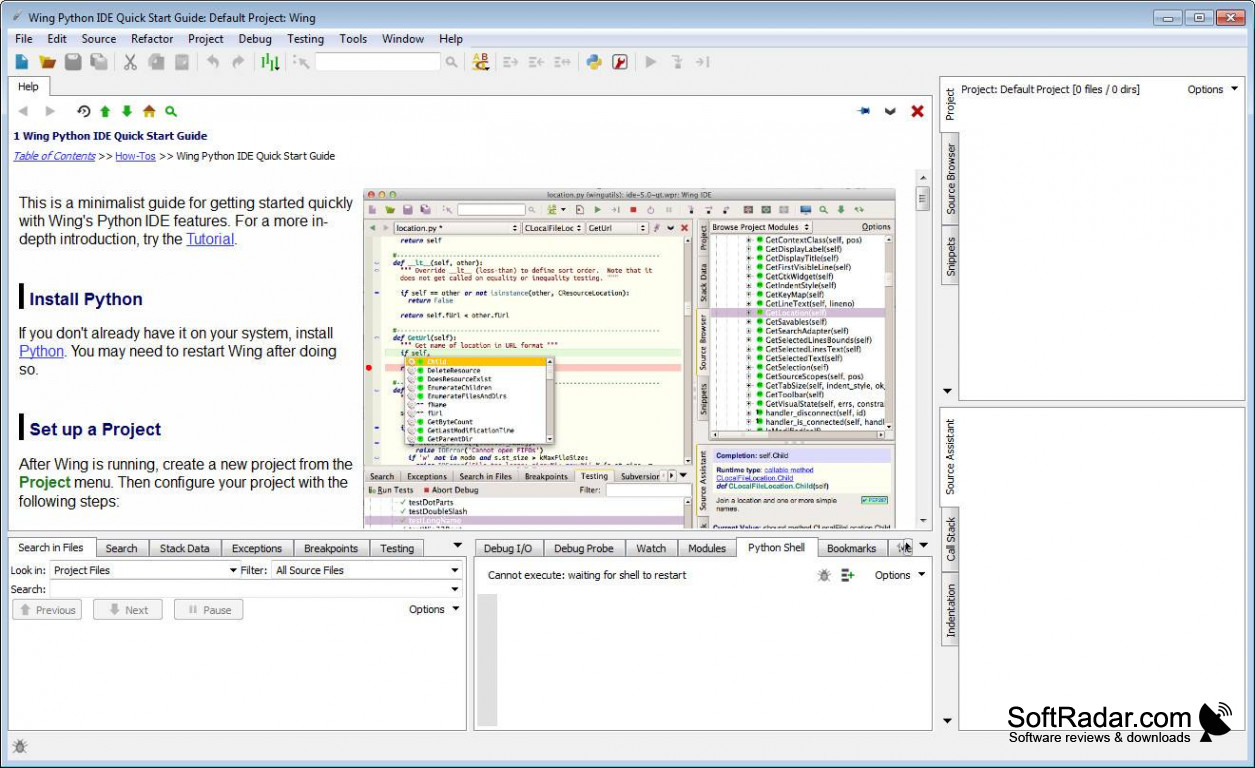
Wing IDE is a group of integrated development environments that were designed for the Python programming language. Using Wing IDE is an excellent way for a beginner programmer to get used to and learn about using Python. A more advanced programmer would find it very simpler to access a great variety of features through a straightforward shell. This program comes in three types depending on how experienced you are. Wing 101 is the simplest version for the absolute beginner, Wing Personal is for the intermediate, while Wing Pro is the most advanced version for the professional level programmer.
It comes with a debugger, which is incredibly easy to use to fix bugs and write new code in an interactive manner. It lets you step through your code one line at a time while debugging it. You can set it to watch specific values or code sections while you're testing your code.
It comes with an intelligent editor as well, which can autocomplete your code based on what's appropriate for the context. This allows you to complete your coding faster. You can set custom completions as well, so it completes codes to your liking.
Another great feature is the easy code navigation. You can search through your code with uses or symbols. You can search through multiple files at once with this tool as well. It also has an integrated testing unit so you can test your code right away natively through the program!
Finally, it offers remotes development so you can use all of these great features on a remote host, virtual machine, or container. This will make sure that no matter what you do, you will not damage your computer in any way!
Wing IDE combines all aspects of programming and puts them into one easy to use package.
Wing IDE runs on Windows 7 (or later), Mac OS X 10.7 (or later), or Linux systems. Wing 101 and Wing Personal are both freeware while Wing Pro costs $95 for a license. Overall this is a great software suite that will have you writing professional Python code in no time!
PROS
Supports remote development and version control.
Customizable interface for enhanced usability.
CONS
Interface can feel antiquated.
Relatively high cost compared to similar IDEs.


