
WinScan2PDF
WinScan2PDF is a portable application that scans your documents and save them in PDF format on your PC
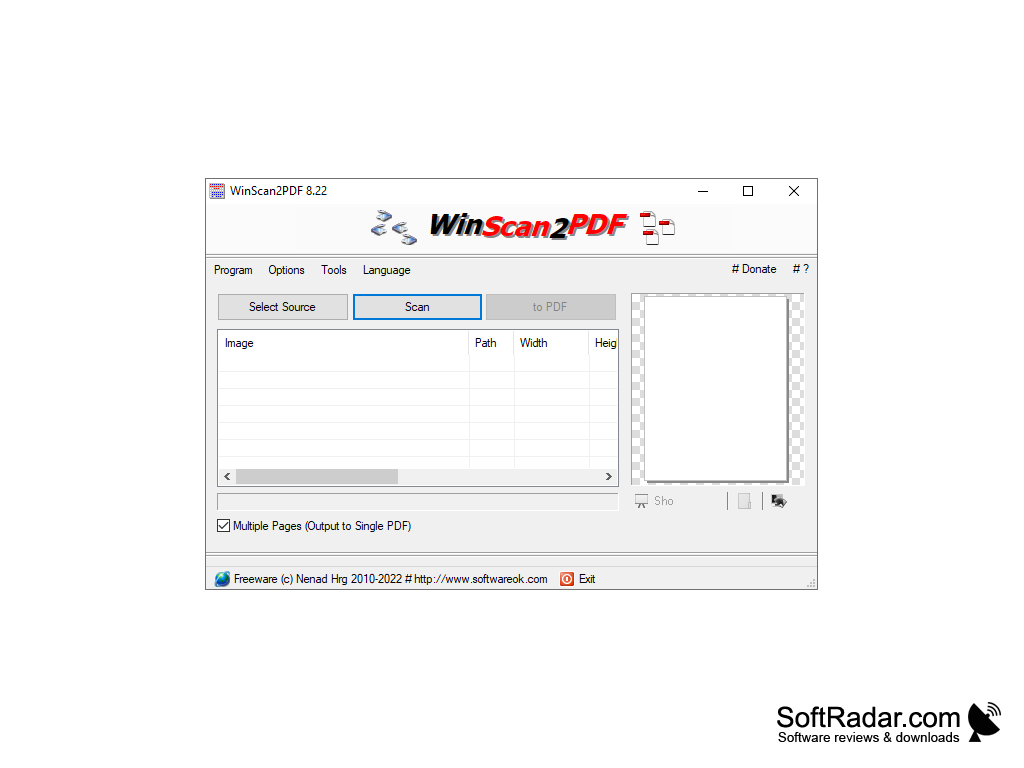
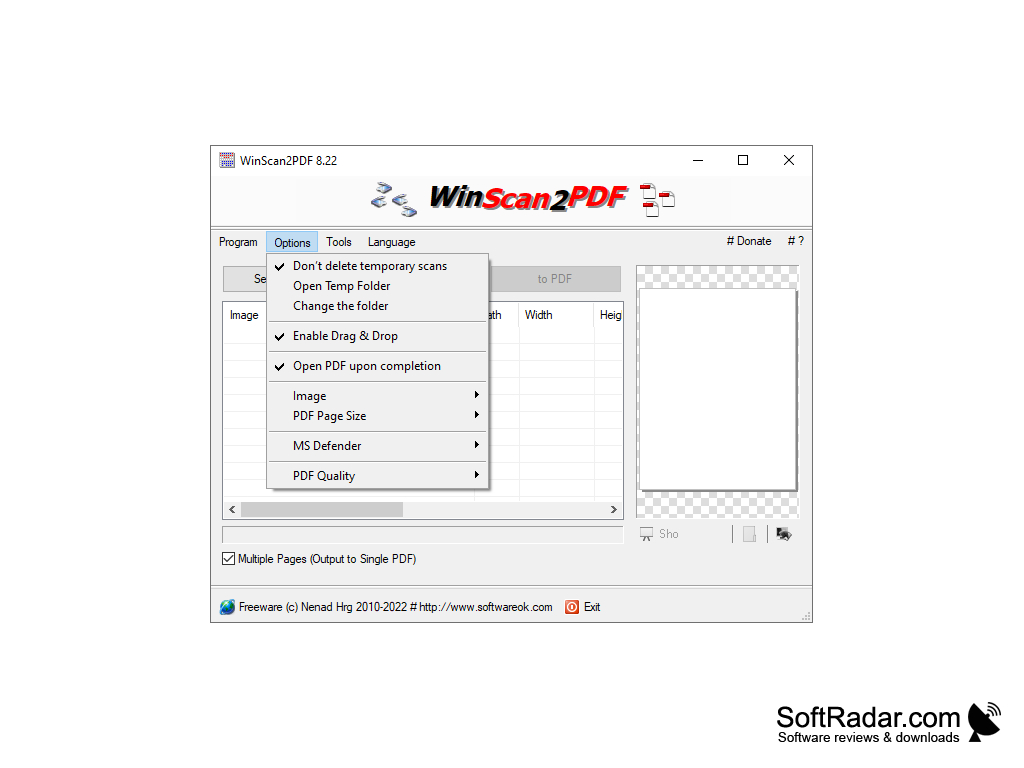
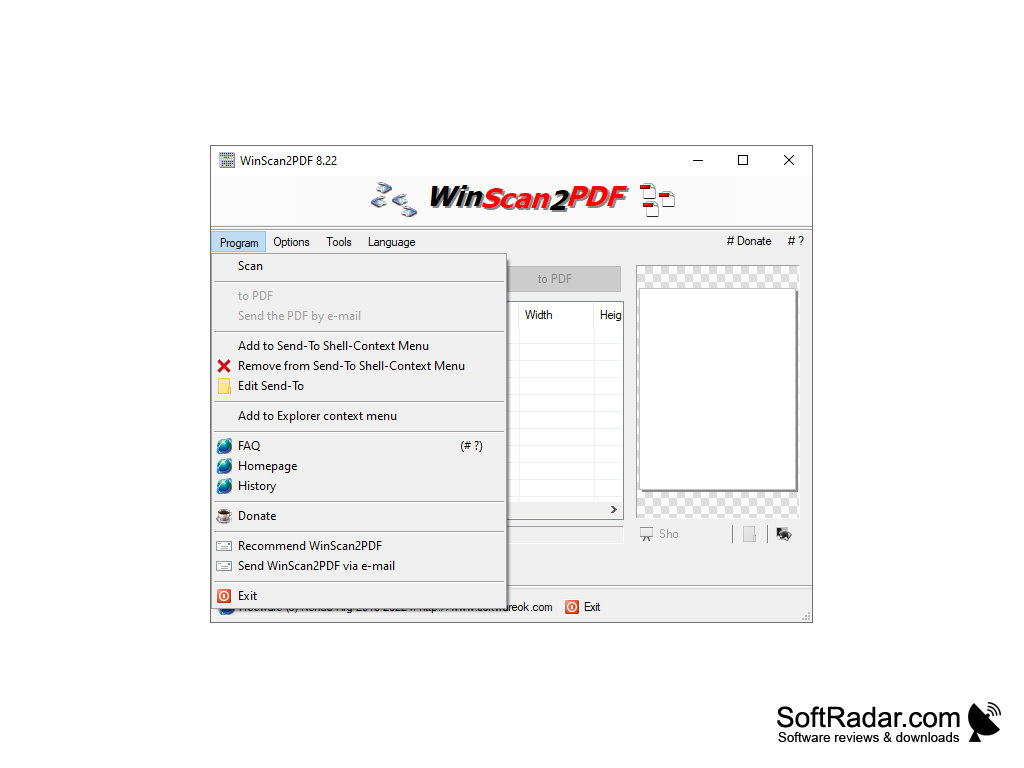
WinScan2PDF is a very small and very simple program for creating PDF files. Despite all the simplicity, and the program has only three buttons, it can be very useful. For example, if you want to send a scanned document by mail using all the advantages of PDF format, namely: the ability to open the document regardless of what operating system and software is installed on the computer to which the PDF document will be sent, as well as the creation of an exact copy while maintaining the size and proportions of the document, security and so on.
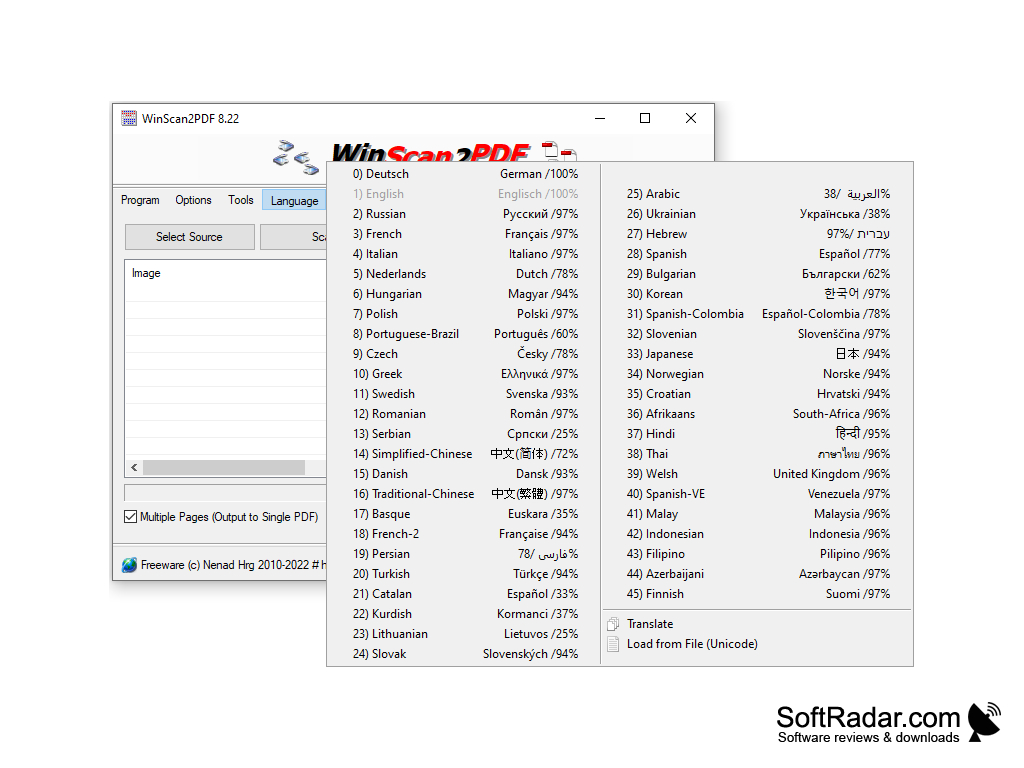
WinScan2PDF does not require installation and consists of just one file, just over 30 kilobytes in size. The main window contains three main buttons:
WinScan2PDF allows users to easily convert scanned files or images into PDFs, ensuring compatibility and security when sharing documents.
Select Source - select the connected scanner from which to scan or a scanner software program such as VueScan;
Scan - when this button is pressed, the scanner driver window with the scan settings will open;
to interrupt is to stop the scanner.
WinScan2PDF can also create PDF documents from images. To do this, tick the box "Multi-page" and drag and drop the image file to the program window, in case there are several images, the program will create a multipage PDF.
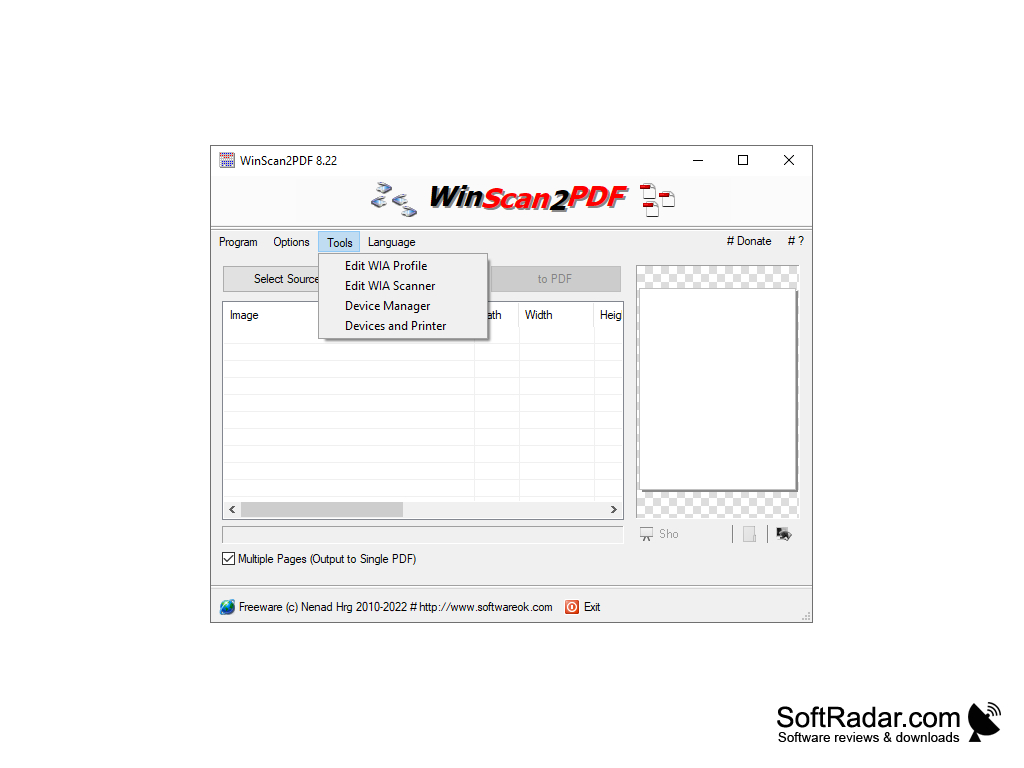
Should have a connected scanner or scanner software.
Sufficient storage for software file (about 30 kilobytes).
Ability to handle PDF creation and image-to-PDF conversion.
PROS
Allows batch scanning of documents.
Lightweight and portable, no installation required.
CONS
Cannot edit or annotate PDFs after scanning.
Lacks batch scanning capabilities.


