XOutput

by Eric L. Barrett

Convert DirectInput APIs to Xinput for the compatibility of old and new game controllers

Operating system: Windows

Publisher: Eric L. Barrett

Release : XOutput 0.11

Antivirus check: passed
Report a Problem

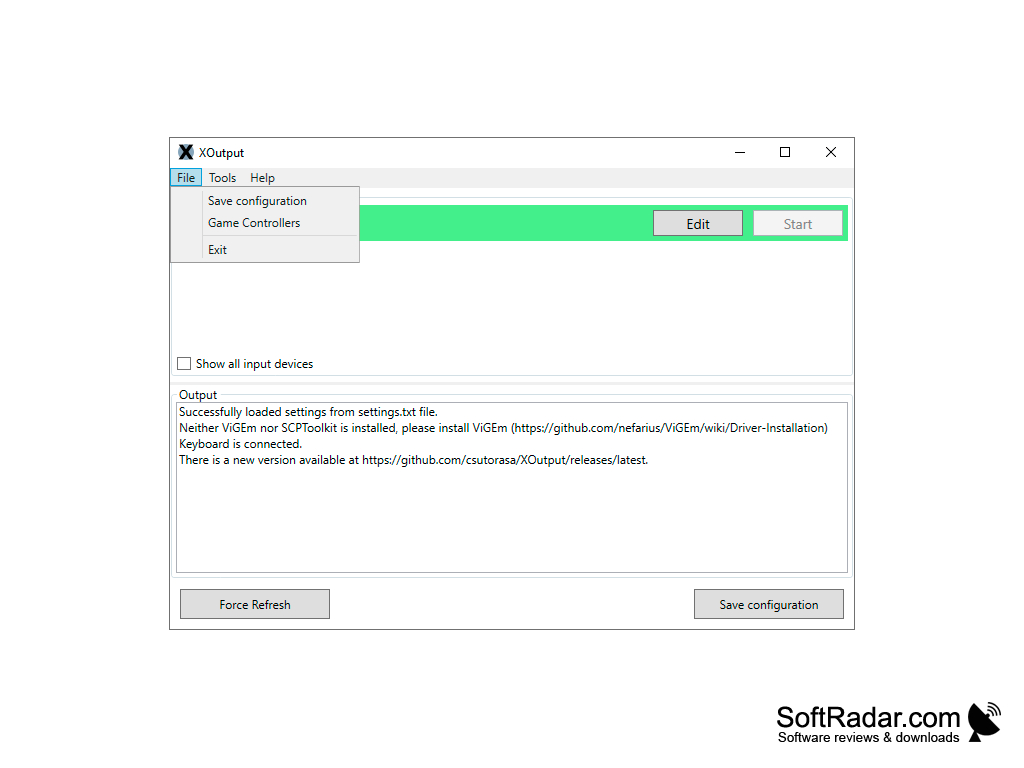
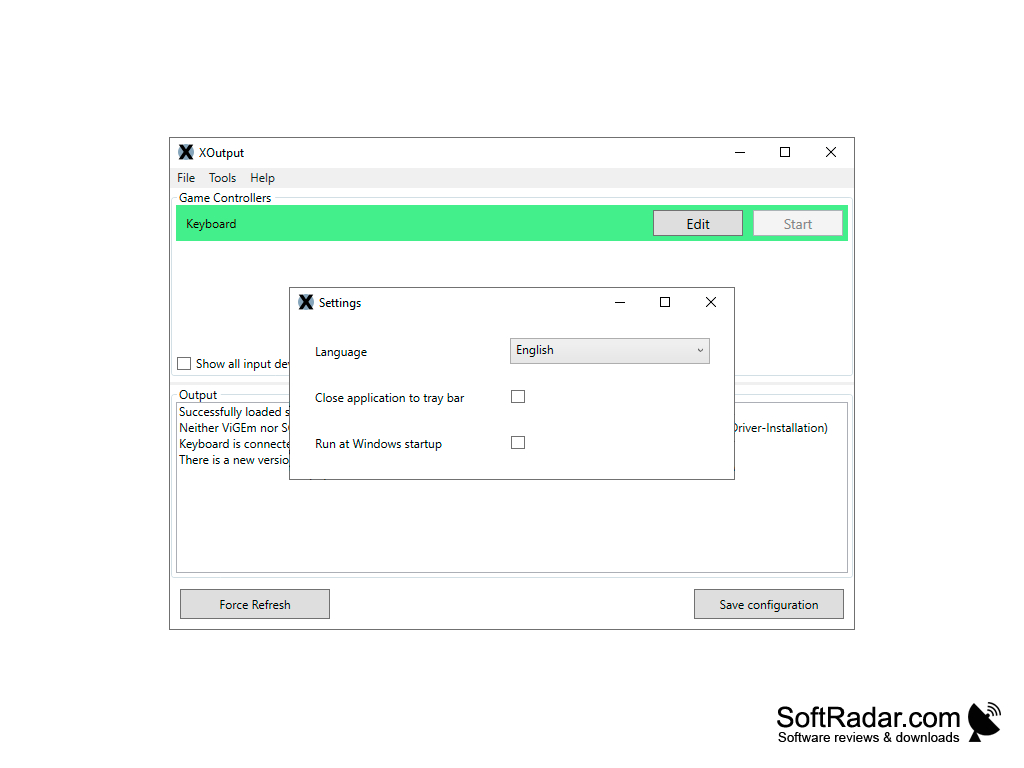
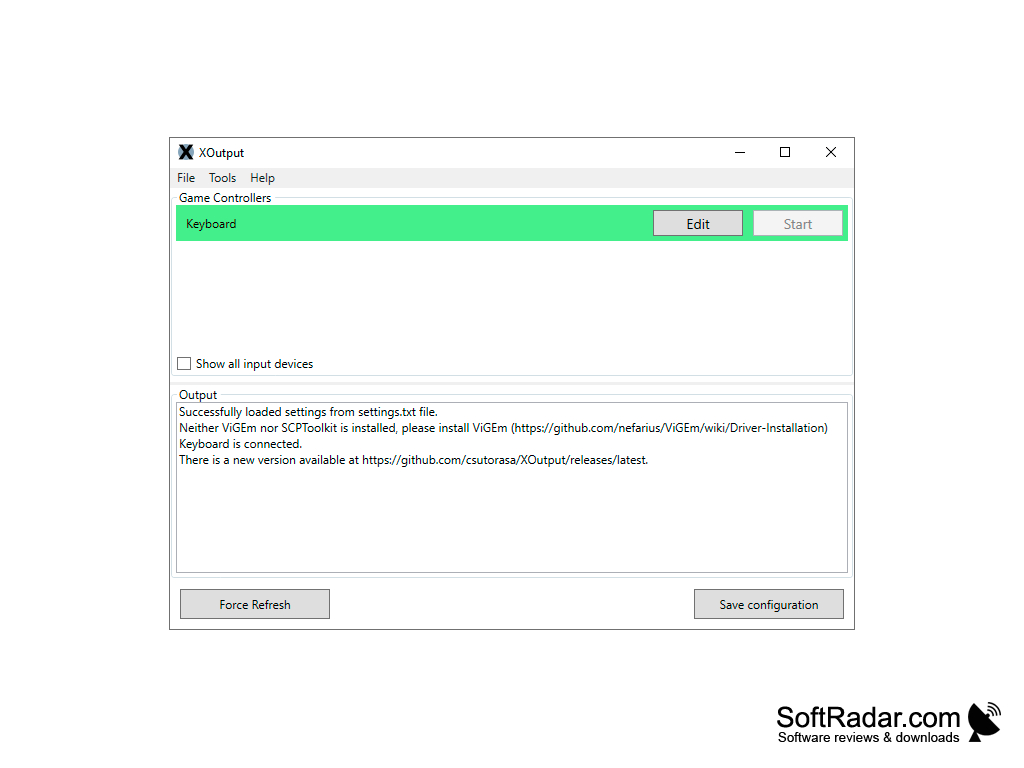
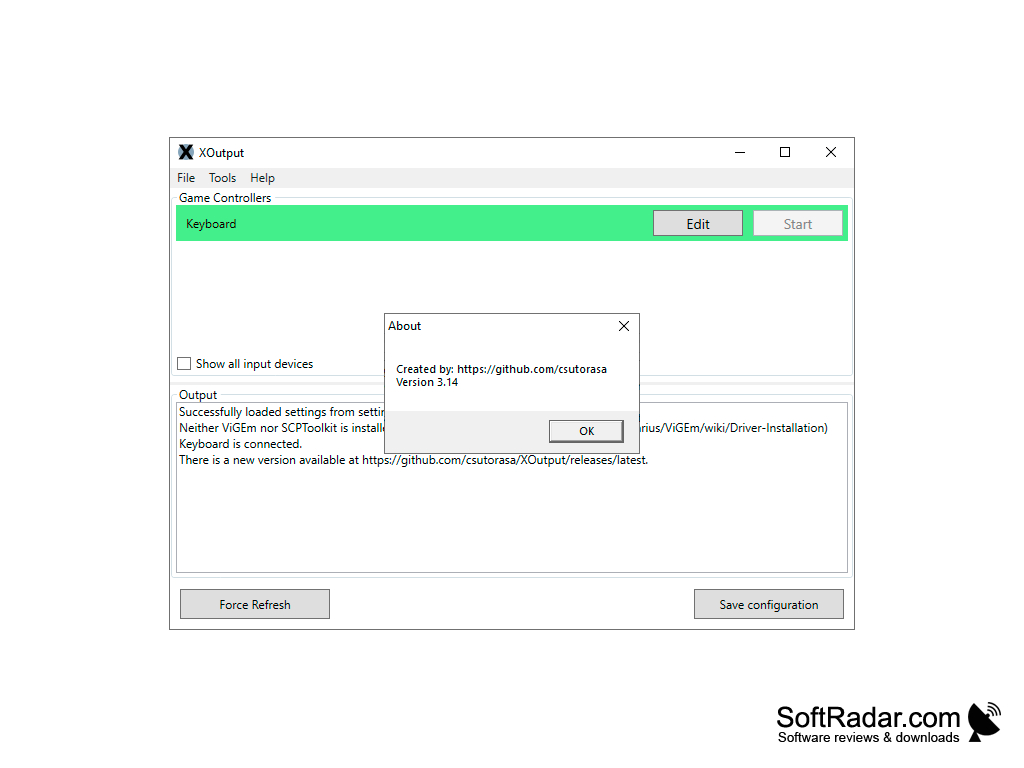
Xoutput is a tool specifically designed to convert DirectInput APIs to Xinput so that users can enjoy the current games even with your old joystick, gamepad or other similar devices.

Features:

  • It supports Xbox controller emulation
  • It supports Axis, button, slider, dpad support
  • It supports ViGEm and SCPToolkit compatibility
  • It supports Multiple languages
  • It supports Windows operating system
  • It affords compatibility and supports old game controllers such as gamepad, wheel, joystick, etc.
  • It manages the configuration of old and new devices without mapping

Specifically for game players that have old game controllers, but are unable to locate or acquire compatibility with the current new games, with the aid of Xoutput they can now make use of these controllers. This is because Microsoft changed the controller APIs from DirectInput to XInput. Known as well is that thou both APIs coexisted side by side for quite a while, it still stands that the old and new were not compatible with most games until the release of Xoutput.

Xoutput enables old games to still be in circulation and old controllers can be used with new games.

Moreover, since XInput is the new standard game controller input on windows, and DirectInput can no longer be used with Universal Windows Platform software, but with this tool users can directly use DirectInput devices as well. Thus, the fact remains that Xinput is easier to design and implement on a dedicated device. Although it is a step backward in development, it is often times difficult to differentiate between the old and new since they both do not bring anything special to the picture. Even so, many users never made the jump to the new API for specialized controllers.
Requires Windows operating system
Supports Xbox controller emulation
Compatible with old game controllers
Supports multiple languages

PROS
Allows multiple game controllers to work on direct input games.
Offers a user-friendly interface with easy setup.
Supports vibration feedback for an enhanced gaming experience.

CONS
Limited compatibility with different gaming systems and controllers.
Lacks frequent updates and bug fixes.
In-game performance issues occasionally arise.

Lucas
Wed, Dec 13, 2023

XOutput is a specifically designed tool to convert the DirectInput APIs to Xinput to help gamers so that they can enjoy the current games even with their old joystick, gamepad, or other similar devices.

XOutput supports a wide range of systems. It supports Xbox controller emulation, and it also supports Axis, button, slider, dpad. Xoutput supports ViGem and SCPToolkit compatibility.

This tool currently supports only the Windows operating system, and it can manage the configuration of old and new devices without mapping.

If you are someone who has old game controllers and hence can not locate or acquire compatibility with the current new games, then XOutput can aid you so that you can make use of those old controllers.

XOutput also supports vibration feedback for enhancing your gaming experience. Although you might face in-game performance issues occasionally, it is a nice tool if you do not want to throw out your old controllers and want to make very good use using them.
image/svg+xmlBotttsPablo Stanleyhttps://bottts.com/Florian Körner Ian Shaw
Xoutput is a must-have for power gamers like me. It's a handy software tool for managing all your hardware emulation, and it's saved me from having to go and buy a new controller just to play the new Call of Duty on my PC.
image/svg+xmlBotttsPablo Stanleyhttps://bottts.com/Florian Körner Aaron
anti micro is a graphical program that is used to map the function of the applicable controls from peripheral or other compatible controlling devices. this allows you the user to decide what kind of accessibility and game control they are most comfortable with.while this is a compatible part of the compatible operating systems, it can work in tandem with other application.
image/svg+xmlBotttsPablo Stanleyhttps://bottts.com/Florian Körner Jesse S.
The main idea behind the software is that DirectInput can be converted to XInput. That enables many gaming controllers to be used with the modern PC games. The Xbox controllers are a great test subject for the Xoutput program. That program is easily and quickly installed, making it preferred among a lot of game players today. The Xoutput is a software program that will allow people to play games that they want to try. The installation phase is easy to finish for all those interested in that option. The software will quickly update and improve game playability for many new people. The Xoutput software program has been updated over the years. Be sure to check for frequent updates that are being provided today. That adds to the functionality of the Xoutput software program. The project has all of the potential people need. The program is free to try for all interested.
image/svg+xmlBotttsPablo Stanleyhttps://bottts.com/Florian Körner Calum Grimm
It is kind of annoying how fast technology can change because previous consoles you use start to have issues within a year or less. This really helps with allows your old controllers work for online gaming without much issue at all. This has probably saved me hundreds over the past year.
image/svg+xmlBotttsPablo Stanleyhttps://bottts.com/Florian Körner Murray
XOutput is a simple application that enables you to use DirectInput control mapping in games that only support XInput. The configuration is quite simple and easy. The wrapper is compatible with ViGEm and SCPToolkit, and has multiple languages available. It's being continuously worked on by csutorasa, and the source code in C# and available open-source through the MIT License on GitHub.
image/svg+xmlBotttsPablo Stanleyhttps://bottts.com/Florian Körner Dylan
There is nothing worse than having an amazing PC game that you would love to use your Xbox 360 console controller for, but you cannot because its output is incompatible. It happened to me with a PC flight simulator recently. XOutput for Windows is a free program that sorts this problem out. Once installed, it changes the DirectInput data of the Xbox 360 controller to XInput data and you can use it on all those PC games for which you prefer your Xbox 360 controller.
image/svg+xmlBotttsPablo Stanleyhttps://bottts.com/Florian Körner Logan
Xoutput is the easiest way to use your Xbox 360 controller for your PC games. it was never this easy before all you have to do is plugin your controller and play after installation of this software. the best part is that it is compatible with the newest operating systems as well. This is the best and the cheapest way to use your Xbox 360 controller. If you're gamer and have Xbox 360 controller you have to do get this software.
image/svg+xmlBotttsPablo Stanleyhttps://bottts.com/Florian Körner Arran
XOutput allows those with Xbox 360 controllers the ability to use newer gaming systems by converting DirectInput into XInput, thereby gaining access to the Universal Windows Platform. All that is required for this extremely helpful tool is to download and everything should be synced and ready for use. It is smart, smooth and something that will serve users well. Download today!
GlovePIE
Сross compatable comparisons of keyboard-to-joystick/controler commands Сross compatible comparisons of keyboard-to-joystick/controller commands
Voobly
Connect to various games for the PC to play multiplayer with your friends.
DxWnd
Play old windowed games
YoloMouse
Replace the cursor within any game with a different cursor of your choosing
Gopher360
Turns your XBOX or Playstation controller into a basic keyboard