
XOutput
Convert DirectInput APIs to Xinput for the compatibility of old and new game controllers
Operating system: Windows
Publisher: Eric L. Barrett
Release: XOutput 0.11
Antivirus check: VirusTotal report
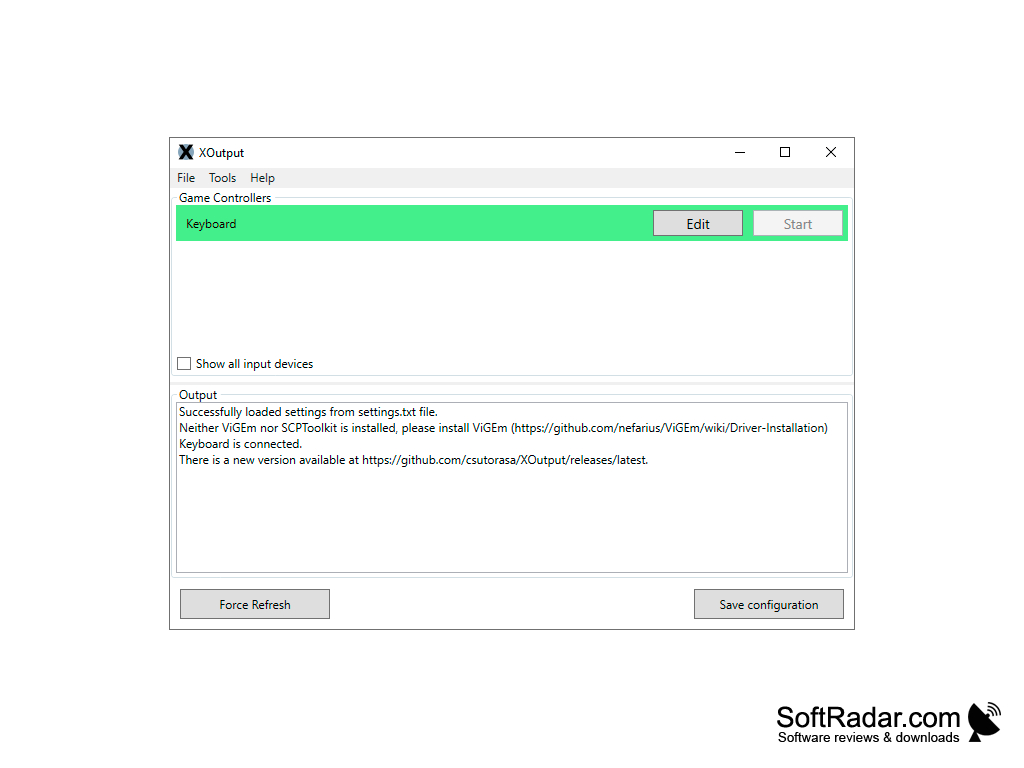
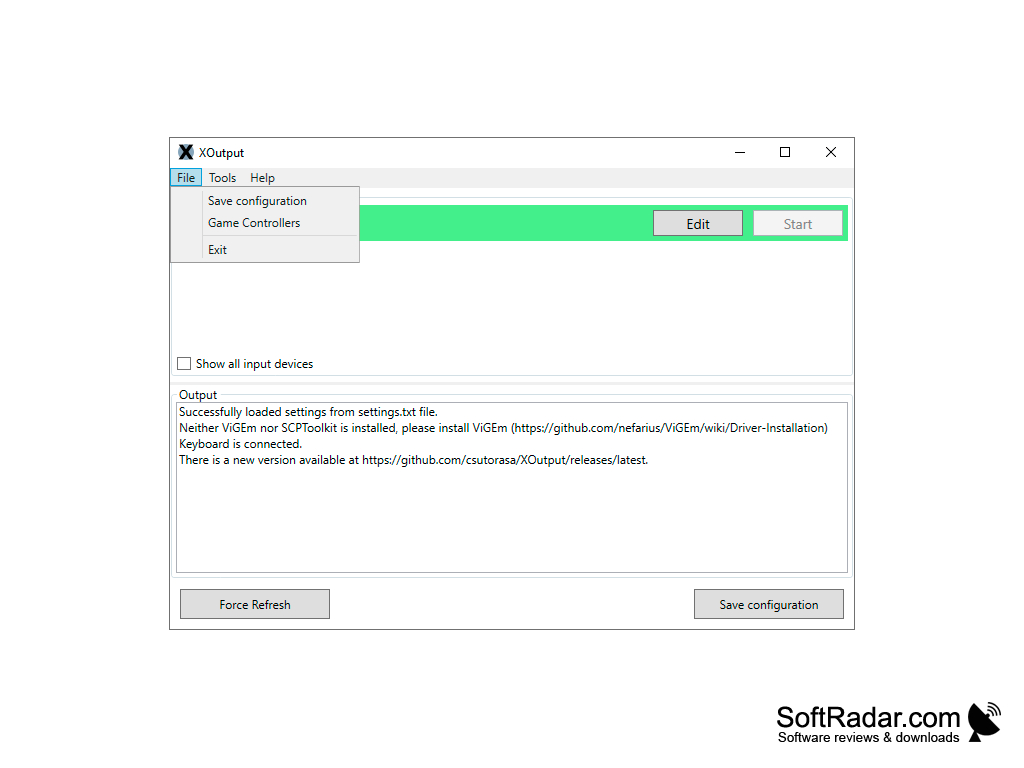
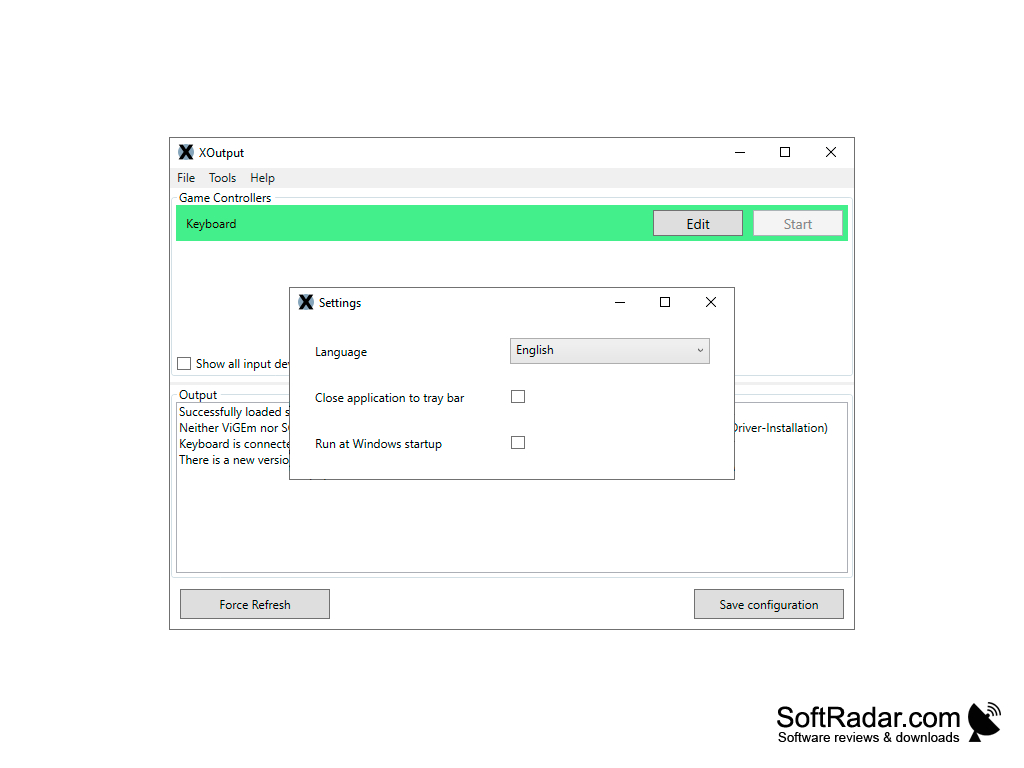
Xoutput is a tool specifically designed to convert DirectInput APIs to Xinput so that users can enjoy the current games even with your old joystick, gamepad or other similar devices.
Features:
- It supports Xbox controller emulation
- It supports Axis, button, slider, dpad support
- It supports ViGEm and SCPToolkit compatibility
- It supports Multiple languages
- It supports Windows operating system
- It affords compatibility and supports old game controllers such as gamepad, wheel, joystick, etc.
- It manages the configuration of old and new devices without mapping
Xoutput enables old games to still be in circulation and old controllers can be used with new games.
Specifically for game players that have old game controllers, but are unable to locate or acquire compatibility with the current new games, with the aid of Xoutput they can now make use of these controllers. This is because Microsoft changed the controller APIs from DirectInput to XInput. Known as well is that thou both APIs coexisted side by side for quite a while, it still stands that the old and new were not compatible with most games until the release of Xoutput.
Moreover, since XInput is the new standard game controller input on windows, and DirectInput can no longer be used with Universal Windows Platform software, but with this tool users can directly use DirectInput devices as well. Thus, the fact remains that Xinput is easier to design and implement on a dedicated device. Although it is a step backward in development, it is often times difficult to differentiate between the old and new since they both do not bring anything special to the picture. Even so, many users never made the jump to the new API for specialized controllers.
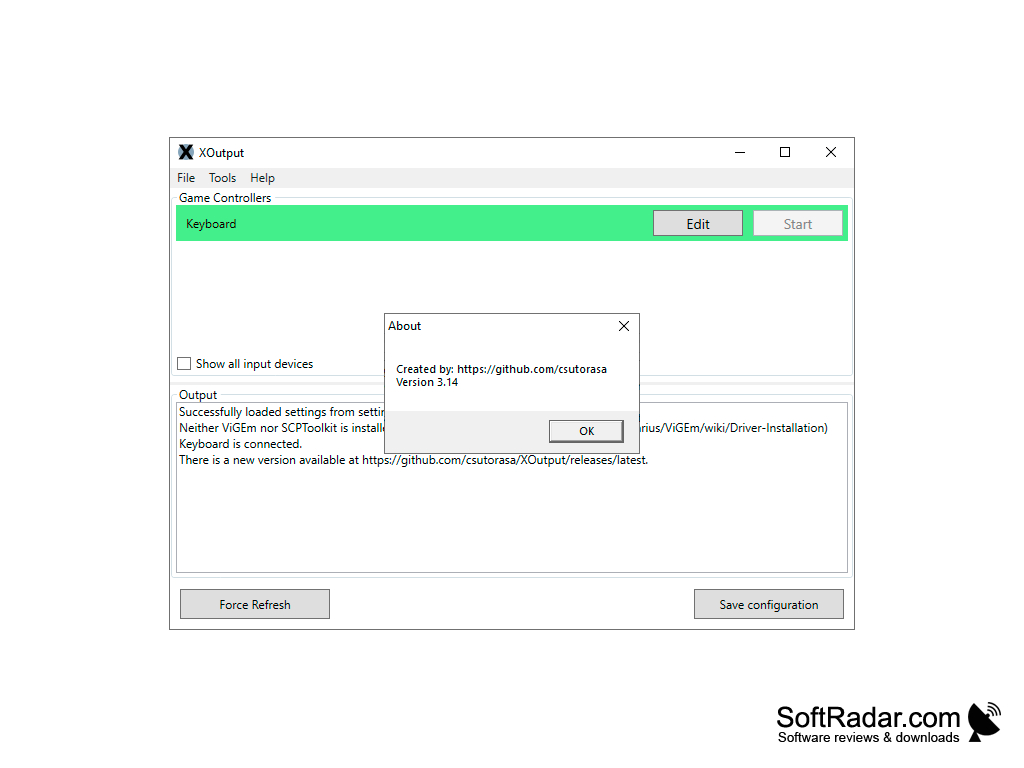
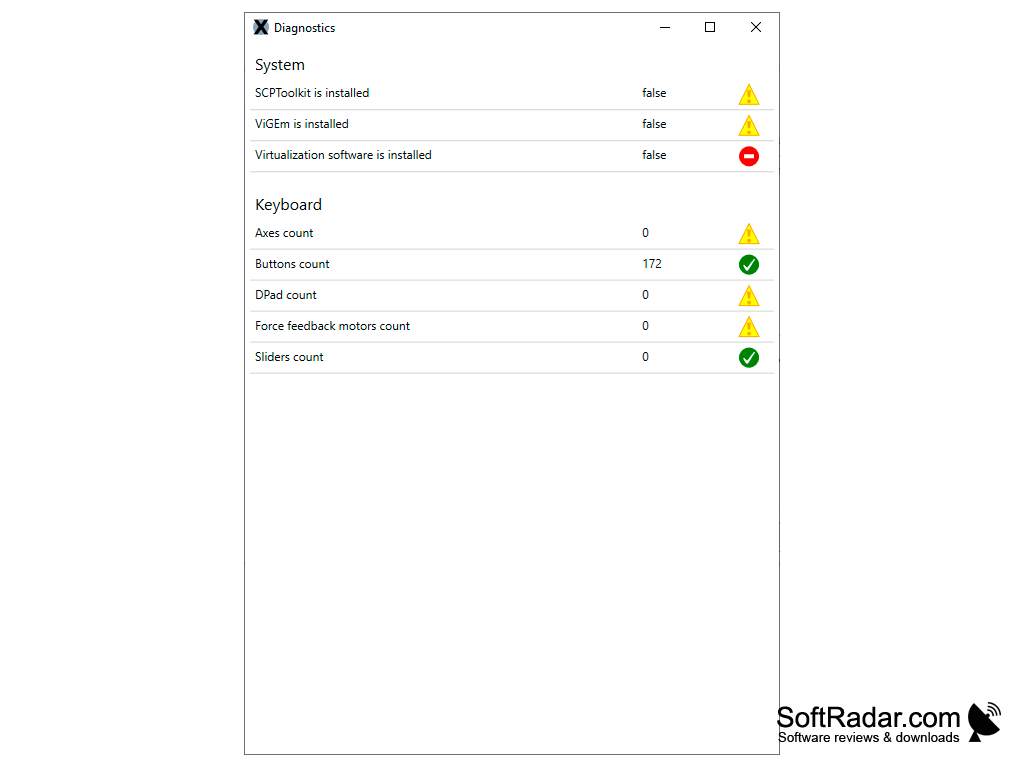

Supports Xbox controller emulation
Compatible with old game controllers
Supports multiple languages
PROS
Offers a user-friendly interface with easy setup.
Supports vibration feedback for an enhanced gaming experience.
CONS
Lacks frequent updates and bug fixes.
In-game performance issues occasionally arise.


