
Avast SafeZone
Allows for safe zone for windows access
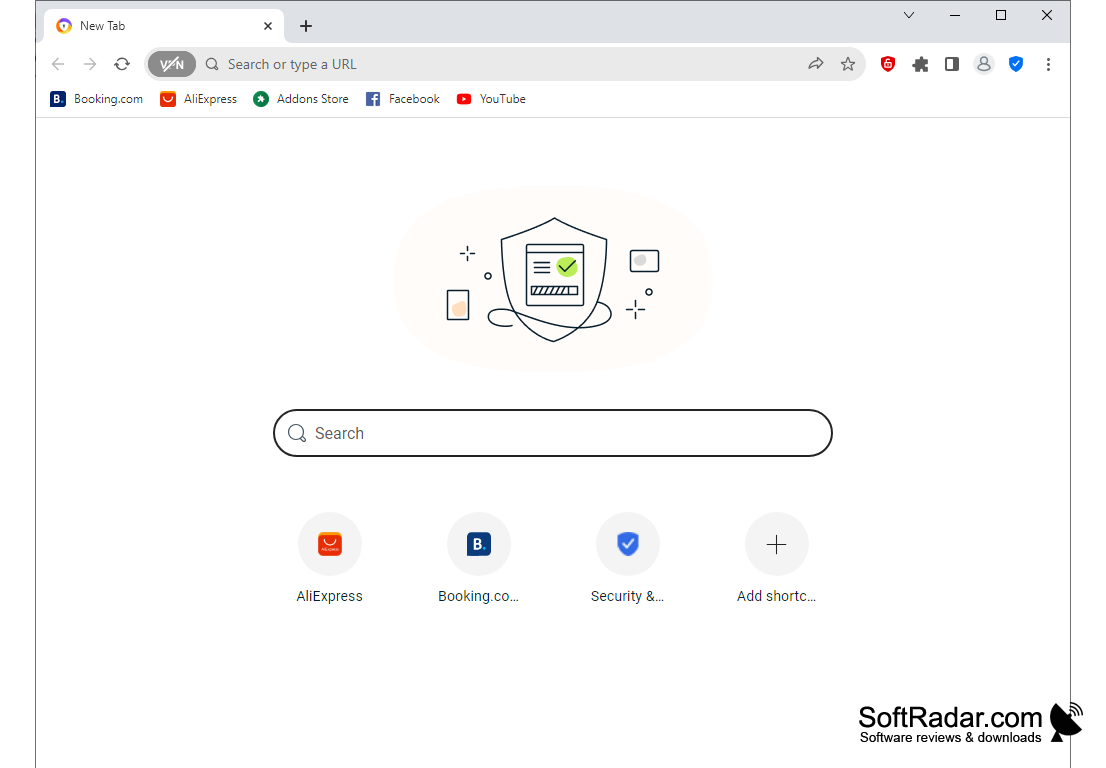
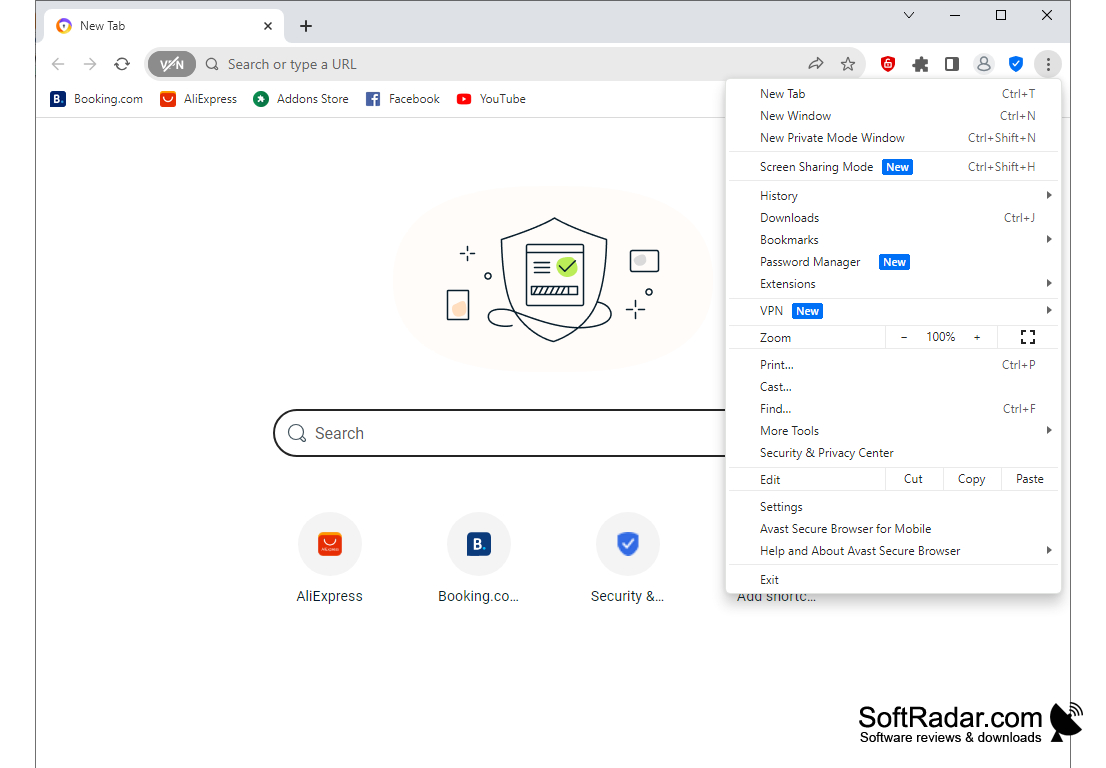
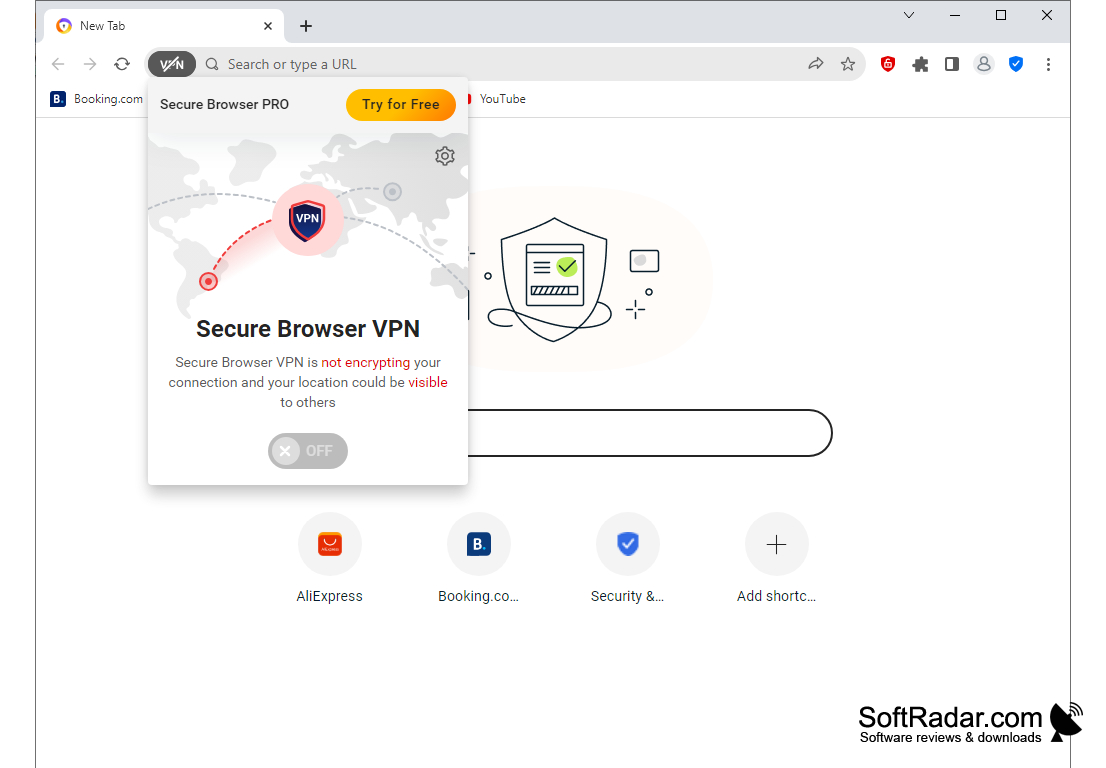
Avast SafeZone is a secure browser from a well-known antivirus manufacturer. Its main purpose is to provide the user with a safe stay on the Internet, as well as to prevent personal information from falling into the wrong hands.
The program has two levels of protection: the first level is always active and protects the user from potentially dangerous sites with low reputation (ratings are based on data from the Avast Internet Security firewall), phishing pages and malicious Java and other scripts, as well as it blocks unwanted advertising. In addition, the browser has built-in protection against any changes that are not approved by the user: no virus can independently change the home page or install a dangerous extension. It is also worth noting that Flash is disabled by default, instead the browser has the ability to download video in accessible quality from most video services. If required, you can enable Flash support with one click.
The second mode is the use of a virtual isolated environment. This mode is designed to provide security in cases where critical data is transmitted over the network and should not fall into the hands of intruders. For example, passwords to banking operations, personal cabinet data, etc. Virtual environment is automatically launched when visiting the pages of major banks and a number of other websites approved by Awast. If necessary, you can run it manually on any website by clicking the corresponding icon to the right of the address bar. Virtual isolated environment provides protection from keyloggers, Trojans and utilities that create impressions of RAM.
Avast SafeZone offers enhanced internet security by protecting users from malicious scripts and sites, blocking unwanted ads, and providing a virtual isolated environment.
Avast SafeZone uses Gecko as the web page output engine, so users accustomed to Mozilla Firefox will not find much difference in the browser interface. Unfortunately, in the autumn of 2017, the developers announced that they would stop further development of the project and start creating a new secure browser.
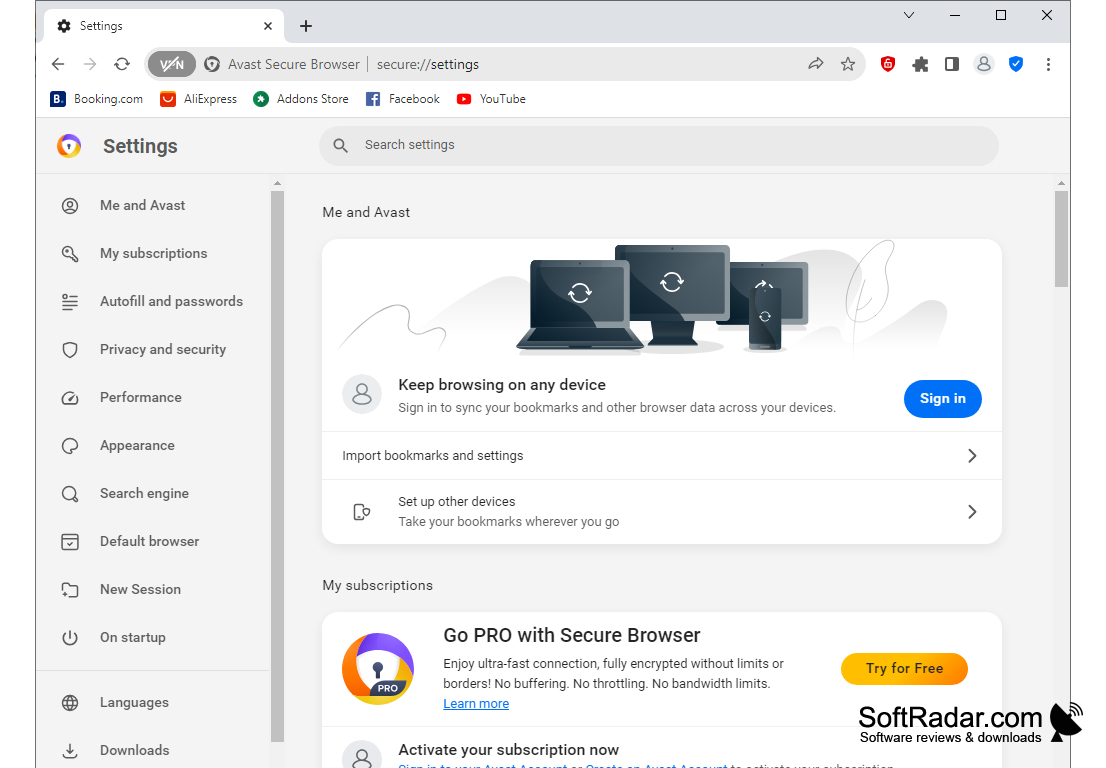
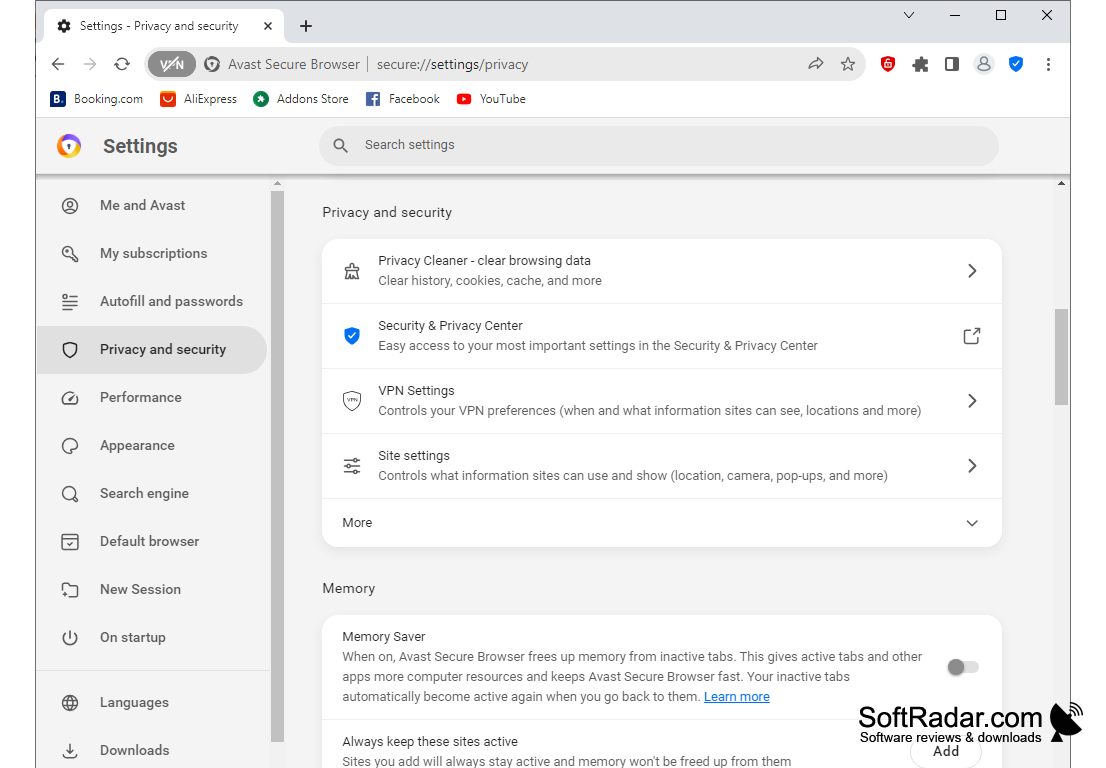
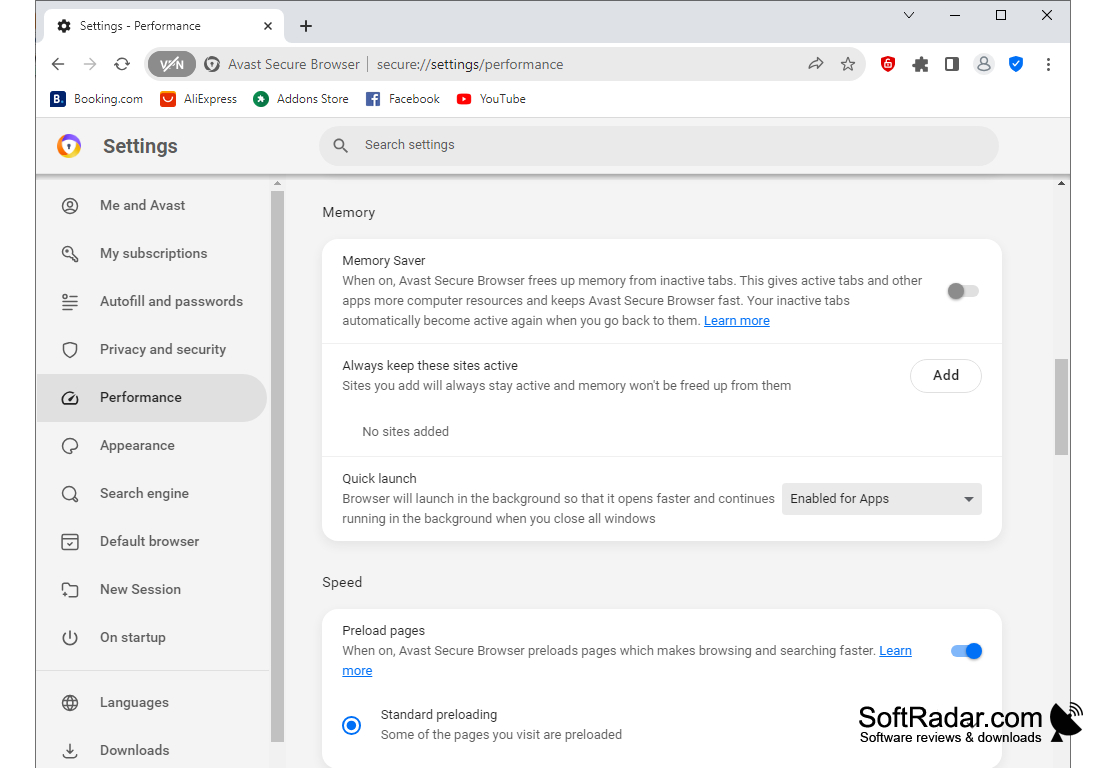
- Ensuring security when surfing the Internet and banking transactions;
- the ability to use a virtual isolated environment when visiting sites;
- blocking advertising;
- protection against malicious extensions and homepage modifications;
- the ability to download videos from popular services.
PROS
Comes with a built-in ad blocker.
Includes a video downloading feature for offline viewing.
CONS
The interface is not user-friendly.
Occasionally slows down your computer's performance.