


KeepTube
A music/video downloader, player, converter that can be used offline
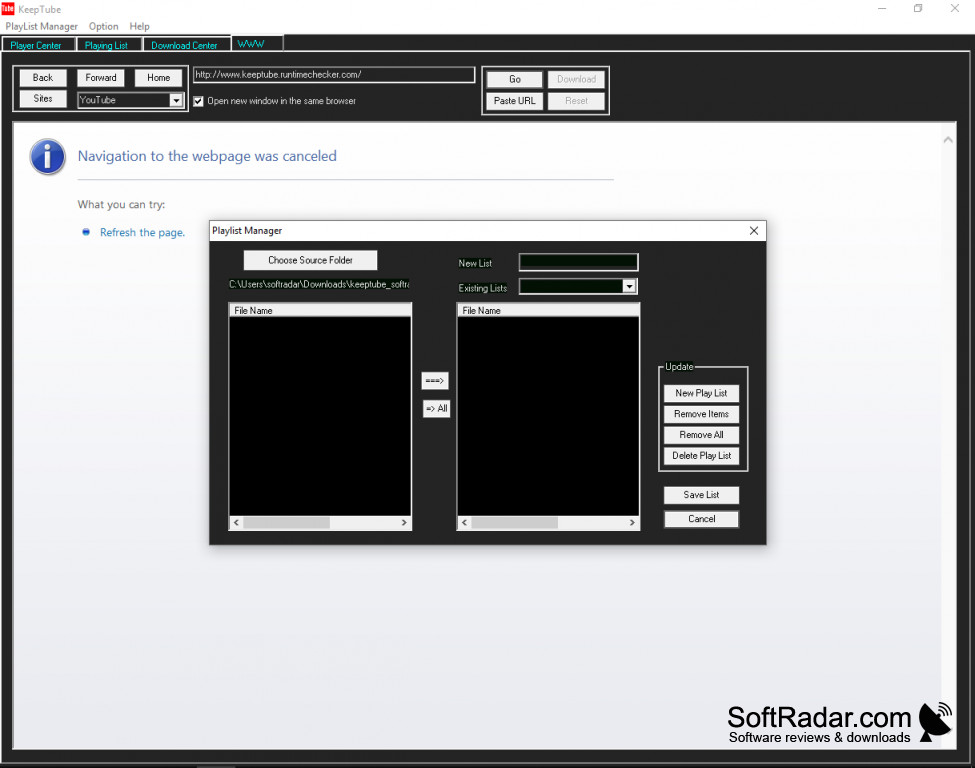
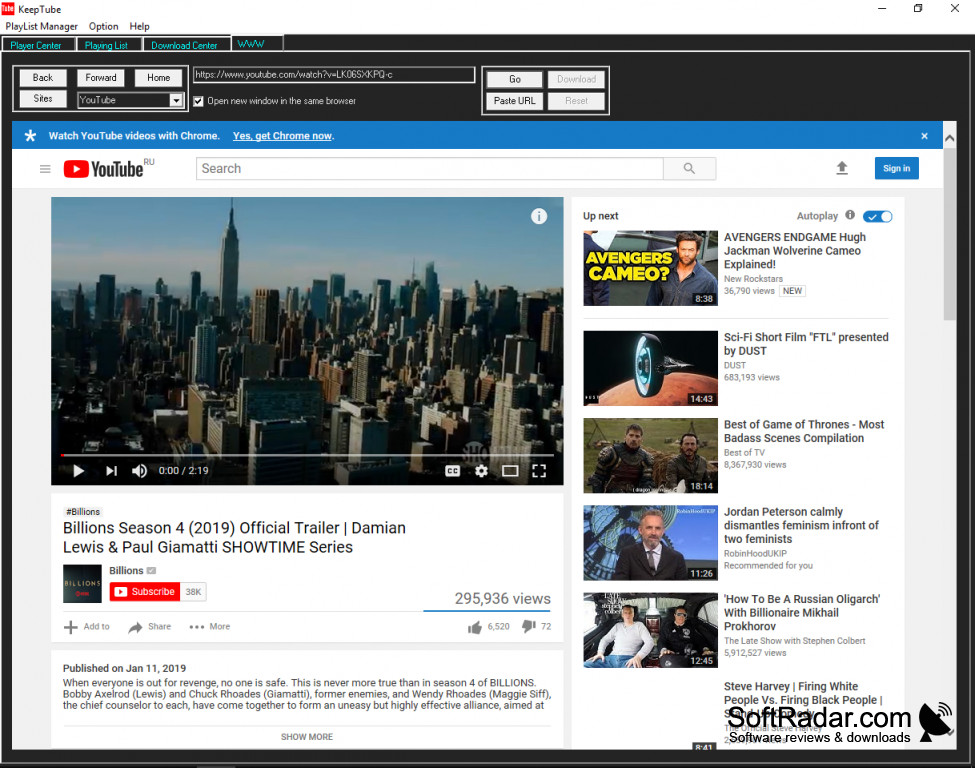
One main benefit of KeepTube is it appears you can use it on a variety of sites. It seems you can download from many of these all at the same time. You can pick what you want to hear or see at any time and without a long wait like many others. So download from youtube and watch what was saved from yahoo at the same time. You can also use KeepTube to search for your favorite videos and music on YouTube and download so you can enjoy them when your on or when offline.
It user-friendly, so add the music or video location(URL) and choose the option to keep your selection. You can search for and collect music and video instantly from so many different locations without needing to read along with the user guide because the tool is so easy to use it makes it faster than many of the other alternatives. You can find a download for KeepTube without a purchase because its download is free. Playing your videos and music won't cost you anything either, and your downloads are kept right in your music files.
It works on most windows formats and can be downloaded on a mobile phone as well, giving the ability to create and send your chosen tracks across the web or directly to your friends and social media.
Save your audio and video by a selection option, with no lengthy instructions.
Move your tracks around and build song lists that can play over and over. You can change the order of your playlists, Put them on a repeat, or change the format by using KeepTube, which is an audio/video converter. You can convert an mp4 to mp3, and mp3 to an mp4, and so on. It's a music player, converter, playlist, and downloader.
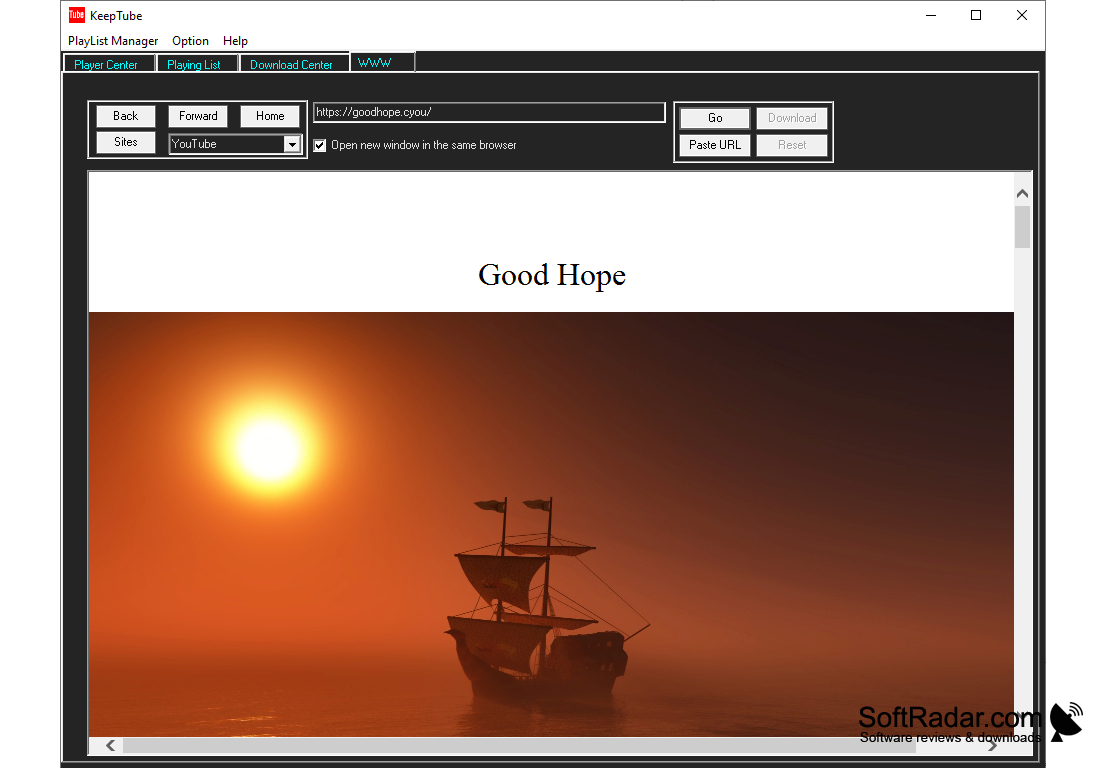
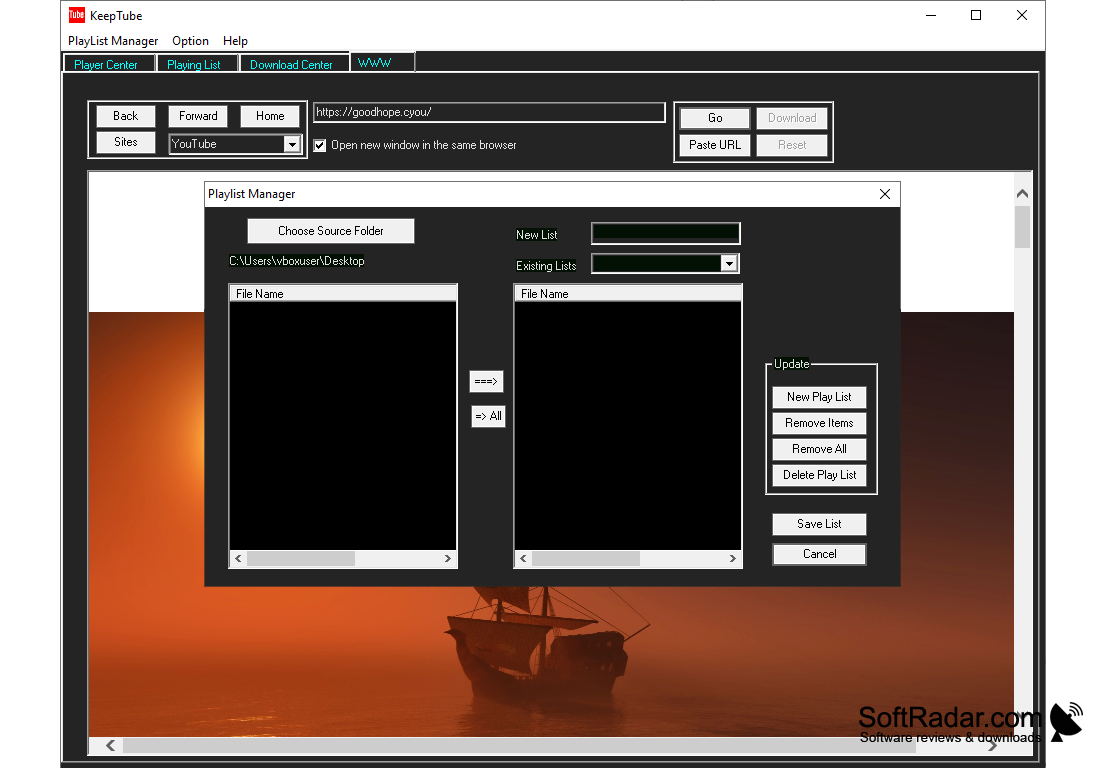
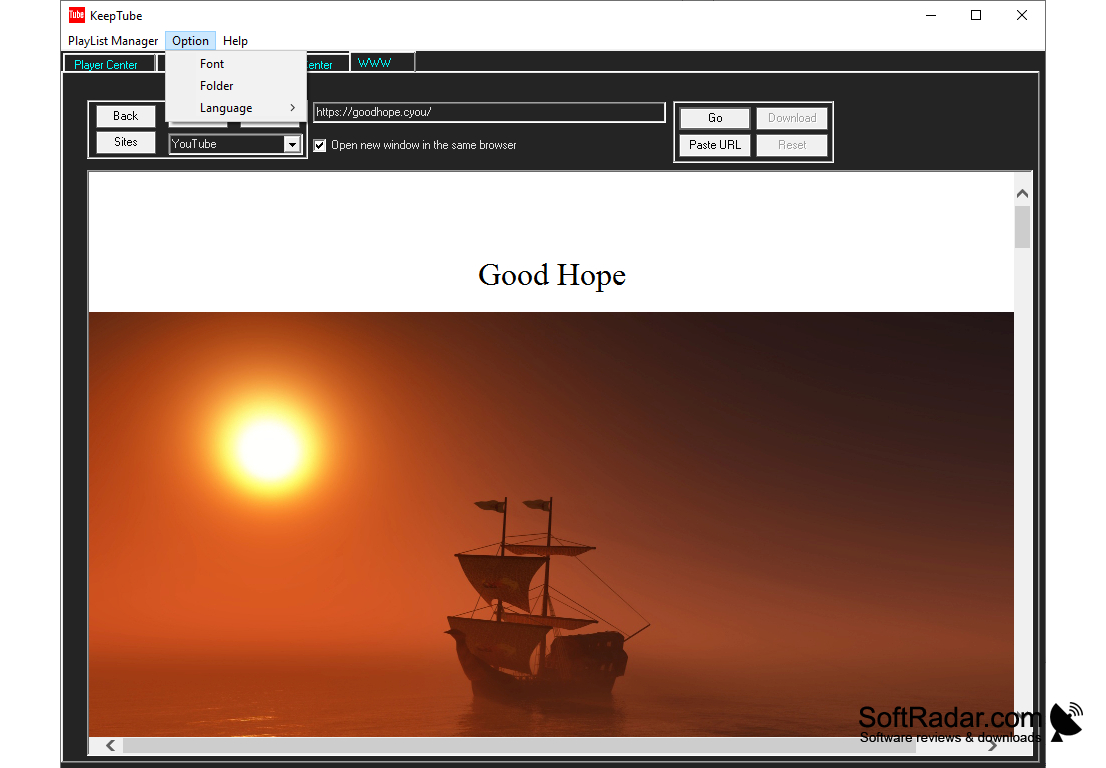
One thing I think might be a problem is nowhere can I see a download for windows 10. It says Windows 10, but when you look at system requirements, it does not list. I think it should be mentioned.
PROS
Provides high-speed downloads without quality loss.
Supports various video and audio formats.
CONS
Does not support batch downloads.
Lacks a friendly user interface.


