
Leatrix Latency Fix
A small Windows utility that reduces online gaming latency by changing how often TCP acknowledgements are sent.
Operating system: Windows
Publisher: Eden.fm
Release: Leatrix Latency Fix 1.1
Antivirus check: VirusTotal report
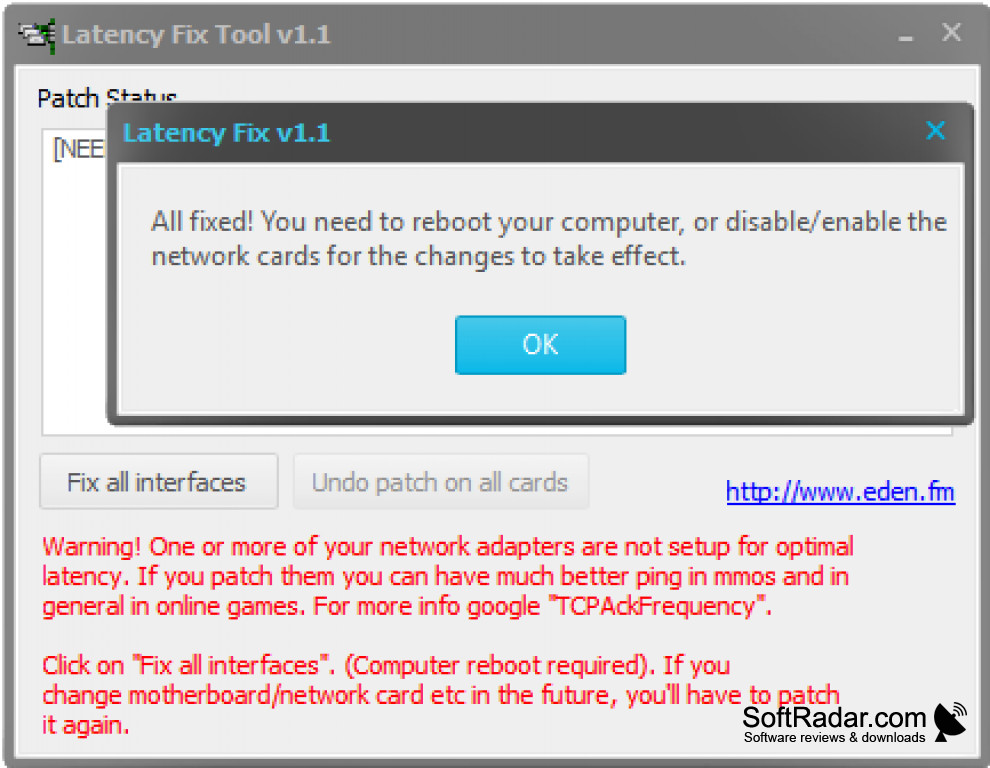
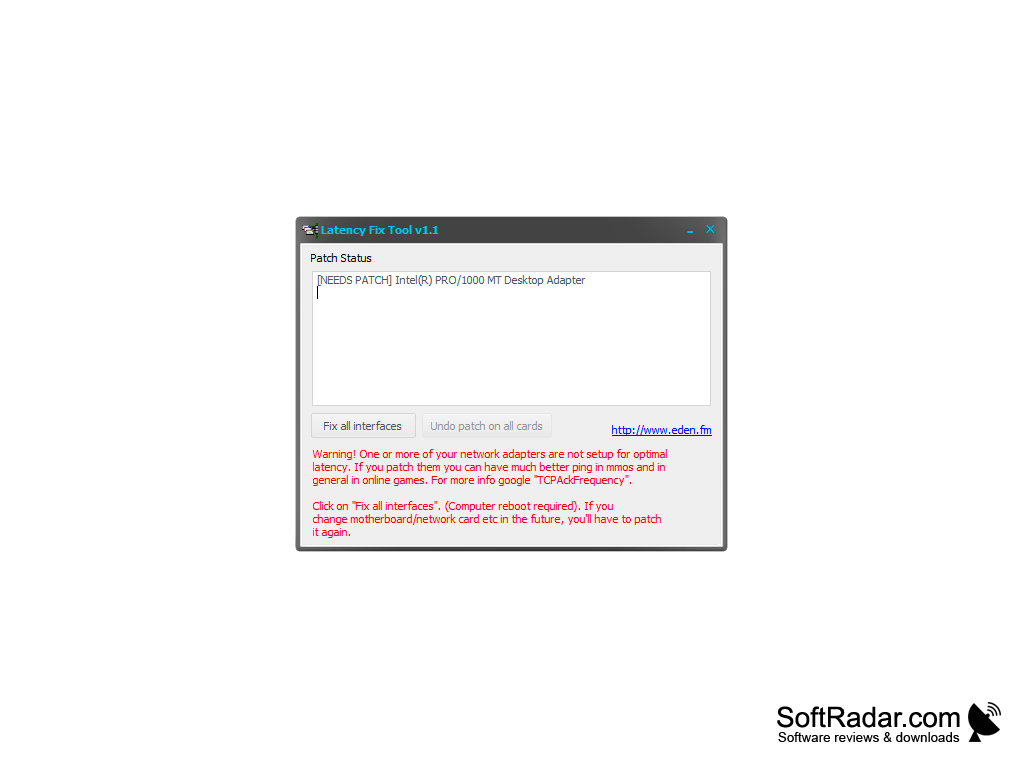
Leatrix Latency Fix is a small tool for those who play games online. Latency, or ping, is one of the most common complaints of online players, especially in MMOs where every action waits for a reply from the game server. Leatrix Latency Fix addresses that problem by increasing the frequency of TCP acknowledgements that your computer sends to the game server.
Features:
- Quick installation
- Reduce latency in TCP-based online games
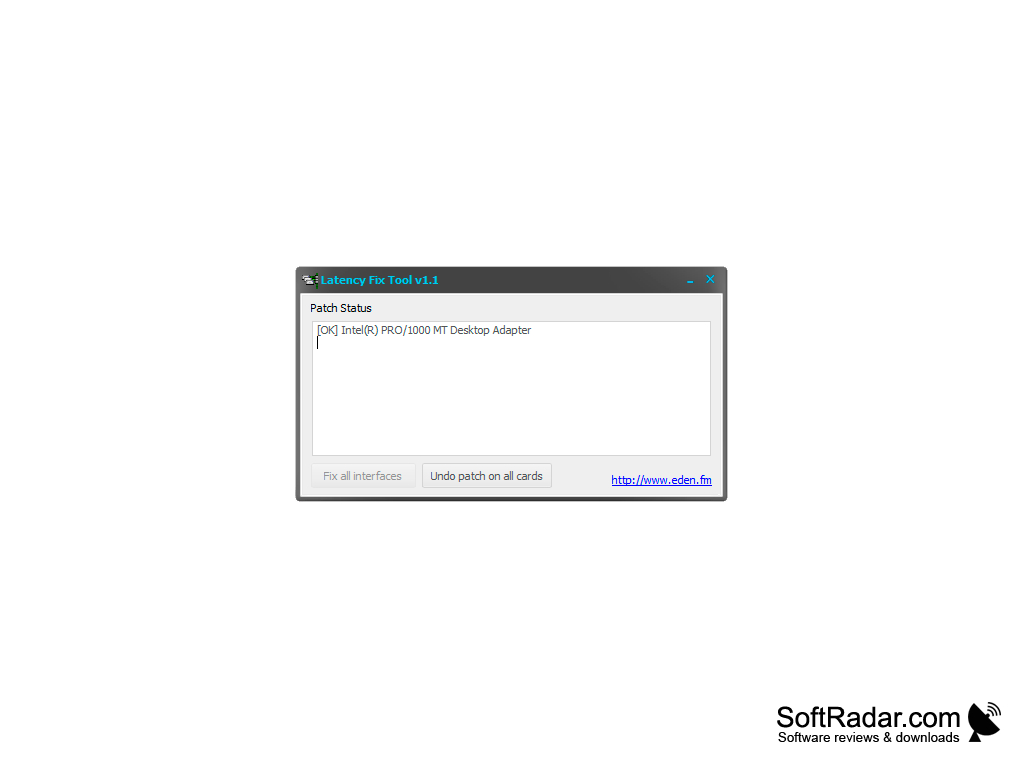
- Patch status shown for every network adapter
- Undo the patch on all cards with one click
- Free to use
Lower your ping in TCP-based online games with a one-click network adapter patch that can be undone at any time.
If that sounds technical, it is. Look at the process this way. By default, Windows delays some TCP acknowledgement packets and sends them in groups to reduce network overhead. For online games that exchange many small TCP packets with the server, this delay adds to the ping you see in the game. The tool sets the TCPAckFrequency value for each network adapter so that Windows acknowledges every packet immediately, which lowers the delay without affecting anyone else. Games that require split-second choices and actions benefit most, and players of MMOs such as World of Warcraft have reported noticeably lower latency after applying the tweak. Games that send their traffic over UDP instead of TCP do not gain anything from the change, and it does not speed up downloads or video streaming.
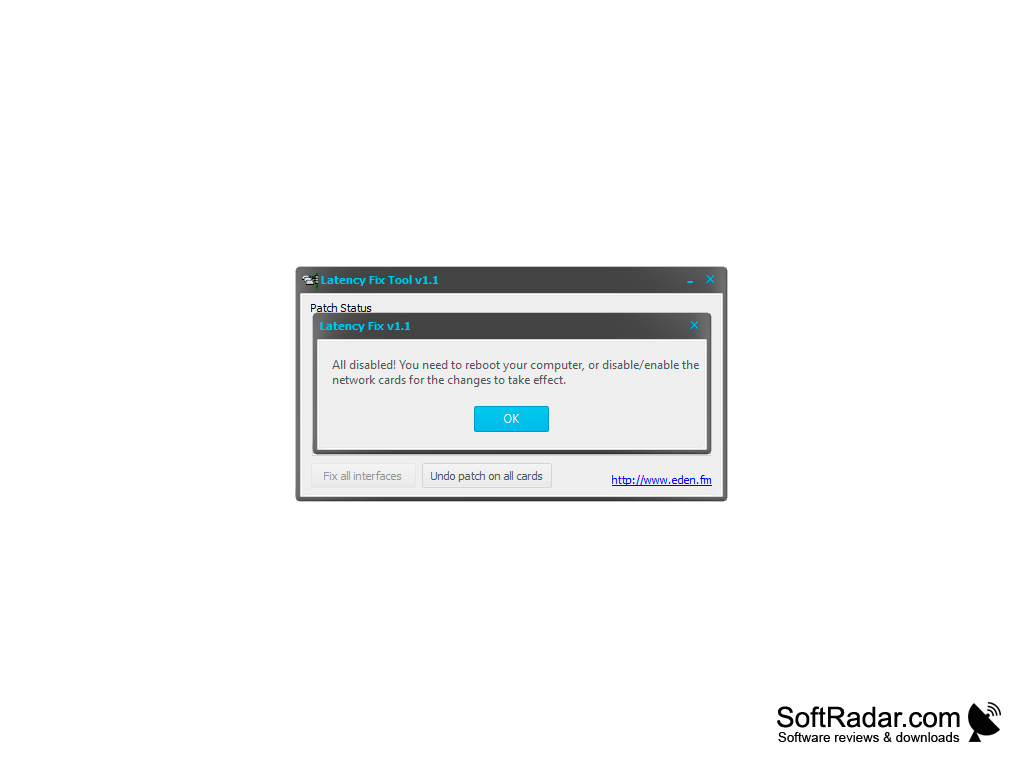
The program set up is pretty straightforward and easy. The tool needs administrator rights, since it changes network settings in the Windows registry. After you click "Fix all interfaces", you have to reboot your computer, or disable and enable the network cards, so the changes take effect. The "Undo patch on all cards" button restores the default Windows behavior in the same way. If you later change your motherboard or network card, run the tool again to patch the new adapter. The version offered here is the Latency Fix Tool from Eden.fm, which applies the same TCPAckFrequency tweak that the original Leatrix script made popular.

PROS
Patch can be undone with a single click.
Free and very small program.
CONS
Only helps in games that use TCP connections.
Must be applied again after changing the network card.


