
Sports Sounds Pro
Sports Sounds Pro is a soundboard program that plays music and sound cues for live sports, radio shows, theatre and other events.
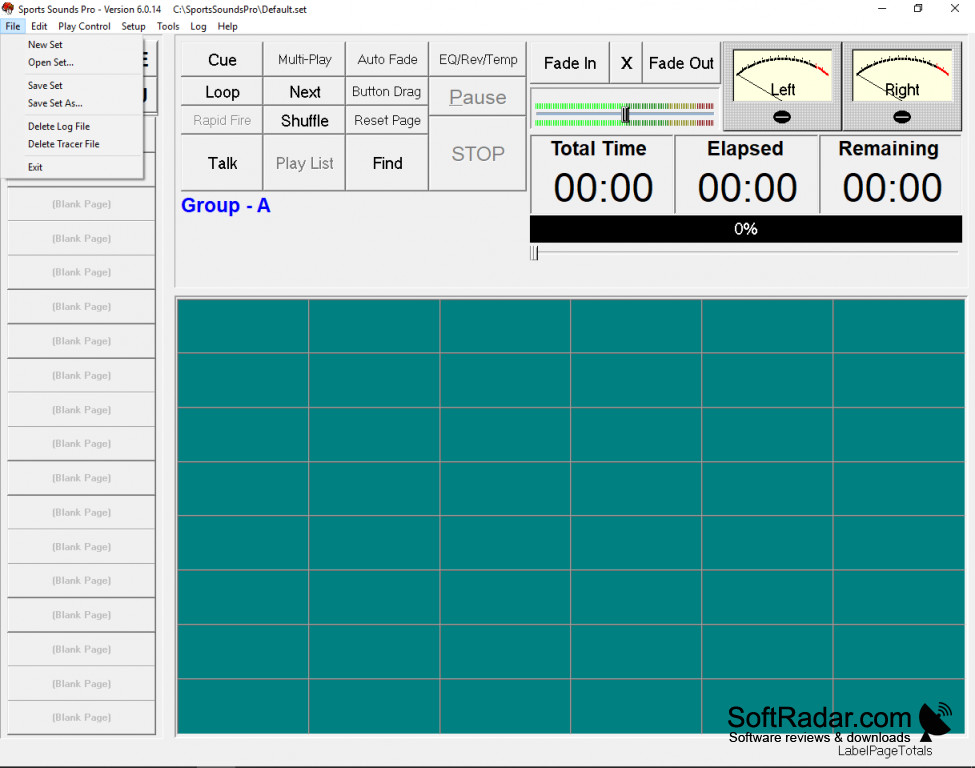
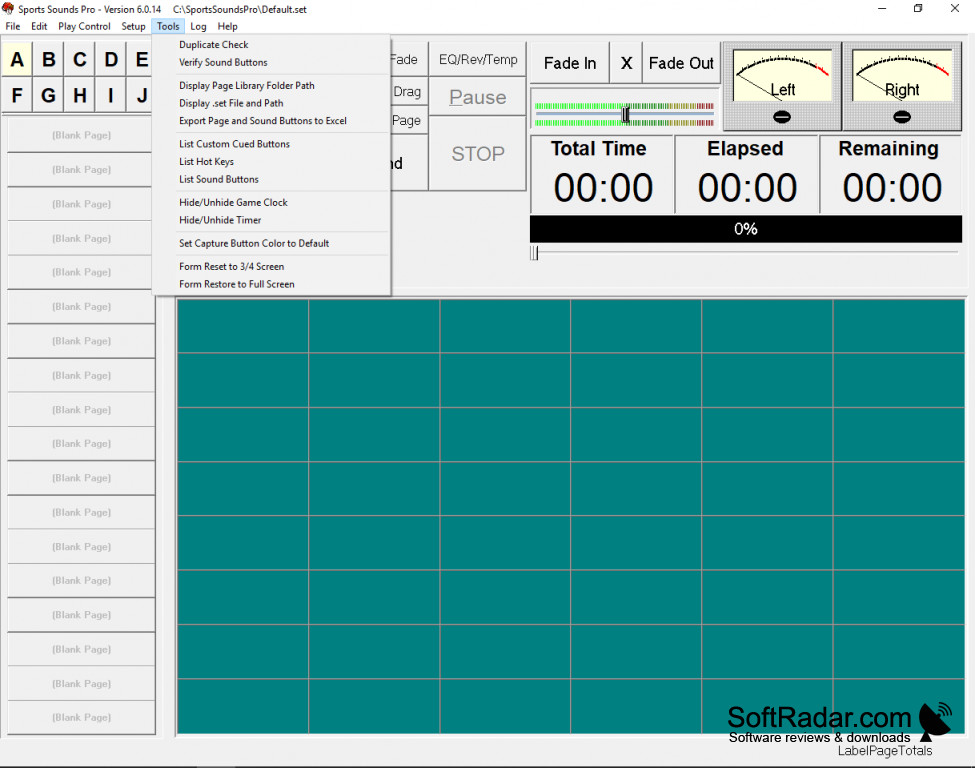
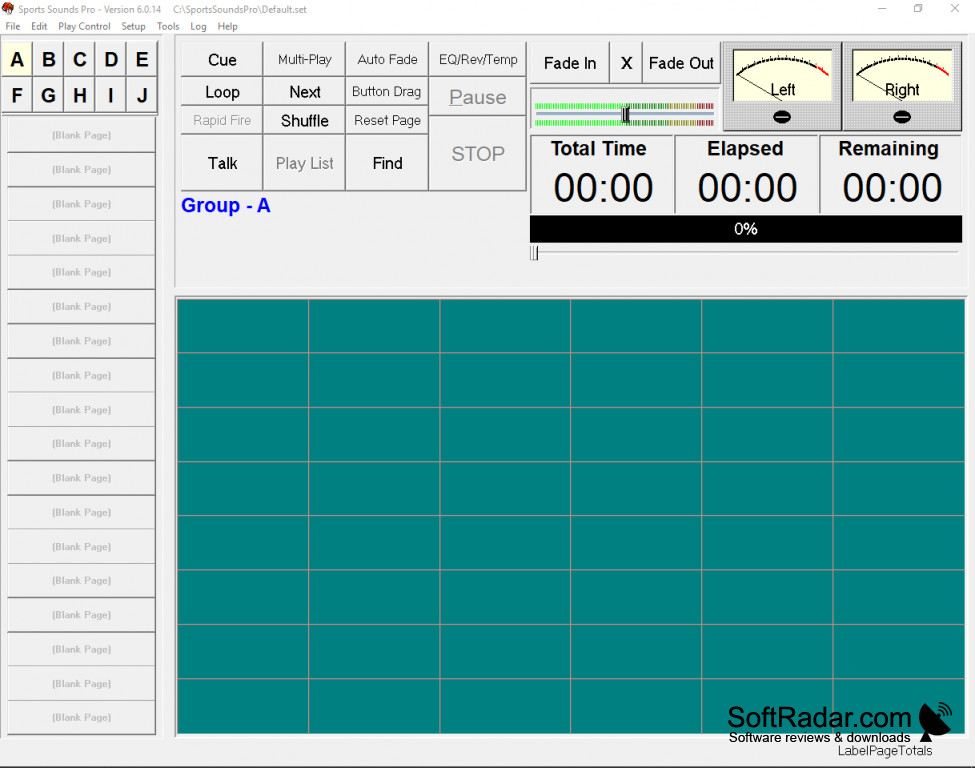
Sports Sounds Pro is an audio player that is currently used at many events, from radio shows to baseball, roller rinks and live theatre. It has been used by professionals and hobbyists for over 20 years, and this program offers a generous suite of features at an affordable price.
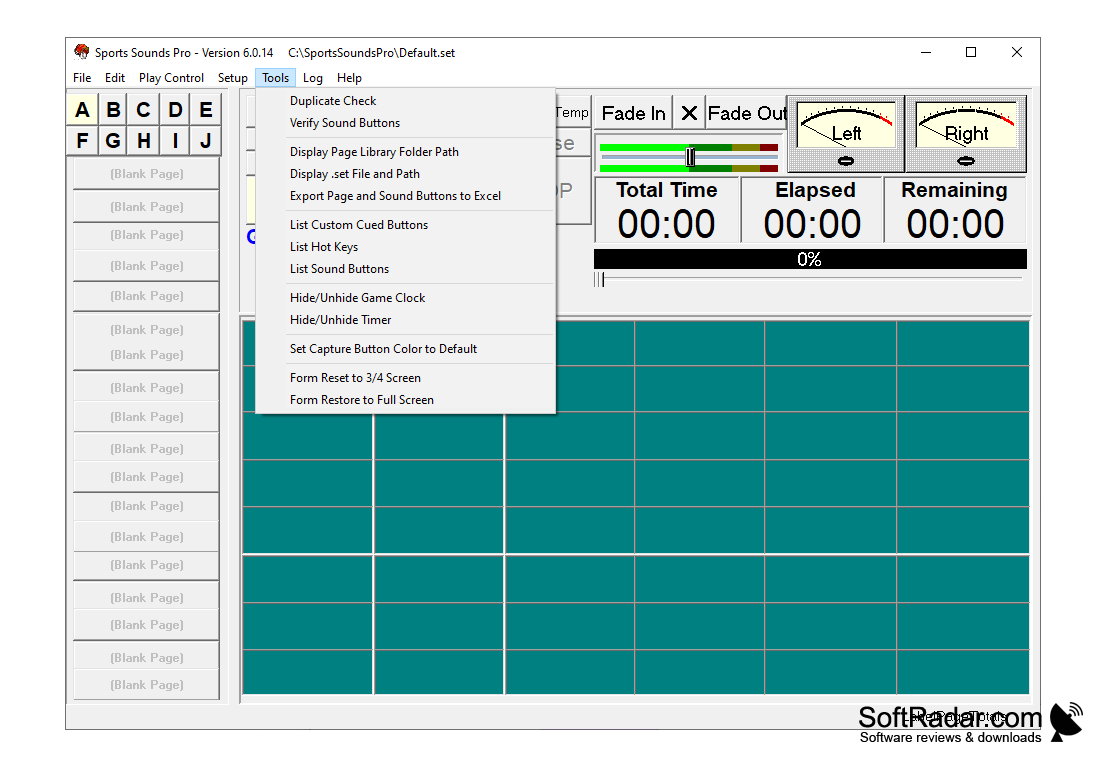
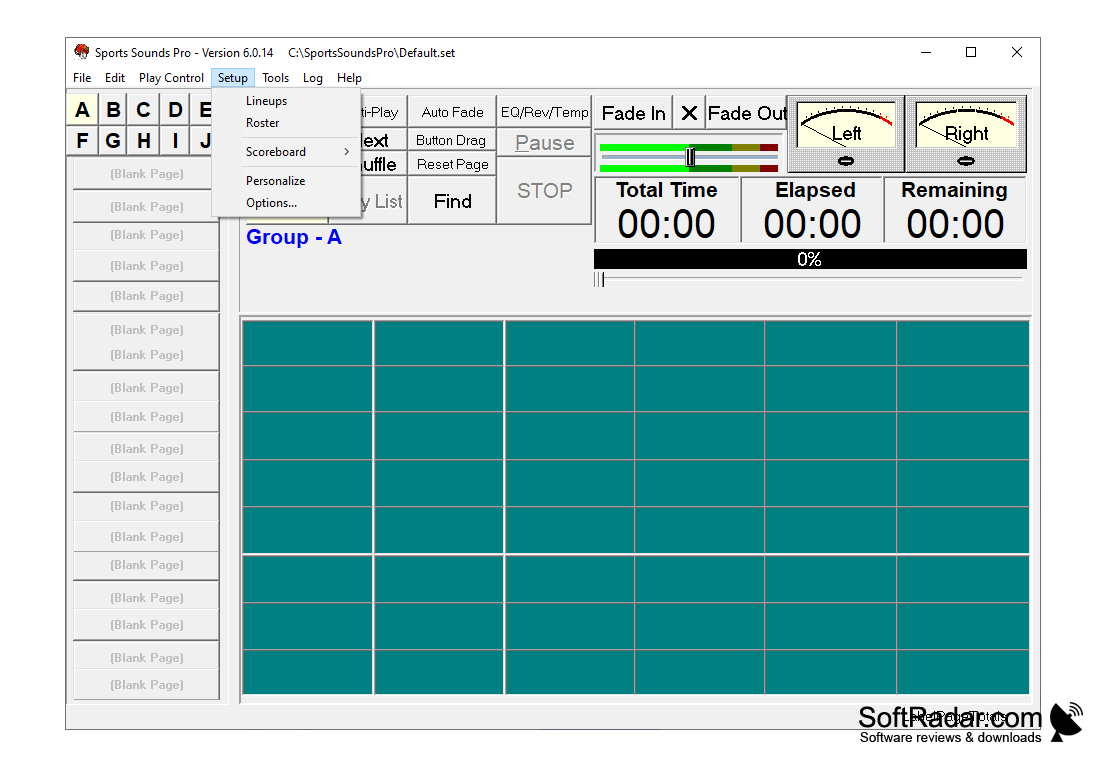
With a simple yet dynamic interface, drag-and-drop interaction, and custom cue control, Sports Sounds Pro offers everything you need to run a live event from a single computer. Sounds are arranged as buttons on pages and groups, and the play list, shuffle, multi-play and talk functions are available from the main window. A game clock and timer, rosters and lineups can also be shown in the program.
Besides live events, Sports Sounds Pro can also support pre-recorded podcasting events and more passive sound implementations, such as general atmospheric ambiance. Any activity that depends on spontaneous audio entries can benefit from this software. A 14-day free trial of the full product is available, after which a license must be purchased. Cues and playlists can be scheduled to play at a set time or after a delay, and the board can be controlled from an Elgato Stream Deck.
It lets one operator fire music, effects and announcements instantly from a customizable soundboard during a live event.
Features:
- Sounds can be looped and controlled through individual or master volume options
- The user interface is color-coded and can be themed to match team colors
- Pitch, tempo, reverb, fader, and equalizer control
- Audio editor with waveform trimming and volume normalization to a target LUFS level
Assistance for owners of this software can be obtained directly from the developers through phone, text or e-mail, at no charge. The current version runs on Windows 10 (64-bit) or later and natively on macOS for Intel and Apple Silicon Macs.
For other questions, the developers provide an FAQ on the main website, and SET files from previous versions can be imported into the current version. Library Sync keeps sound buttons connected to their files when folders are moved or renamed, and a metadata editor changes titles and artists inside the program.
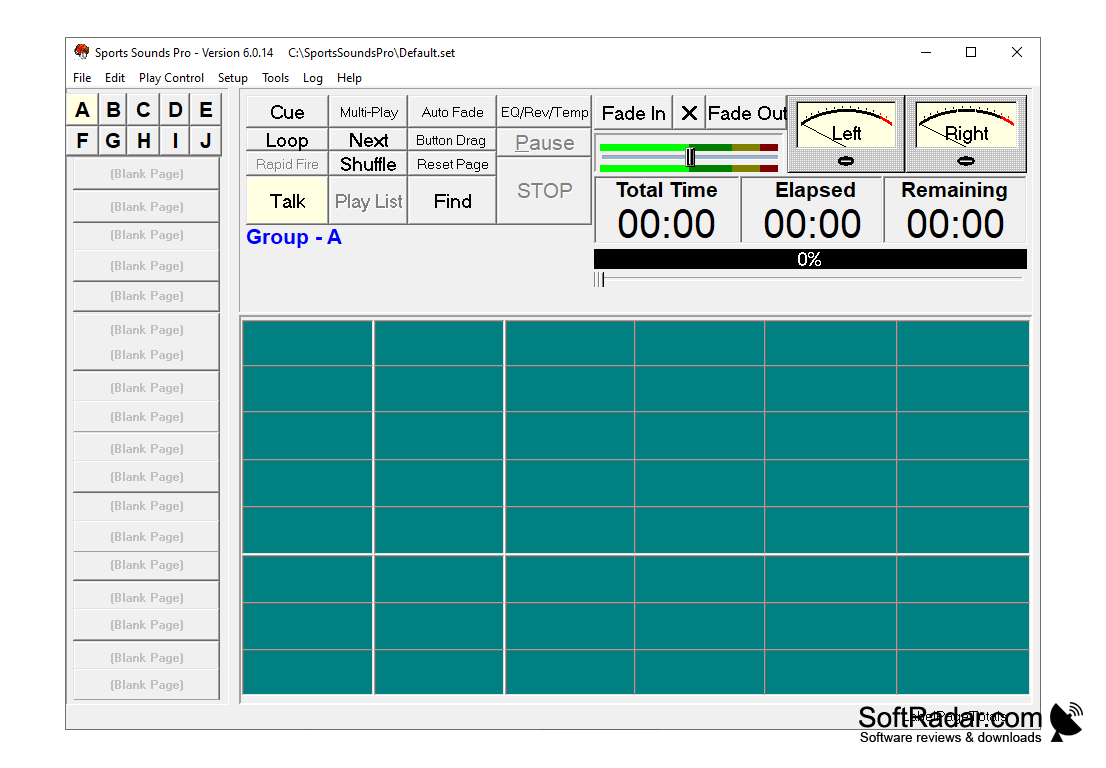
macOS 10.15+ (Intel) or macOS 11+ (Apple Silicon)
4 GB RAM minimum, 8 GB recommended
PROS
Easy to use interface makes navigation and sound editing effortless.
Supports playlists, scheduled cues and a game clock.
CONS
The new version is not a free upgrade from older ones.
Internet connection is needed for license activation.


