
Trinus VR Server
PC server for Trinus VR that streams Windows games to an Android phone used as a VR headset.
Operating system: Windows
Publisher: Odd Sheep
Release: Trinus VR Server 2.0.6
Antivirus check: VirusTotal report
Trinus VR Server is the Windows PC part of Trinus VR by Odd Sheep. Together with the Trinus Cardboard VR app on an Android phone, it turns the phone and a Cardboard-style headset into a low-cost virtual reality display for the PC, so you don't need an expensive dedicated headset such as the Oculus Rift to try VR games on your computer.
Features:
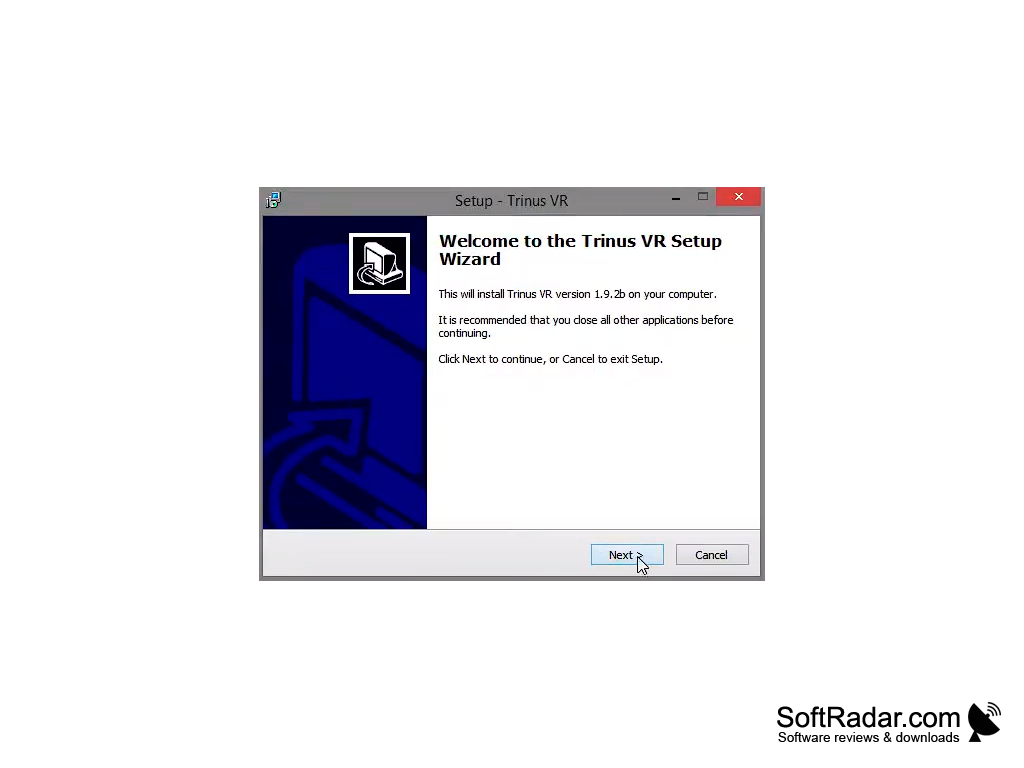
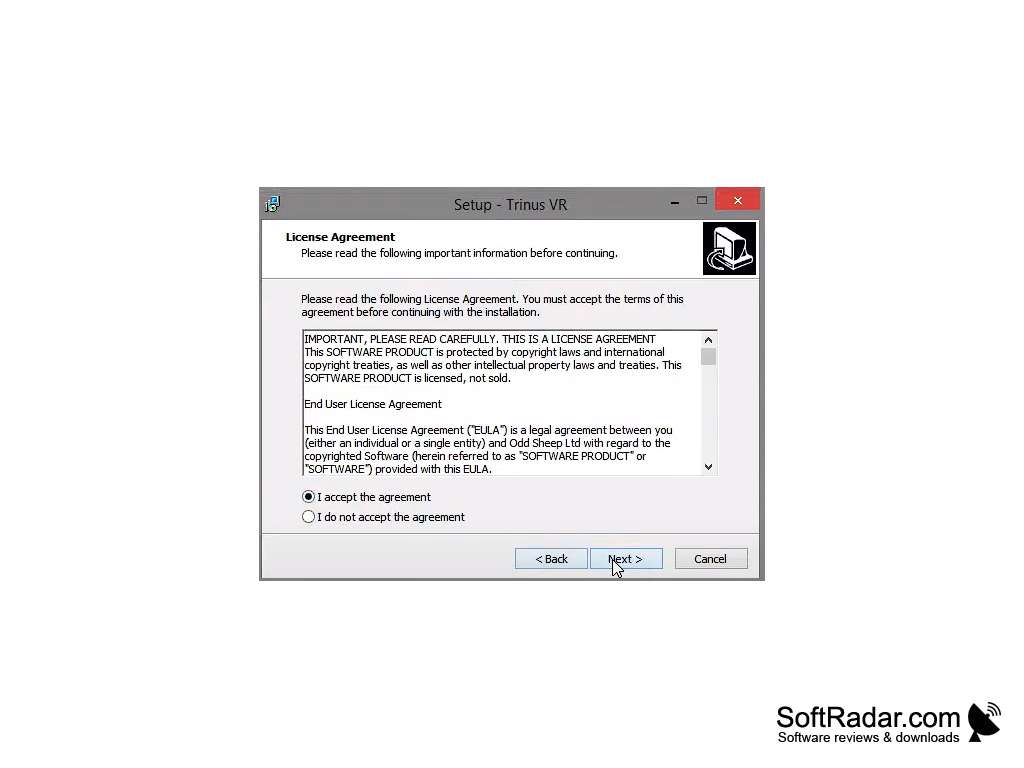
- Simple setup: install the server on the PC, install the Trinus app on your Android phone and connect the two.
- The server captures the game image on the PC and streams it to the phone that sits in the headset.
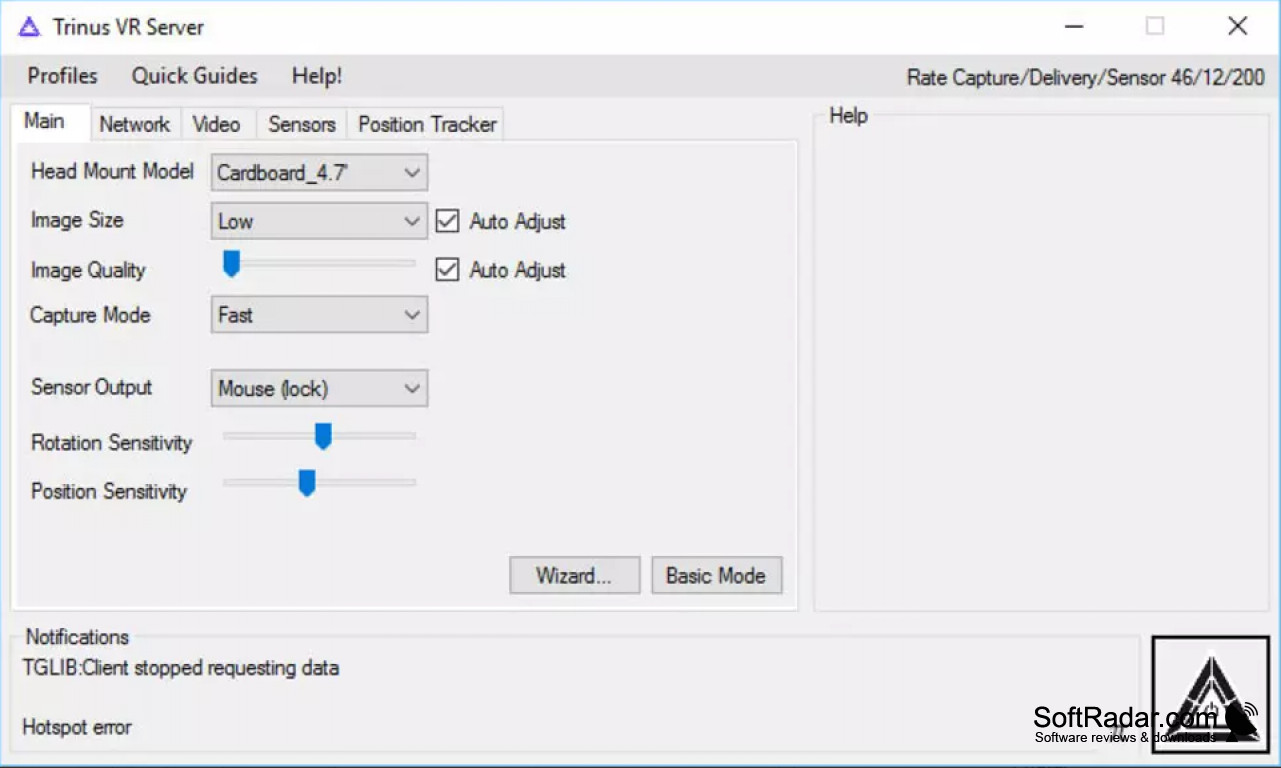
- Head tracking uses the phone's gyroscope; the sensor output can control the mouse or other inputs in the game.
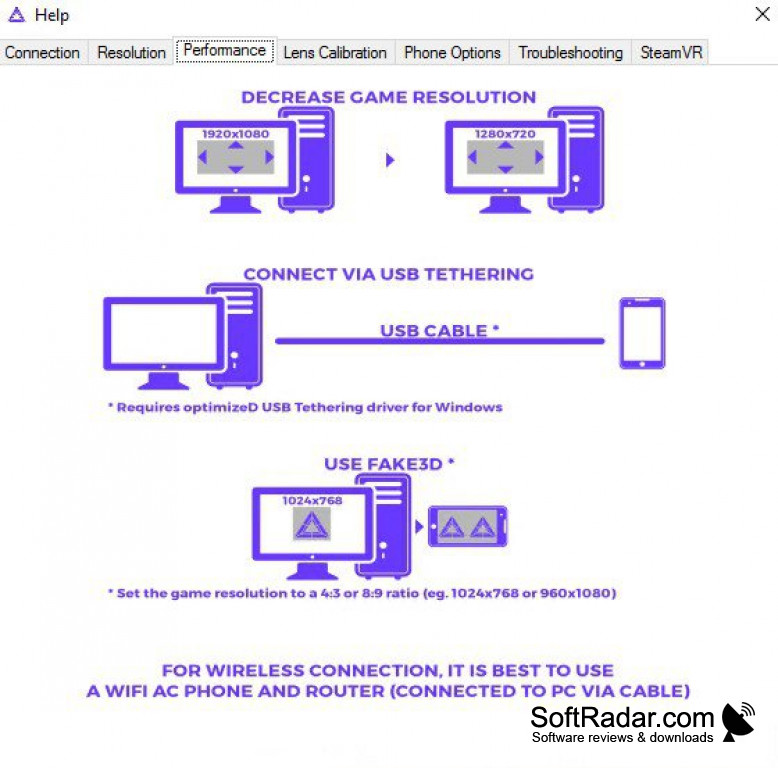
- Fake 3D mode converts the image of regular, non-VR games into a stereoscopic view for the headset.
- SteamVR support lets the phone act as a PC VR headset; the developer notes it does not work with every hardware and software combination.
- Wireless mode over Wi-Fi; a Wi-Fi AC router connected to the PC is recommended.
- USB tethering gives a wired connection for lower latency.
- Head mount profiles and lens calibration adapt the image to different headsets.
- Image size, image quality and capture mode settings balance picture quality and speed.
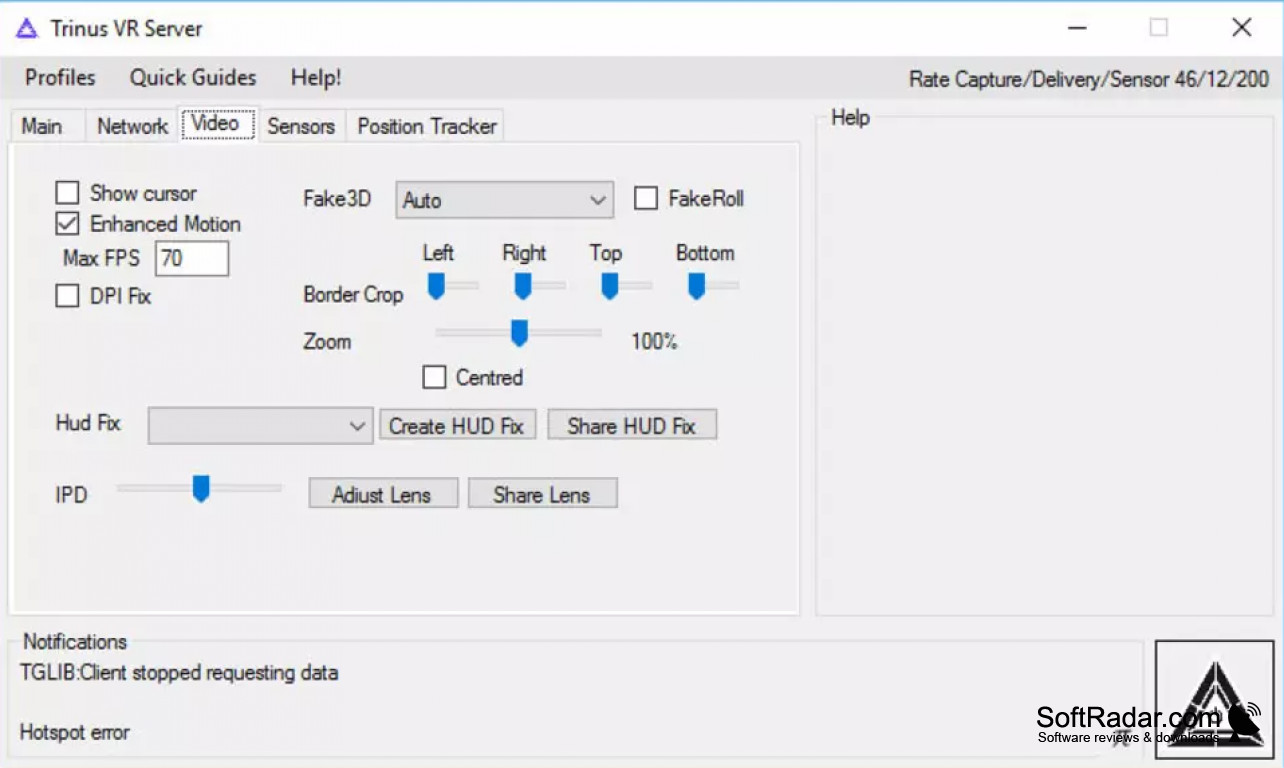
- Video options include border crop, zoom, IPD adjustment and HUD fixes for specific games.
- Position tracking settings and quick guides with troubleshooting tips are built into the server window.
- Runs games like Minecraft and many classic titles converted to VR.
- The PC server is a free download; the Android app has a free version with time-limited sessions and a paid full version.
- Trinus PSVR, a separate edition, uses a PlayStation VR headset on the PC instead of a phone.
Lets you play PC games in virtual reality with an Android phone and a Cardboard-style headset instead of a dedicated VR headset.
In conclusion, Trinus VR is an inexpensive way to try PC games in virtual reality with a phone you already own. Results depend on the phone, the Wi-Fi network and the PC: the developer recommends at least a 4th generation Intel Core i5 or AMD FX-6350 processor, Windows 7 or later and a phone with a gyroscope.
Intel Core i5 4th gen or AMD FX-6350 or better
Android phone with a gyroscope
Cardboard-style headset for the phone
PROS
Affordable compared to other VR solutions.
Easy setup with built-in quick guides.
CONS
Needs a fast Wi-Fi network for smooth streaming.
Setup process can be complex for beginners.


