
URL Snooper
Find the actual URL of audio or video streams so that the file can be downloaded
Operating system: Windows
Publisher: DonationCoder
Release: URL Snooper 2.42.01
Antivirus check: VirusTotal report
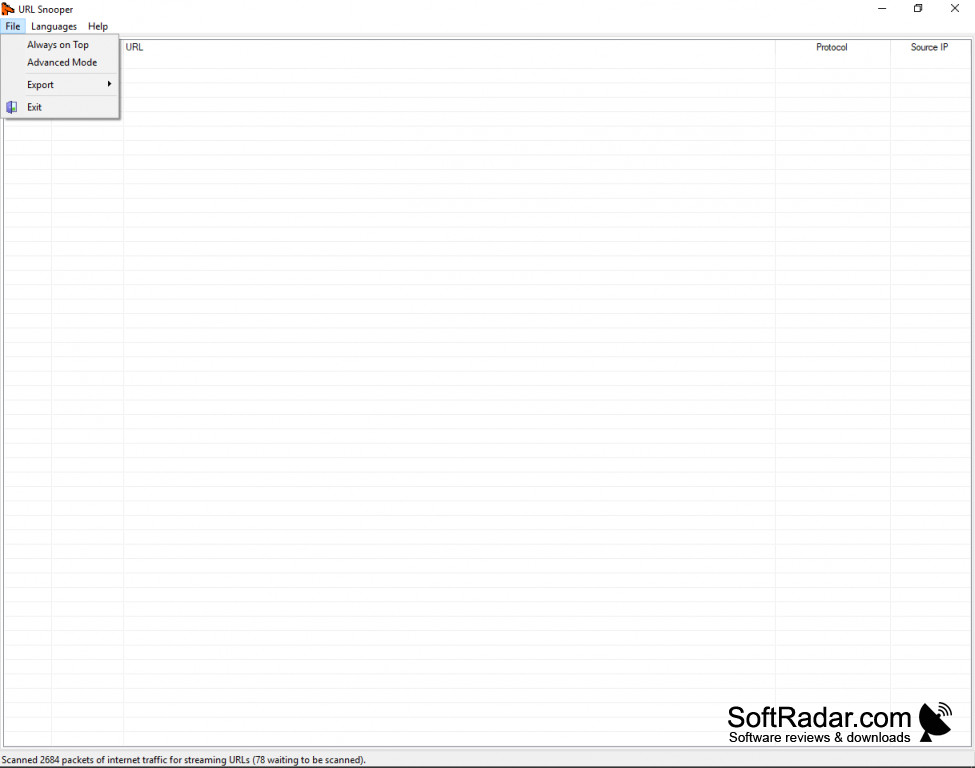
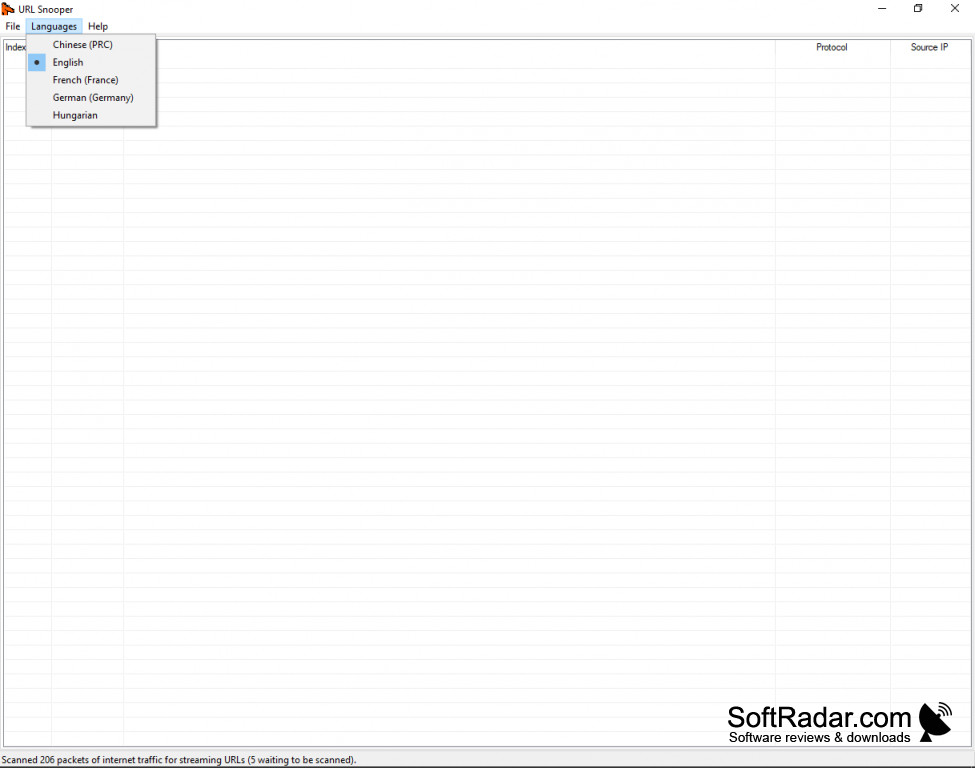

URL Snooper is freeware designed to make downloading the source file of audio and video streams easy. It does this by “snooping” behind the JavaScript or ActiveX scripts websites often used to hide the source file. By analyzing network traffic data, URL Snooper is able to find the URL of streaming sources for most if not all streams.
Features:
- Works with Windows 10, 7, 8/8.1, Vista, XP
- Works with 32 bit or 64 bit systems
- Analyzes network traffic to find source URLs
- Displays IP addresses and Protocols of URLs
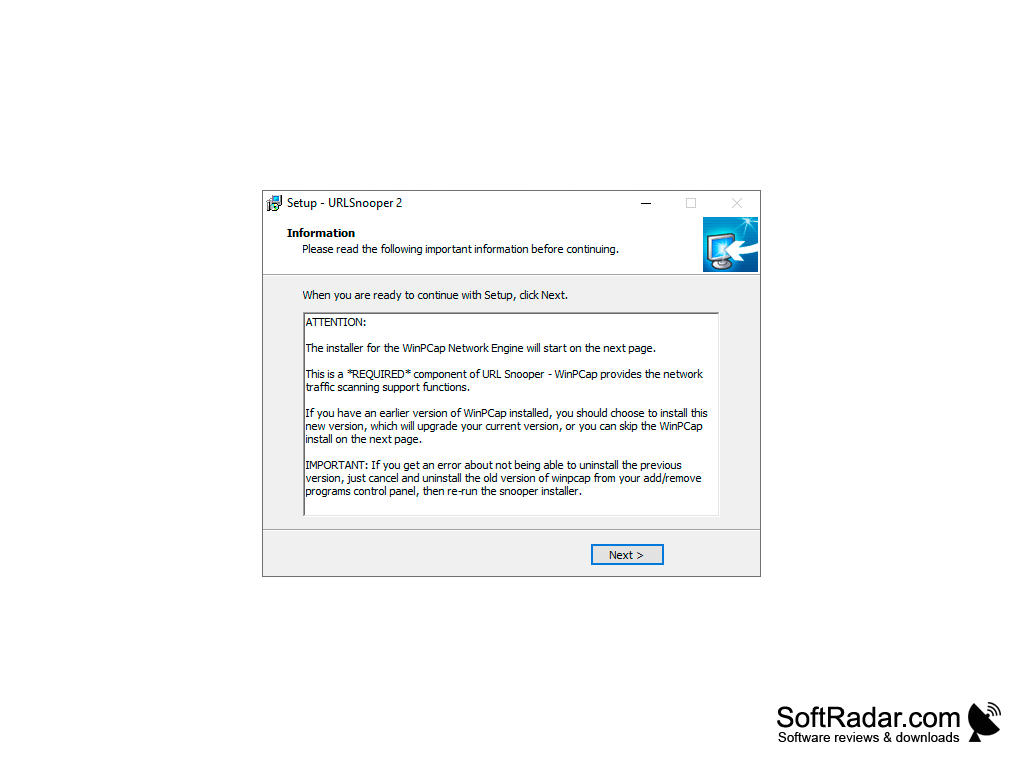
- Uses WinPcap Driver
- Easy and advanced modes
- Freeware
URL Snooper uses network traffic data to look behind JavaScript or ActiveX script smoke screens to find the source of the stream.
If you’ve ever wanted to download an audio or video stream online, you’ve no doubt noticed that the “link” to the steam is often not the file source of the stream. Steaming sites often disguise the URL locations of their source files by camouflaging them with JavaScript or ActiveX scripts, making it impossible to find a downloadable source file. Almost impossible. URL Snooper is freeware that allows you to look behind these script barriers to find a downloadable file. It is a one-step easy solution that monitors network traffic data of streaming media URLs, making it able to find any streaming source.
Once started URL Snooper will identify all steaming URLs and display them. These sources can then be used to download the file. While URL Snooper is a simple one-step solution, users can also access some advanced features like URL filtering by protocol or keyword, and defining preferred network cards and “sniffing” engines.URL Snooper comes in an installable and portable version that doesn’t require installation. It uses the WinPcap driver to capture and filter URLs. The user interface is simple and intuitive. The program displays detected URLs along with their IP address and protocols. This data can be copied, saved to a text file, or opened in a browser.
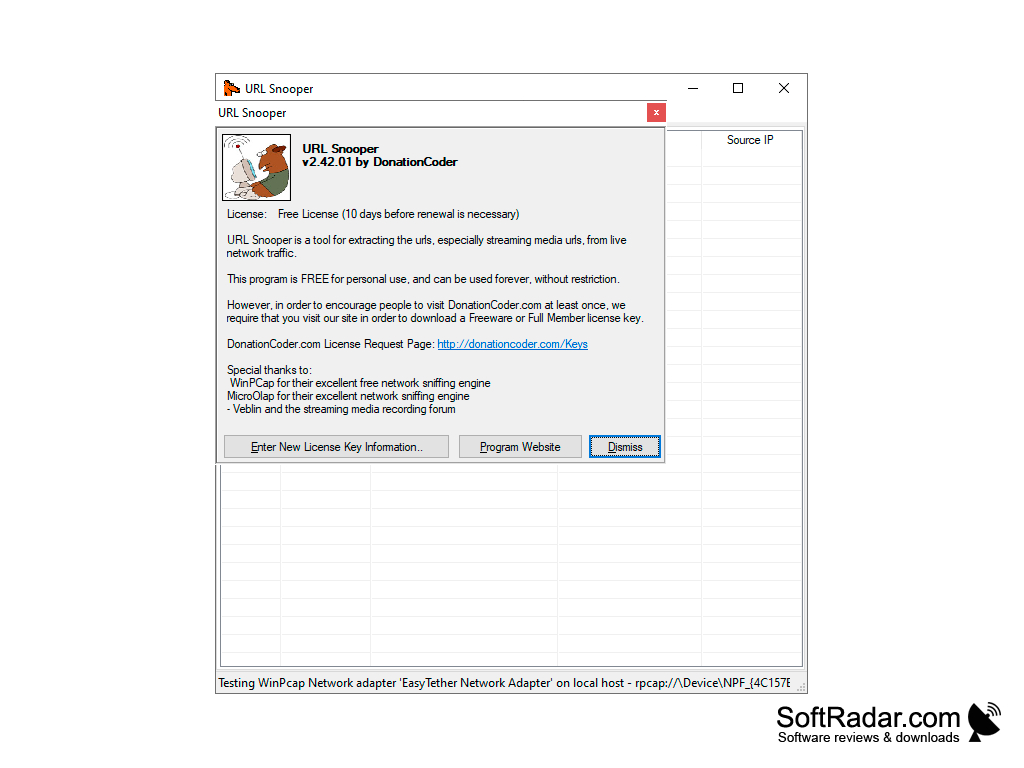
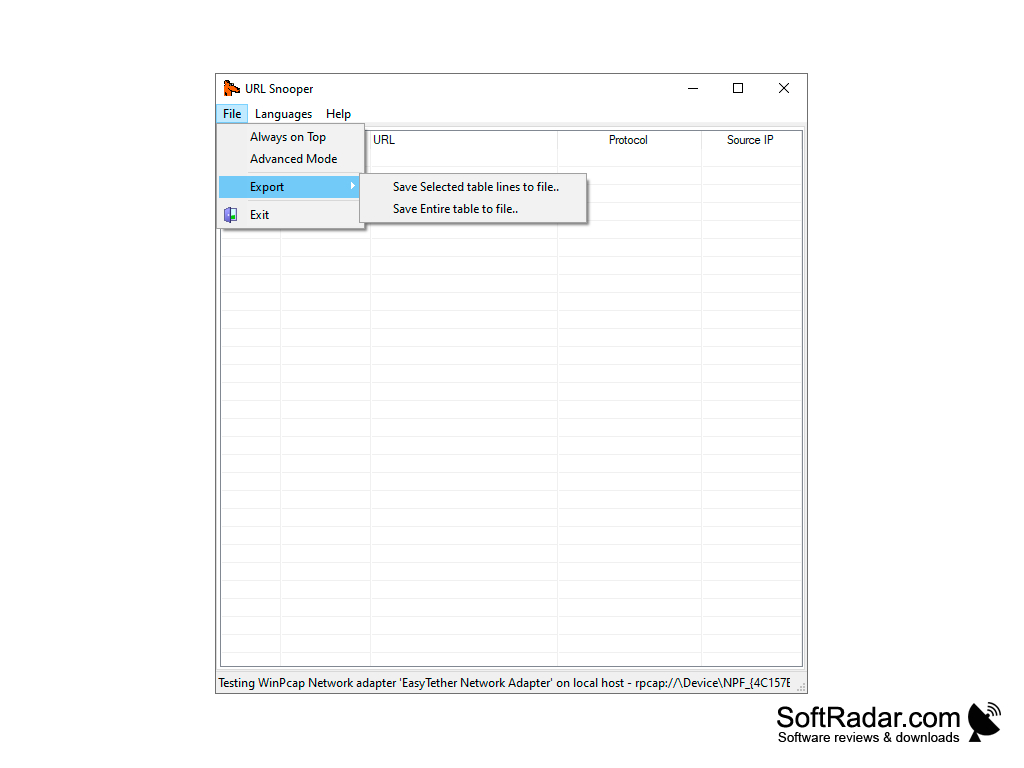
Compatible with 32-bit or 64-bit systems
Requires WinPcap driver
PROS
Features user-friendly interface, ideal for beginners.
Supports many network adapters including Ethernet and WLAN.
CONS
Occasionally misses some URLs during network traffic monitoring.
Limited technical support and updates.


