
Wifiway
Tool to make your wi-fi connection secure
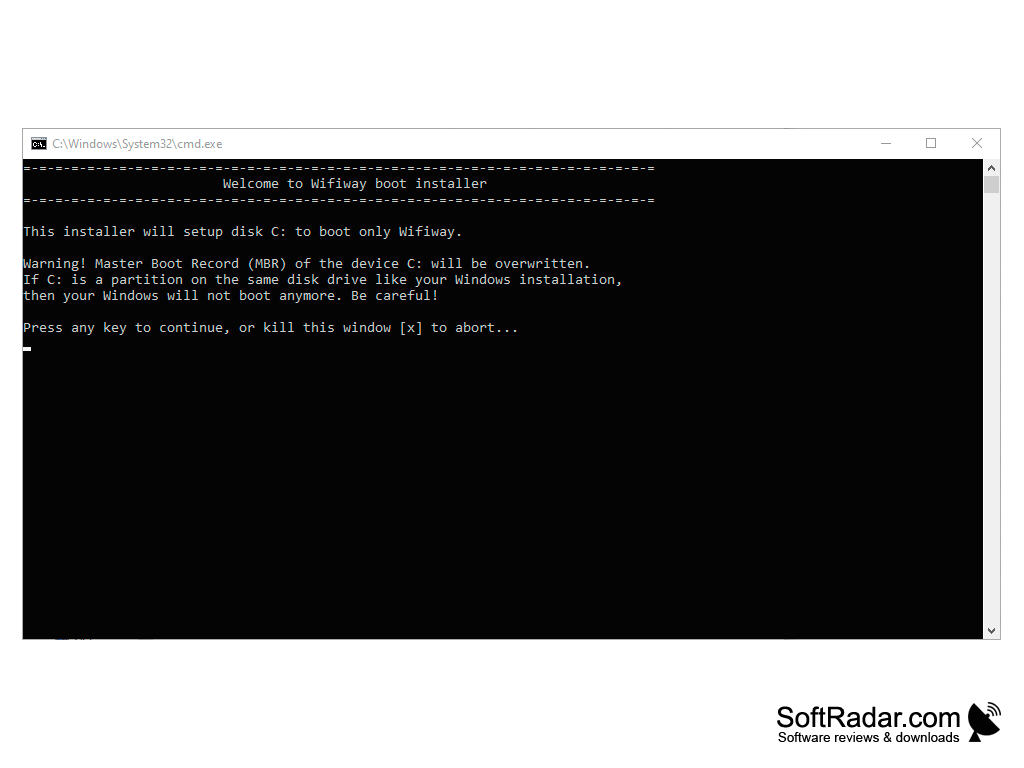
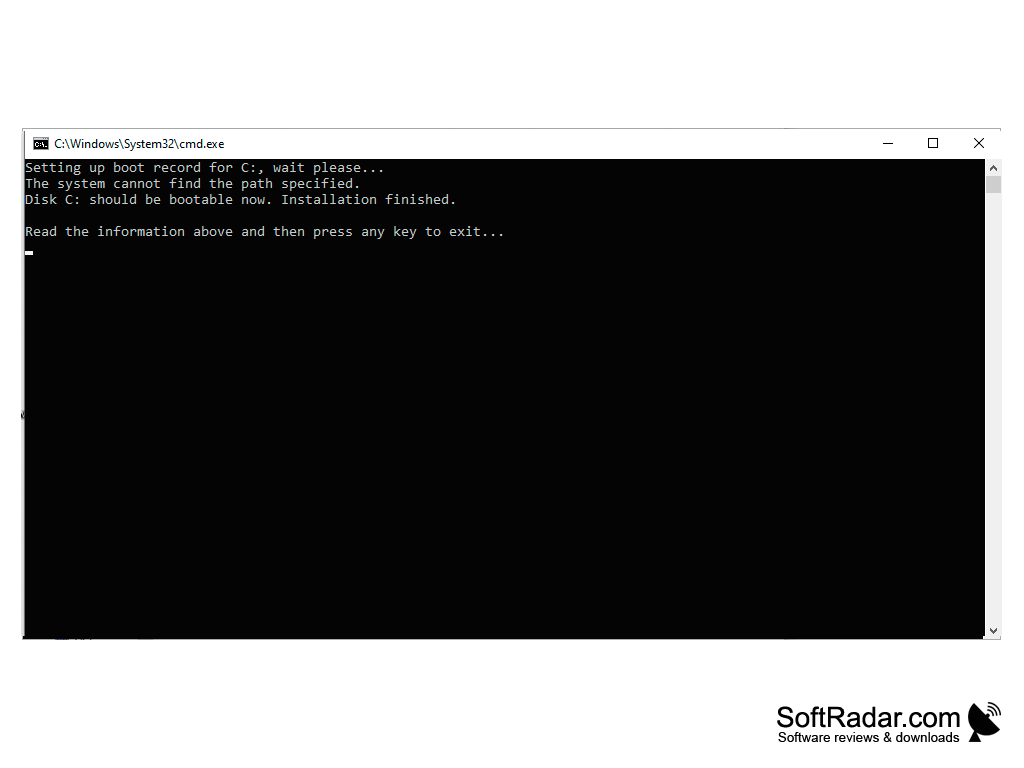
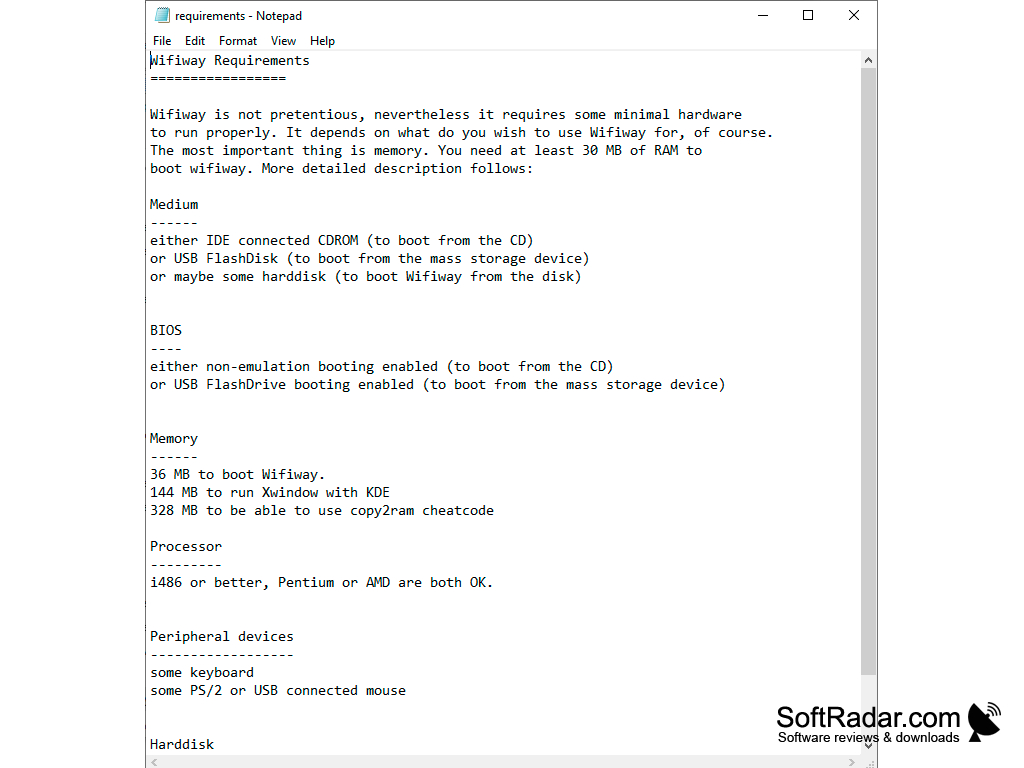
WifiWay is a tool to perform a “wireless audit” or in other words, make sure that your wi-fi network is secure. It will help you to prevent your wi-fi password from getting hacked or any sensitive information you may be transferred through your wi-fi.
A few steps are only required to have the system up and running on your computer. Once you chose to download the software, you can either burn an ISO image to a CD or an external hard drive. Once the ISO image has been recorded or burned onto a CD, you need to boot the PC.
The PC should restart from the external device or the CD. A few screens will follow and you should be able to make full use of the software. The software will run as long as the CD or the external hard drive are connected to the computer.
Prevent wi-fi hacking
Features:
- No installation needed. The software works recording the ISO image to a CD or an external hard drive like a USB memory stick. To run the software, you will need to plug in your USB device or insert your CD.
- It’s a free tool
- It is one of the most powerful tools to protect your wi-fi from hackers.
- If you don’t know anything about how to use the software to test your wi-fi, you will need to find a tutorial with images or something similar since the commands will be in Spanish. Also, the WifiWay website is mainly in Spanish so you will have to do a Google search to get the information in English. Their official website doesn’t give you the option to change to the English language.
From my research I understand this to be a tool to understand how secure your connection is and take measures to make it more secure if needed. However, I also understand this tool could be used by hackers to steal other people's passwords. So, double edge sword.
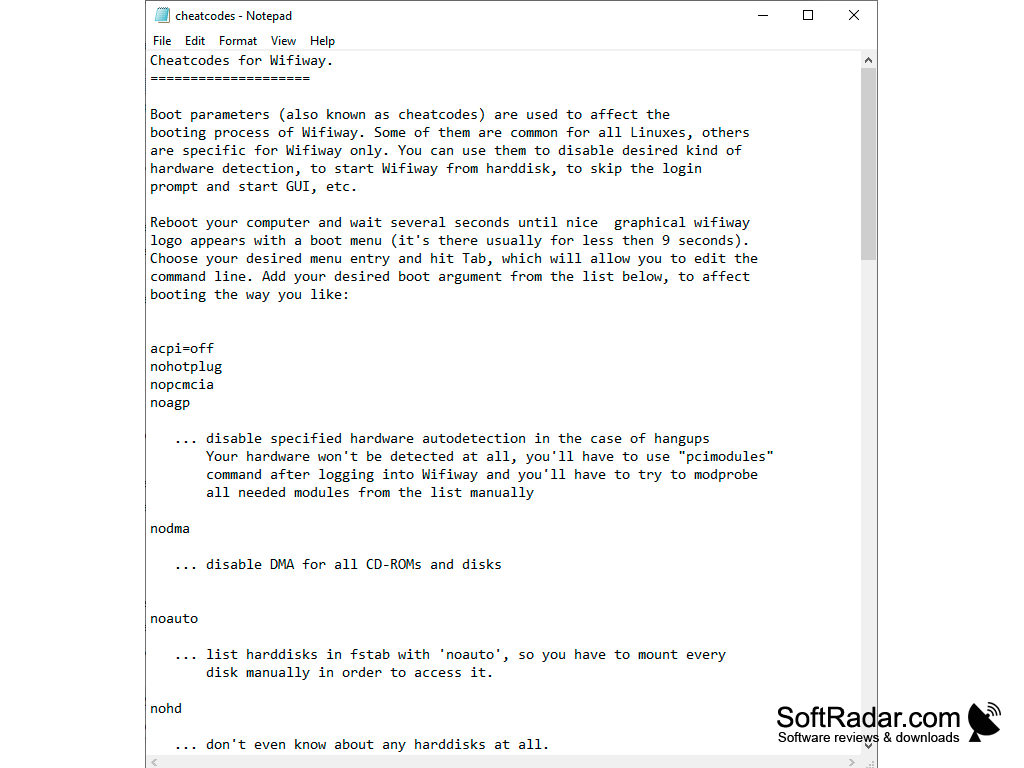
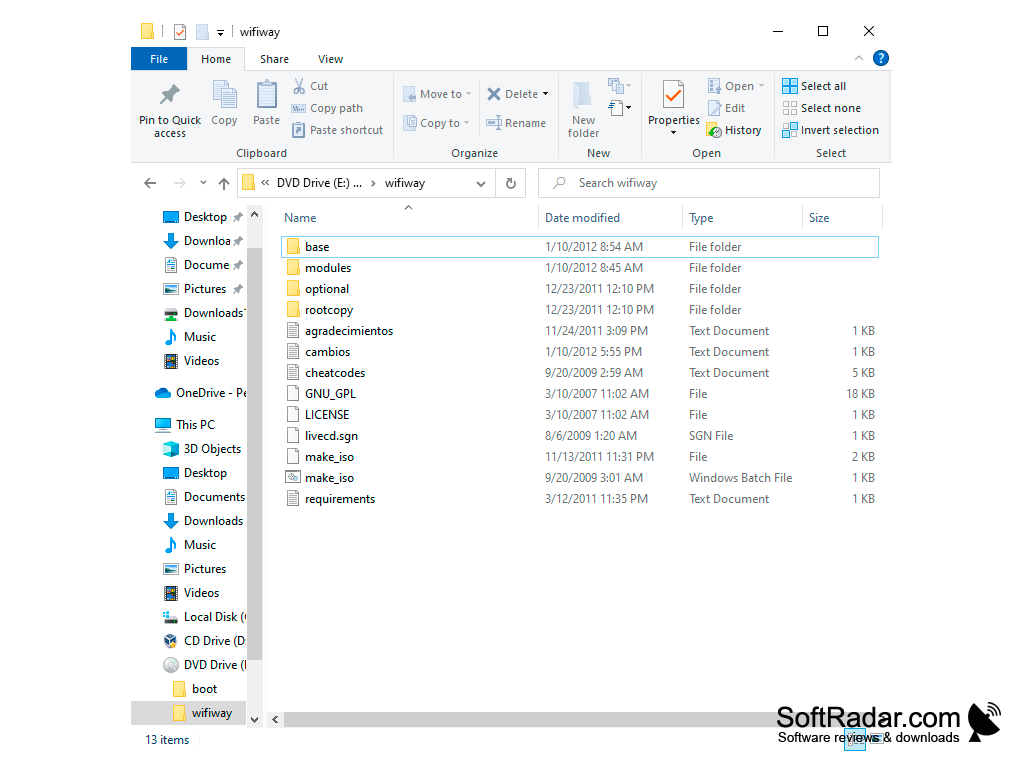
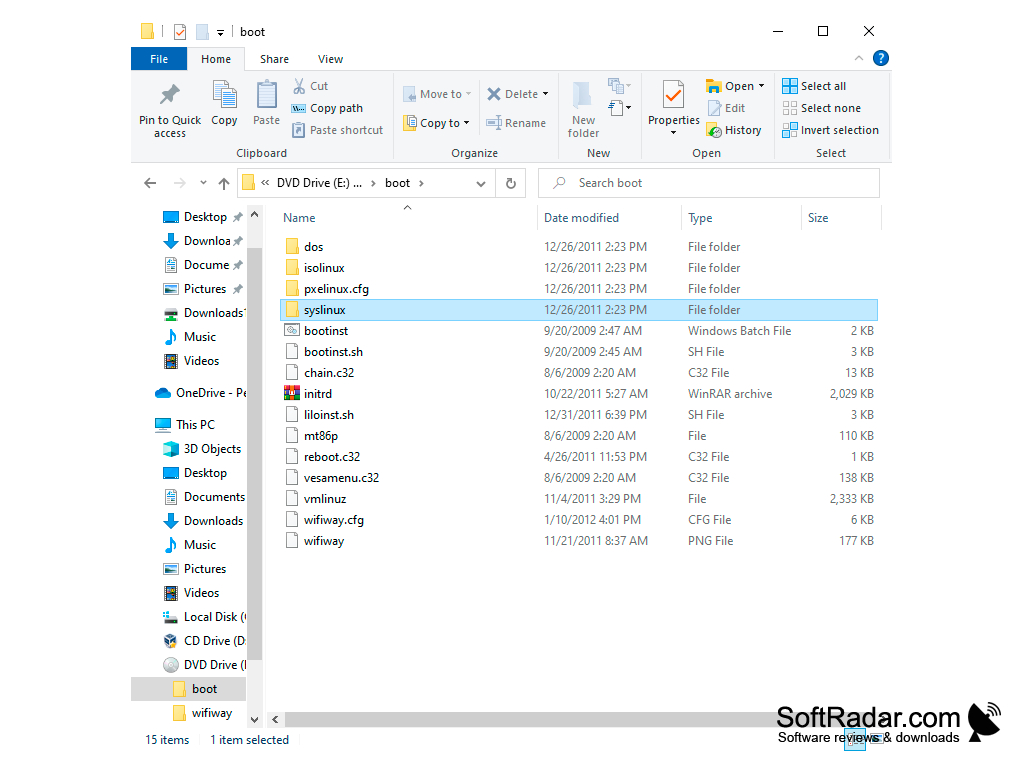
2. Able to boot from external device or CD.
3. Basic knowledge of Spanish is preferred.
PROS
Suitable for both professionals and beginners.
Open-source and completely free to use.
CONS
Not the most user-friendly interface, steep learning curve.
Limited features compared to competitive software.