
OSToto Hotspot
OSToto Hotspot (formerly 160WiFi) is a free tool that turns a Windows computer into a WiFi access point.
Operating system: Windows
Publisher: OSToto Co., Ltd.
Release: OSToto Hotspot 4.1.9.2
Antivirus check: VirusTotal report
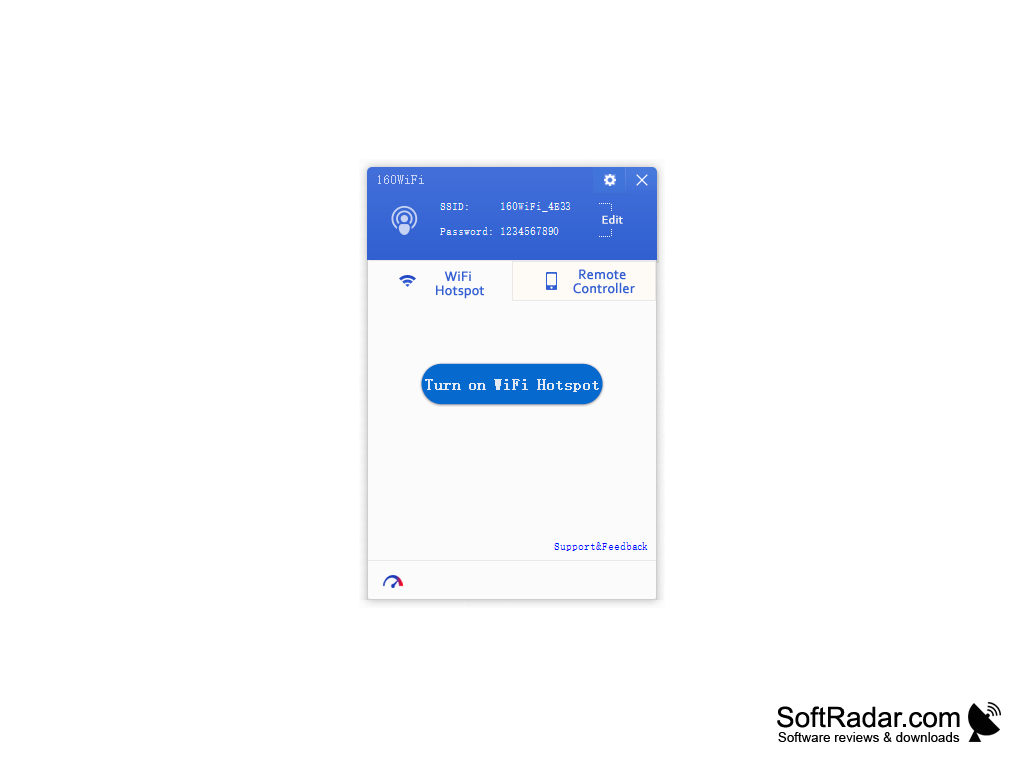
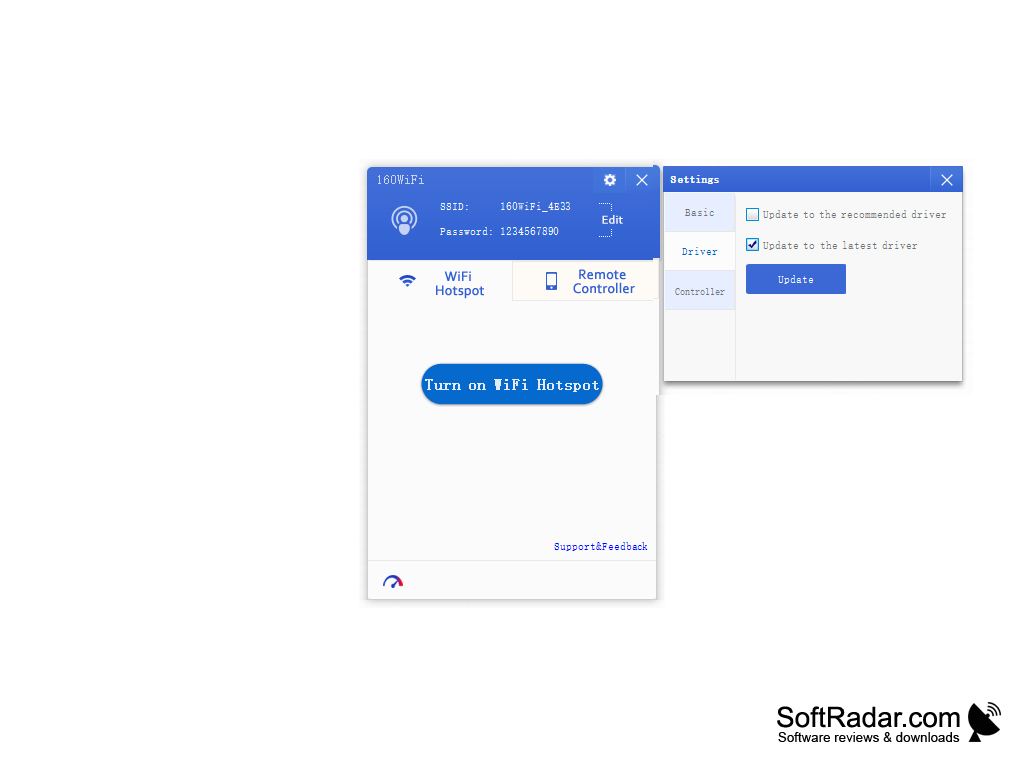
OSToto Hotspot is a simple and easy utility that, when turned on, turns your computer into a WiFi access point that nearby devices can connect to. This utility enables users to share Internet access with phones, tablets and other computers. OSToto Hotspot works simply: after opening OSToto Hotspot, the name of the new network and the password are shown at once; no complicated setup or activation needed.
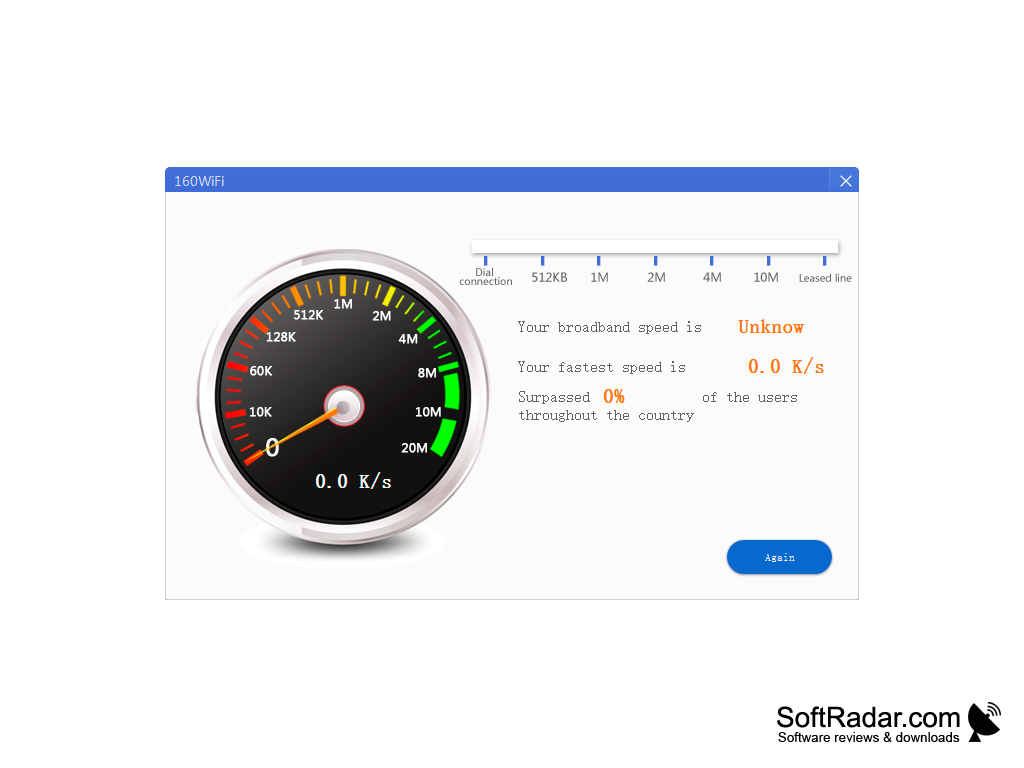
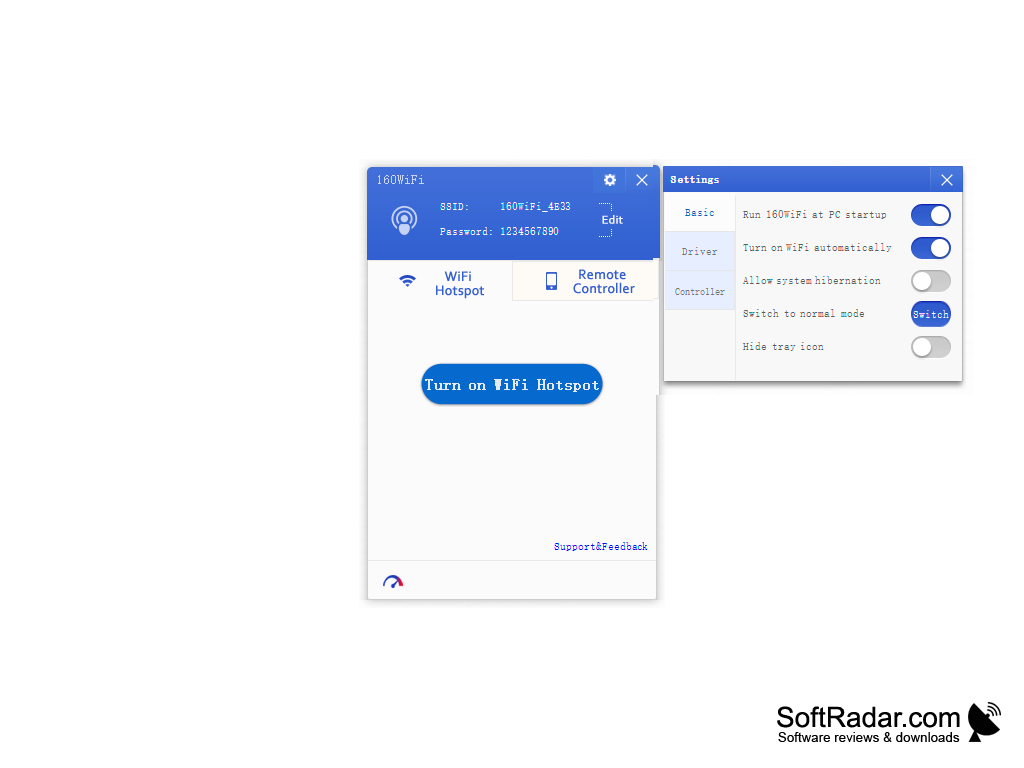
Once the network name and password are known, they can be shared with others for a quick Internet connection. OSToto Hotspot includes a control panel that enables users to quickly see all of the devices that are connected to the network they had shared. If users are not supposed to be connected, they can be blocked and added to a blacklist. A benefit of OSToto Hotspot is its speed checker, which tests the speed of the broadband connection that is shared with guests. Another positive feature of the utility is that it is free, simple and comfortable to use. OSToto Hotspot enables users to turn their computer into a virtual router. The application comes with two different Wi-Fi sharing modes, a Normal mode and a Speed mode. The hotspot is protected with a password and WPA2-PSK encryption, so only people who know the password can connect.
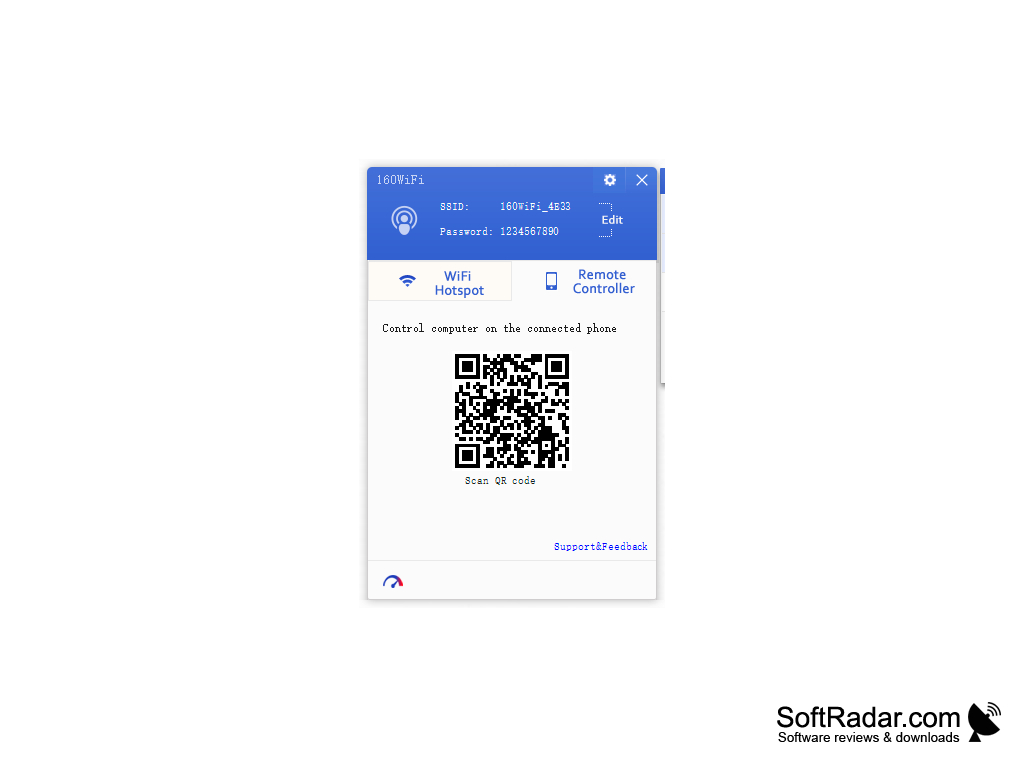
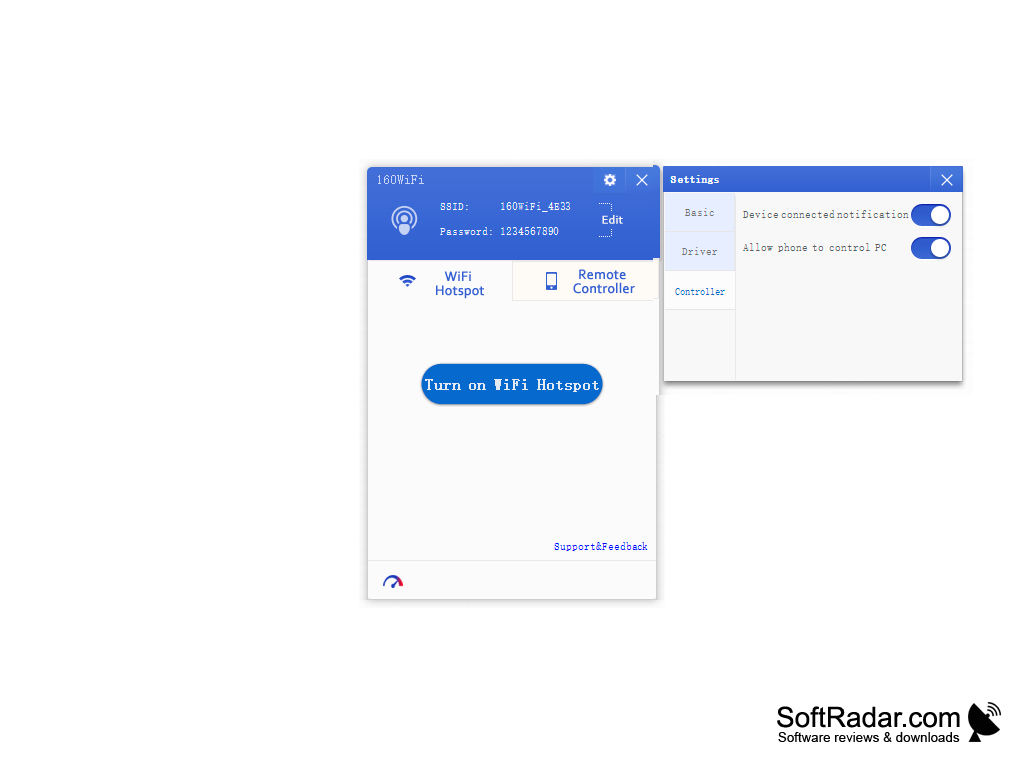
The Remote Controller tab shows a QR code that lets a connected phone control the computer. The program was formerly called 160WiFi, runs on Windows XP, Vista, 7, 8 and 10 and is freeware. OSToto Co., Ltd. stopped supporting OSToto Hotspot in January 2018, so it is no longer developed.
Share your computer's Internet connection over WiFi with no complicated setup or activation needed.
Features:
- No complicated setup
- Speed checker
- Free to use
- Two Wi-Fi sharing modes
OSToto Hotspot enables users to turn their computer into a virtual router by sharing their Wi-Fi connection, turning their computer into a Wi-Fi access point. The actual speed and stability of the connection depend on the WiFi adapter of the computer and its driver; the settings include an option to update the adapter driver.
WiFi adapter
PROS
Shows connected devices and can block unwanted ones.
Offers secure network with password protection.
CONS
No longer developed or supported by the publisher.
Requires a WiFi adapter that can host a network.


