
NetLimiter
Control where and how your internet connection functions
Operating system: Windows
Publisher: Locktime Software
Release : NetLimiter 5.3.27.0
Antivirus check: VirusTotal report
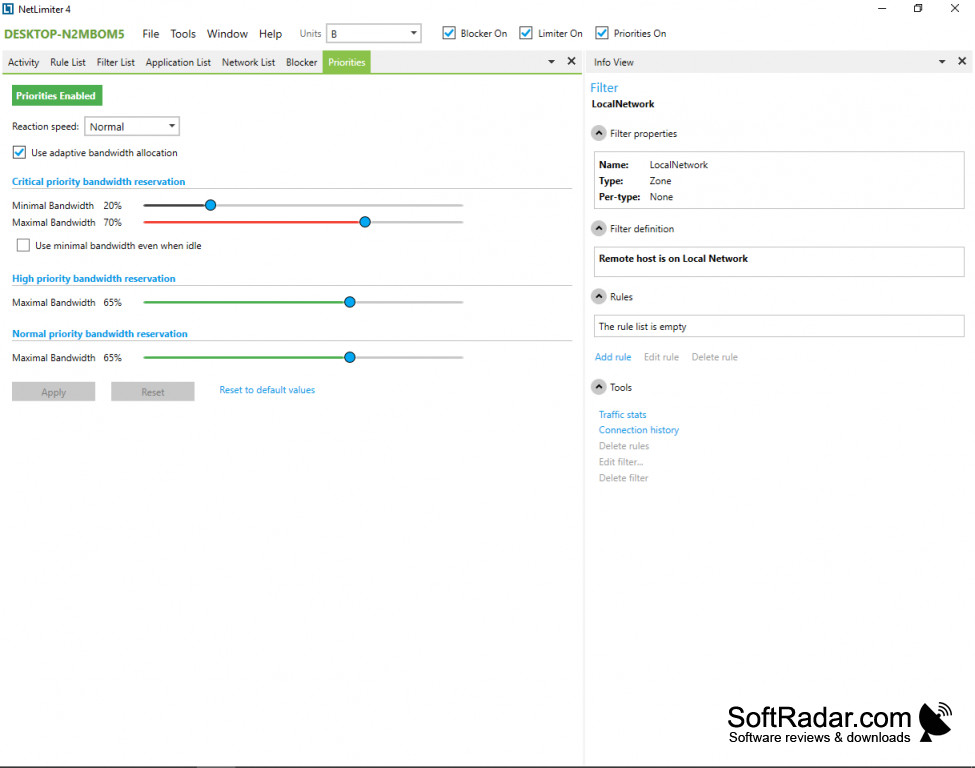
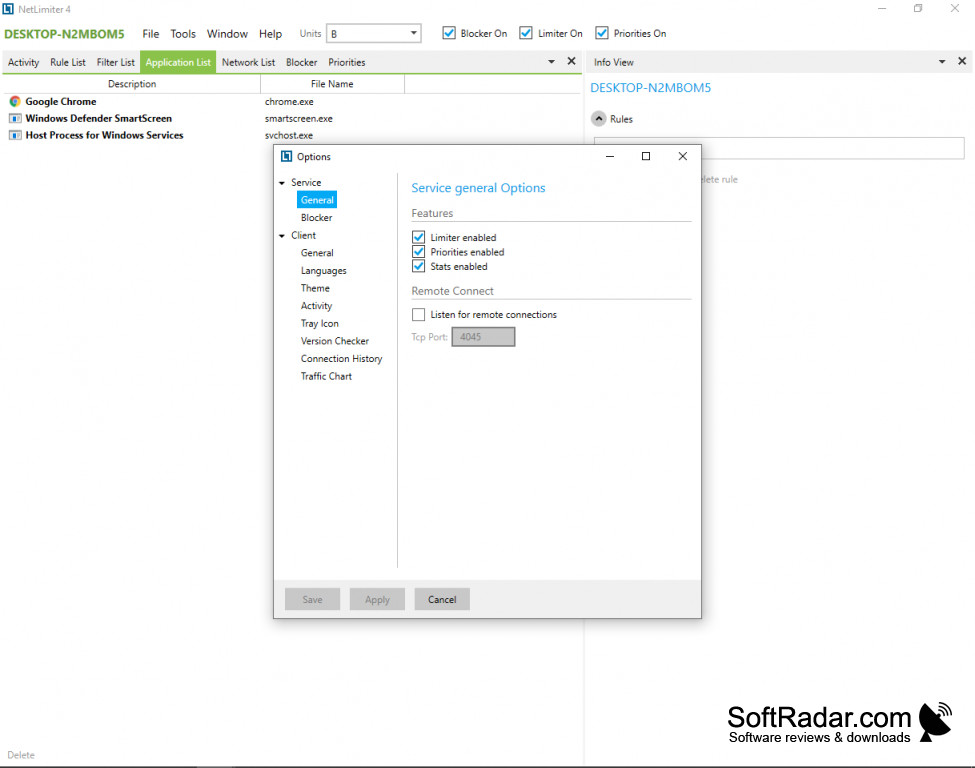
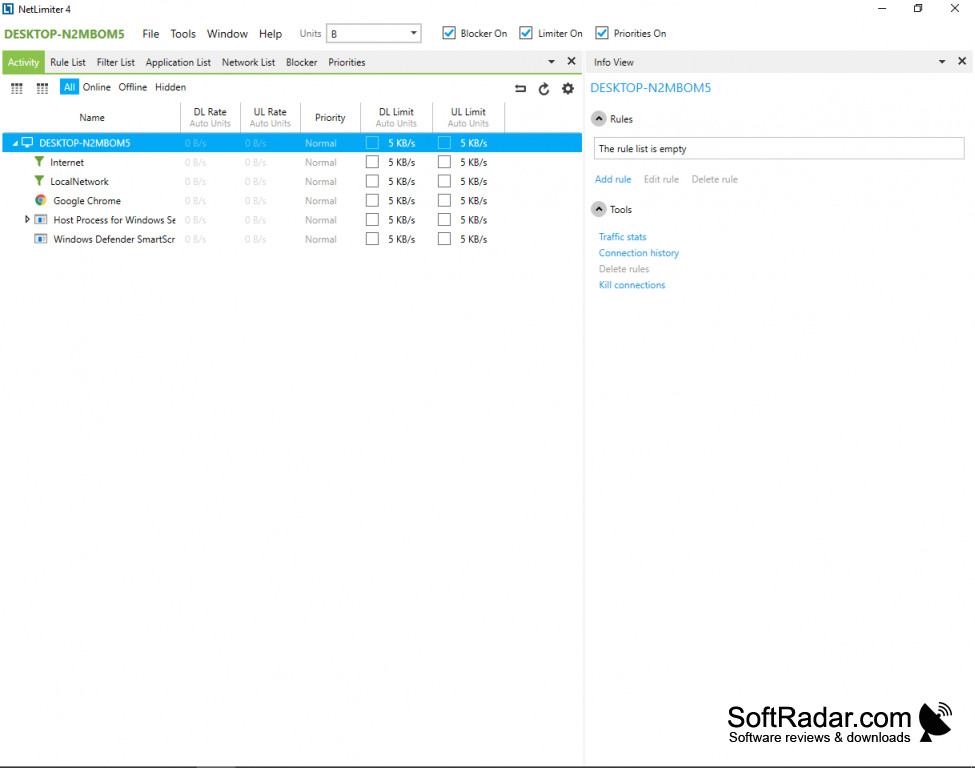
NetLimiter is a software program that allows you to control how your internet connection is used. You can direct where you want your bandwidth to go and can monitor your internet traffic to see short-term and long-term trends to inform the settings that best fit your online needs.
Features:
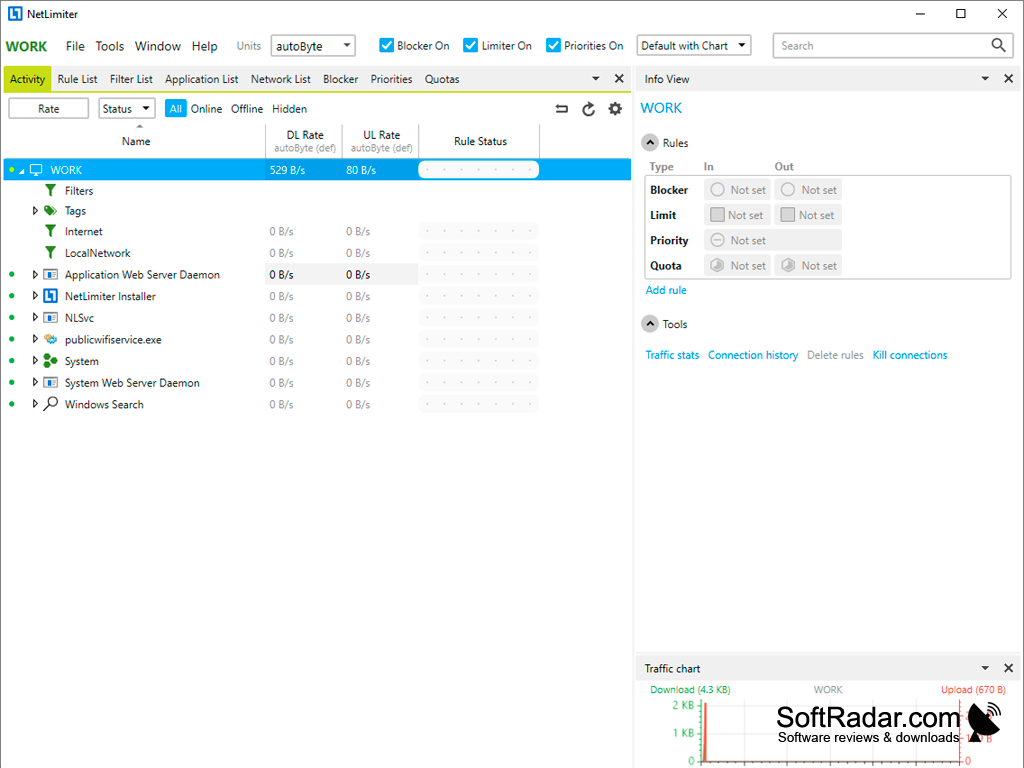
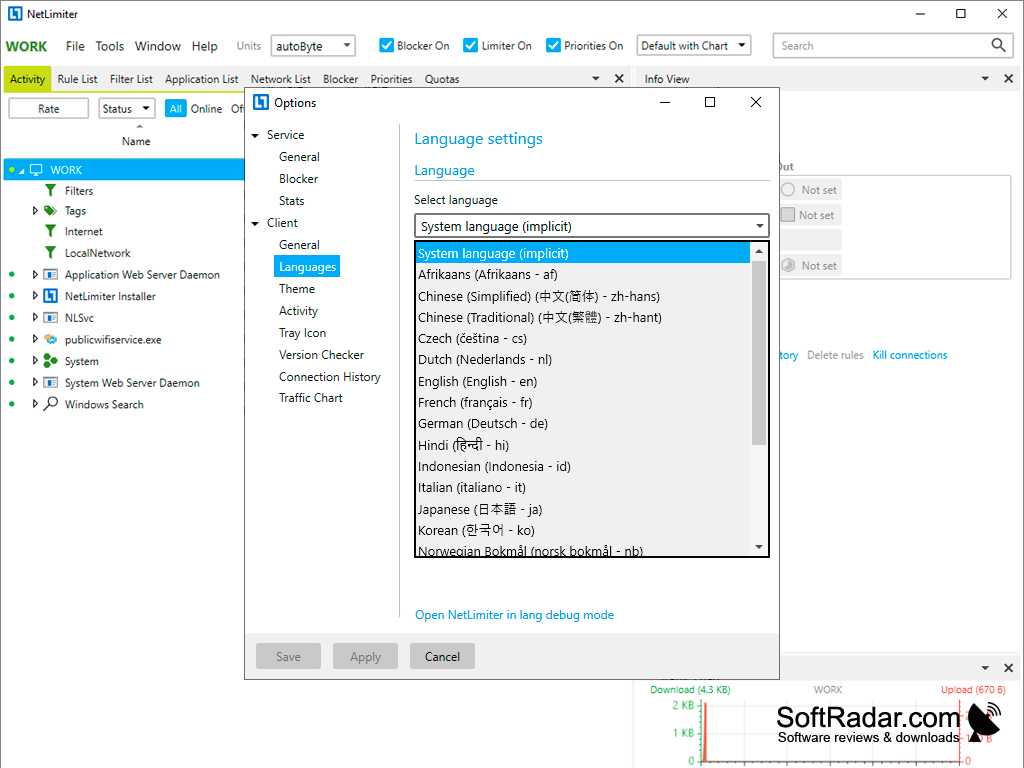
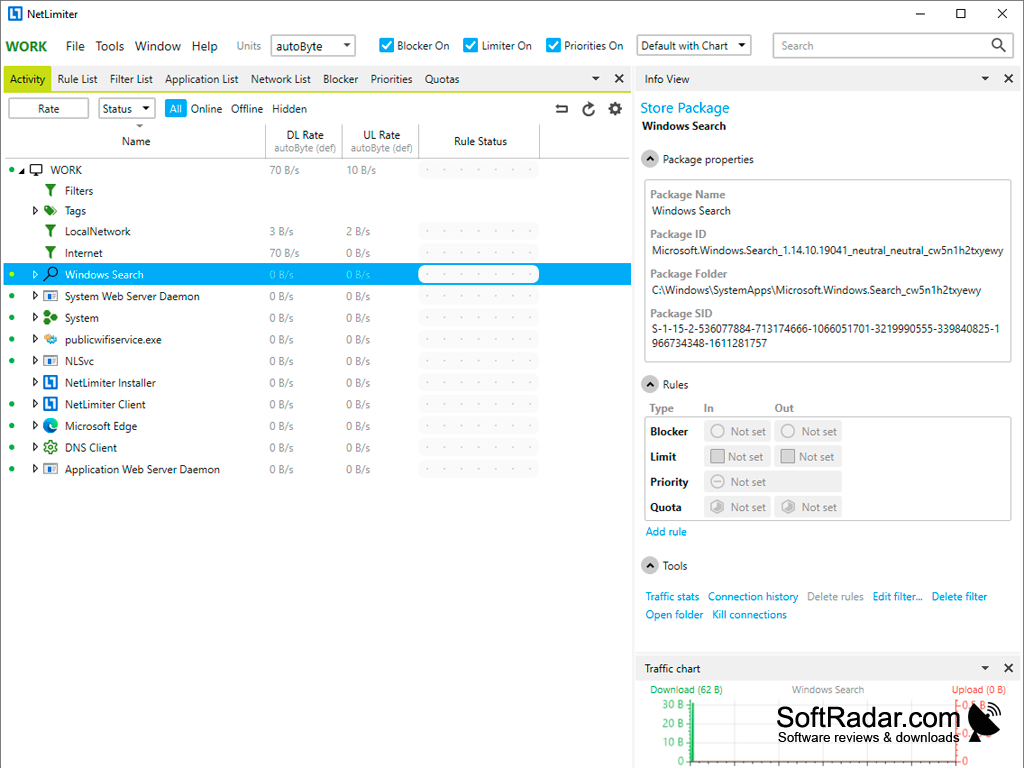
- Monitor your internet usage, so you know where your bandwidth is going.
- Prioritize your applications, such that you can select a certain application to which you'd like to direct bandwidth, and block others that you may not be currently using. This includes applying quotas so that you can change the bandwidth directed to certain programs after they reach a determined threshold.
- Multiple options for managing the traffic controls. This includes filtering times of day when you'd like to direct bandwidth to particular programs (for example, if you stream television in the evening frequently, you can prioritize your streaming service to prevent buffering by minimizing connection to something you may only need during the workday). You can also approve or deny other users to be able to view/manage internet traffic.
- Control the traffic control remotely.
- Obtain information about your usage history. This includes recent usage with specific programs, or long-term history for internet usage overall, to see where your bandwidth is going, at what times of the day are programs used, who's accessing what, etc.
You can prioritize your programs to ensure that you have the bandwidth you need to complete your tasks.
Ultimately, this software is a great tool for learning where your internet speed is going and assigning it to programs that suit your needs. This can be customized to your liking and gives you full control over the parameters within which your internet connection operates. This tool is particularly helpful for individuals who frequently game, stream, or are employed somewhere where they rely on internet connection (e.g., remotely). Also, this software is useful for individuals who tend to run multiple programs at the same time, or who often have downloads occurring in the background.
Minimum 1GB of RAM
Internet Connection for remote traffic control features
At least 20MB free hard drive space
PROS
Displays detailed and live traffic statistics.
Minimal system resources usage, doesn't slow down your PC.
CONS
Often perceived as overpriced compared to similar software solutions.
Some vital advanced features require purchasing the Pro version.


