
Breakaway Audio Enhancer
Breakaway Audio Enhancer is a Windows audio processor that automatically adjusts volume and tonal balance for everything you listen to on the PC.
Operating system: Windows
Publisher: Claesson Edwards Audio
Release: Breakaway Audio Enhancer 1.40.03
Antivirus check: VirusTotal report
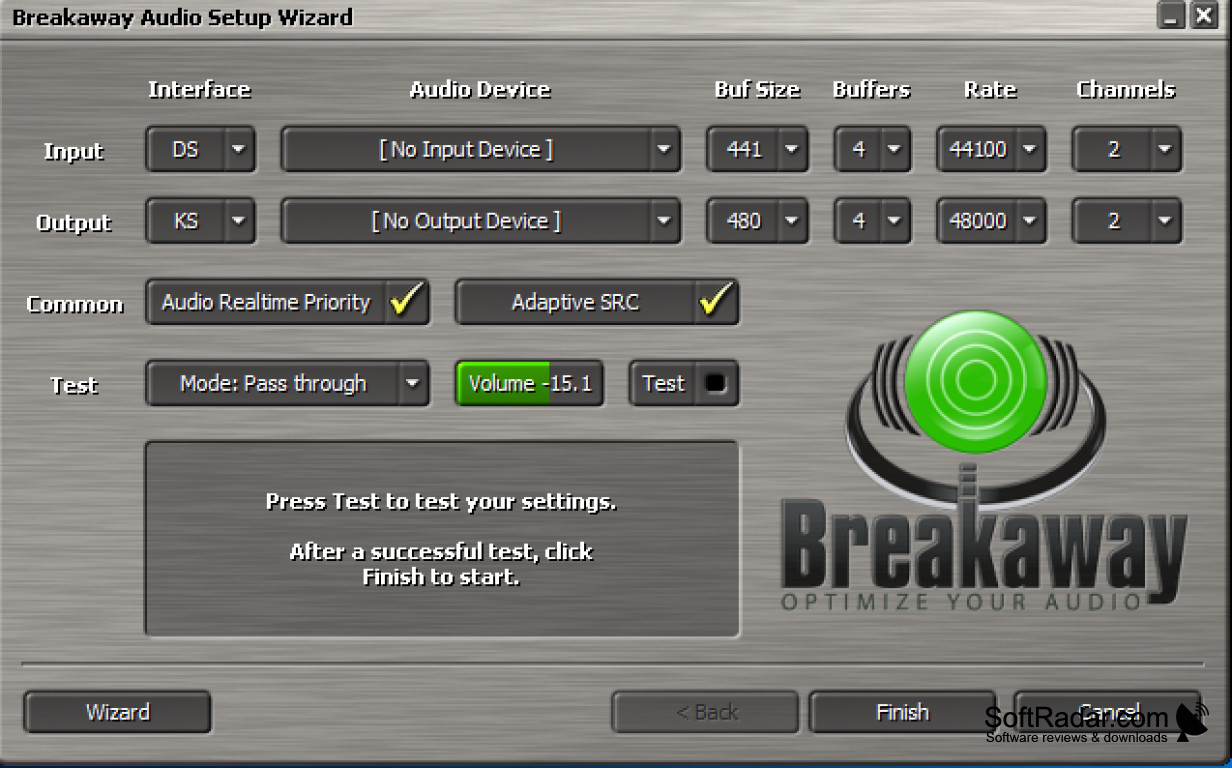
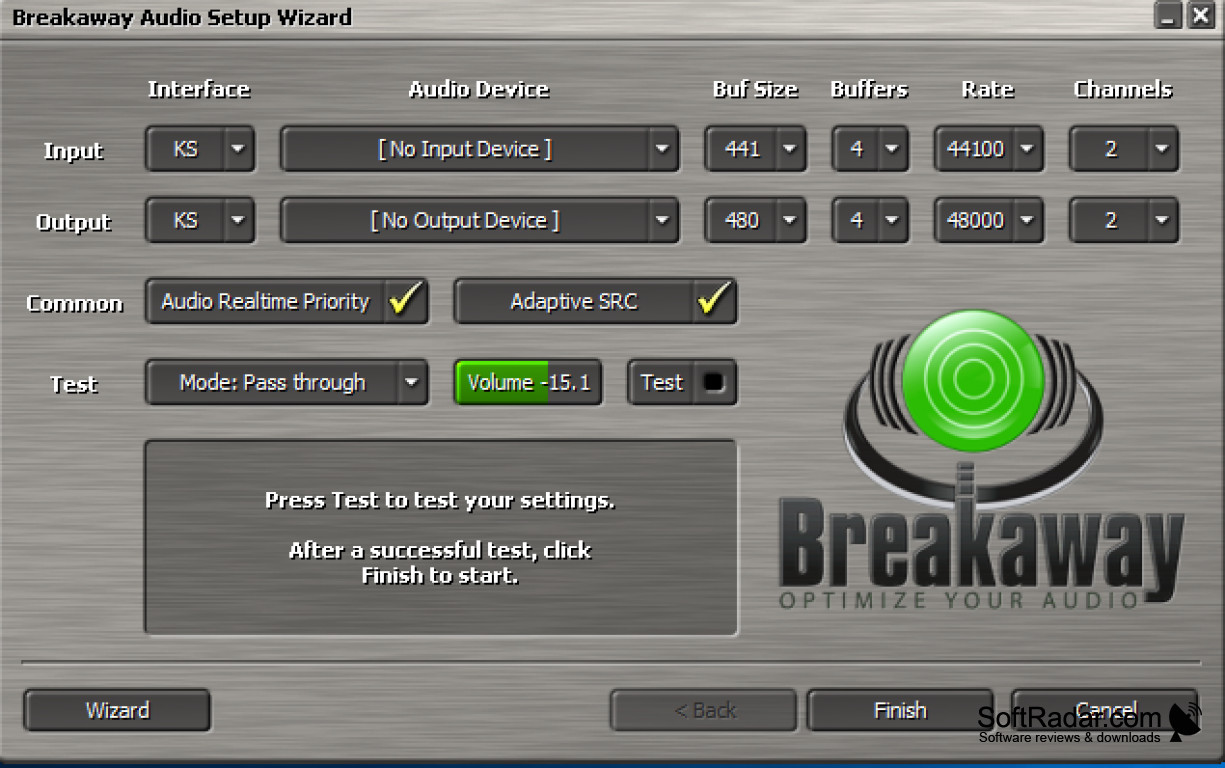
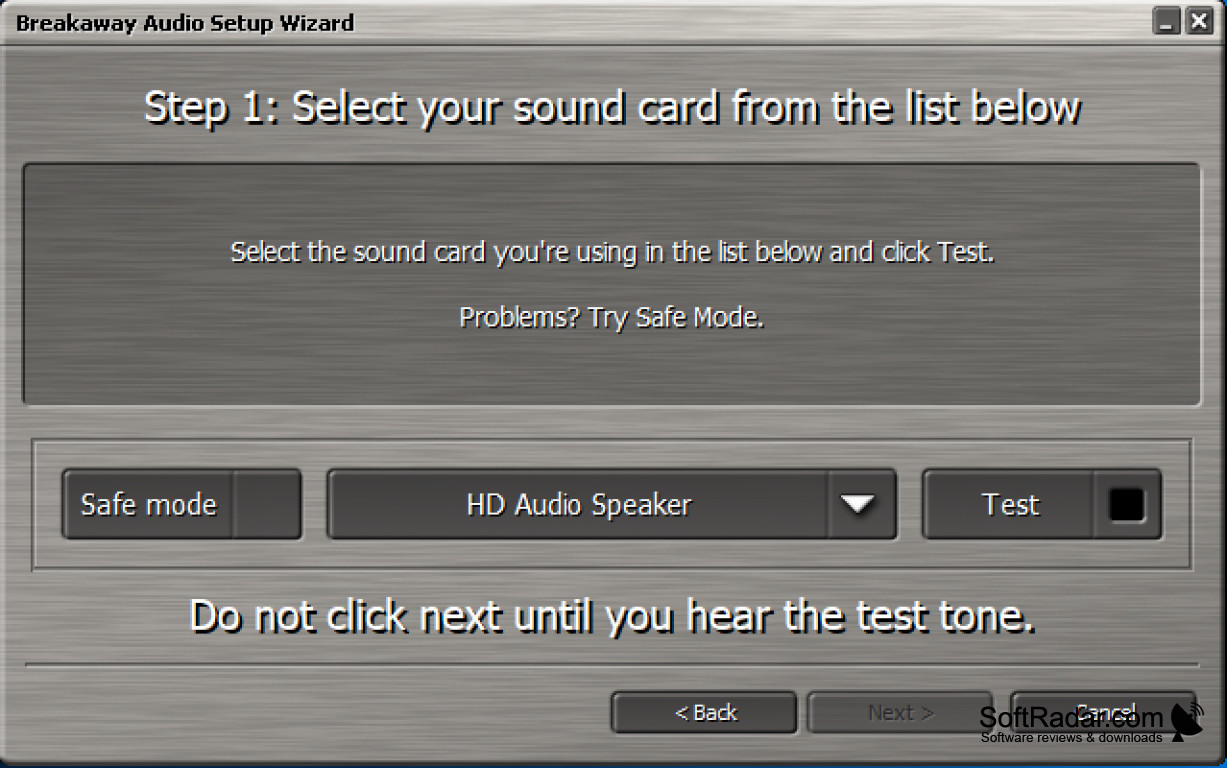
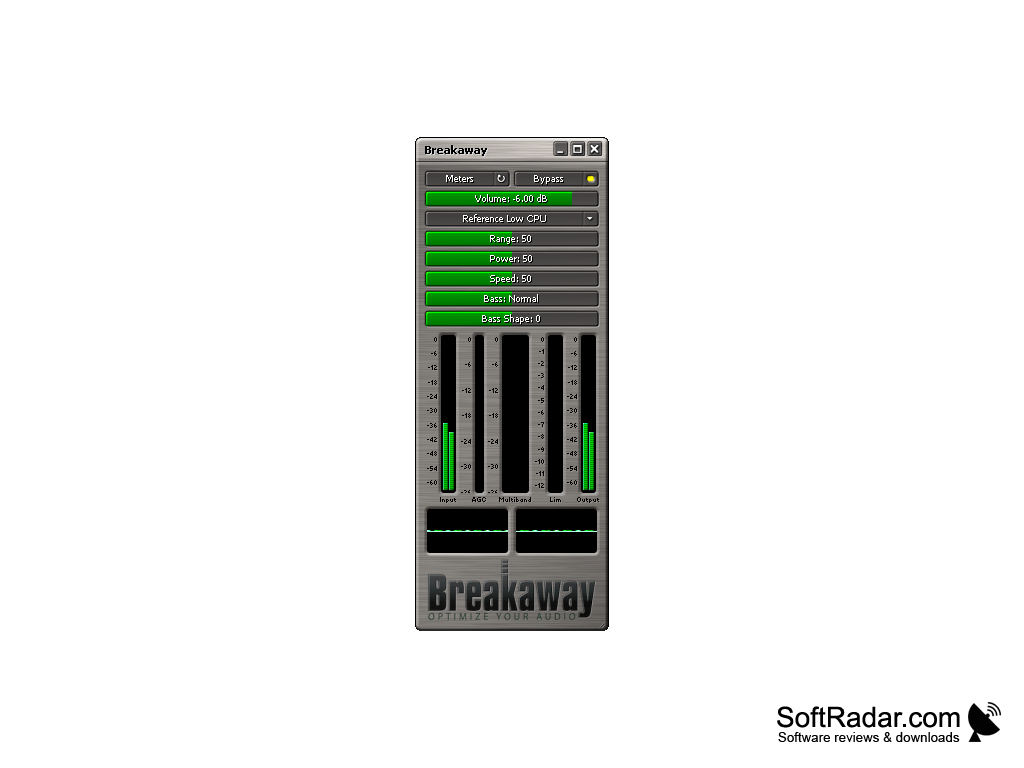
The Breakaway audio enhancer automatically adjusts the sound and sound quality for whatever you are listening to. For instance, if you are listening to a video on YouTube, but then switch to listening to a song on Spotify, you don't have to adjust any of the sound options in order to get consistent sound. Breakaway Audio Enhancer will do that for you. It works between your media players and the sound card, so it processes the audio of any media player or web browser you might be using, and your files are never modified. The program window also shows the changes it is making in real time with input, output and processing meters. Breakaway Audio Enhancer has the following features:
Features:
- It uses multiband dynamics processing.
- It corrects song to song volume shifts.
- It makes sounds louder and they hit harder.
- It automatically adjusts volume dynamics and spectral balancing.
- Look-ahead peak limiters provide distortion-free transient control.
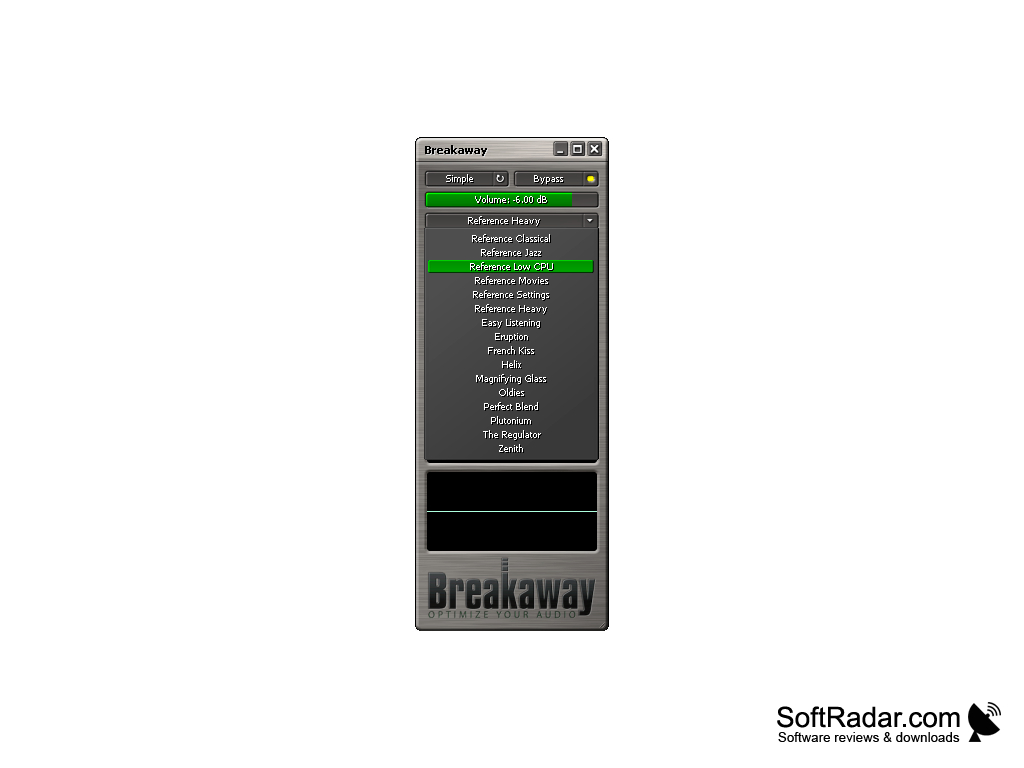
- Presets such as Reference Classical, Jazz, Movies and Low CPU.
With Breakaway Audio Enhancer you no longer have to adjust the audio from program to program, as it evens out the sound automatically.
Breakaway Audio Enhancer is a paid program with a trial version, and one license can be installed on two personal computers. The current build supports Windows 8, 10 and 11, and an older build is still offered for Windows 2000, XP and Vista. With this software, you no longer have to buy separate audio enhancement plug-ins for your media players. Everything will sound more even, from podcasts and internet radio to YouTube videos and downloaded movies. Breakaway Audio Enhancer is developed by Claesson Edwards Audio, and a setup wizard helps you choose the right sound card when you install it. It uses the same kind of processing technology that DJs, radio stations and webcasters use. If you are looking to enhance your audio listening experience with less hassle, then you should give Breakaway Audio Enhancer a try.
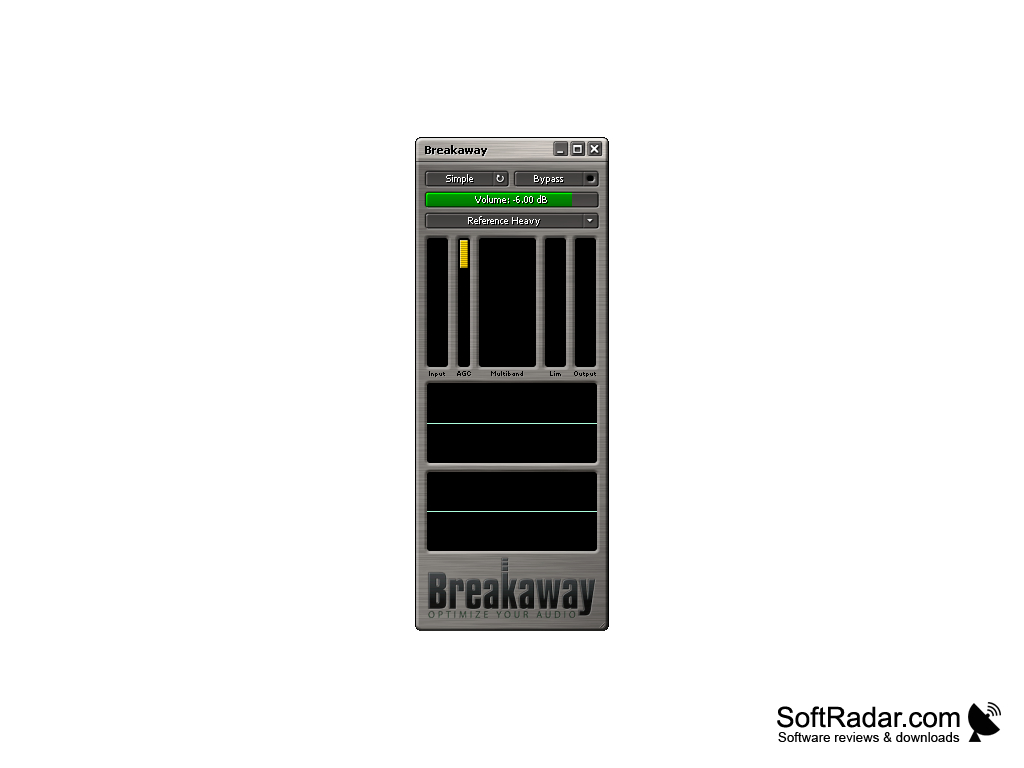
Older build available for Windows 2000, XP and Vista
PROS
Has a user-friendly interface.
Features customizable audio settings for precision.
CONS
The audio device has to be set up with a wizard first.
Look-ahead processing adds a small audio delay.


