Latency Optimizer
A solution for problems with lag, latency, ping, and other online performance issues
Operating system: Windows
Publisher: Badosoft - A Victus Trading Systems Brand
Antivirus check: passed
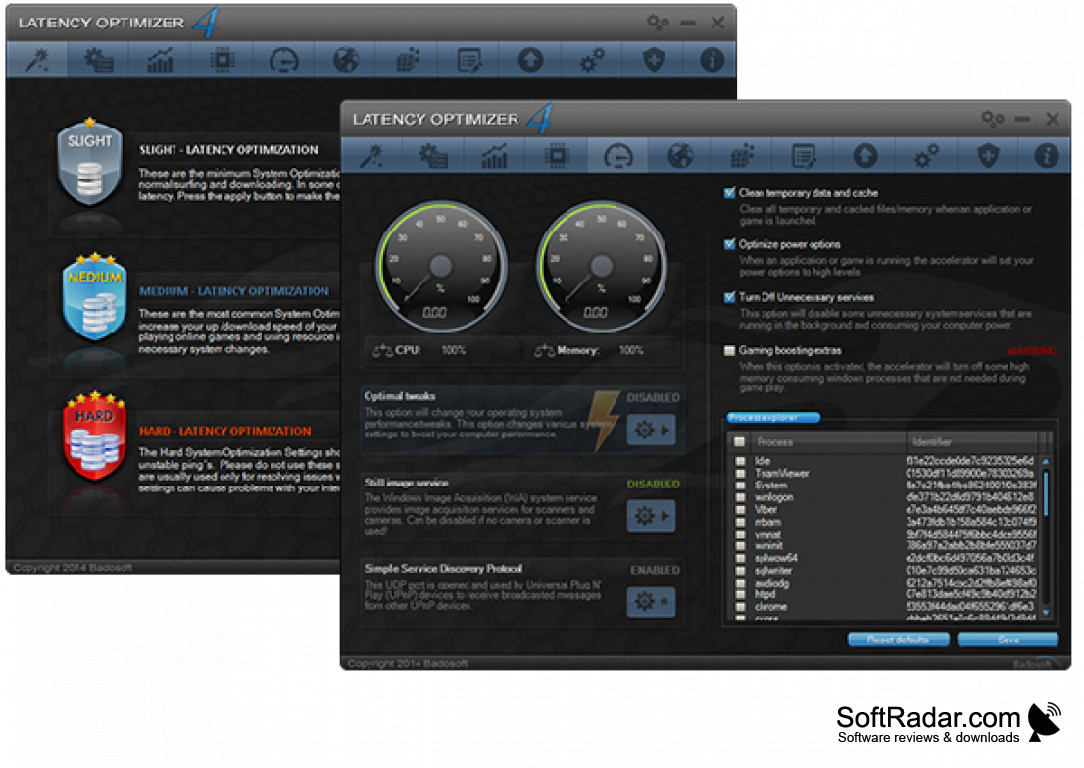
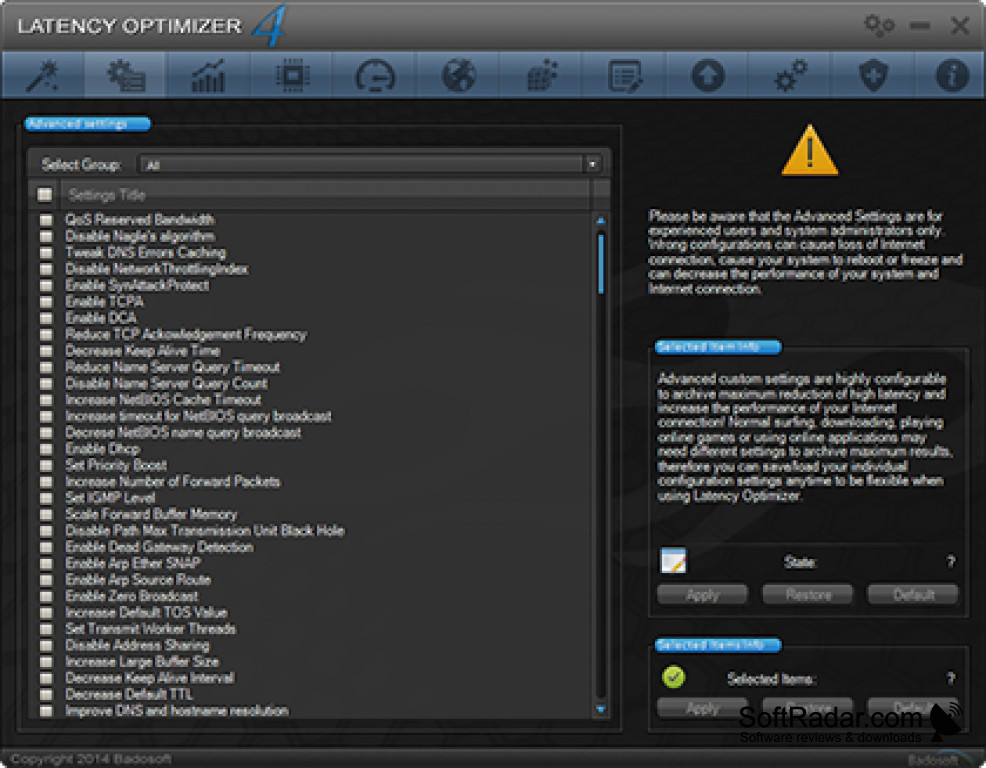
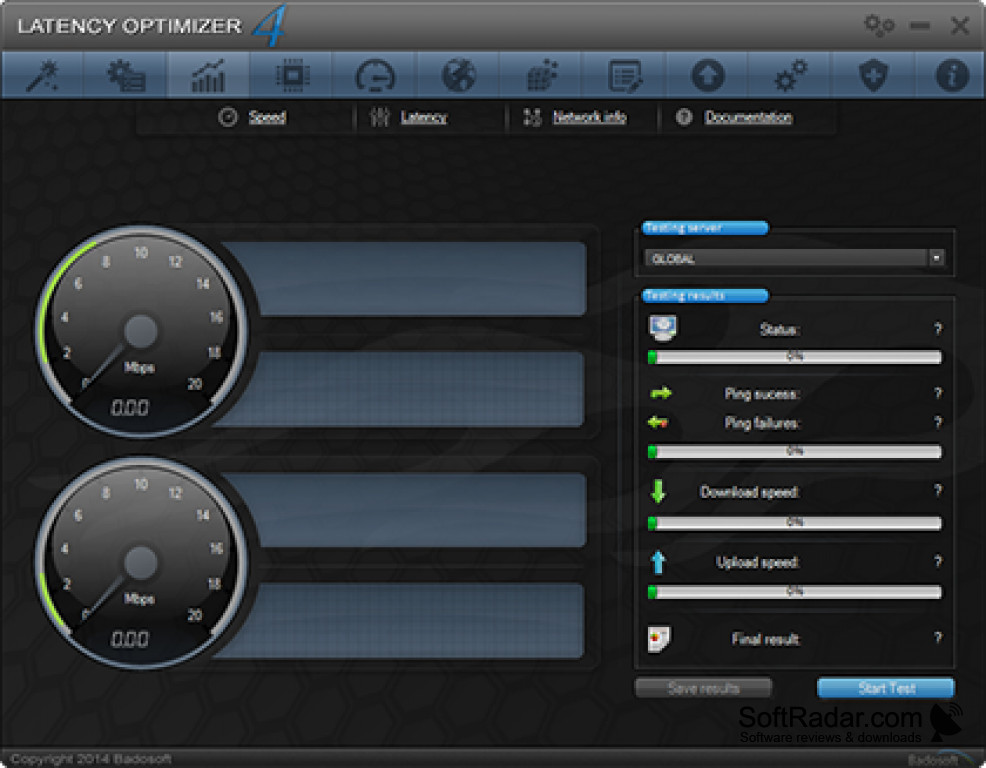
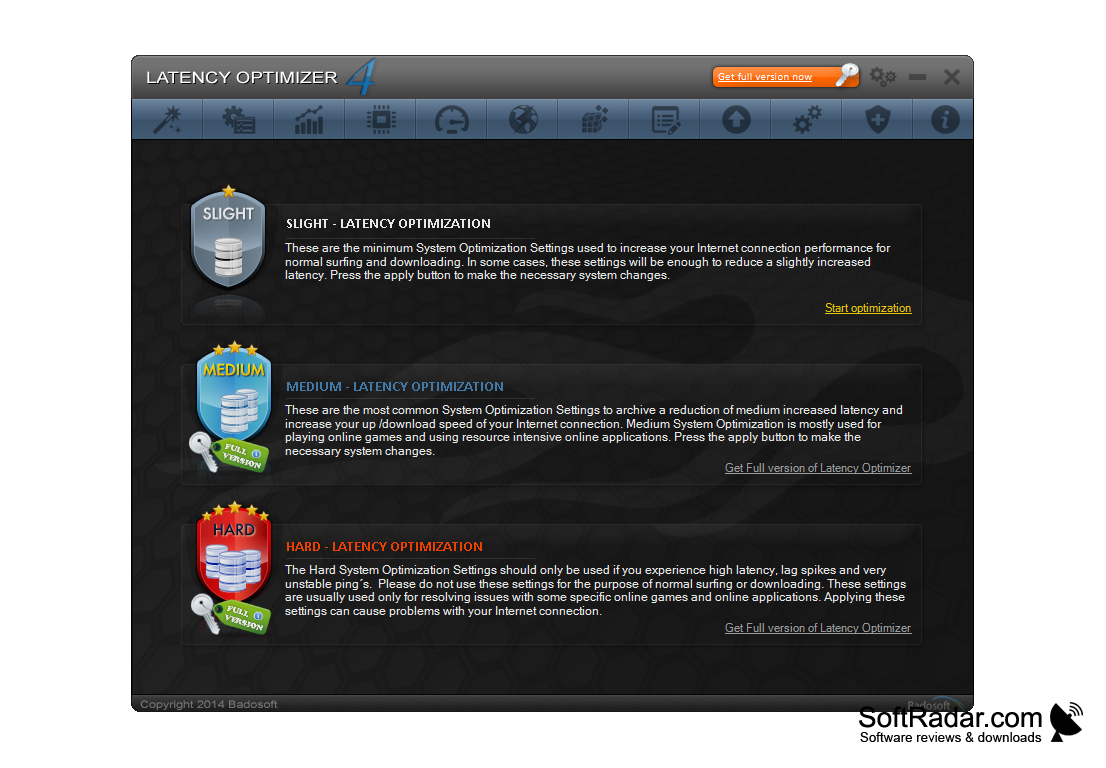
Latency Optimizer for Windows is a software that allows you to diagnose problems with internet lag, latency, ping, and other online performance issues. This is an increasing issue in high-bandwidth games and entertainment software, so this product can literally change the way an end user views media through the web. While many solutions to these issues are often self-explanatory or can be found via forums, Latency Optimizer creates a no-mess, simple solution for the user who needs a little extra. Latency Optimizer assists the user by boosting network and internet connection by using 14 unique built-in tools with over 45 unique tweaks in 12 languages.
Features:
It has several features all included in one package.
- Three Boosting Modes
- Advanced settings
- Control Panel
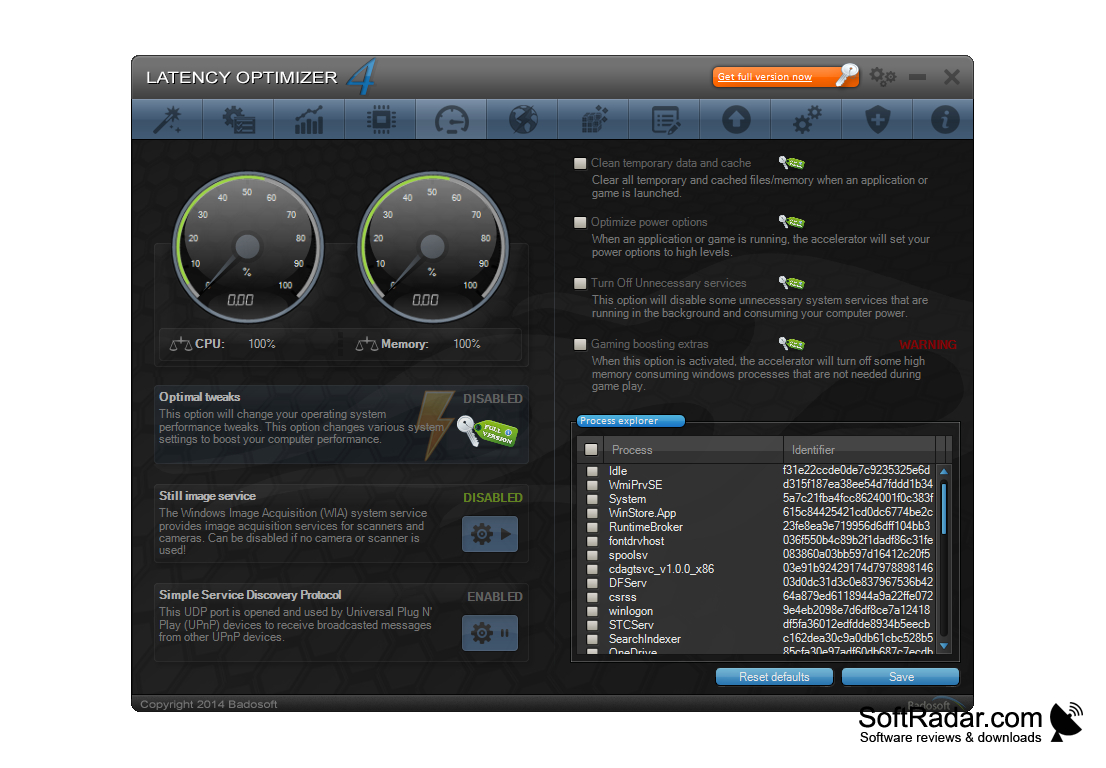
- Performance & Network Tweaks
- Performance Recorder
- Packet monitor
- Speed Test
- Latency Test
- Startup Manager
- System Cleaner
- Disk Cleaner
- Memory Optimizer
- First Aid Kit
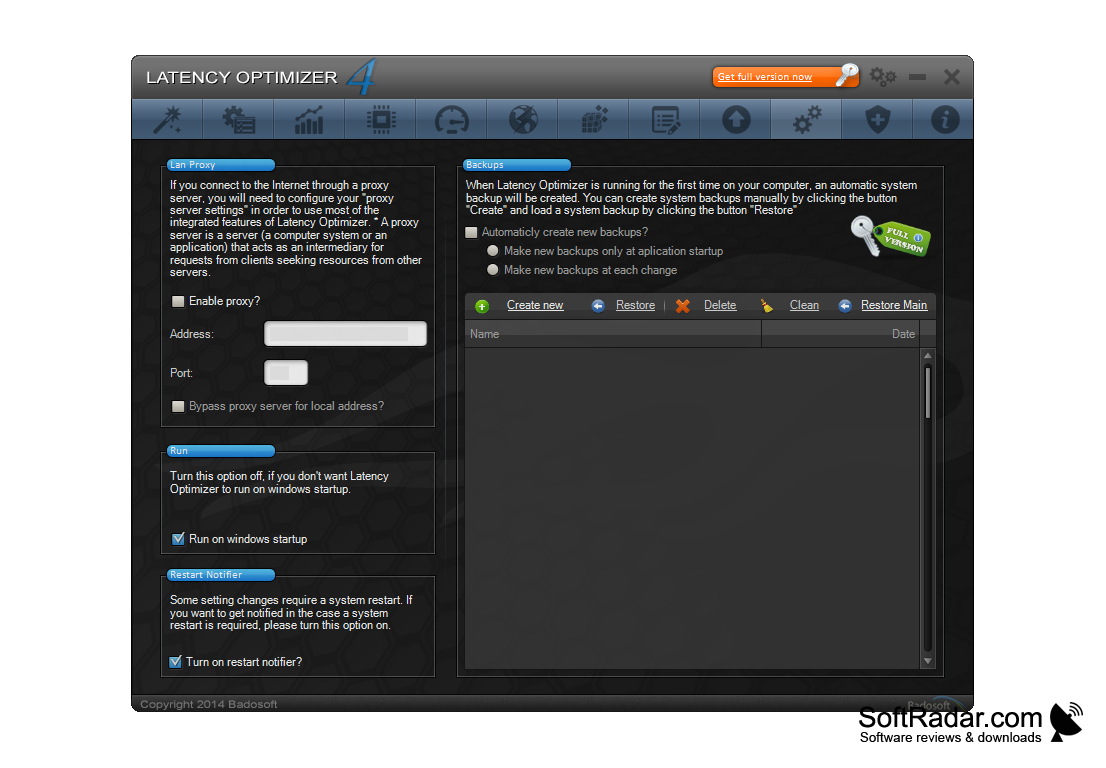
Using these 14 features in the free version of the software, nearly any issue or slowdown of internet capabilities is easily remedied. In addition, a user has access to many more features, including packet monitoring by upgrading to the professional version. While many of these features may sound complicated, they are very easy to understand, and Latency Optimizer walks a user through the software while also maintaining an extensive online Help section available. Most of these features can be activated automatically, although advanced users have a wide array of options to specifically address a connectivity issue.
Latency Optimizer is designed to work on nearly any computer, and with the standard software package currently free to use (professional version priced at 29.99 USD) this software is well within reach of any user that needs a serious online performance boost. Backed by the Badosoft Corporation, established over 10 years ago, a user can trust that Latency Optimizer can work for whatever their specific needs might be.
Offered in Free and Professional versions.
PROS
Offers features for both beginners and advanced users.
Helps boost gaming and browsing performance.
CONS
Limited functionality in the free version.
May not dramatically improve latency in some cases.