
Maxthon Nitro
A streamlined, ultrafast Chromium-based web browser from Maxthon that focuses only on loading pages quickly.
Operating system: Windows
Publisher: Maxthon International Ltd
Release: Maxthon Nitro 1.0.13000
Antivirus check: VirusTotal report
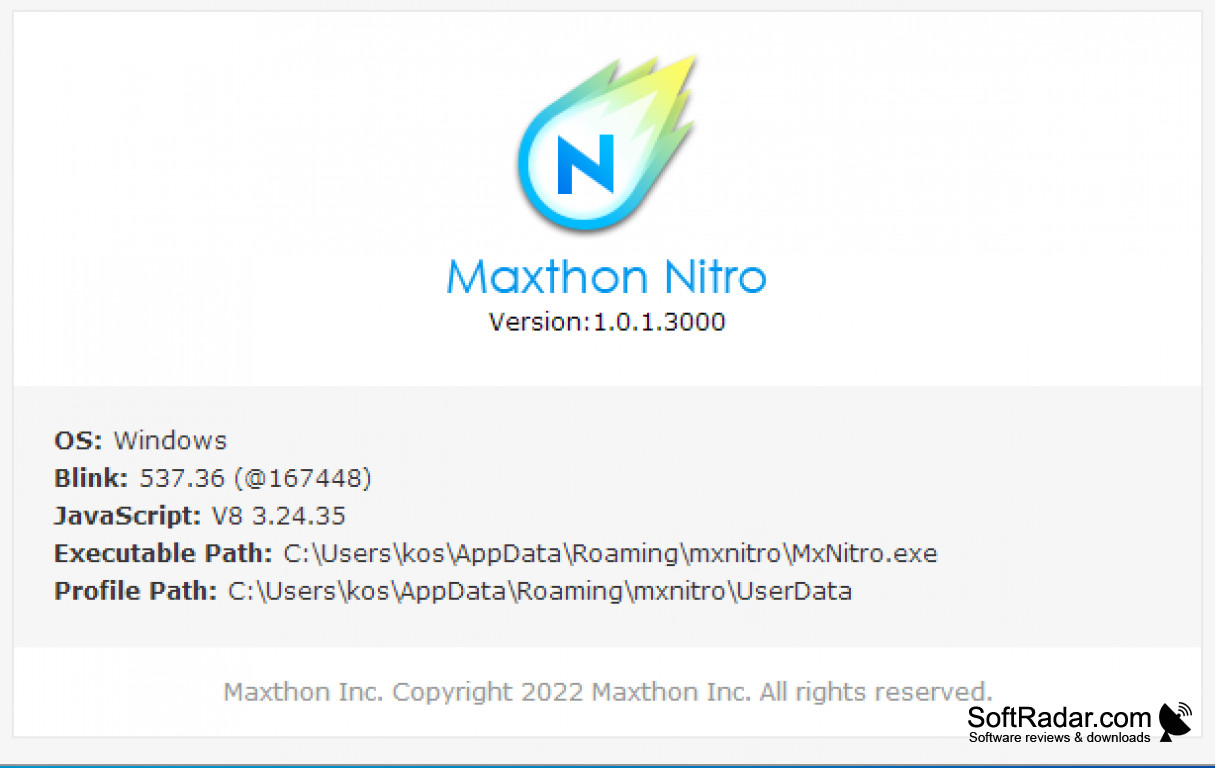

Released in 2014 as an alpha preview, Maxthon Nitro (also called MxNitro) is an ultrafast and streamlined web browser with one goal, which is to load pages as quickly as possible. Using prediction algorithms, the browser pre-fetches pages and opens connections to the sites you are most likely to visit, based on your browsing and search history and usage patterns, allowing pages to be loaded as efficiently as possible at the expense of other taxing features such as ad-blocking and extensions. This is done by keeping the interface minimal and leaving out the extra components that slow down other browsers. The final result is a web browser that installs quickly, starts fast and uses little memory while only a few pages are open.
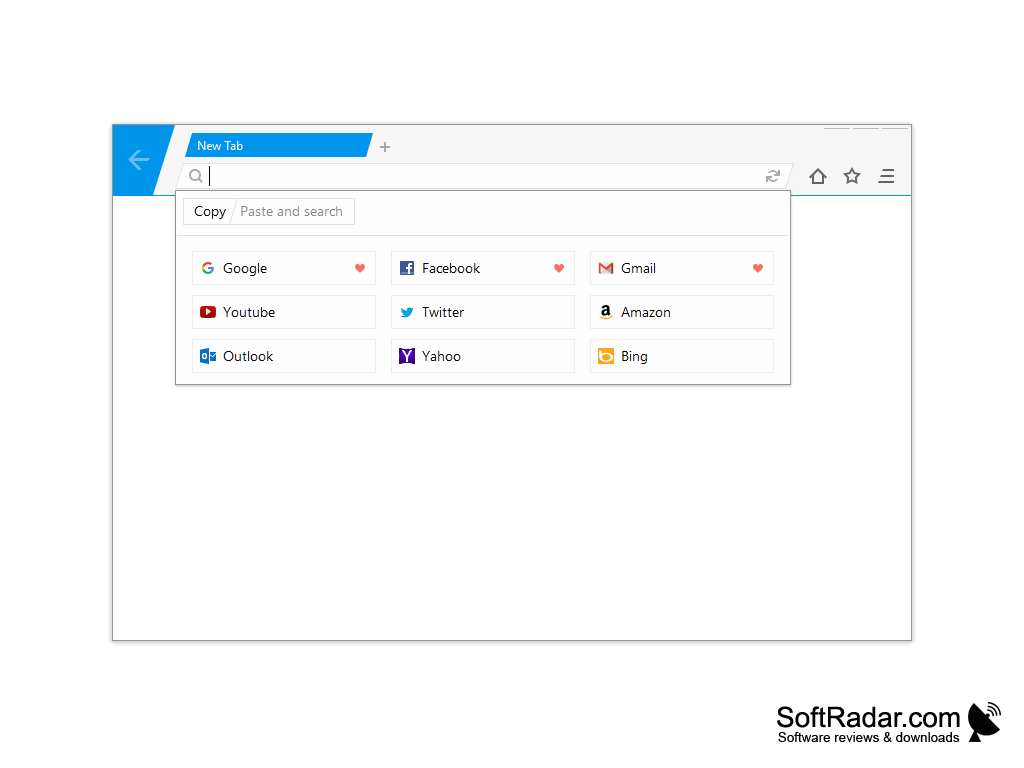
The interface shows only tabs, an address bar, back and reload buttons, a home button and an option to save a page as a favorite. Even the close, minimize and maximize buttons of the window stay hidden until you move the mouse over their location. Developed by Maxthon, this browser is a separate experimental project and shares very little with the company's main Maxthon browser, which is packed with features.
Compared with popular browsers like Chrome, Firefox, and Edge, Maxthon Nitro is extremely light and simple. It is built on Chromium with the Blink rendering engine, so websites display much as they did in Chrome at that time, but there are no settings pages, no extension support and no interface customization. You cannot change the homepage, the search provider or the privacy options.
A new tab shows quick links to popular sites such as Google, YouTube, Facebook, Gmail, Amazon and Outlook, giving fast access to the sites you use most. The address bar offers a paste and search command, and on first start Maxthon Nitro asks whether it should become your default browser. Memory use stays low after start, although it grows quickly once you open more than a handful of pages.
Maxthon Nitro is free, but it is available only for Windows. It never left the preview stage: the browser stopped receiving updates soon after its release, and Maxthon no longer offers it for download from its website. Because it is based on an old version of Chromium, it lacks current security fixes and may not display modern websites correctly, so it is best suited for testing rather than everyday browsing.
Maxthon Nitro suits users who simply want websites to open fast and do not need any options, while users who want control over what the browser loads and how it behaves will find it too limited.
Offers increased page loading speed at the expense of some popular features
Features:
- Pre-fetching of web pages
- Increased loading speed
- Multi-tab interface
- Minimal interface with hidden window buttons
- Quick links to popular sites on new tabs
PROS
Starts quickly and uses little memory.
Very simple interface with nothing to configure.
CONS
No cross-platform compatibility, available only for Windows.
No longer developed or updated by Maxthon.