
MotoCast
Motocast will need to keep the computer are streaming files from powered on and online.
Operating system: Windows
Publisher: Motorola Mobility LLC
Release: MotoCast 2.0.31
Antivirus check: VirusTotal report

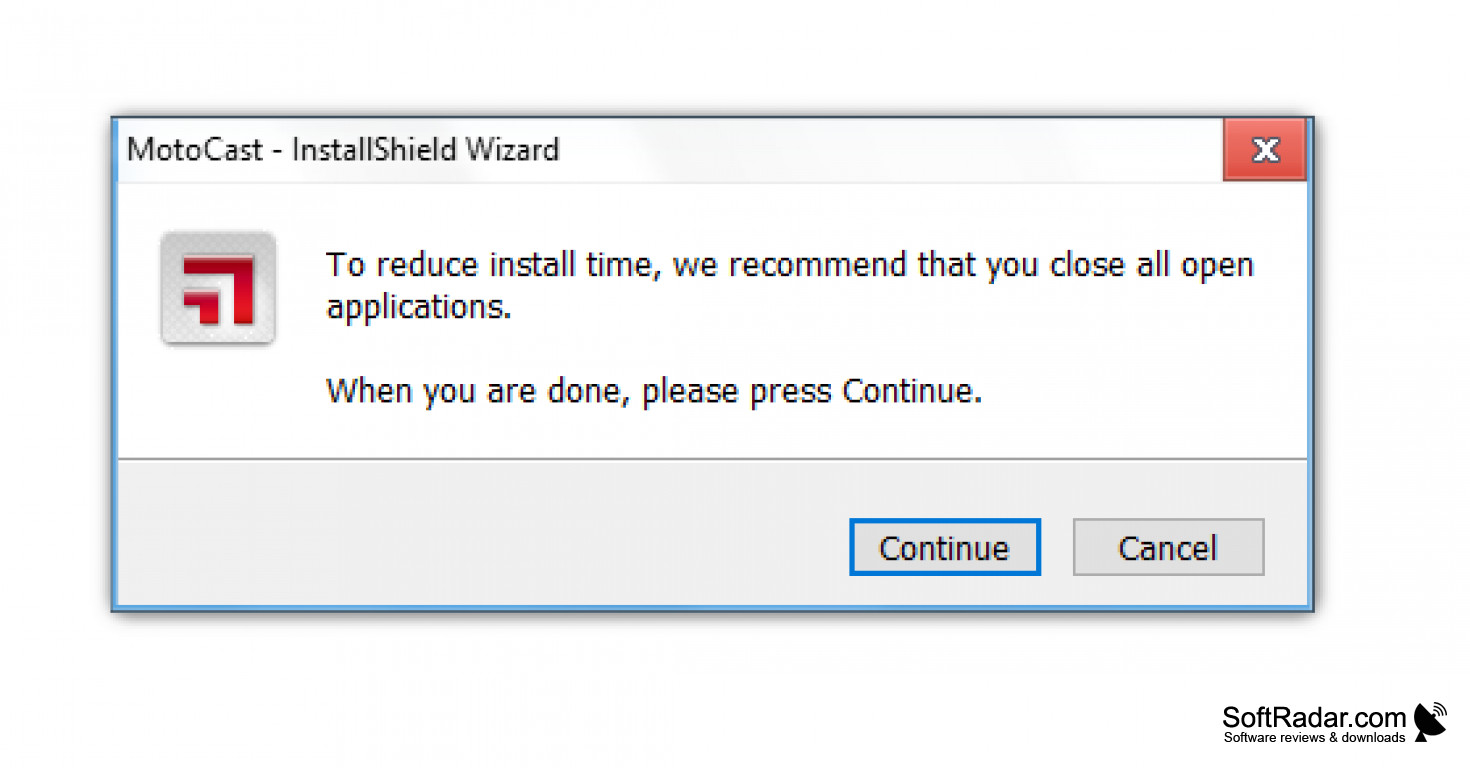
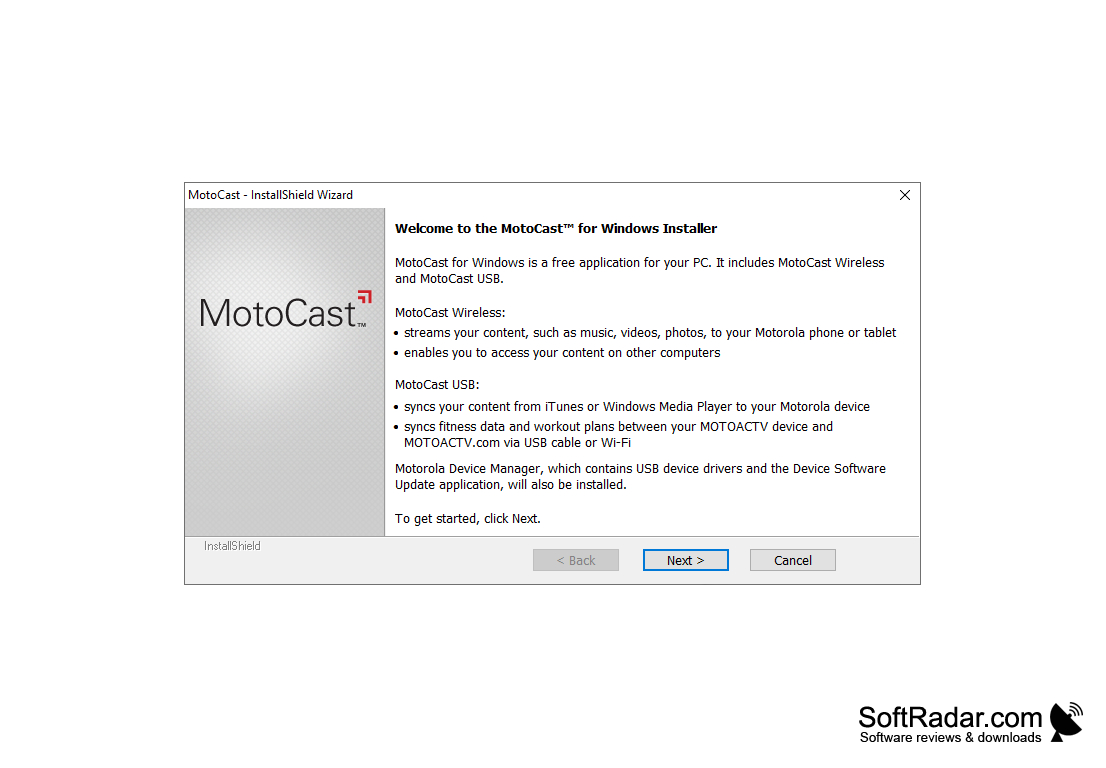
Actually, MotoCast is comprised of two solutions that let you bring your media and files with us. They have partitioned two primary solutions of MotoCast wireless and MotoCast USB
Motocast wireless can stream our entire collection of music , photos , videos and documents straight from our computer. There is no need to first upload our files to public cloud
Motocast USB can sync our music, photos, videos podcasts and contacts between our computer and our device using a cable we also to move a device can be enjoyed
It has two primary solutions. We can use one or both of these solutions based on access our media and files on our tablet or phone
Features:
- It is alternative to update our device WiFi or carrier network
- It can transfer to device is only be limited amount of memory available on that
- It also sync music
- It can also setup a Wifi network
- It also update device software
- It will open automatically use to load music onto device and sync of workouts
Finally, Motocast is very helpful to our day to day life applications like music, videos and also podcasts hence we will transfer the datas from one system function into another one of their data redundancy purposes.
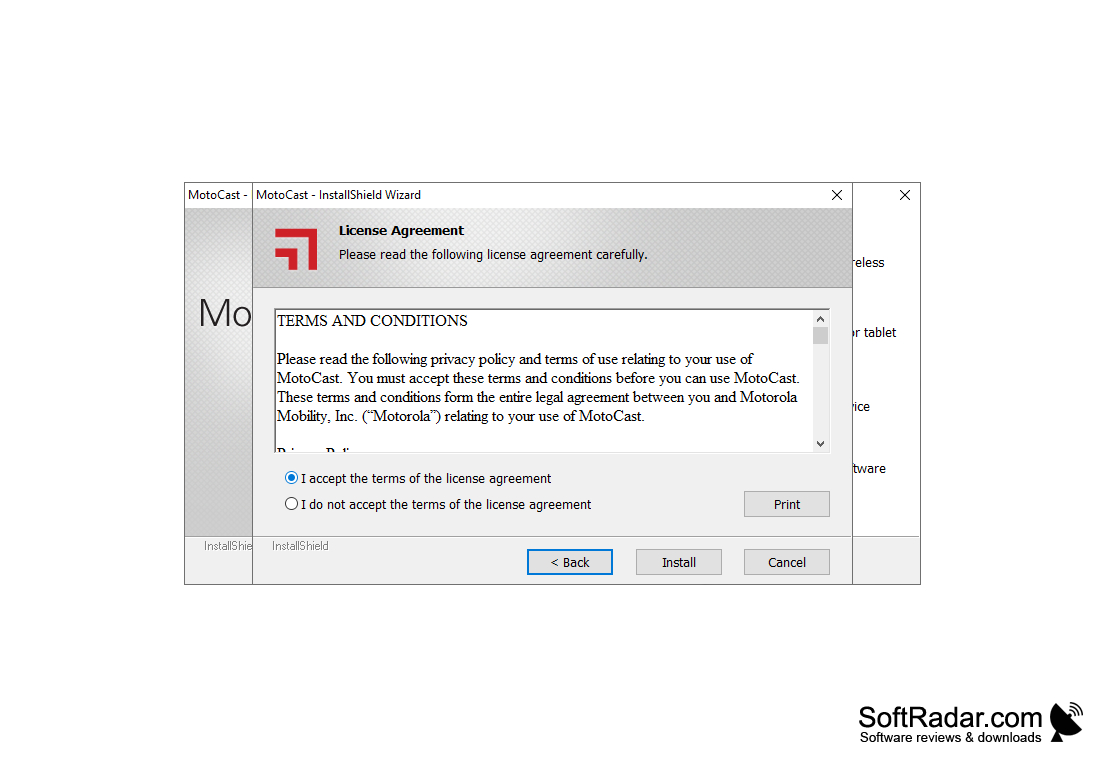
It can adjust the proxy settings through wireless purposes
Sometimes it can adjust the firewall to allow their connections
Additional to link music, videos for Windows media player, iTunes and also their photo content
PROS
Includes feature for streaming music and videos directly.
User-friendly interface with a straightforward setup process.
CONS
Occasional lags and crashes hamper productivity.
Complex interface for beginners, steep learning curve.


