
Pale Moon
Open-source web browser based on its own Goanna engine, focused on customization, privacy and efficiency.
Operating system: Windows
Publisher: Moonchild Productions
Release: Pale Moon 35.0.3
License: Open source (MPL-2.0)
Antivirus check: VirusTotal report
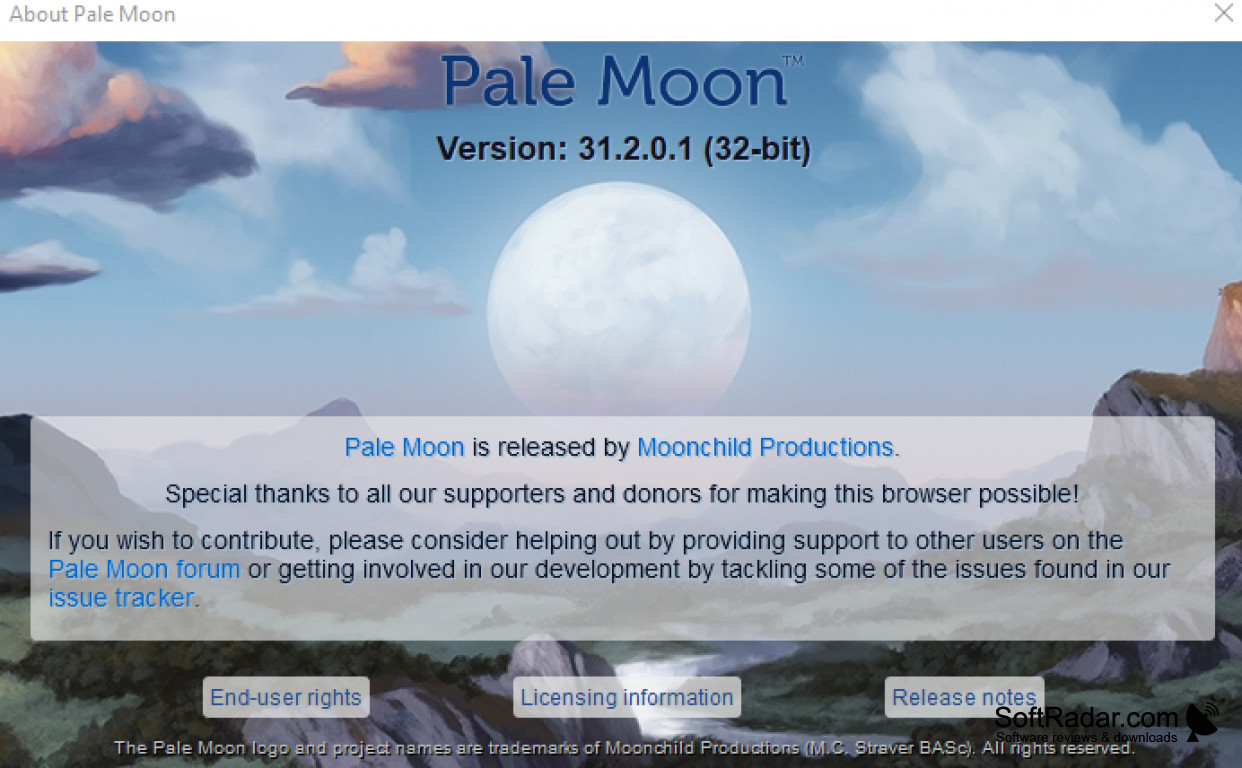

Pale Moon is an open-source web browser which is free to use for Windows and Linux users. It is developed by Moonchild Productions and runs on Goanna, its own rendering engine built on the Unified XUL Platform (UXP). It has many options to customize the browsing experience, such as themes, toolbars and add-ons. It is an independent alternative to browsers such as Chrome, and it originally started as a fork of Firefox, but it has been developed on its own path for many years. It contains no telemetry, no ads and no DRM, and it uses DuckDuckGo as its default search engine.
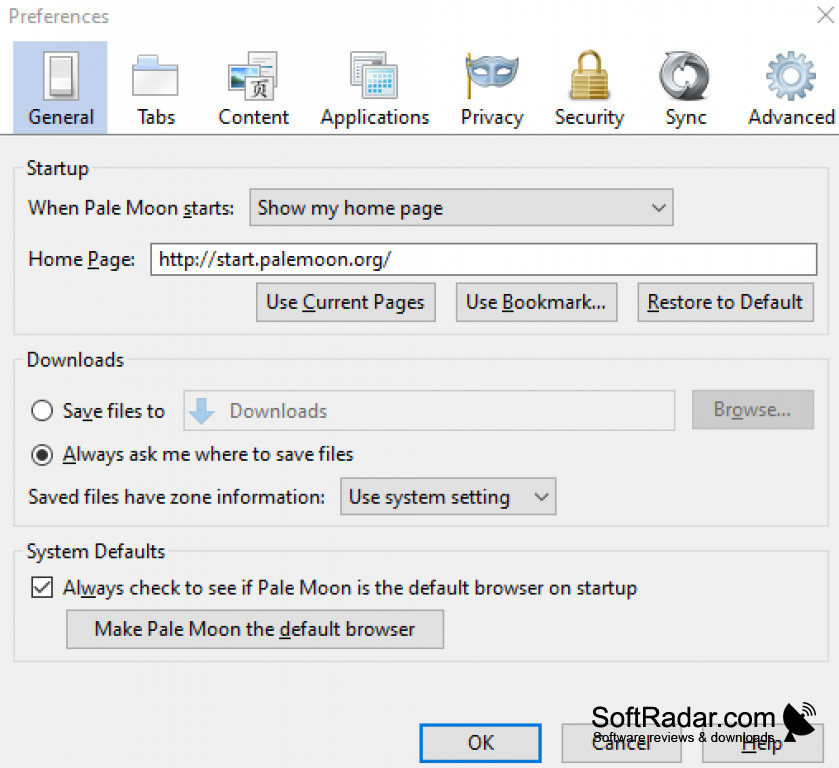
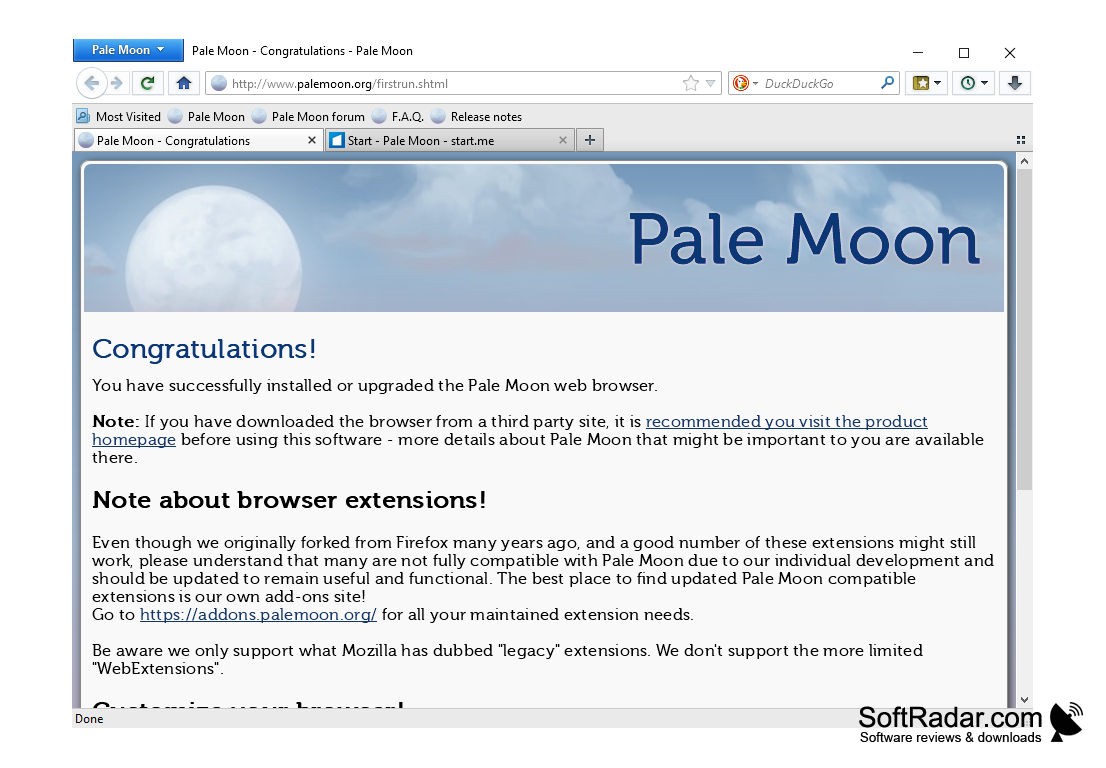
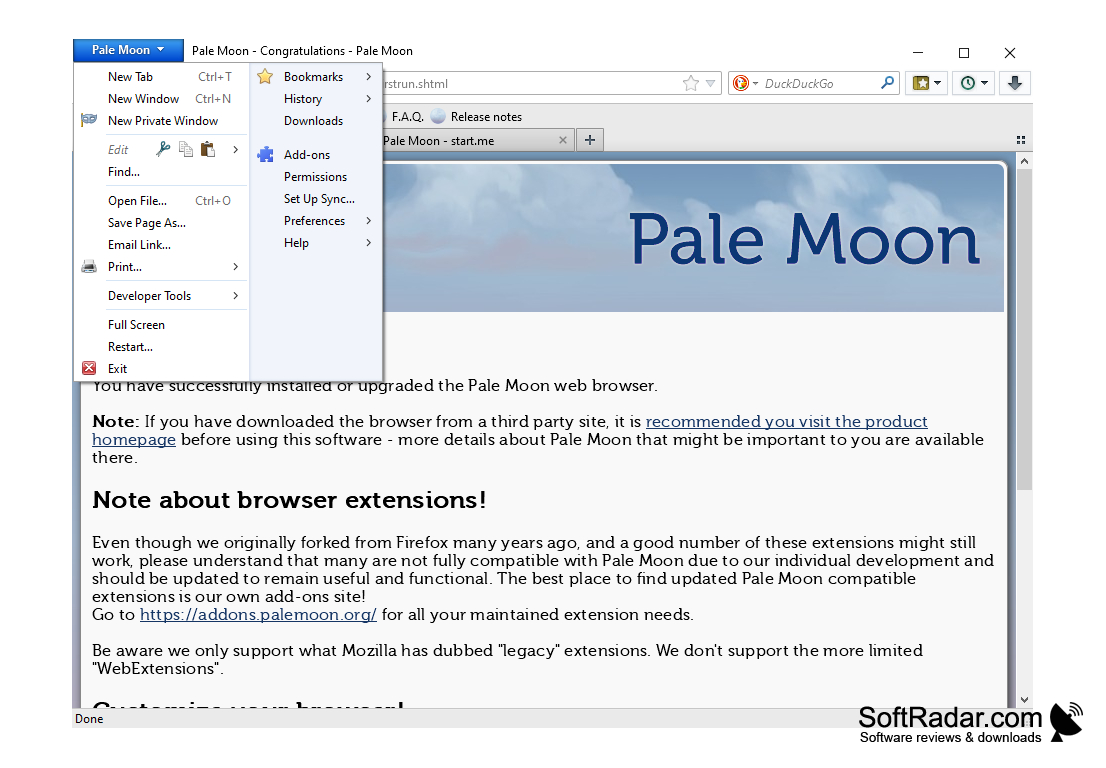
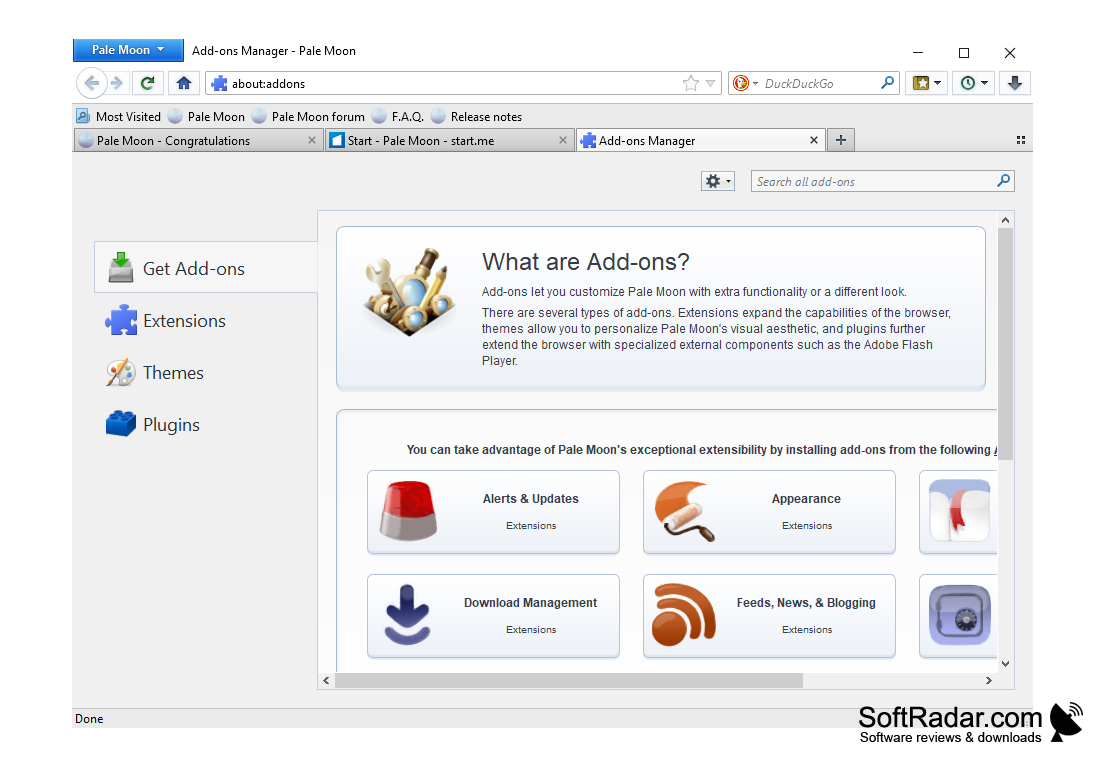
Pale Moon keeps a traditional interface with a menu button, customizable toolbars, an optional status bar and tabs that can be arranged as you prefer. It runs as a single process, which keeps memory use modest and helps it work well on older or less powerful computers. Complete themes can change the whole look of the browser, and lightweight themes are supported as well. Settings are available for startup, tabs, downloads, privacy, security and sync.
Pale Moon supports its own XUL-based extensions from the Pale Moon add-ons site as well as legacy NPAPI plugins, which most modern browsers no longer load. It does not support the WebExtensions used by current Firefox and Chrome add-ons, so some popular extensions are not available, and some websites built only for mainstream browsers may not work perfectly. Pale Moon is actively developed, with regular feature, bugfix and security releases for 32-bit and 64-bit Windows. It requires Windows 7 with Service Pack 1 or later.
Provides a customizable browsing experience with themes, toolbars and add-ons, without telemetry or ads.
Features:
- Goanna engine on the UXP platform
- Complete themes and lightweight themes
- Custom toolbars and XUL add-ons
- Support for NPAPI plugins
- No telemetry and no ads
CPU with SSE2; AVX recommended for 64-bit
2 GB of free RAM (4 GB recommended)
250 MB of free disk space
PROS
Customizable interface for user convenience.
Less memory usage, enhancing computer performance.
CONS
Some modern websites may not display correctly.
Does not support Chrome or Firefox WebExtensions.