
WLAN Optimizer
Disable background scan activity for wireless networks and improve wireless connections
Operating system: Windows
Publisher: Martin Majowski
Release : WLAN Optimizer 0.21
Antivirus check: VirusTotal report
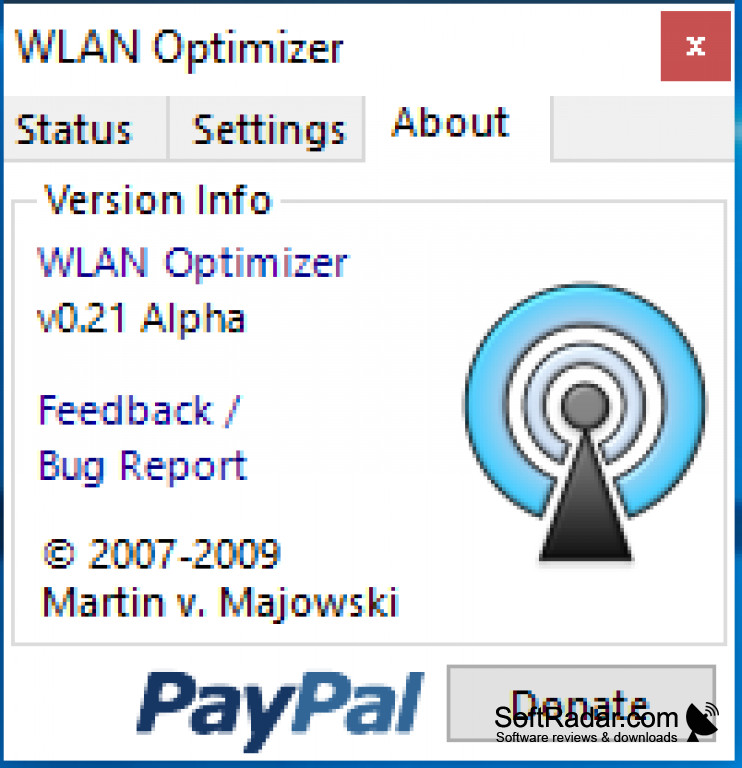
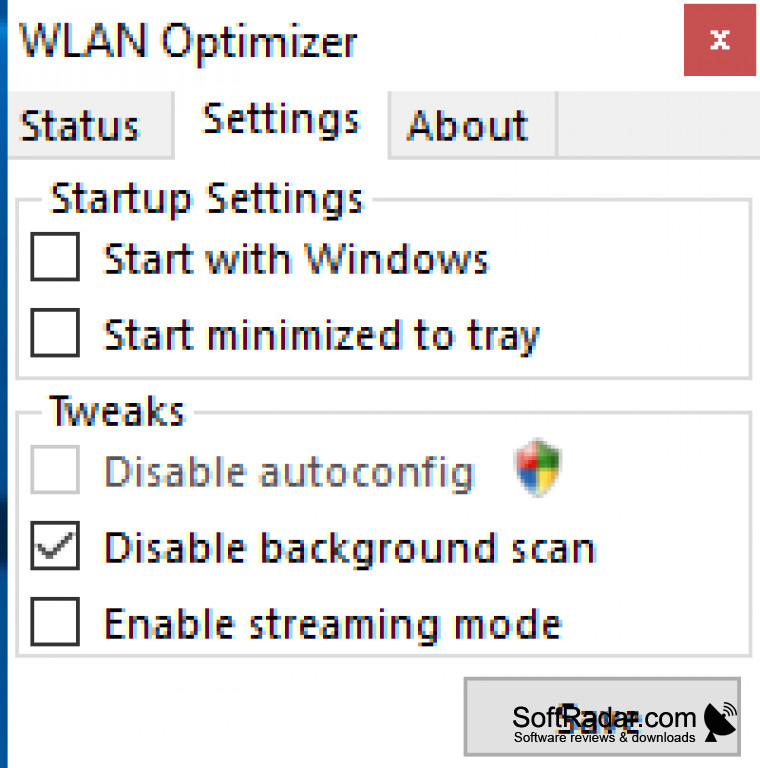
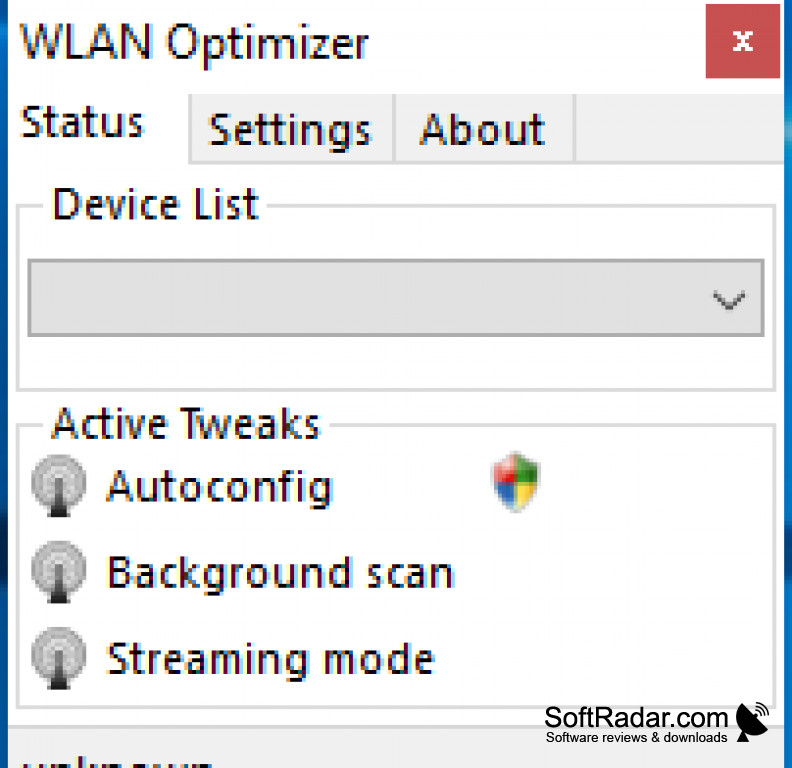
WLAN Optimizer (for Windows) is a freeware application that disables background scan activity in wireless networks. This optimizes performance, connection, and eliminates lag spikes
Features:
- Works with Windows Vista, Windows 7, Windows 8, Windows 8.1, and Windows 10
- Optimizes online gameplay
- Improves latency of online networks
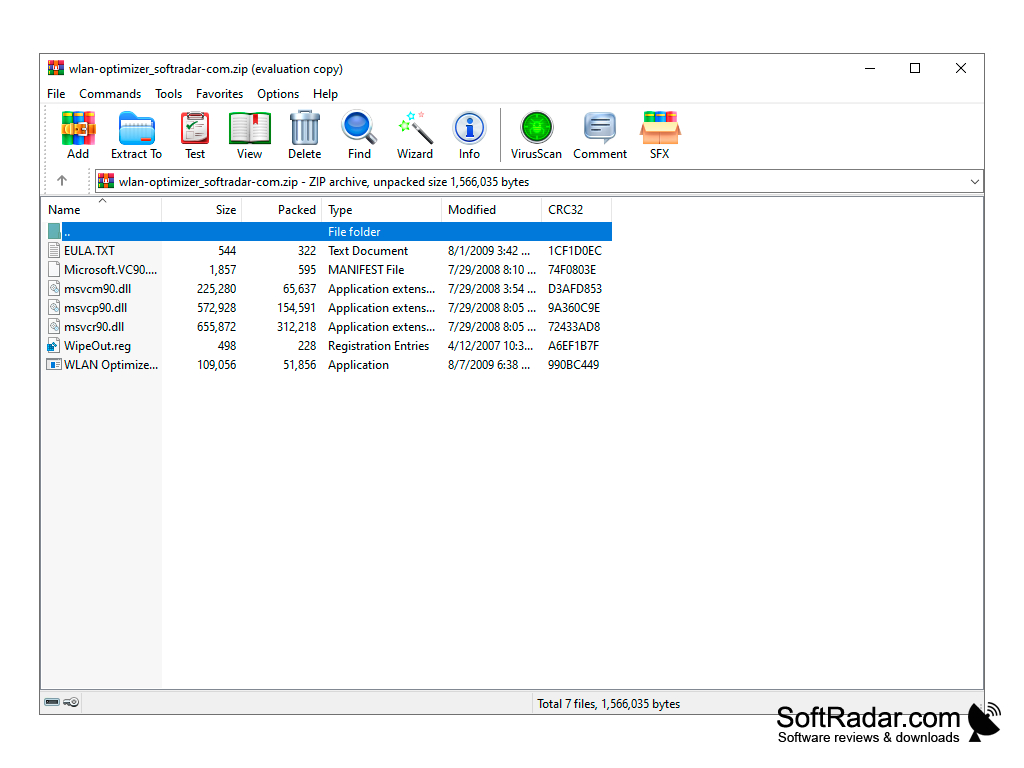
- No installation required
- Enabling Streaming Mode
It eliminates lag spikes through wireless connections.
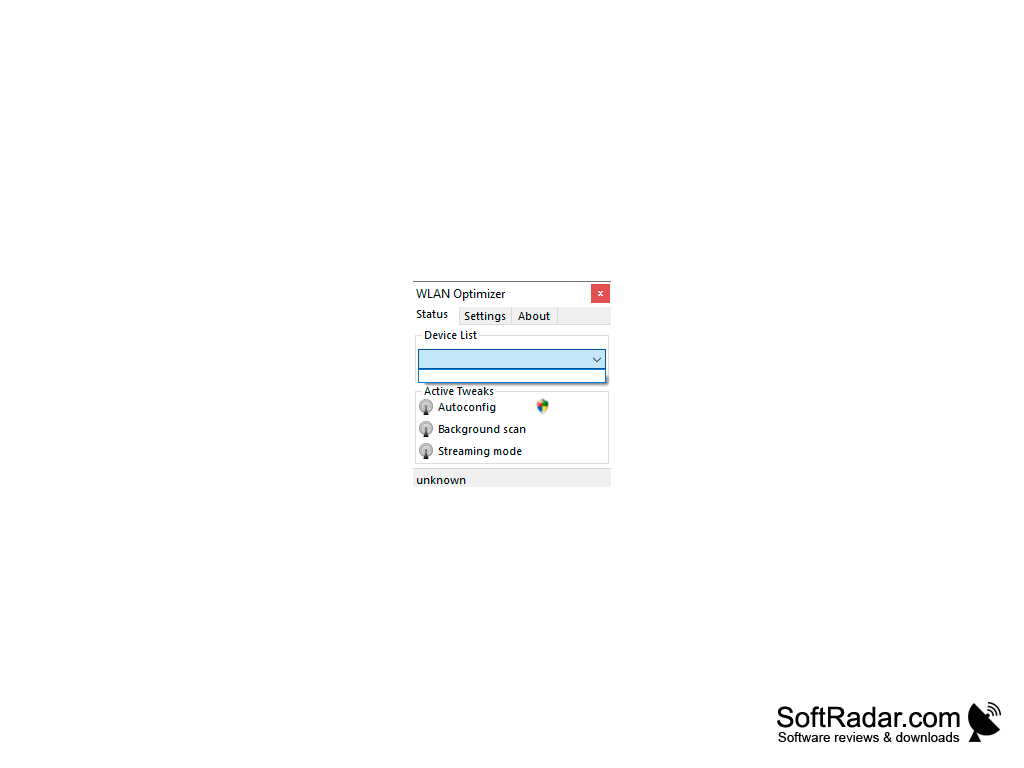
WLAN Optimizer for Windows was developed to combat game lag in online games. It has a portable and small interface to improve efficiency through online networks without taking up data on your computer. Unlike certain Wifi optimizers such as Win Optimizer there is no premium version, meaning every aspect of the product is free to use. Once the software is closed, Windows is restored to standard optimization.
The software provides automated solutions to latency issues.
Originally developed for Vista, the software has been consistently updated to match different Windows platforms. The latest update being July of 2017. It can be enabled in multiple modes if the current mode does not work with your current version of Windows. Autoconfiguration is a mode that can be used be acts simarly to disable background scan and does not allow you to see wireless networks.
Another feature of WLAN Optimizer is the software allows for multiple devices to share optimization through the device using the software. This is because the router is connected to the internet and the software helps modify how the router affects every platform.
At least 1 MB of free disk space for application storage
Connectivity to a wireless network for optimization
Support for multiple devices sharing the optimized connection
PROS
Offers a simple user-friendly interface.
Supports a range of Wi-Fi adapters.
CONS
Does not support all types of wifi adapters.
Lack of frequent software updates or new feature additions.