
ObjectDock
ObjectDock is an animated dock from Stardock that gives Windows a Mac-like bar for launching programs, files and shortcuts.
Operating system: Windows
Publisher: Stardock
Release: ObjectDock 3.0.1.4
Antivirus check: VirusTotal report

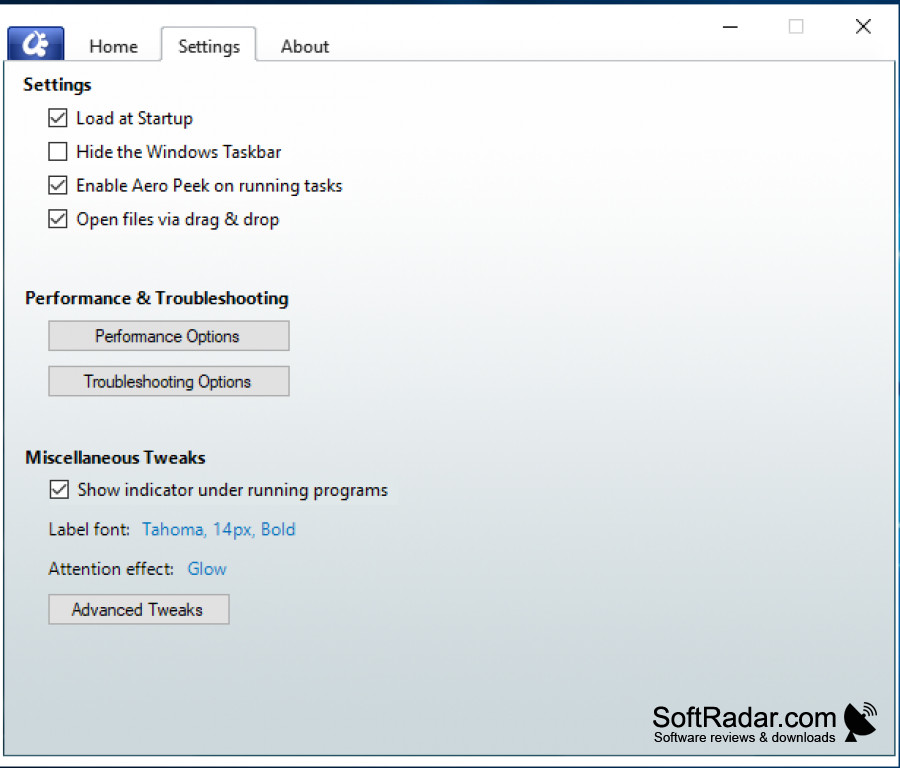
ObjectDock is an application from Stardock that allows you to have a Mac-like dock on a Windows computer. It's animated, highly customizable and very easy to use. It can also hide when not in use and reappears when you move your mouse to its position. ObjectDock can streamline the Windows experience and can even replace the Windows taskbar, making all your favorite apps easy to find and use.
Features:
- Highly Customizable - ObjectDock allows you to apply animated effects to icons when you mouse over them, and you can also change the size, colors, font, transparency and background of a dock.
- Multiple Docks - ObjectDock allows you to create as many docks as you need, so you can store similar apps together in separate docks and switch between them when using your computer for different tasks that require different programs.
- Drag and Drop Application Launching - drag a desktop file onto the application in your dock that should open it, and the document will quickly open. For example, if you were to drag a word document from your desktop to the Microsoft Word icon on your ObjectDock, it would open the document in Microsoft Word.
- Tabbed Docks - Categorize your desktop items even further by adding tabs to your docks. This allows you to store and organize related documents, images, programs and links in the same dock and switch between tabs when switching tasks.
Sleek dock with a lot of customization options
Stardock calls ObjectDock the most popular animated dock for Windows, and it is easy to see why. It has plenty of customization options and allows you to keep your desktop extremely organized. If you use your computer for various tasks, this app can make switching between them easy and seamless. ObjectDock is a paid program with a free 30-day trial, it is also included in the Object Desktop suite, and the current version supports Windows 10 and 11.
PROS
Optimizes desktop organization and accessibility.
Shows window previews of running programs with Aero Peek.
CONS
Only the English interface is included.
Adds another always-running program to the desktop.